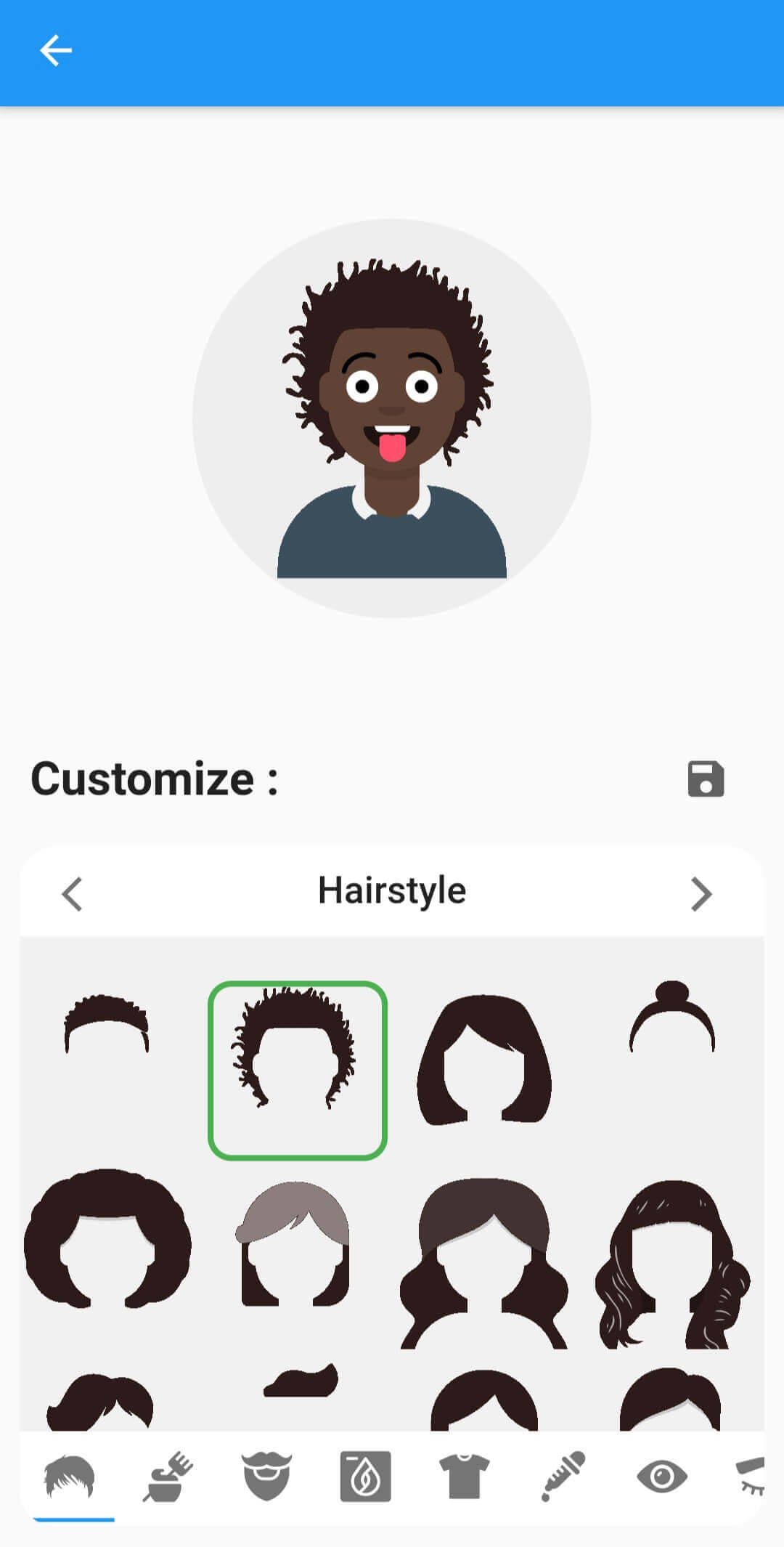
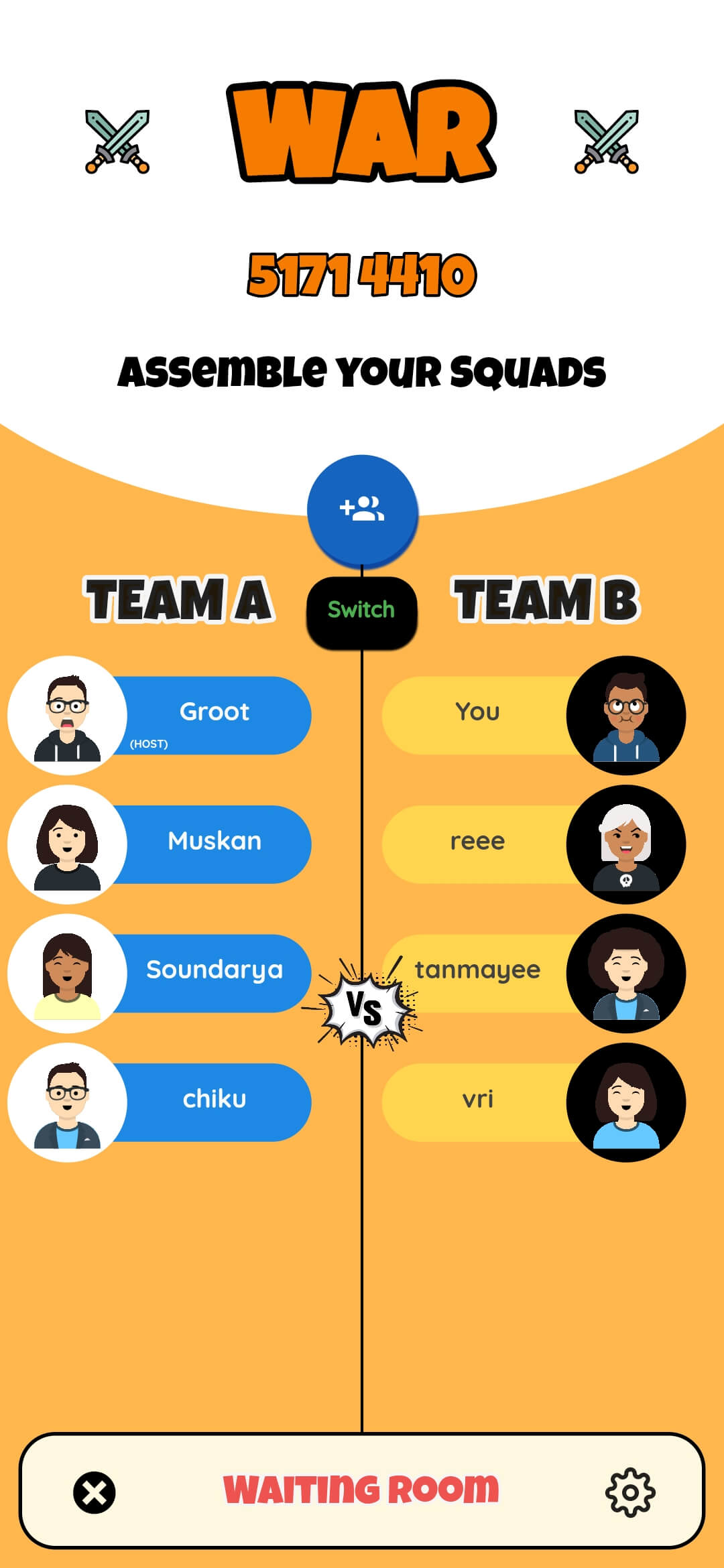
Fluttermoji는 프로필 사진과 채팅 헤드를 쉽게 만들 수 있도록 설계된 경량이고 사용자 정의 가능한 SVG 기반의 플러터 아바타 라이브러리입니다. 동적 아바타 생성을 위한 커스터마이저 위젯, CircleAvatar 구현 및 앱에 원활하게 통합되는 유틸리티 함수를 제공합니다. 확장성을 고려하여 개발되었으며, 안드로이드, iOS, 웹, 맥OS, 윈도우, 리눅스 등 다양한 플랫폼을 지원합니다. 최소한의 코드로 고유한 SVG 아바타를 쉽게 생성할 수 있어 소셜 앱, 메시징 인터페이스 또는 사용자 프로필에 이상적입니다.
사용 사례
사용자 프로필 아바타
메시지 앱 채팅 헤드
소셜 미디어 앱 UI
온보딩 화면
다중 사용자 대시보드
주요 기능
SVG 기반 아바타 렌더링
실시간 맞춤설정을 위한 커스터마이저 위젯
CircleAvatar 통합
크로스 플랫폼 지원
높은 사용자 정의 가능한 외관
가볍고 빠른 성능
적합한 대상
소셜 또는 메시징 앱을 개발하는 개발자
브랜드 아바타가 필요한 팀
동적 사용자 프로필 시각화를 필요로 하는 앱
성능과 최소 번들 크기에 중점을 둔 프로젝트
고려 사항
기본적인 SVG 지식이 필요합니다
아바타 전용 사용 사례에 한정
복잡한 UI를 위해 추가 스타일링이 필요할 수 있습니다
아바타가 아닌 그래픽에 적합하지 않습니다
원본 README
연결된 소스 저장소의 README 원문 스냅샷입니다. 최신 내용은 저장소에서 확인하세요.
fluttermoji
A light-weight and highly customizable SVG graphic set for Flutter, which provides a Customizer Widget, CircleAvatar and other utility functions.
This package provides you three easy-to-use widgets -
Name
Description
Screenshot
FluttermojiCircleAvatar
Use your fluttermoji anywhere in your Flutter app with a simple customizable widget. Supports material dark theme too.
FluttermojiCustomizer
A comprehensize UI to customize the user's fluttermoji. Offers previews of each individual component and whose looks can be tweaked with a FluttermojiThemeData
FluttermojiSaveWidget
Renders a save button by default OR can be used as an [InkWell] wrapper for the [child] widget.
The appearance of the widgets can be tweaked with FluttermojiThemeData. It let's you change things like the customizer's background colours, the box decoration etc.
Use the given utility functions to send and receive Fluttermoji data from your server/DB efficiently.
Depend on it by importing your package in the pubspec.yaml file.
dependencies:fluttermoji:latest_version
Add the following import to your .dart file
import'package:fluttermoji/fluttermoji.dart';
Add the FluttermojiCircleAvatar widget to display your Fluttermoji where needed.
FluttermojiCircleAvatar();
To allow your users to personalize their Fluttermoji, add the following widget and pair it with the above one in your page.
FluttermojiCustomizer();
That's all it takes, simple right ? The two widgets communicate with each other and update in real-time throughout your widget tree.
Usage Guidelines
The package offers a ton of features in the simplest way possible, however there are some points worth noting.
FluttermojiCircleAvatar only renders the local user's avatar. To display the avatar of other users', you'll have to use the SvgPicture.string() method from flutter_svg .
FluttermojiCircleAvatar would render a default avatar until customized and saved by the local user for the first time.
Use the canvaskit renderer when building for web, the default html renderer will not work with SVGs.
The fluttermoji's attributes are saved to local app/browser storage. Clearing app/browser data would mean clearing these attributes as well.
You can create a FluttermojiThemeData instance to configure the look and feel of the widgets to your liking.