frefresh는 스크롤 가능한 위젯에서 풀다운 리프레시 및 풀업 로딩 기능을 구현하는 것을 간소화하기 위해 설계된 가벼운 Flutter 패키지입니다. 최소한의 반복 코드로 새로 고침 및 로딩 상태를 추가할 수 있는 사용하기 쉬운 API를 제공합니다. 성능과 개발자 경험을 고려하여 제작되었으며, 리스트, 그리드 및 기타 스크롤 뷰에 원활하게 통합됩니다. 사용자 정의 인디케이터와 부드러운 상태 전환을 지원하여 반응성 있고 상호작용적인 사용자 인터페이스를 만들기에 적합합니다.
사용 사례
리스트에서 풀투리프레시 구현하기
무한 스크롤 로딩 추가
사용자 지정 새로 고침 표시기 만들기
목록 뷰의 상호작용성 향상
동적 데이터 가져오기 흐름 구축
주요 기능
새로 고치기 및 추가 로드를 위한 간단한 API
내장 기본 새로 고침 표시기
사용자 정의 가능한 새로 고침/로딩 상태
부드러운 애니메이션 전환
최소한의 설정 필요
적합한 대상
빠른 리프레시 구현을 찾는 개발자
동적 콘텐츠 목록을 가진 앱
업로드를 위한 풀업이 필요한 프로젝트
자주 데이터가 업데이트되는 UI
Flutter 상태 관리 배우는 초보자
고려 사항
스크롤 가능한 위젯으로 제한
내장된 페이지네이션 로직 없음
비동기 데이터를 수동으로 처리해야 합니다
스크롤되지 않는 콘텐츠에는 적합하지 않습니다
복잡한 UI를 위해 추가적인 스타일링이 필요할 수 있습니다
원본 README
연결된 소스 저장소의 README 원문 스냅샷입니다. 최신 내용은 저장소에서 확인하세요.
frefresh
Help you to build pull-down refresh and pull-up loading in the simplest way.
Although unprecedented simplicity, but the effect is amazing. It also supports configuration refresh and loading elements. The complete controller allows you to help you control the entire dynamic process.
Elements that will be displayed when you pull down and refresh
headerBuilder
HeaderBuilder
false
null
Construct a pull-down refresh element. [Header] configuration will be overwritten.
headerHeight
double
false
50.0
[header] The height of the area
headerTrigger
double
false
0.0
The distance to trigger pull-down refresh should be greater than [headerHeight]
onRefresh
FRefreshCallback
false
null
Callback when refresh is triggered. Any value returned can automatically end the refreshing, otherwise it will not actively end the refreshing
footer
Widget
false
null
Elements that will be displayed when pulling up
footerBuilder
FooterBuilder
false
null
Build pull-up loading elements. Will override [footer] configuration.
footerHeight
double
false
0.0
[footer] The height of the area
footerTrigger
double
false
0.0
The distance to trigger the pull-up loading should be greater than [headerHeight]
shouldLoad
bool
false
true
Whether the pull-up load should be triggered. In some scenarios, when the loading is completed, the pull-up loading element will need to be turned into a footer
onLoad
FRefreshCallback
false
null
Callback when loading is triggered. Any value returned can automatically end the loading, otherwise it will not actively end the loading
controller
FRefreshController
false
null
[Refresh] controller. See [Refresh Controller] for details
⌨️ FRefreshController
🔧 Param
Param
Type
Desc
refreshState
RefreshState
Get the pull-down refresh status. See [RefreshState] for details
loadState
LoadState
Get the pull-up loading status. See [LoadState] for details
position
double
Current scroll position
scrollMetrics
ScrollMetrics
Current scroll information. See [ScrollMetrics] for details.
backOriginOnLoadFinish
bool
When loading is completed, whether to return to the original position. This parameter is useful when the GridView only adds one element.
Reach [headerTrigger], ready to enter refresh state
REFRESHING
Refreshing
FINISHING
Refresh ending
IDLE
Idle state
🃏 LoadState
Value
Desc
PREPARING_LOAD
Reach [footerTrigger], ready to enter the loading state
LOADING
Loading
FINISHING
Load ending
IDLE
Idle state
📺 Demo
🔩 Refresh Example
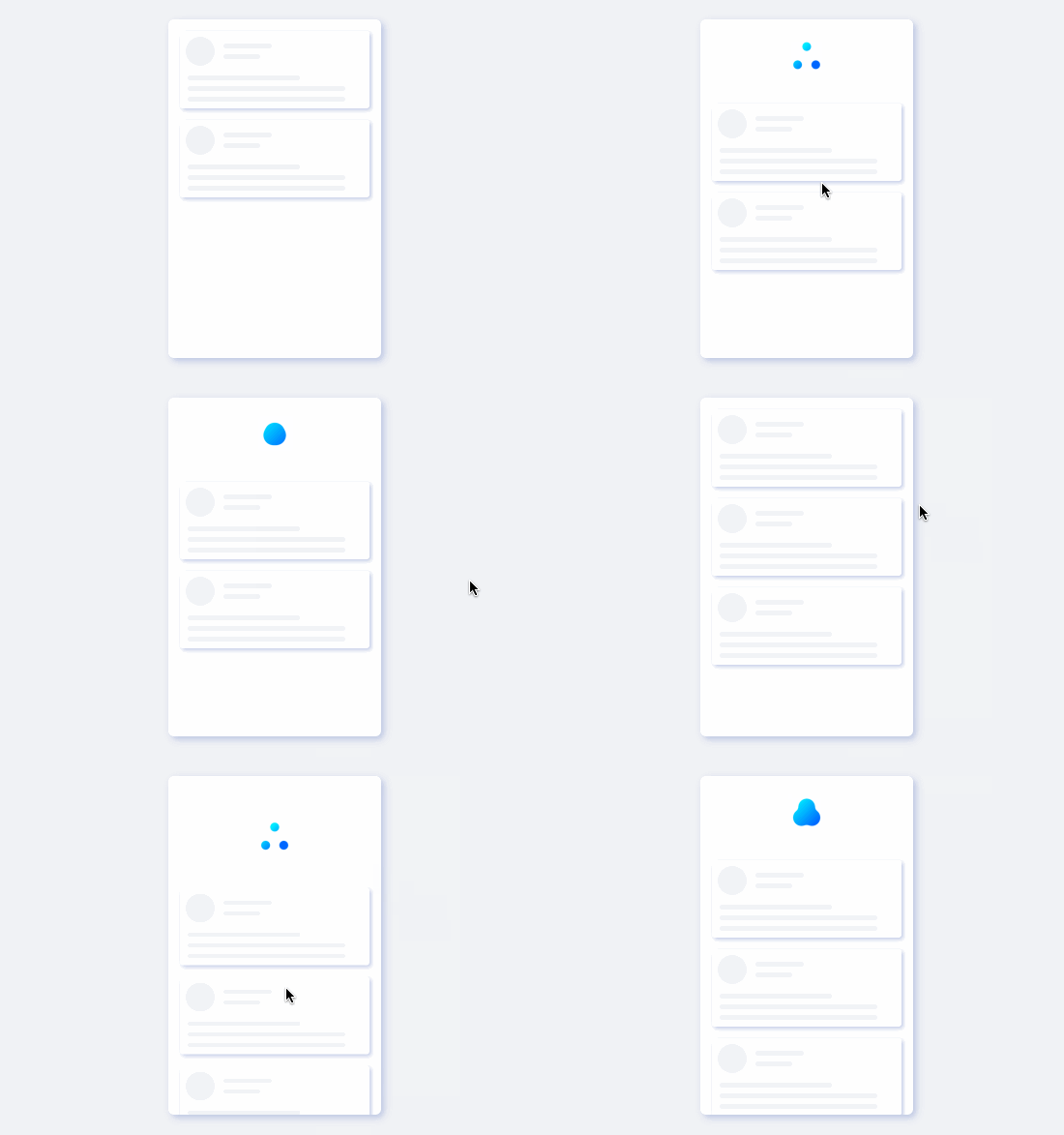
This is our most common pull-down refresh example in daily development 🌰. Believe me, if you want to build such an effect, it will be very difficult!
But if you use FRefresh, the situation is completely different.
Next, we only need a few lines of code to complete the construction of this effect.
1. Create FRefreshController
/// Create a controllerFRefreshController controller = FRefreshController()
2. Create FRefresh
FRefresh(

  /// Set up the controller
  controller: controller,

  /// create Header
  header: buildRefreshView(),

  /// Need to pass the size of the header area
  headerHeight: 75.0,

  /// Content area widget
  child: ListView.builder(
      physics: NeverScrollableScrollPhysics(),
      shrinkWrap: true,
      ...
  ),

  /// This function will be called back after entering Refreshing
  onRefresh: () {

     /// End refresh via controller
     controller.finishRefresh();
  },
);
Done 🔨!
This is all you need to do to create a pull-down refresh.
FRefresh takes care of everything, developers only need to focus on the construction of the Header area and content area.
⚠️ Attention,To use ListView, GridView in FRefresh, you need to configure their physics: NeverScrollableScrollPhysics (), shrinkWrap: true, otherwise it will affect the scrolling and layout effects.
🔩 HeaderBuilder Demo
FRefresh(
controller: controller,
/// Build the header area with headerBuilder
headerBuilder: (setter, constraints) {
returnFSuper(
/// Get the available space in the current header area
width: constraints.maxWidth,
height: constraints.maxHeight,
...
onClick:{
setter((){
/// Refresh the header area
})
},
);
},
headerHeight: 100.0,
/// Build content area
child: GridView.builder(),
/// This function will be called back after entering the refreshing state
onRefresh: () {
/// finish refresh
controller.finishRefresh();
}
)
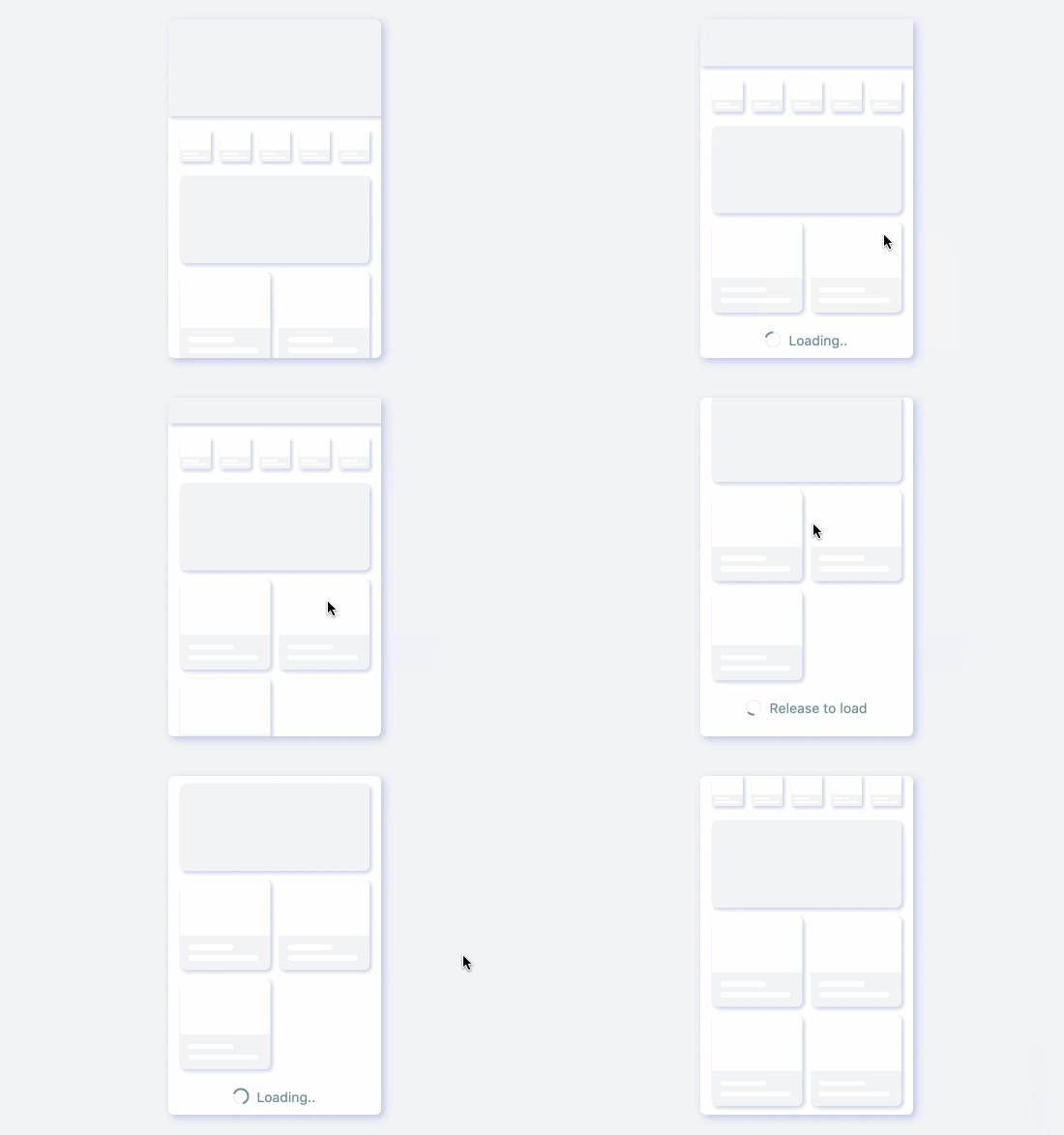
FRefresh provides a very flexible Header area construction method, which is to complete the construction through the HeaderBuilder function.
In the HeaderBuilder function, the developer can get the refresh function StateSetter for the partial refresh Header area and the real-time size of the Header area through the parameters.
This way, the Header area is given more open creativity.
🔭 Load Example
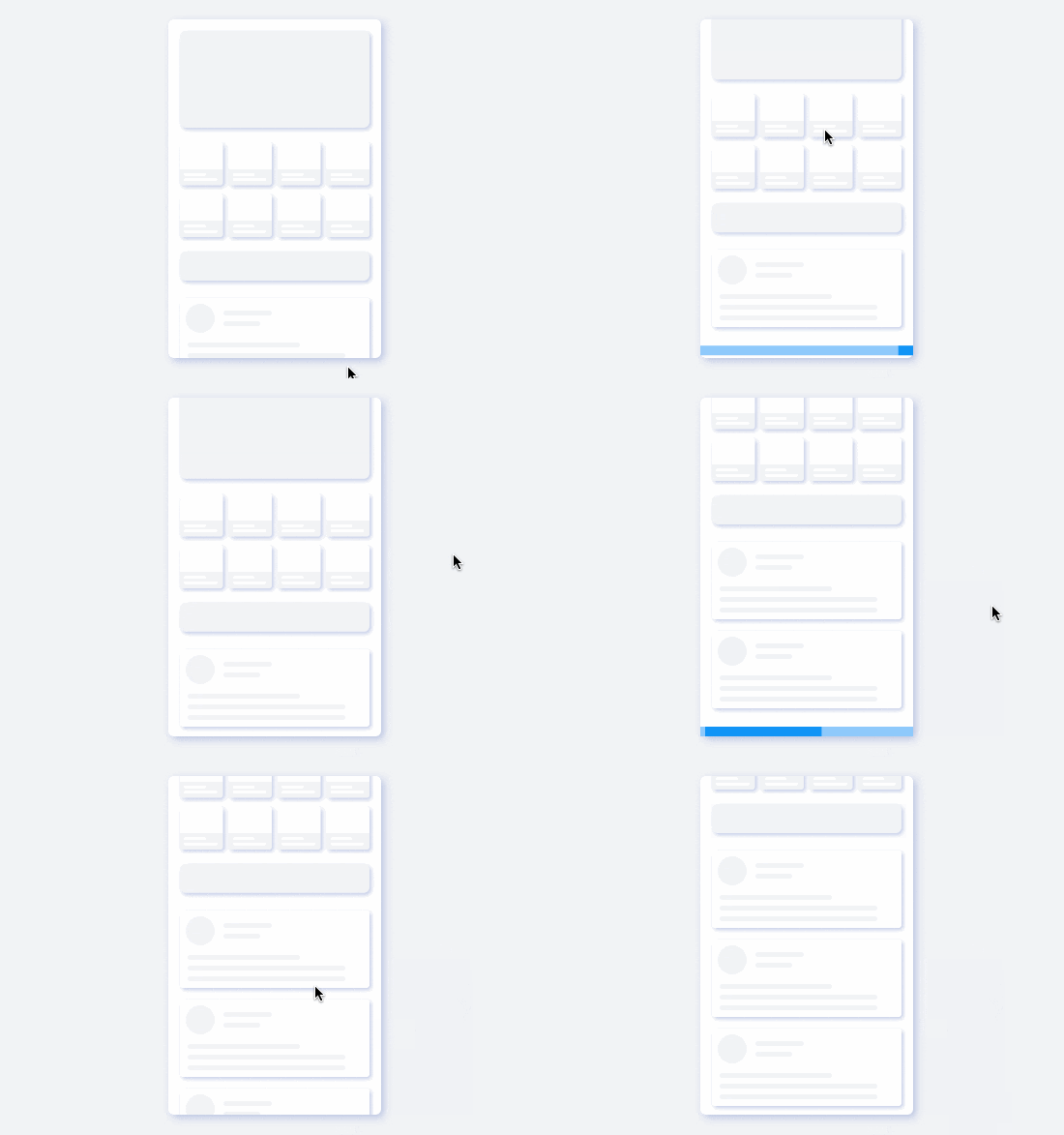
Corresponding to the pull-down refresh, the construction of the pull-up loading effect is also very simple.
1. Create FRefreshController
/// Create a controllerFRefreshController controller = FRefreshController()
2. Create FRefresh
FRefresh(

  /// Setup the controller
  controller: controller,

  /// create Footer area
  footer: LinearProgressIndicator(),

  /// need to setup Footer area height
  footerHeight: 20.0,

  /// create content area
  child: builderContent(),

  /// This function will be called back after entering the Loading state
  onLoad: () {

    /// End loading state
    controller.finishLoad();
  },
)
Building pull-ups is equally simple enough. Developers only need to pay attention to the construction of Footer area and content area, and the state changes and visual effects control during the pull-up loading process can be safely handed over to FRefresh.
🔭 FooterBuilder Demo
FRefresh(
controller: controller,
/// Build Footer Area Widget by FooterBuilder
footerBuilder: (setter) {
/// Get refresh status, partially update the content of Footer area
controller.setOnStateChangedCallback((state) {
setter(() {
...
});
});
returnbuildFooter();
},
footerHeight: 38.0,
child: buildContent(),
onLoad: () {
controller.finishLoad();
},
)
FRefresh also provides a builder function FooterBuilder for building the Footer area. Through this function, you can get the refresh function StateSetter which refreshes only the Footer area.
In this way, the developer can easily change the view of the footer area according to the status or some other conditions. Very intimate 🥰.
⚙️ FRefreshController
FRefresh provides developers with intimate controllers FRefreshController, which supports many convenient capabilities.
When the developer creates a controller and then sets it into a FRefresh, the controller can start to monitor the status of this FRefresh and control it.
2. Stop refreshing or loading
When the refresh state or loading state is triggered, data processing tasks such as network requests are usually performed. After these tasks are completed, we need to stop the refresh state or loading state. How to do it?
Through the above simple code, you can monitor the status change of FRefresh, whether it is pull-down refresh or pull-up loading.
4. Scroll Listen
controller.setOnScrollListener((metrics) {
  /// Get scroll information
});
FRefreshController It is really convenient to add sliding monitor. The parameters received is [ScrollMetrics],it can get very comprehensive information such as current scroll distance, maximum scroll distance, whether it exceeds the scroll range, etc..
5. Actively trigger refresh
Through FRefreshController, developers can also actively trigger a refresh, and can specify the length of time to slide to the refresh position.
FRefreshController provides a variety of intimate and delicate sliding controls for developers to choose.
/// Scroll to the specified position
controller.scrollTo(100.0, duration:Duration(milliseconds: 2000));

/// Scroll the specified distance
controller.scrollBy(20.0, duration:Duration(milliseconds: 800));

/// Jump to the specified position
controller.jumpTo(100.0);
This makes many beautiful interactions easier to build.
😃 How to use?
Add dependencies in the project pubspec.yaml file:
🌐 pub dependency
dependencies:frefresh:^<versionnumber>
⚠️ Attention,please go to [pub] (https://pub.dev/packages/frefresh) to get the latest version number of FRefresh
🖥 Git dependency
dependencies:frefresh:git:url:'git@github.com:Fliggy-Mobile/frefresh.git'ref:'<Branch number or tag number>'
⚠️ Attention,please refer to [FRefresh] (https://github.com/Fliggy-Mobile/frefresh) official project for branch number or tag.
💡 License
Copyright2020-present FliggyAndroidTeam <alitrip_android@list.alibaba-inc.com>.
Licensed under the ApacheLicense, Version2.0 (the "License");
you may not use this file except in compliance with the License.
You may obtain a copy of the License at following link.
http://www.apache.org/licenses/LICENSE-2.0Unlessrequired by applicable law or agreed to in writing, software
distributed under the Licenseis distributed on an "AS IS" BASIS,
WITHOUT WARRANTIES OR CONDITIONS OF ANY KIND, either express or implied.
See the Licensefor the specific language governing permissions and
limitations under the License.