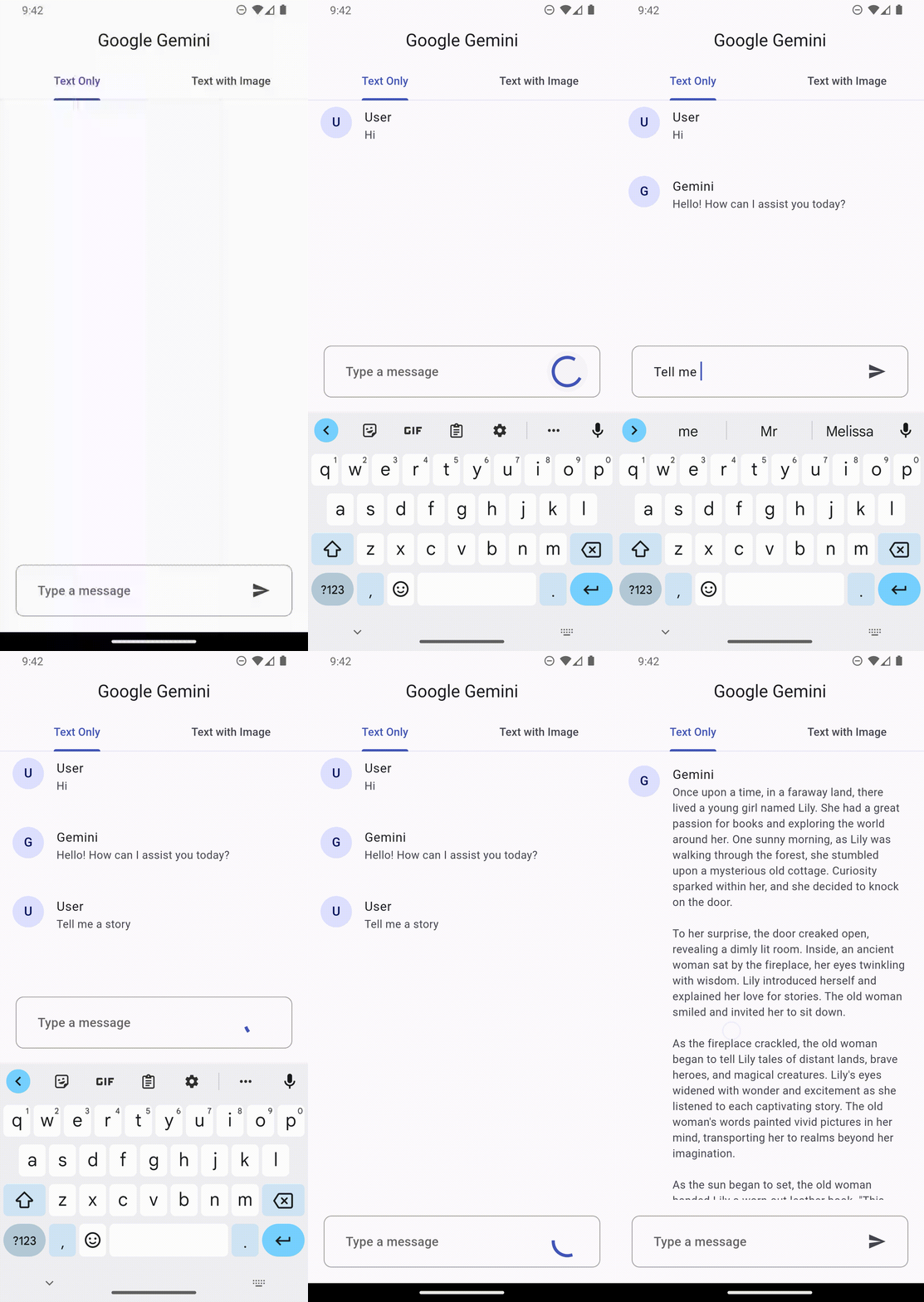
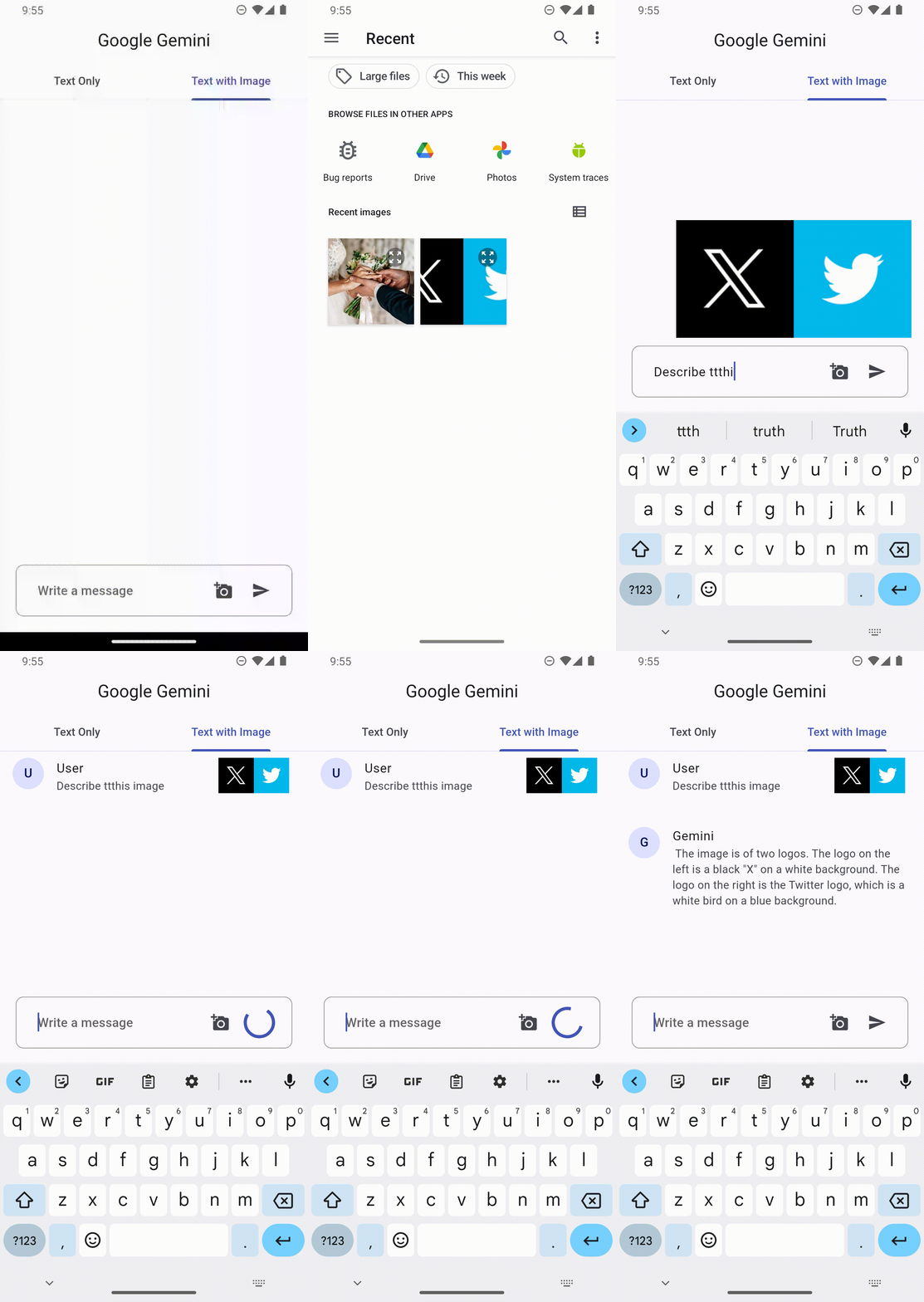
Flutter용 Google Gemini SDK는 Google의 고급 Gemini AI를 Flutter 애플리케이션에 원활하게 통합할 수 있도록 해줍니다. 자연어 이해, 텍스트 생성, 다중 모달 추론과 같은 생성형 AI 기능을 모바일 및 데스크톱 앱 내에서 직접 활용할 수 있도록 강력한 연결고리를 제공합니다. 최신 AI 기능을 찾는 개발자를 위한 것으로, Android, iOS, macOS, Windows, Linux 플랫폼을 모두 지원합니다. pub add를 통해 간단히 설정할 수 있어, 앱이 지능적이고 맥락 인식 가능한 상호작용을 제공할 수 있게 합니다.
사용 사례
AI 기반 채팅 인터페이스
앱에서의 콘텐츠 생성
다중 모달 이미지 및 텍스트 분석
스마트 어시스턴트 기능
실시간 언어 번역
주요 기능
Google Gemini와의 네이티브 통합
다중 플랫폼 지원
간단한 pub add 설치
실시간 AI 응답
크로스 플랫폼 호환성
적합한 대상
AI 기반 앱을 개발하는 개발자
생성형 AI를 통합하는 팀
모바일 및 데스크톱 앱 제작자
생산성 및 콘텐츠 도구
고려 사항
API 호출을 위해 인터넷 연결이 필요합니다
Google Cloud 자격 증명에 의존
사용 기반 비용이 발생할 수 있습니다
제한된 오프라인 기능
API 속도 제한이 적용됩니다
원본 README
연결된 소스 저장소의 README 원문 스냅샷입니다. 최신 내용은 저장소에서 확인하세요.
Google DeepMind Gemini
Google Gemini is a set of cutting-edge large language models (LLMs) designed to be the driving force behind Google's future AI initiatives.
This package provides a powerful bridge between your Flutter application and Google's revolutionary Gemini AI. It empowers you to seamlessly integrate Gemini's capabilities into your app, unlocking a world of possibilities for building innovative, intelligent, and engaging experiences that redefine user interaction.
To get the API key you have to create a Gemini account on the ai.google.dev. Once you have to Gemini API key, you are ready to start building.
Create Gemini Instance
final gemini = GoogleGemini(
  apiKey: "--- Your Gemini Api Key --- ",
);
Generate content
With Gemini you use both text and image data for prompting, depending on what model variation you use.
For example, you can generate text using text prompt with the gemini-pro model and use both text and image data to prompt the gemini-pro-vision model
Text only input
This feature lets you perform natural language processing (NLP) tasks such as text completion and summarization.
gemini.generateFromText("Tell me a story")
.then((value) => print(value.text))
.catchError((e) => print(e));
Text and image input
You can send a text prompt with an image to the gemini-pro-vision model to perform a vision related task. For example, captioning an image or identifying what's in an image.
File image = File("assets/images.png")

gemini.generateFromTextAndImages(
  query: "What is this picture?",
  image: image
)
.then((value) => print(value.text))
.catchError((e) => print(e));
Configuration
Every prompt you send to the model includes parameter values that control how the model generates a response. The model can generate different results for different parameter values.
Model parameters
The most common model parameters are:
Max output tokens: Specifies the maximum number of tokens that can be generated in the response. A token is approximately four characters. 100 tokens correspond to roughly 60-80 words.
Temperature: The temperature controls the degree of randomness in token selection. Lower temperatures are good for prompts that require a more deterministic or less open-ended response, while higher temperatures can lead to more diverse or creative results.
topK: The topK parameter changes how the model selects tokens for output.
topP: The topP parameter changes how the model selects tokens for output.
stop_sequences: Set a stop sequence to tell the model to stop generating content. A stop sequence can be any sequence of characters. Try to avoid using a sequence of characters that may appear in the generated content.
Example
// Generation Configurationfinal config = GenerationConfig(
temperature: 0.5,
maxOutputTokens: 100,
topP: 1.0,
topK: 40,
stopSequences: []
);
// Gemini Instancefinal gemini = GoogleGemini(
apiKey: "--- Your Gemini Api Key ---",
config: config // pass the config here
);
Safety settings
Safety settings are part of the request you send to the text service. It can be adjusted for each request you make to the API.
Categories
These categories cover various kinds of harms that developers may wish to adjust.