패키지, 저장소 및 앱 카테고리 검색

패키지 상세v4.1.7

google_map_location_picker

🌍 google_maps_flutter 기반의 플러터용 지도 위치 선택기

30일 다운로드
158
좋아요
238
Pub 점수
35

패키지 설치

flutter pub add google_map_location_picker

패키지 개요

공개 정보를 바탕으로 생성한 선택 가이드입니다.

사용자가 직관적인 인터페이스를 통해 Google 지도에서 위치를 선택할 수 있도록 해주는 플러터 패키지입니다. google_maps_flutter 위에 구축되어 있으며, 좌표 선택과 주소 세부 정보 검색을 원활하게 제공합니다. 배달 서비스, 여행 앱, 이벤트 계획 도구와 같은 위치 입력이 필요한 앱에 적합합니다. 피커는 상호작용식 지도 탐색, 마커 배치 및 자동 지오코딩을 지원합니다. 광범위한 커스텀 개발 없이도 플러터 앱에 지도 기반 위치 선택 기능을 간편하게 통합할 수 있습니다.

사용 사례

  • 배송 주소 선택
  • 이벤트 예약 장소
  • 사용자 체크인 위치 확인
  • 지도 기반 양식 통합
  • 라이드셰어링 앱에서 픽업 포인트 설정하기

주요 기능

  • 인터랙티브한 구글 지도 통합
  • 마커 위치 및 드래그 지원
  • 지도 탭에서 자동 지오코딩
  • 사용자 정의 가능한 UI 컴포넌트
  • 위도, 경도 및 형식화된 주소를 반환합니다

적합한 대상

  • 정확한 위치 입력이 필요한 앱
  • Flutter에서 Google Maps를 사용하는 개발자
  • 위치 인식 폼 필드
  • 여행 및 물류 플랫폼
  • 사용자 친화적인 주소 선택 인터페이스

고려 사항

  • Google Maps API 키가 필요합니다
  • Android 및 iOS에 한정(웹 지원 없음)
  • google_maps_flutter 플러그인에 의존합니다
  • 위치 접근을 위해 추가 권한이 필요할 수 있습니다
  • 성능은 지도 렌더링 품질에 따라 달라집니다

원본 README

연결된 소스 저장소의 README 원문 스냅샷입니다. 최신 내용은 저장소에서 확인하세요.

google_map_location_picker Pub

Location picker using the official google_maps_flutter.

I made This plugin because google deprecated Place Picker.

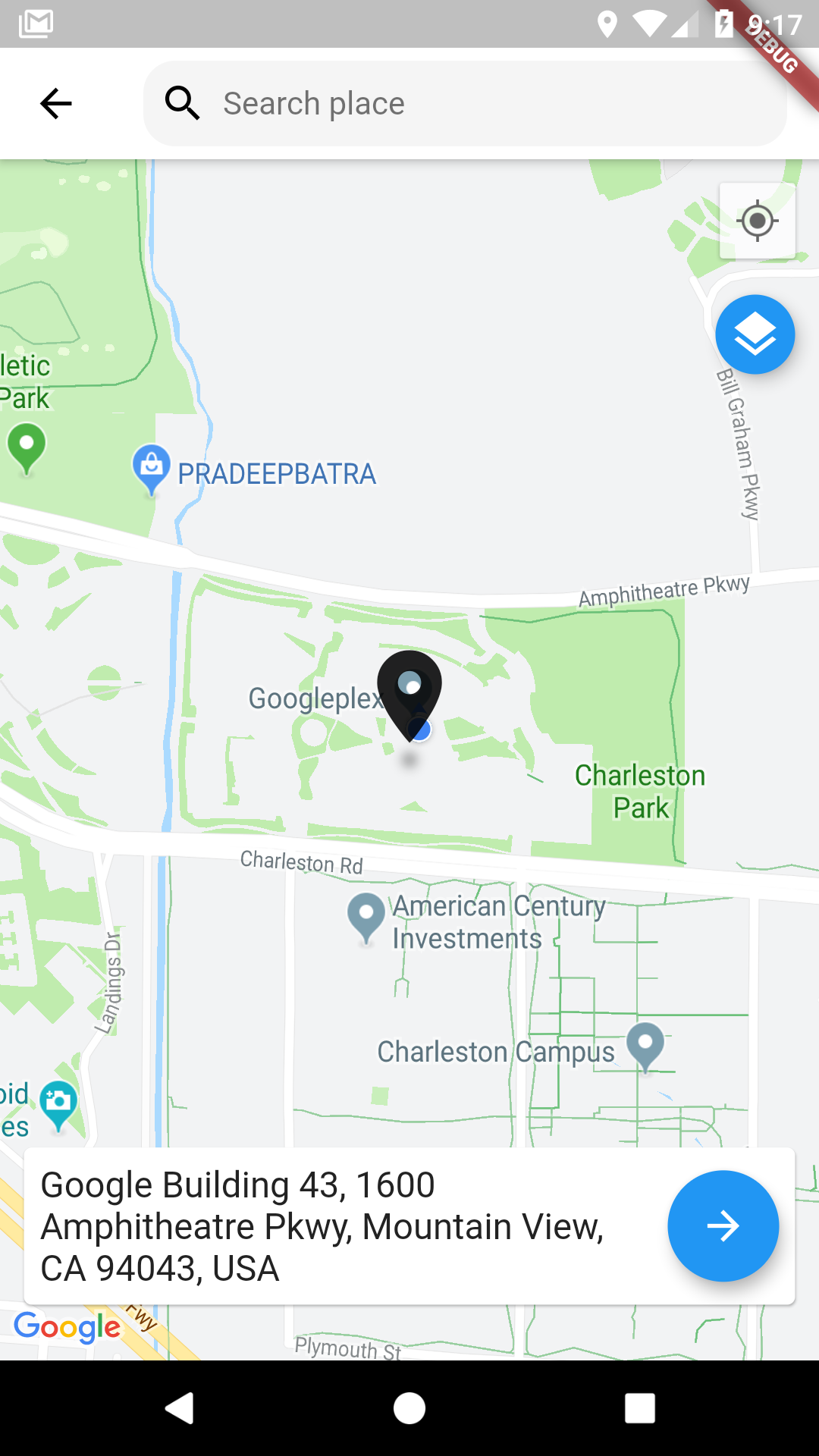
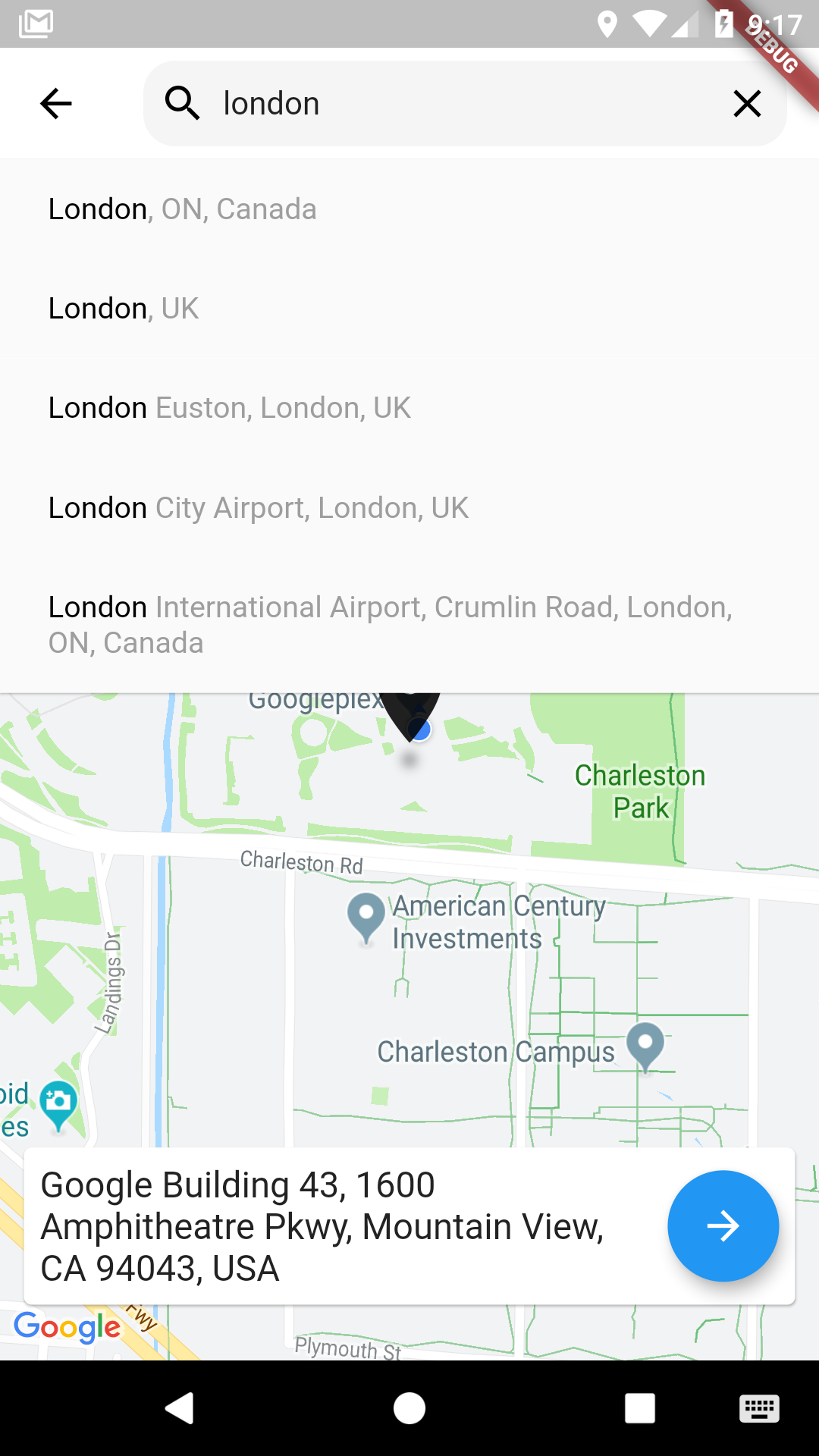
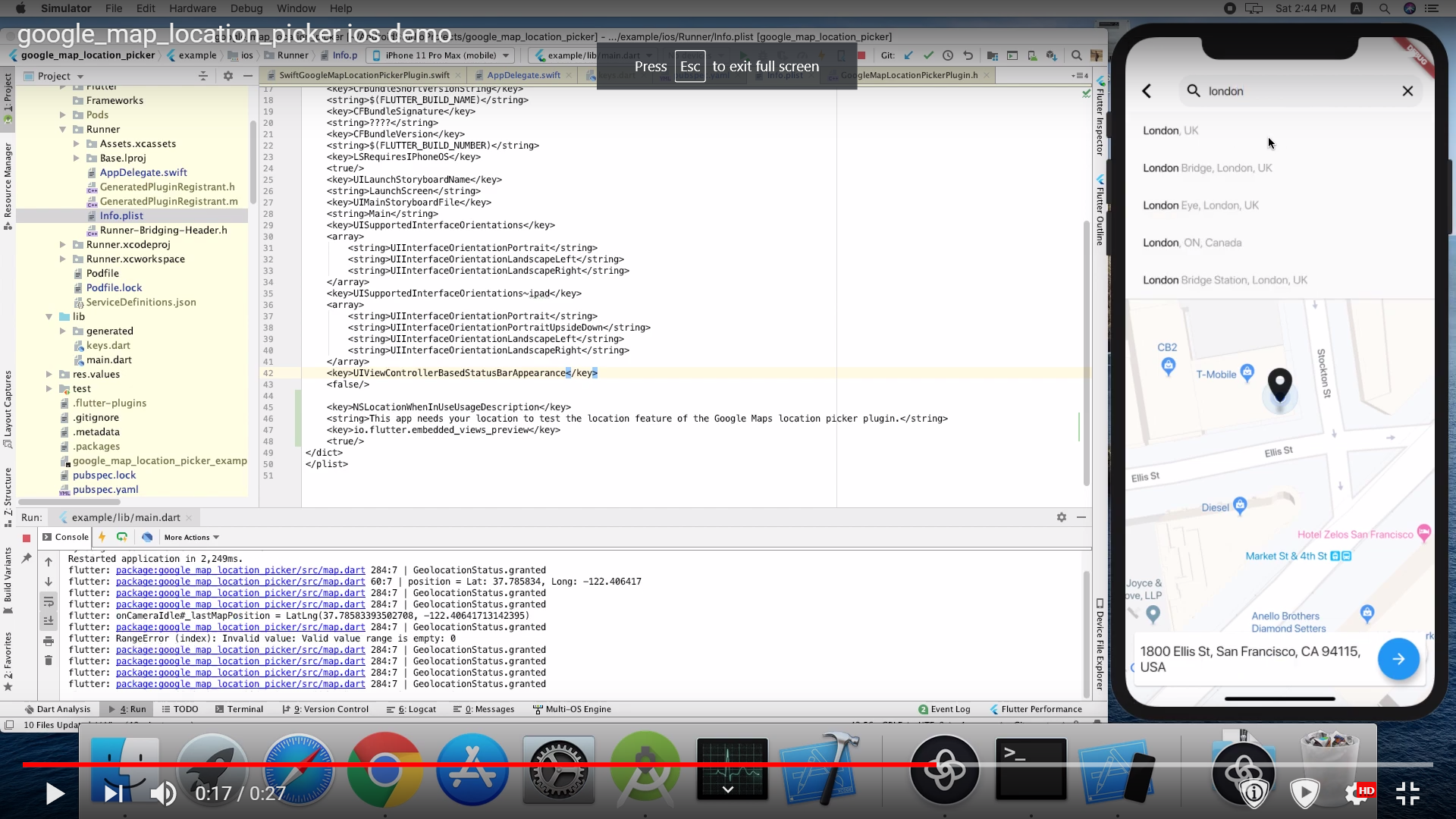
Demo

Using

Pubspec changes:

      dependencies: 
      
        google_maps_flutter: ^0.5.30
        google_map_location_picker: ^3.3.4
        flutter_localizations:
          sdk: flutter

For message localization inside the library please add in MaterialApp

import 'package:google_map_location_picker/generated/l10n.dart' as location_picker;
import 'package:flutter_localizations/flutter_localizations.dart';

MaterialApp(
  localizationsDelegates: const [
    location_picker.S.delegate,
    GlobalMaterialLocalizations.delegate,
    GlobalWidgetsLocalizations.delegate,
    GlobalCupertinoLocalizations.delegate,
  ],
  supportedLocales: const <Locale>[
    Locale('en', ''),
    Locale('ar', ''),
  ],
  home: ...
)
import 'package:google_map_location_picker/google_map_location_picker.dart';
import 'package:google_maps_flutter/google_maps_flutter.dart';

LocationResult result = await showLocationPicker(context, apiKey);

Getting Started

Android

Specify your API key in the application manifest android/app/src/main/AndroidManifest.xml:

<manifest ...
  <application ...
    <meta-data android:name="com.google.android.geo.API_KEY"
               android:value="YOUR KEY HERE"/>
iOS

Specify your API key in the application delegate ios/Runner/AppDelegate.m:

#include "AppDelegate.h"
#include "GeneratedPluginRegistrant.h"
#import "GoogleMaps/GoogleMaps.h"

@implementation AppDelegate

- (BOOL)application:(UIApplication *)application
    didFinishLaunchingWithOptions:(NSDictionary *)launchOptions {
  [GMSServices provideAPIKey:@"YOUR KEY HERE"];
  [GeneratedPluginRegistrant registerWithRegistry:self];
  return [super application:application didFinishLaunchingWithOptions:launchOptions];
}
@end

Or in your swift code, specify your API key in the application delegate ios/Runner/AppDelegate.swift:

import UIKit
import Flutter
import GoogleMaps

@UIApplicationMain
@objc class AppDelegate: FlutterAppDelegate {
  override func application(
    _ application: UIApplication,
    didFinishLaunchingWithOptions launchOptions: [UIApplicationLaunchOptionsKey: Any]?
  ) -> Bool {
    GMSServices.provideAPIKey("YOUR KEY HERE")
    GeneratedPluginRegistrant.register(with: self)
    return super.application(application, didFinishLaunchingWithOptions: launchOptions)
  }
}

you need also to define NSLocationWhenInUseUsageDescription

  <key>NSLocationWhenInUseUsageDescription</key>
  <string>This app needs your location to test the location feature of the Google Maps location picker plugin.</string>
Note

The following permissions are not required to use Google Maps Android API v2, but are recommended.

android.permission.ACCESS_COARSE_LOCATION Allows the API to use WiFi or mobile cell data (or both) to determine the device's location. The API returns the location with an accuracy approximately equivalent to a city block.

android.permission.ACCESS_FINE_LOCATION Allows the API to determine as precise a location as possible from the available location providers, including the Global Positioning System (GPS) as well as WiFi and mobile cell data.


You must also explicitly declare that your app uses the android.hardware.location.network or android.hardware.location.gps hardware features if your app targets Android 5.0 (API level 21) or higher and uses the ACCESS_COARSE_LOCATION or ACCESS_FINE_LOCATION permission in order to receive location updates from the network or a GPS, respectively.

<uses-feature android:name="android.hardware.location.network" android:required="false" />
<uses-feature android:name="android.hardware.location.gps" android:required="false"  />

The following permissions are defined in the package manifest, and are automatically merged into your app's manifest at build time. You don't need to add them explicitly to your manifest:

android.permission.INTERNET Used by the API to download map tiles from Google Maps servers.

android.permission.ACCESS_NETWORK_STATE Allows the API to check the connection status in order to determine whether data can be downloaded.

Restricting Autocomplete Search to Region

The LocationResults returned can be restricted to certain countries by passing an array of country codes into the countries parameter of showLocationPicker(). Countries must be two character, ISO 3166-1 Alpha-2 compatible. You can find code information at Wikipedia: List of ISO 3166 country codes or the ISO Online Browsing Platform.

The example below restricts Autocomplete Search to the United Arab Emirates and Nigeria

showLocationPicker(
context, "YOUR API KEY HERE",
initialCenter: LatLng(31.1975844, 29.9598339),
myLocationButtonEnabled: true,
layersButtonEnabled: true,
countries: ['AE', 'NG'],
);

Credits

The google map from Flutter's google_maps_flutter package

current location and permission from BaseflowIT's flutter-geolocator package.

The search bar from Degreat's locationpicker package.

카테고리

의존성

의존성 목록 8 개

소스 저장소

이 패키지를 사용하는 프로젝트