google_speech 패키지는 Flutter 앱에서 실시간 음성 전사 기능을 가능하게 하는 Google Cloud GRPC 음성-텍스트 API와의 통합을 지원하는 Flutter 플러그인입니다. 스트리밍 오디오 입력을 지원하며 여러 플랫폼에서 정확한 음성 인식을 제공합니다. 음성 기능을 구현하는 개발자를 위해 설계되었으며, 최소한의 설정으로 Google의 강력한 ASR(자동 음성 인식) 기능에 쉽게 접근할 수 있도록 합니다. 플러그인은 Google Cloud 자격 증명을 통해 인증을 처리하고 지속적인 전사를 위한 이벤트 기반 응답을 제공합니다. 음성 보조기, 녹음 도구 및 접근성 기능에 적합합니다.
사용 사례
음성 보조기
실시간 전사
음성 입력 앱
접근성 도구
오디오 로깅
주요 기능
실시간 스트리밍
Google Cloud 통합
크로스 플랫폼 지원
이벤트 기반 API
Google Cloud를 통한 인증
적합한 대상
음성 기능을 갖춘 앱을 개발하는 개발자
고정밀 음성 인식이 필요한 앱
Google Cloud 서비스를 사용하는 프로젝트
모바일 및 데스크톱 음성 애플리케이션
고려 사항
Google Cloud 프로젝트 및 API 키가 필요합니다
사용에 대해 청구가 적용됩니다
네트워크 연결 필요
저대역폭 연결에서 더 높은 지연
네이티브 종속성에 대한 플랫폼별 설정
원본 README
연결된 소스 저장소의 README 원문 스냅샷입니다. 최신 내용은 저장소에서 확인하세요.
Google Speech
This package allows the use of Google Speech Api with grpc as a pure
Dart implementation. With the support of grpc it is also possible to use the streaming transcription
of the Google Speech Api with this package.
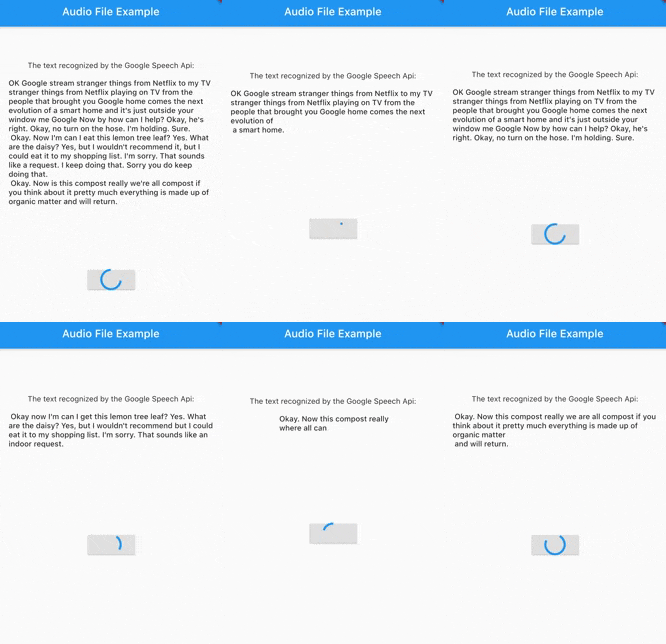
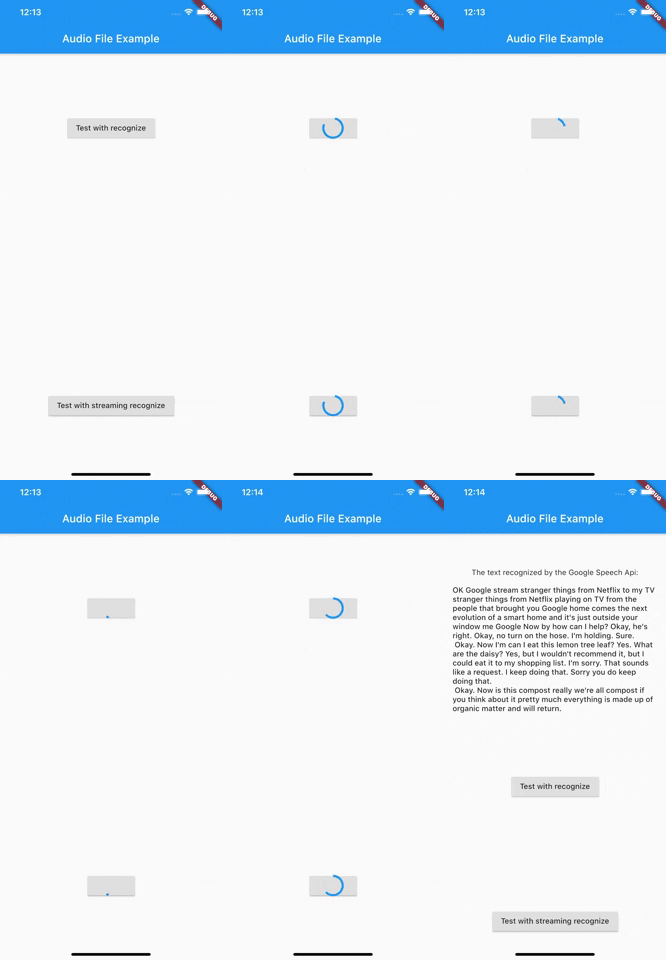
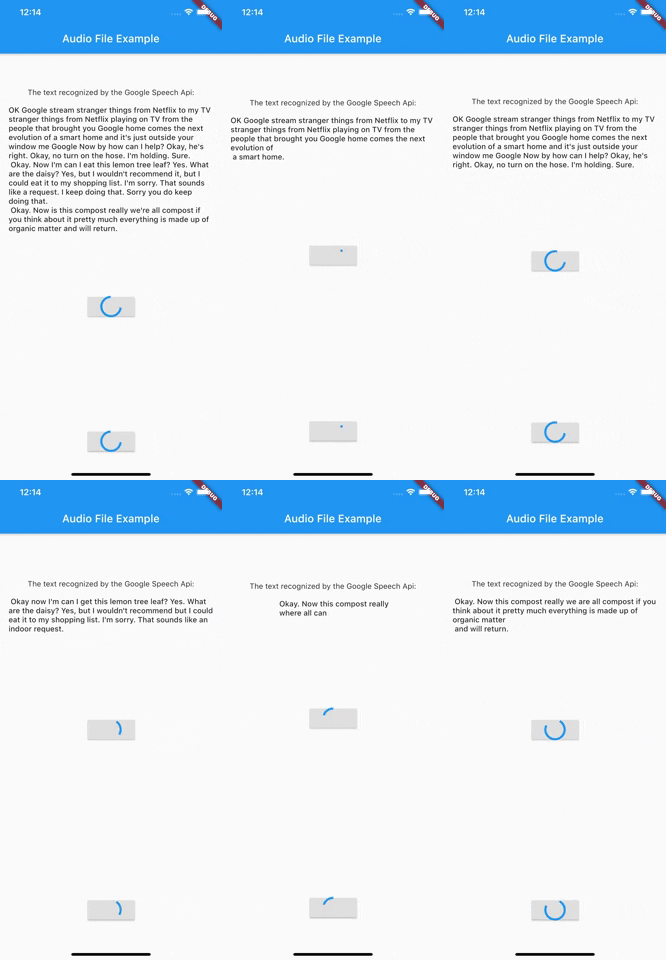
Demo recognize
Demo Streaming
Before we get started
To use the Google Speech Api it is first of all important to create a Google Cloud account and activate the Speech Api.
The best way to do this is to follow the first point of this documentation.
After you have created a service account and downloaded the Json file with the necessary access data, you can start
using this package.
At this time this package only supports authentication via service account. It is therefore necessary to create a service account and have the necessary Json data ready.
Getting Started
Authentication
As of version 3.0.0 there are now 3 different ways to authenticate. In addition to the old way viaServiceAccount, there is now also the possibility to authenticate via token or ThirdPartyAuthenticator.
Authentication via ThirdParty Authenticator [> Version 3.0.0]
final speechToText = SpeechToText.viaThirdPartyAuthenticator(
ThirdPartyAuthenticator(
obtainCredentialsFromThirdParty: () async {
// request api to get tokenfinal json = awaitrequestCredentialFromMyApi();
returnAccessCredentials.fromJson(json);
},
),
);
Authentication via Token [> Version 3.0.0]
Creates a SpeechToText interface using a token.
You are responsible for updating the token when it expires.
    final speechToText = SpeechToText.viaToken(
    'Bearer',
    '<token-here>',
    );
Authentication via a service account
There are two ways to log in using a service account. Option number one is the direct transfer of the Json file.
Make sure that the file really exists in the path you passed and that the file has a .json extension.
import'package:google_speech/speech_client_authenticator.dart';
final serviceAccount = ServiceAccount.fromFile(File('PATH_TO_FILE'));
final speechToText = SpeechToText.viaServiceAccount(serviceAccount);
Option number two is to pass the Json data directly as a string.
This could be used for example to load the data from an external service first and not
have to keep it directly in the app.
final serviceAccount = ServiceAccount.fromString(r'''{YOUR_JSON_STRING}''');
/// OR load the data from assetsfinal serviceAccount = ServiceAccount.fromString(
'${(await rootBundle.loadString('assets/test_service_account.json'))}');
final speechToText = SpeechToText.viaServiceAccount(serviceAccount);
After you have successfully connected the ServiceAccount, you can already start using the Api.
Since version 1.1.0 google_speech also supports the use of features available in the Google Speech Beta Api. For this you just have to use SpeechToTextBeta instead of SpeechToText.
Use Google Speech Version 2
Since version 4.0.0 google_speech also supports the use of features available in the Google Speech V2. For this you just have to use SpeechToTextV2 instead of SpeechToText.
An Example could be found in audio_file_example_v2
Endless stream support
Since version 5.0.0 google_speech also supports endless stream.
For this you just have to use EndlessStreamingService instead of SpeechToText.
final serviceAccount = ServiceAccount.fromString(r'''{YOUR_JSON_STRING}''');
/// OR load the data from assetsfinal serviceAccount = ServiceAccount.fromString(
'${(await rootBundle.loadString('assets/test_service_account.json'))}');
final speechToText = EndlessStreamingService.viaServiceAccount(serviceAccount);
final responseStream = speechToText.endlessStream;
speechToText.endlessStreamingRecognize(
StreamingRecognitionConfig(config: config, interimResults: true),
_audioStream!);
responseStream.listen((data) {...});