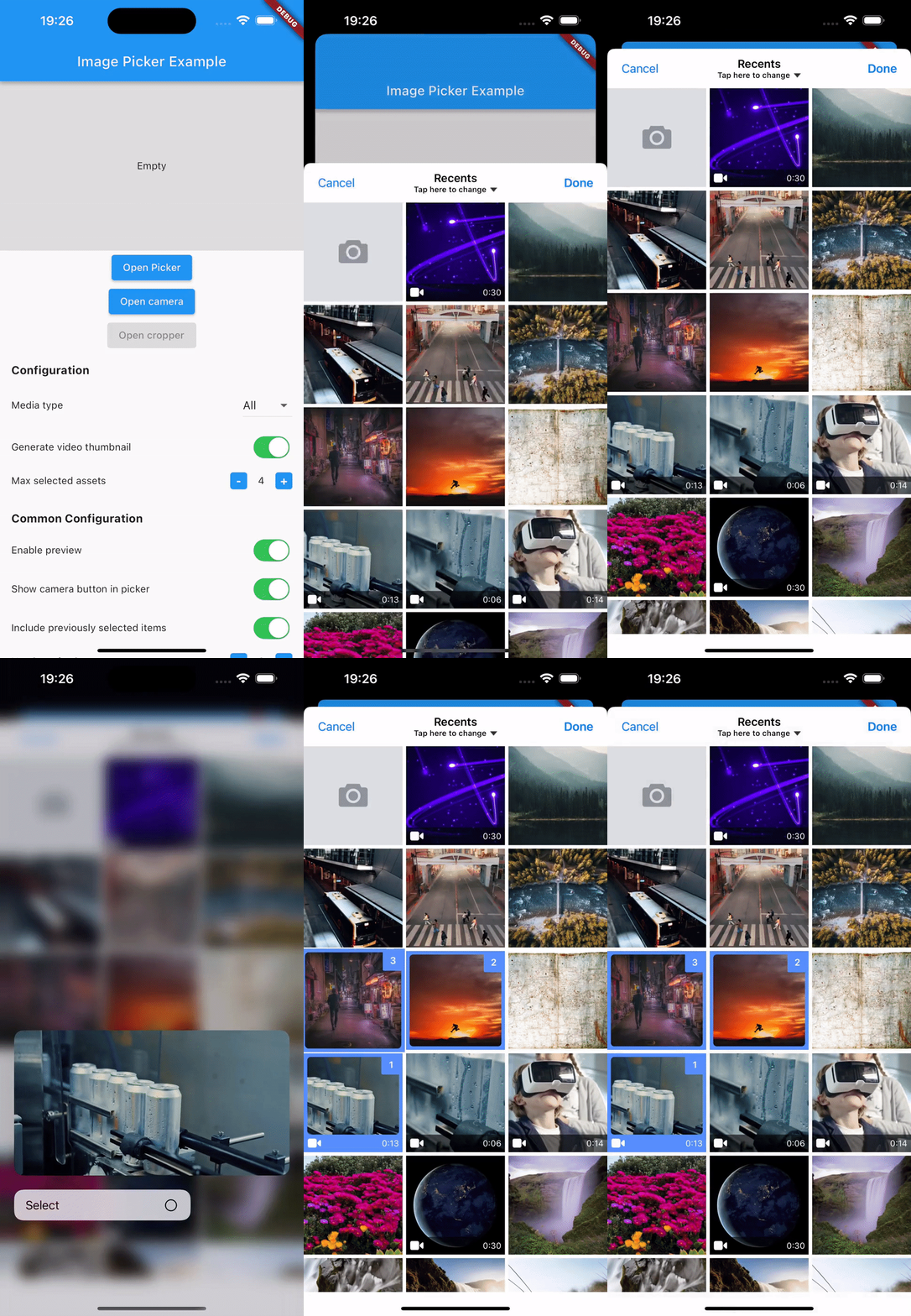
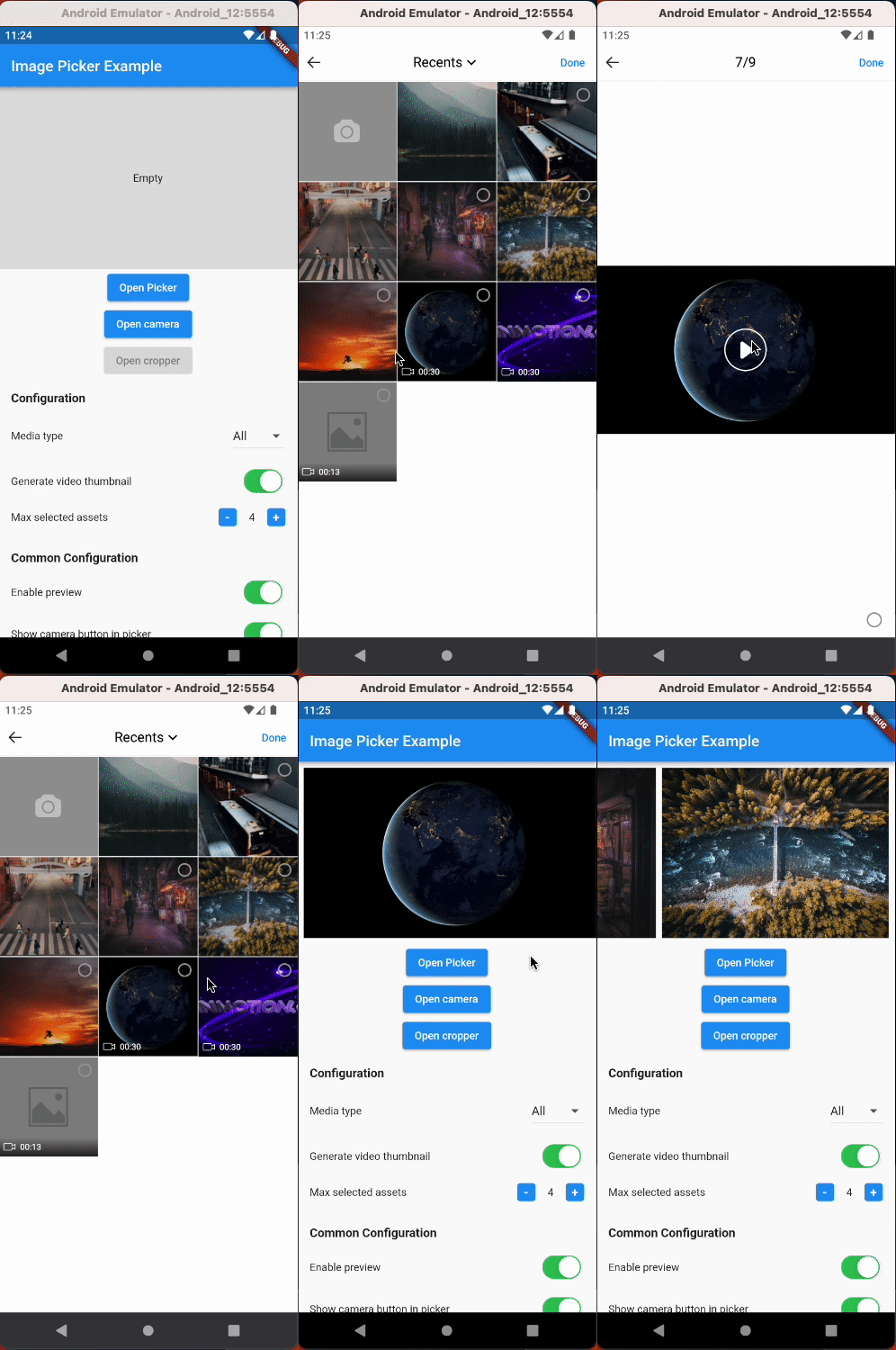
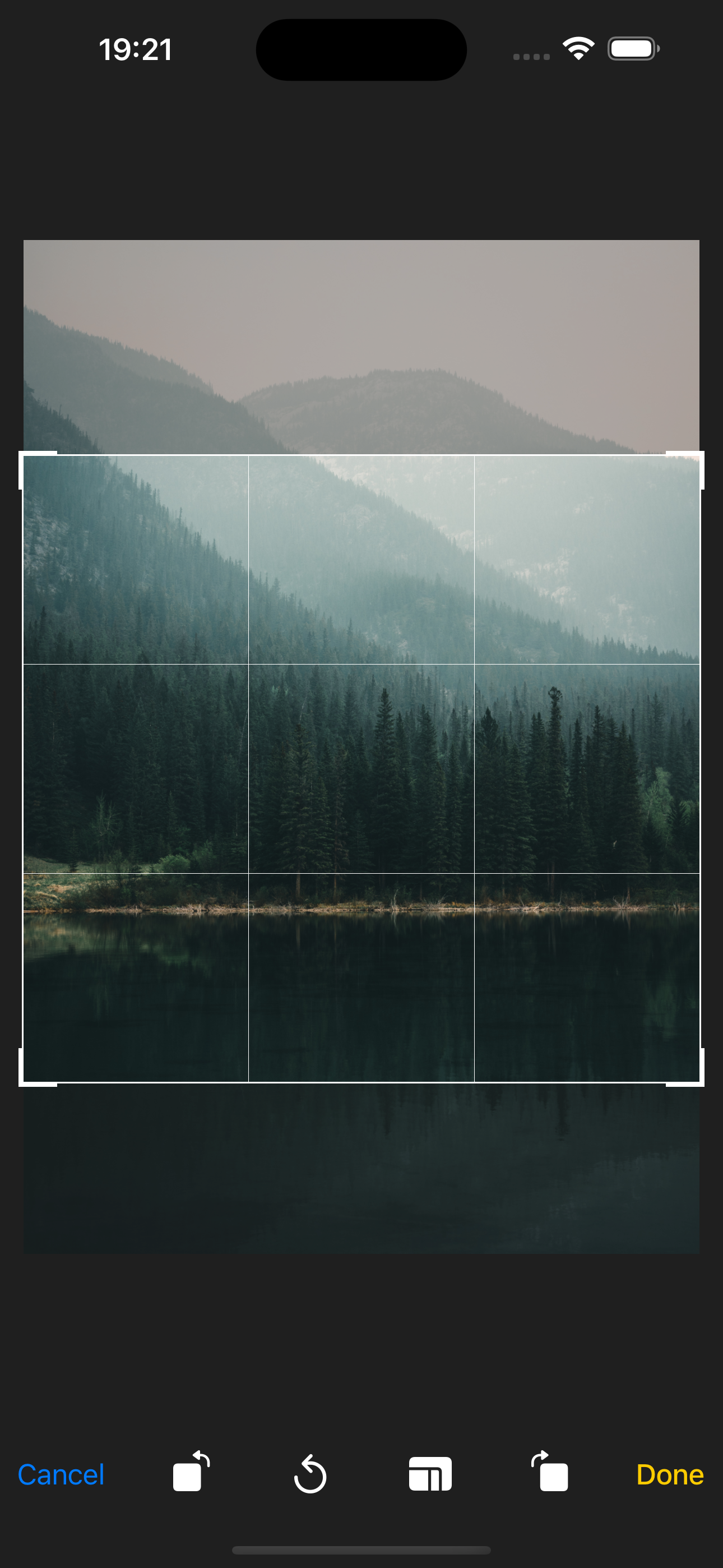
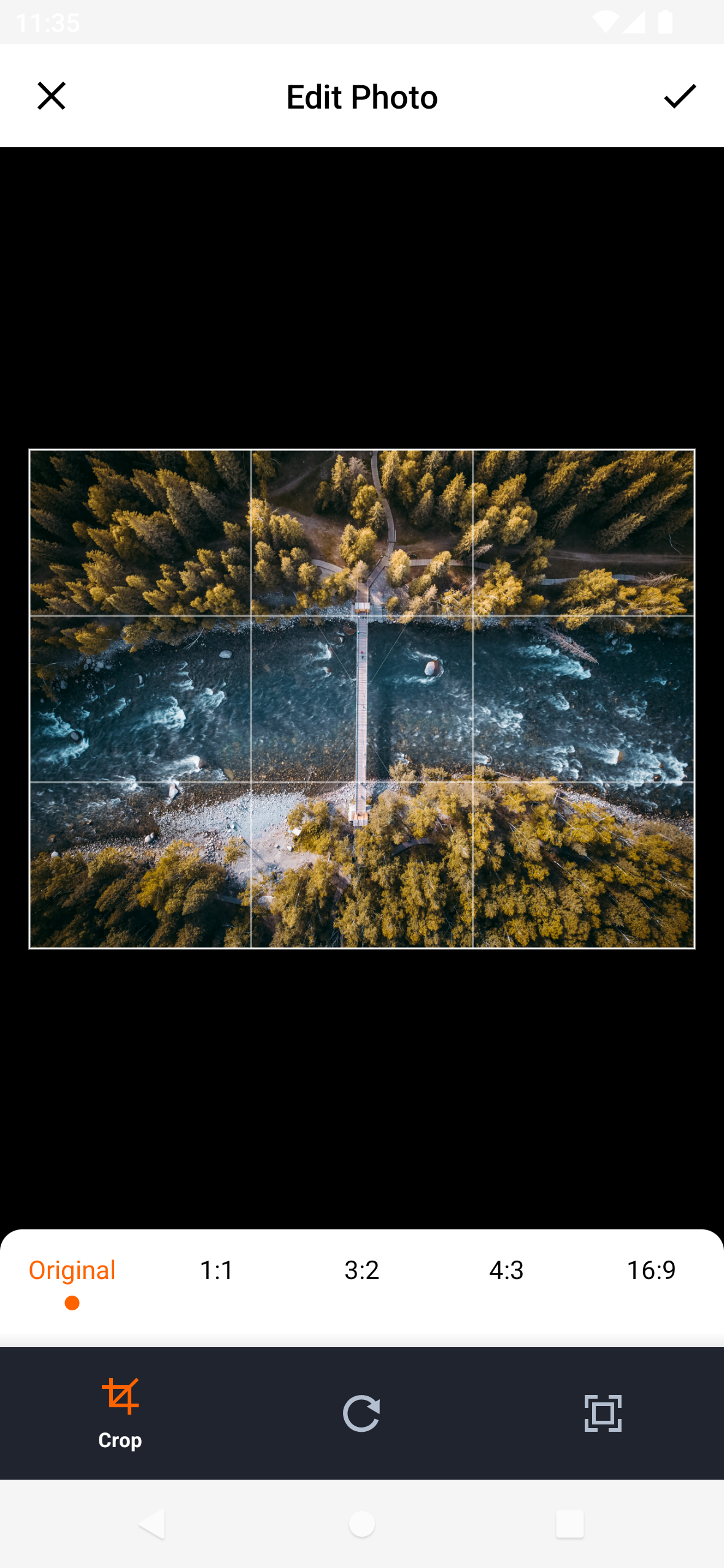
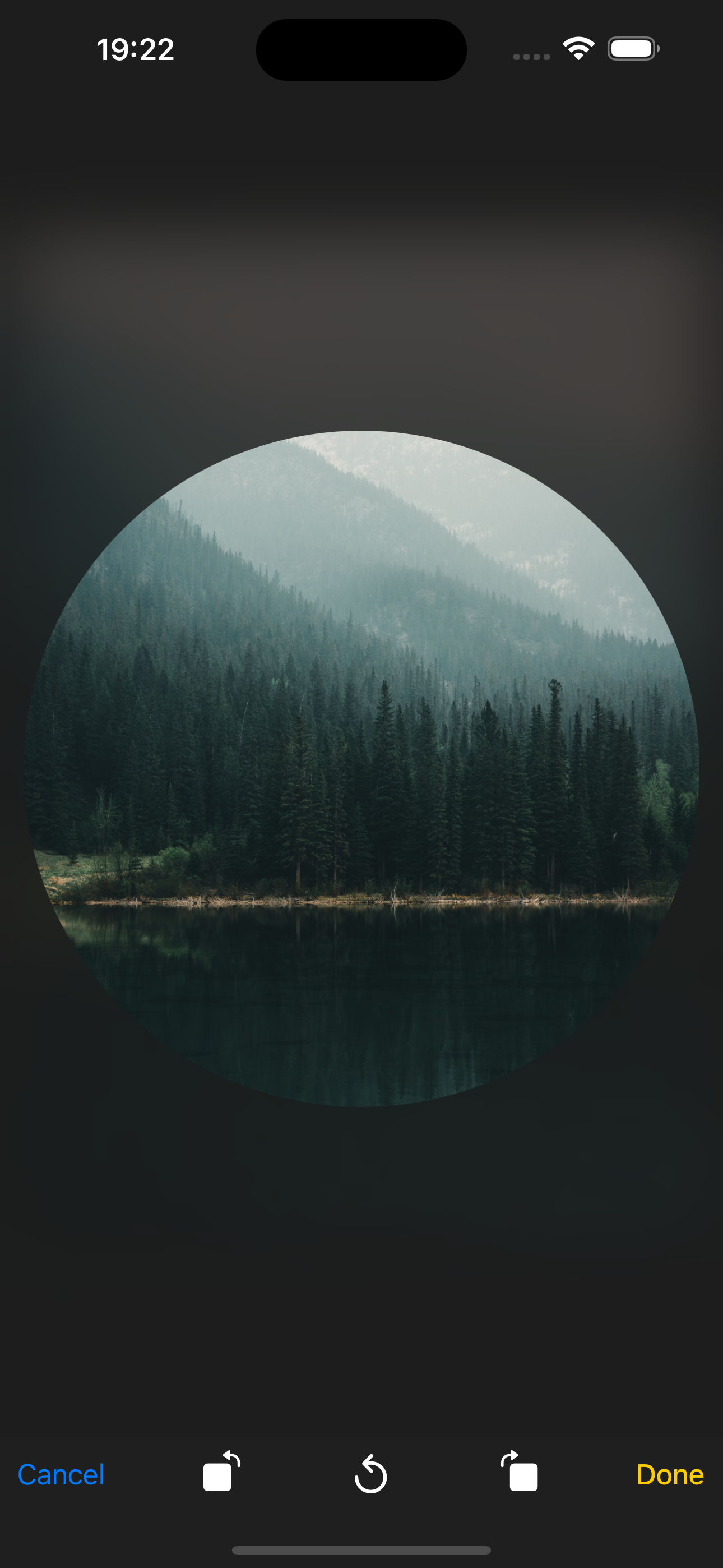
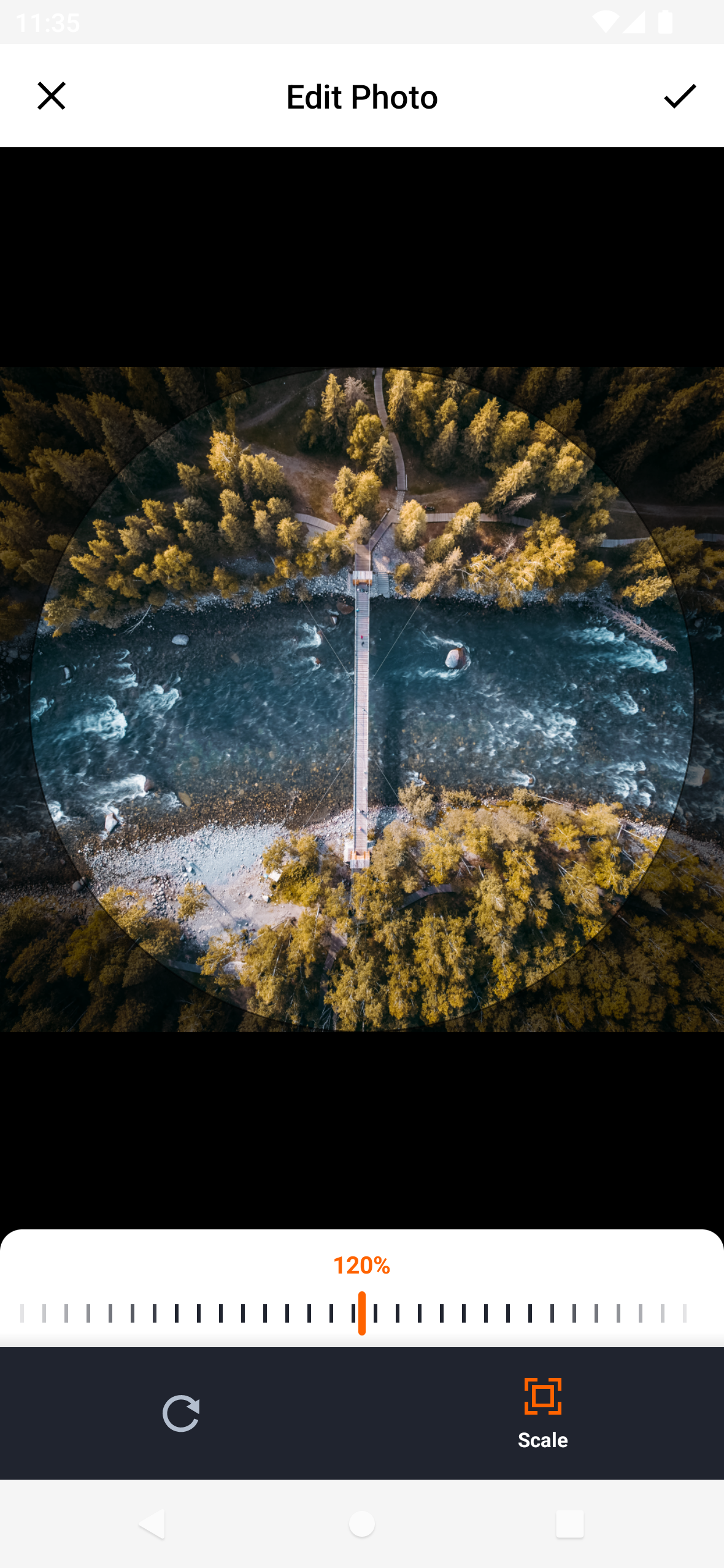
hl_image_picker는 디바이스 라이브러리에서 이미지 및 비디오 선택을 간소화하고, 이미지 자르기 기능을 지원하며 카메라를 통해 새로운 미디어를 직접 캡처할 수 있도록 해주는 Flutter 패키지입니다. Android와 iOS에 대해 원활한 크로스 플랫폼 경험을 제공하며 앱 내에서 미디어 파일을 관리하기 위한 직관적인 인터페이스를 제공합니다. 기존의 Flutter 프로젝트와 원활하게 통합되어 사진 또는 비디오 업로드 시 사용자 상호작용을 향상시킵니다.
사용 사례
기기 라이브러리에서 이미지와 비디오 선택
업로드 전에 선택한 이미지 자르기
카메라를 통해 새 사진과 동영상을 캡처하기
양식 워크플로에 미디어 선택 통합
사용자 프로필 사진 업로드 활성화
주요 기능
Android 및 iOS용 크로스 플랫폼 지원
내장된 이미지 자르기 기능
새 미디어를 위한 카메라 캡처
Flutter 프로젝트와의 간편한 통합
깨끗하고 사용자 정의 가능한 UI
적합한 대상
미디어 업로드가 필요한 앱
소셜 미디어 플랫폼
사용자 프로필 관리 시스템
전자상거래 제품 이미지 컬렉션
사진 편집 또는 공유 애플리케이션
고려 사항
카메라 및 저장소 액세스에 적절한 권한이 필요합니다
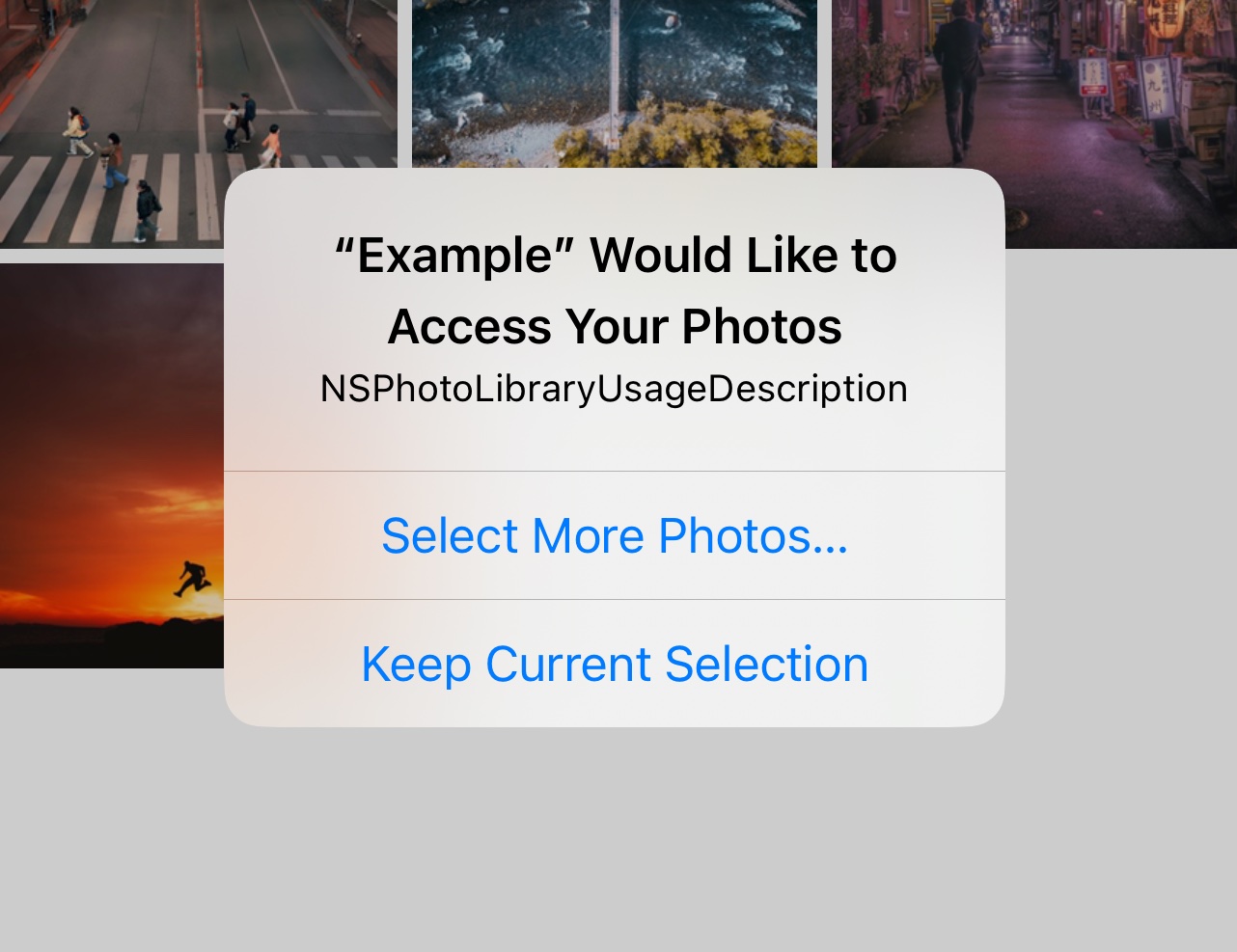
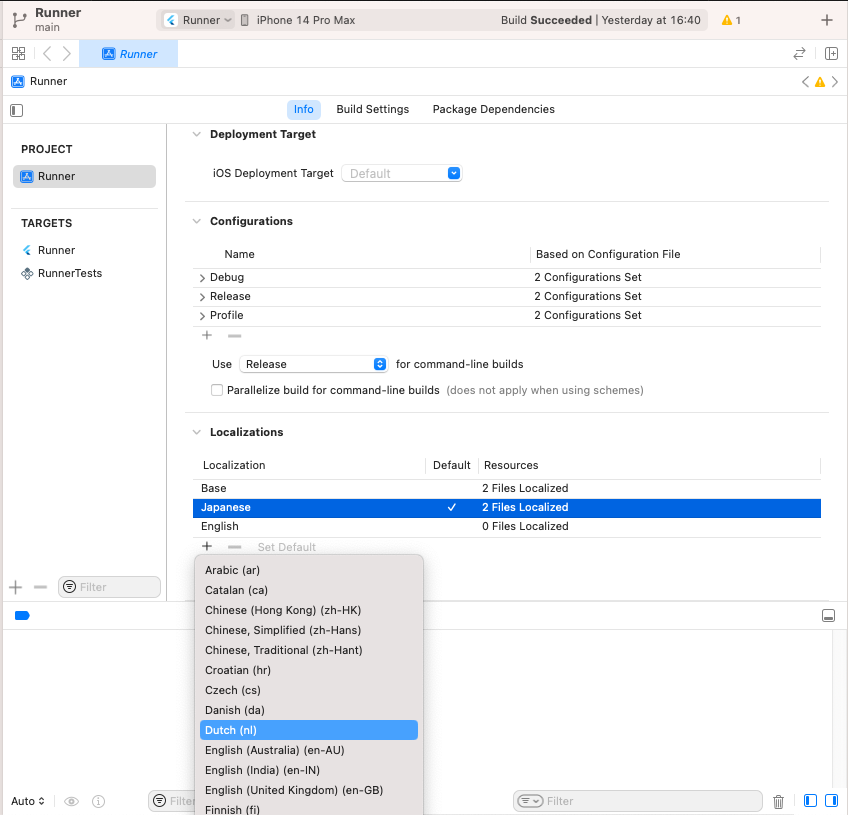
iOS 개인정보 설정을 위해 추가 구성이 필요할 수 있습니다
기본 미디어 편집 기능에만 제한됨
기반 플랫폼 카메라 API에 의존
고급 비디오 처리에 적합하지 않습니다
원본 README
연결된 소스 저장소의 README 원문 스냅샷입니다. 최신 내용은 저장소에서 확인하세요.
Flutter Image Picker Plugin
Android
iOS
Support
SDK 21+
11.0+
Simplify media selection, cropping, and camera functionality in your Flutter app. Choose images/videos from the library, crop images, and capture new photos/videos with ease.
Features:
Select images/videos from the library
Take a photo or record a video
Open image cropper
Support crop multiple images
Support quality compression for selected images
Support gif selection
iOS
Android
Installation
$ flutter pub add hl_image_picker
Note: If you are developing an application exclusively for either Android or iOS, you don't need to install hl_image_picker. Instead, you can choose one of the following packages based on your target platform:
To use the plugin, you need to perform the following setup steps:
iOS
Add Privacy Description to your ios/Runner/Info.plist file.
<key>NSPhotoLibraryUsageDescription</key>
<string>This app requires access to the photo library</string>

<key>NSCameraUsageDescription</key>
<string>This app requires access to the camera</string>

<!-- Include this description only if your plugin requires recording videos and needs access to the device's microphone. -->
<key>NSMicrophoneUsageDescription</key>
<string>This app requires access to the microphone</string>
iOS 14 You can suppress the automatic prompting from the system by setting PHPhotoLibraryPreventAutomaticLimitedAccessAlert to yes in Info.plist
<!-- Android 12 and lower --><uses-permissionandroid:name="android.permission.READ_EXTERNAL_STORAGE" /><uses-permissionandroid:name="android.permission.WRITE_EXTERNAL_STORAGE" /><!-- Targeting Android 13 or higher --><uses-permissionandroid:name="android.permission.READ_MEDIA_IMAGES" /><uses-permissionandroid:name="android.permission.READ_MEDIA_VIDEO" /><!-- Request the camera permission --><uses-featureandroid:name="android.hardware.camera"android:required="false" /><uses-permissionandroid:name="android.permission.CAMERA" /><!-- Add this permission if you need to record videos --><uses-permissionandroid:name="android.permission.RECORD_AUDIO" />
A list of string IDs representing the initially selected images or videos from the library. This allows users to pre-select items before opening the picker.