패키지, 저장소 및 앱 카테고리 검색

iconly 표지
패키지 상세v1.0.1

iconly

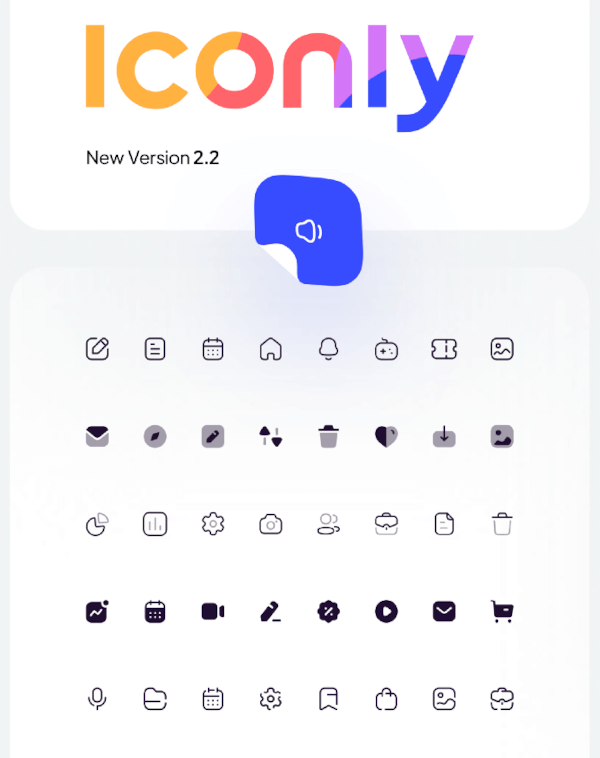
Iconly 아이콘 사용을 위한 플러터 패키지입니다.

AndroidiOSWebmacOSWindowsLinux
30일 다운로드
3.5천
좋아요
126
Pub 점수
50

패키지 설치

flutter pub add iconly

패키지 개요

공개 정보를 바탕으로 생성한 선택 가이드입니다.

Iconly는 현대적인 앱 인터페이스를 위한 사용자 정의 가능하고 확장 가능한 아이콘을 포괄적으로 제공하는 Flutter 패키지입니다. Flutter 전용으로 개발되어 Android, iOS, Web, macOS, Windows, Linux 등 다양한 플랫폼을 지원합니다. 다양한 아이콘 스타일과 변형을 제공하여 개발자가 애플리케이션에 일관성 있고 시각적으로 매력적인 아이콘을 쉽게 통합할 수 있도록 합니다. pub.dev를 통해 간편한 통합과 지속적인 유지보수를 통해 Iconly는 UI 개발 효율성을 높입니다.

사용 사례

  • 앱 아이콘 통합
  • UI/UX 디자인 일관성
  • 크로스 플랫폼 앱
  • 사용자 정의 가능한 아이콘 테마
  • 모바일 및 웹 인터페이스

주요 기능

  • 풍부한 아이콘 라이브러리
  • 다중 플랫폼 지원
  • 확장 가능한 벡터 아이콘
  • 간편한 플러터 통합
  • 사용자 정의 가능한 아이콘 색상 및 크기

적합한 대상

  • Flutter 개발자
  • 디자인 중심 앱
  • 크로스 플랫폼 프로젝트
  • 일관된 아이콘 표현이 필요한 앱

고려 사항

  • 초기 설정을 위해 인터넷이 필요합니다
  • 제공된 아이콘 세트에 한정
  • 내장된 아이콘 검색 기능 없음

원본 README

연결된 소스 저장소의 README 원문 스냅샷입니다. 최신 내용은 저장소에서 확인하세요.

Iconly

pub

Flutter package for using Iconly Icons. Iconly is totally free, and you can use this package to bring these awesome icons to your Flutter project.

This package has made from Iconly v2.3 version. following sets are currently available in this package:

  • Light
  • Bold
  • Broken

note: since Flutter does not support multicolor Icons, we can not support Bulk Icon set. but we are going to implement that in the future.

installation:

Add the following line to your pubspec.yaml file, under the dependencies: section:

dependencies:
  iconly: <latest_version>

Usage

import 'package:font_awesome_flutter/font_awesome_flutter.dart';

class IconlyWidget extends StatelessWidget {

  Widget build(BuildContext context) {
    return IconButton(
      icon: Icon(IconlyLight.search), 
      onPressed: () { print("Pressed"); }
     );
  }
  
}

Check the Example and find your Icon

We have created a sample project where you can find the icon you want and add it to your project. you can also run the example folder on mobile platforms and web. Checkout This Link for more info.

카테고리

소스 저장소

이 패키지를 사용하는 프로젝트