패키지, 저장소 및 앱 카테고리 검색

in_app_update 표지
패키지 상세v5.0.0

in_app_update

공식 Android API를 사용하여 Android에서 앱 내 업데이트를 활성화합니다.

Android
30일 다운로드
37.5만
좋아요
1.3천
Pub 점수
160

패키지 설치

flutter pub add in_app_update

패키지 개요

공개 정보를 바탕으로 생성한 선택 가이드입니다.

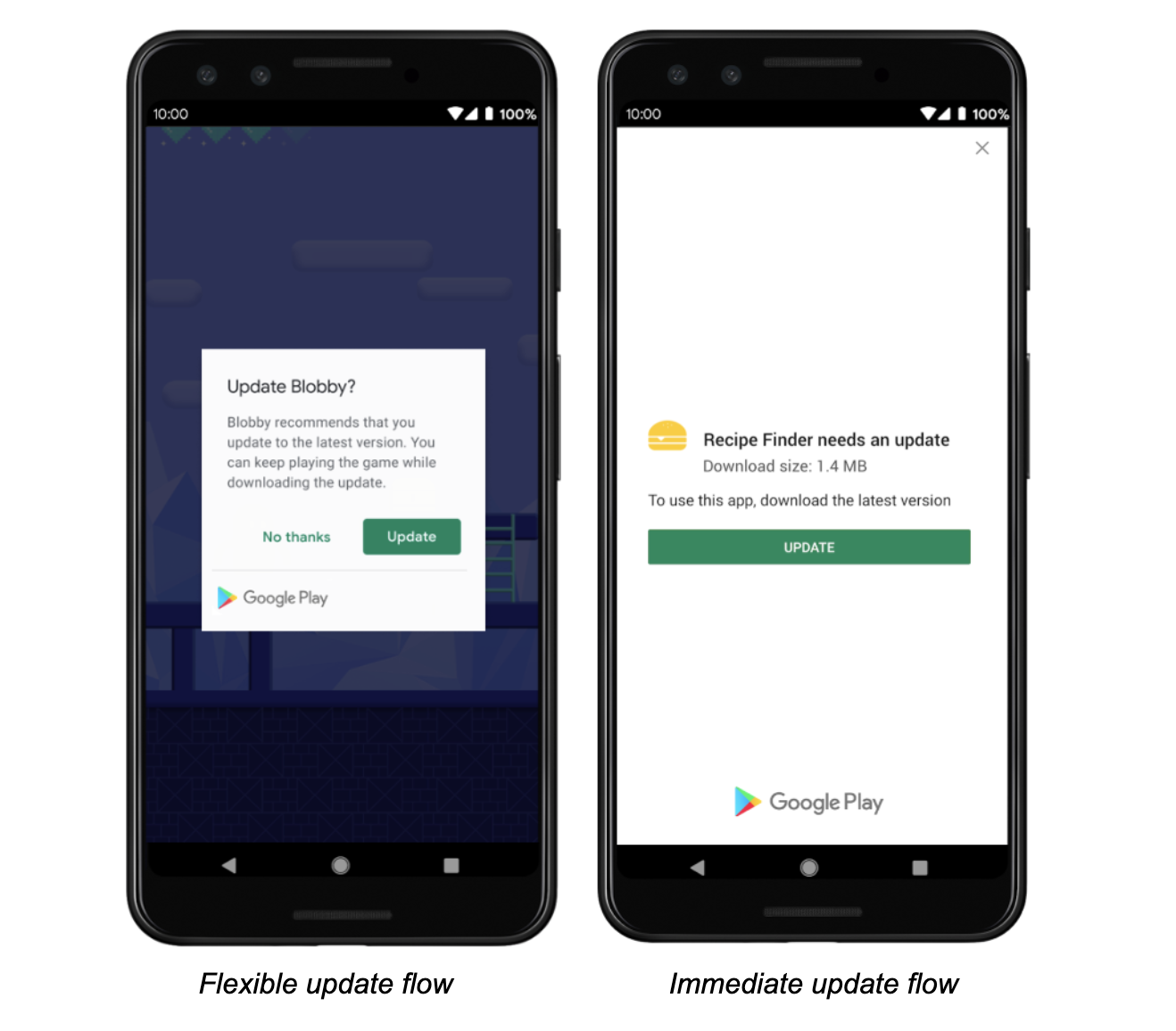
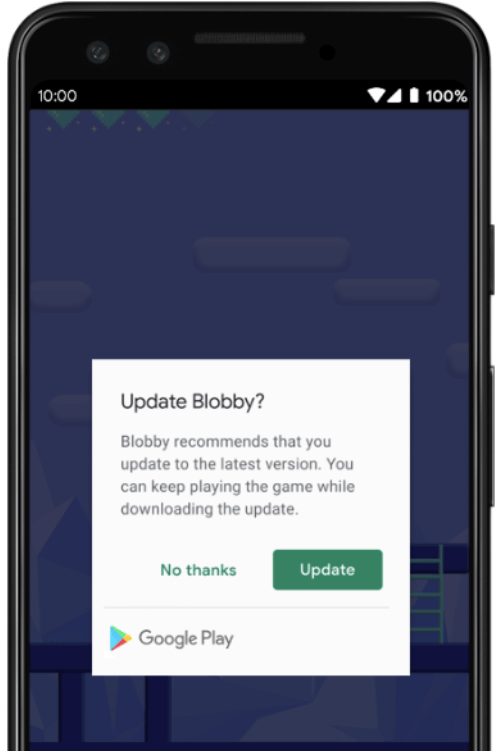
in_app_update 패키지는 공식 Android In-App Updates API를 활용하여 Android에서 원활한 앱 내 업데이트를 가능하게 합니다. 개발자는 앱 내부에서 사용자에게 직접 업데이트를 요청할 수 있어 사용자 유지율을 높이고 새로운 기능 및 보안 패치를 신속하게 제공할 수 있습니다. 이 패키지는 유연한 업데이트와 즉시 업데이트 흐름을 모두 처리하며, 사용자가 Google Play 스토어를 수동으로 방문할 필요 없이 부드러운 업그레이드 경험을 제공합니다. 최소한의 구성으로 Flutter 앱에 쉽게 통합할 수 있습니다.

사용 사례

  • 런타임 중 사용자에게 앱 업데이트 요청하기
  • 즉시 또는 유연한 업데이트 전략 실행
  • 앱 업데이트 채택률 향상
  • 사용자가 최신 버전을 유지하도록 보장하기
  • 외부 앱 스토어 업데이트에 대한 의존도 감소

주요 기능

  • 공식 Android API 통합
  • 유연하고 즉각적인 업데이트 유형 지원
  • 간단한 플러터 인터페이스
  • 자동 업데이트 상태 확인
  • 버전 간 호환성

적합한 대상

  • 안드로이드 전용 플러터 애플리케이션
  • 높은 업데이트 준수를 요구하는 앱
  • 내부에서 앱 라이프사이클을 관리하는 개발자
  • 업데이트 중 사용자 경험을 우선시하는 프로젝트
  • Google Play를 배포에 사용하는 팀

고려 사항

  • 안드로이드 플랫폼에 제한됨
  • Google Play 서비스가 필요합니다
  • iOS를 지원하지 않습니다
  • 업데이트 흐름 상태를 올바르게 처리해야 합니다
  • 추가 권한 또는 구성이 필요할 수 있습니다

원본 README

연결된 소스 저장소의 README 원문 스냅샷입니다. 최신 내용은 저장소에서 확인하세요.

pub package

Maintained by Jonas Bark

in_app_update

Enables In App Updates on Android using the official Android APIs.

https://developer.android.com/guide/app-bundle/in-app-updates

Documentation

The following methods are exposed:

  • Future<AppUpdateInfo> checkForUpdate(): Checks if there's an update available
  • Future<void> performImmediateUpdate(): Performs an immediate update (full-screen)
  • Future<void> startFlexibleUpdate(): Starts a flexible update (background download)
  • Future<void> completeFlexibleUpdate(): Actually installs an available flexible update

Please have a look in the example app on how to use it!

Android

This plugin integrates the official Android APIs to perform in app updated that were released in 2019: https://developer.android.com/guide/app-bundle/in-app-updates

iOS

iOS does not offer such a functionality. You might want to look into e.g. https://pub.dev/packages/upgrader. If you call the methods above on a iOS device you'll run into a not-implemented exception.

Troubleshooting

Getting ERROR_API_NOT_AVAILABLE error

Be aware that this plugin cannot be tested locally. It must be installed via Google Play to work. Please check the official documentation about In App Updates from Google:

https://developer.android.com/guide/playcore/in-app-updates/test

Update does not work on old Android versions

In App Updates are only available from API Versions >= 21, as mentioned here.

카테고리

소스 저장소

이 패키지를 사용하는 프로젝트

순위