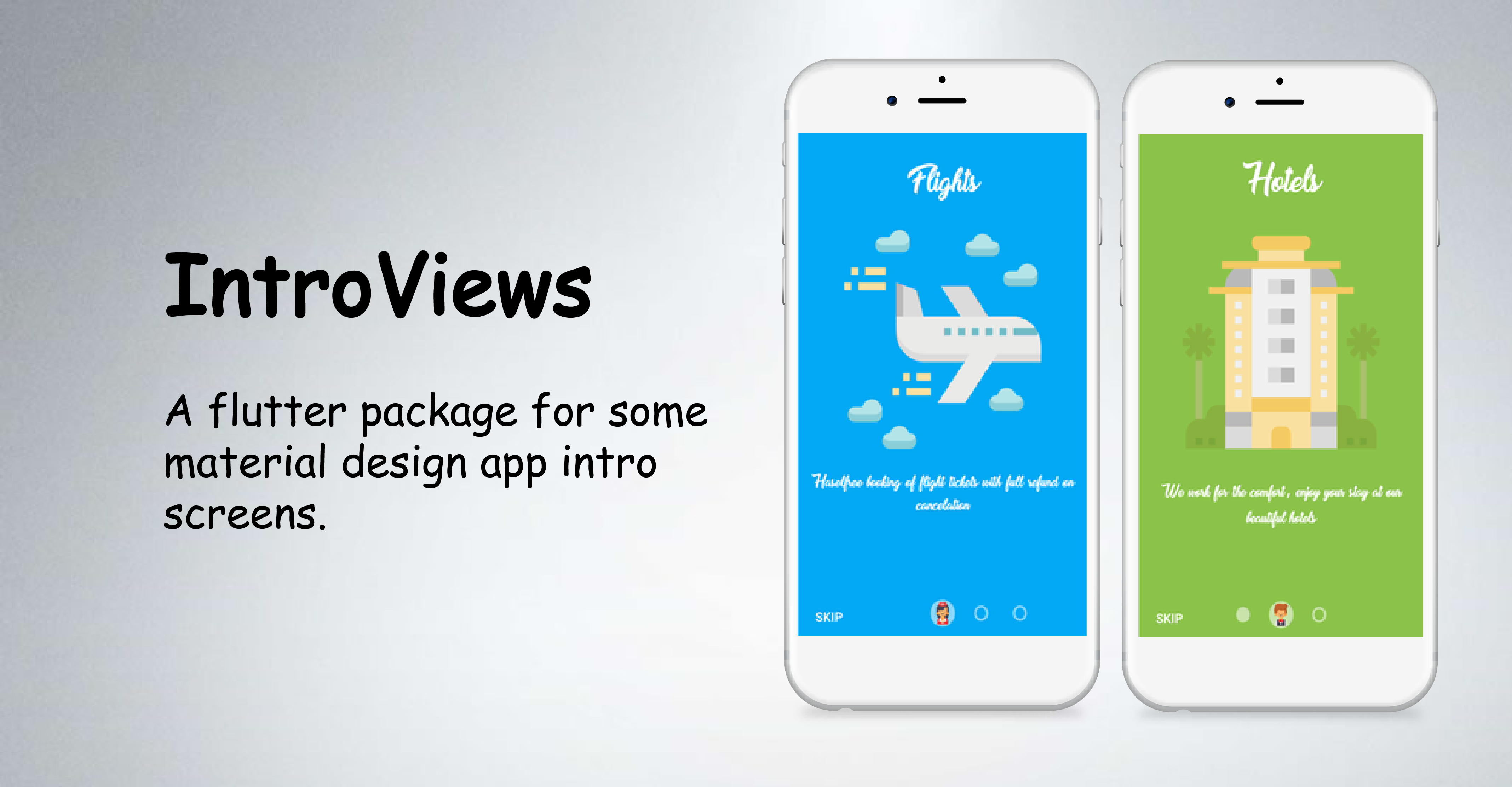
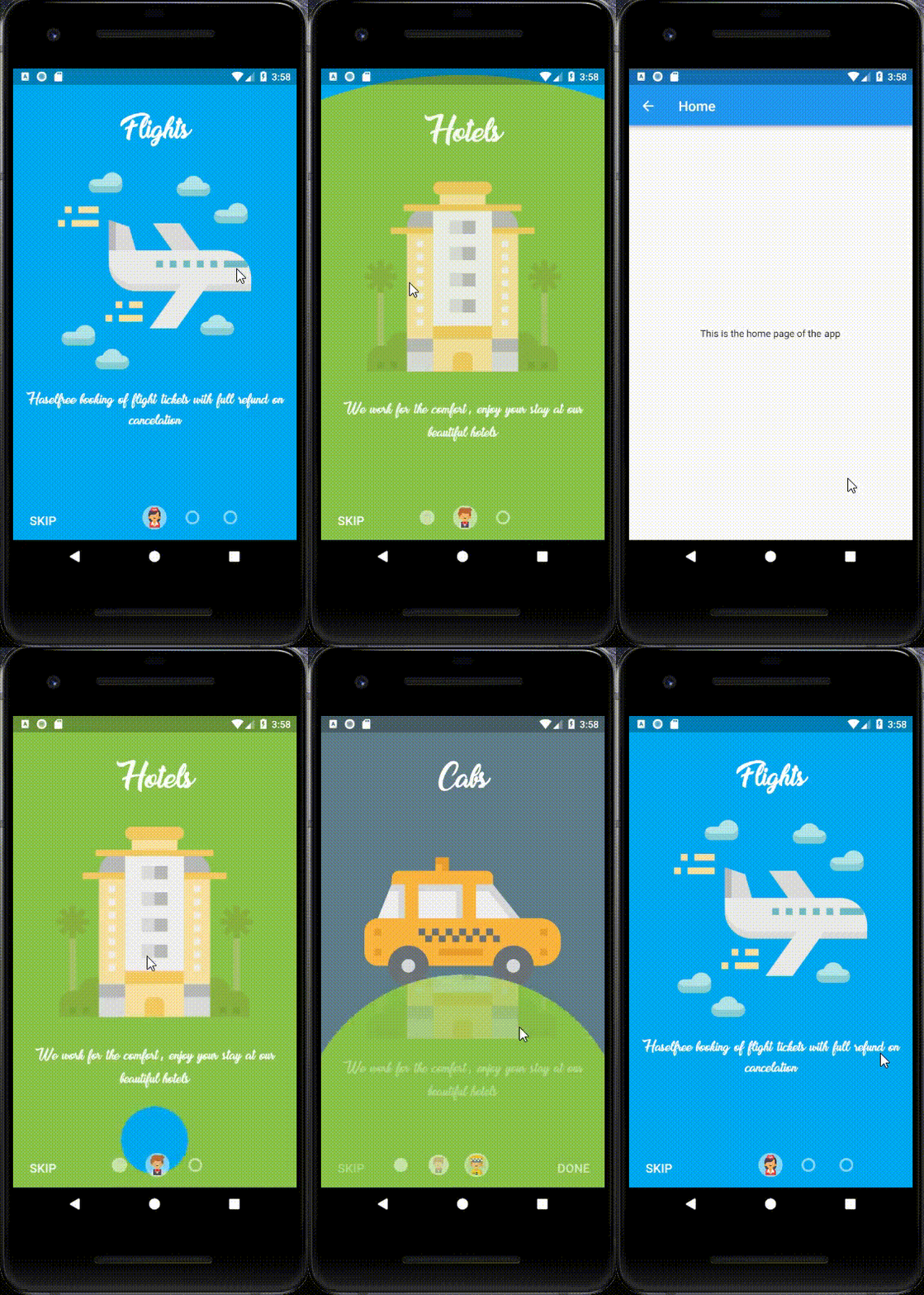
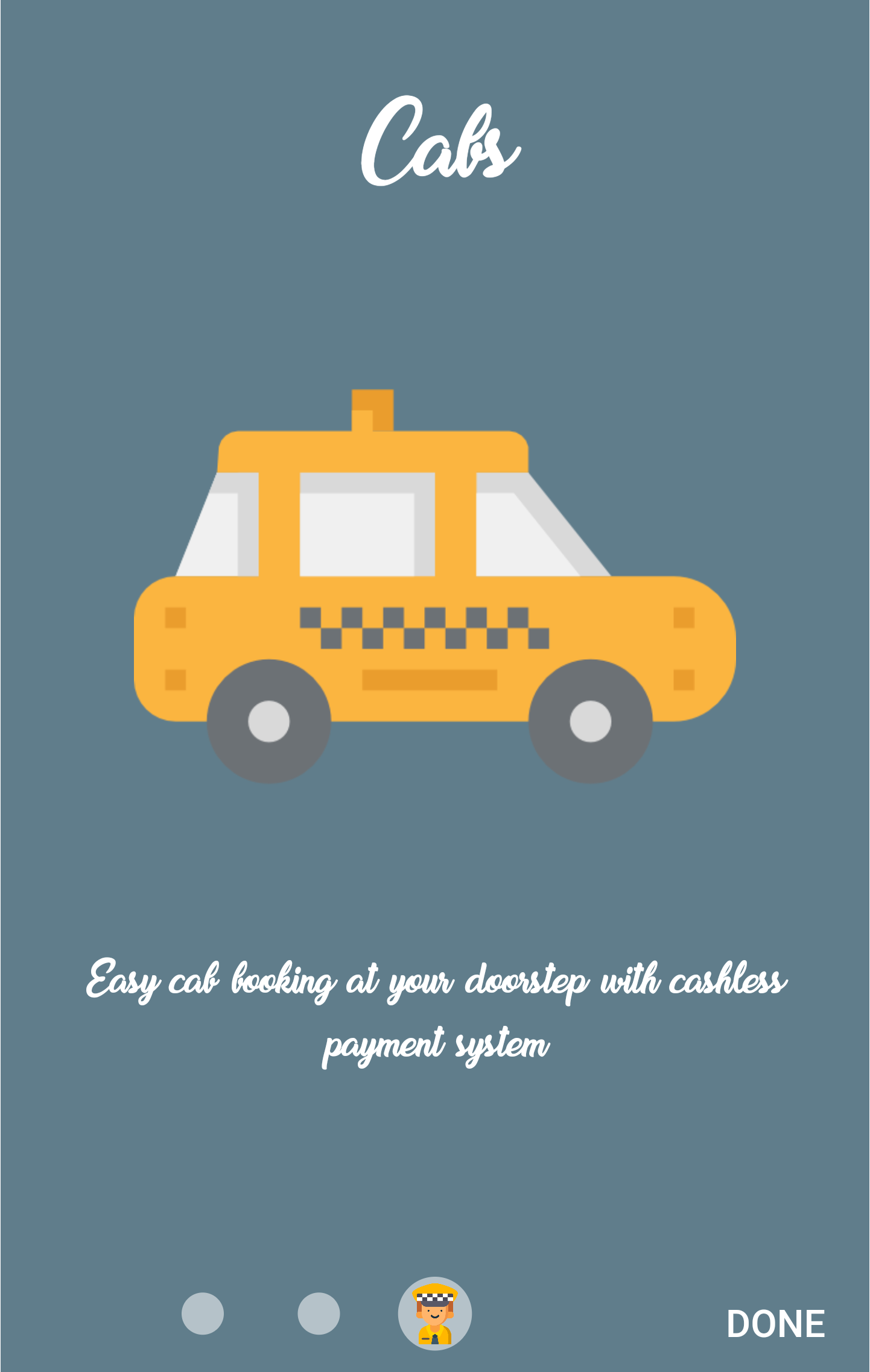
IntroViewsFlutter는 매트리얼 디자인 미학을 갖춘 세련되고 애니메이션 효과가 있는 온보딩 화면을 만들기 위해 설계된 Flutter 패키지입니다. 앱용 소개 슬라이드의 구현을 간소화하며, 각 슬라이드에 맞춤형 콘텐츠와 부드러운 전환 효과를 제공합니다. 새로운 사용자가 앱 기능이나 튜토리얼을 안내받는 데 이상적이며, Android, iOS, Web, macOS, Windows, Linux 등 여러 플랫폼을 지원합니다. 패키지에는 내장된 애니메이션과 Flutter 프로젝트에 쉽게 통합할 수 있는 위젯이 포함되어 있습니다.
사용 사례
모바일 앱을 위한 온보딩 화면
사용자 튜토리얼 인터페이스
앱 기능 안내
스플래시 화면 대안
다중 슬라이드 환영 경험
주요 기능
매터리얼 디자인 준수
내장 슬라이드 애니메이션
사용자 정의 가능한 슬라이드 콘텐츠
여러 플랫폼을 지원합니다
빠른 설정을 위한 간단한 API
반응형 레이아웃 처리
적합한 대상
새로운 앱 개발자
제품 온보딩 흐름
미니멀리스트 UI 디자인
크로스 플랫폼 애플리케이션
빠른 프로토타이핑
고려 사항
기본 스타일링을 넘어서는 사용자 정의가 제한적
복잡한 애니메이션을 위해 추가적인 노력이 필요할 수 있습니다
Flutter의 애니메이션 프레임워크에 의존합니다
높은 상호작용을 필요로 하는 온보딩에는 적합하지 않음
간단하고 선형적인 인트로 시퀀스에 가장 적합
원본 README
연결된 소스 저장소의 README 원문 스냅샷입니다. 최신 내용은 저장소에서 확인하세요.
IntroViews is inspired by Paper Onboarding and developed with love from scratch. Checkout our fully responsive live example app.
Note : If you added more than four pages in the list then there might be overlapping between page icons and skip button, so my suggestion is just make the showSkipButton: false.
Documentation
PageViewModel Class
Dart attribute
Datatype
Description
Default Value
pageColor
Color?
Set color of the page.
Null
pageBackground
Widget
Set a widget as a background of the whole page (pageColor has priority)
Null
mainImage
Image / Widget
Set the main image of the page. If null, then the widget is omitted.
-
title
Text / Widget
Set the title text of the page. If null, then the widget is omitted.
-
body
Text / Widget
Set the body text of the page. If null, then the widget is omitted.
-
iconImageAssetPath
String?
Set the icon image asset path that would be displayed in page bubble.
If you encounter any problems feel free to open an issue. If you feel the library is missing a feature, please raise a ticket on GitHub and I'll look into it. Pull request are also welcome.