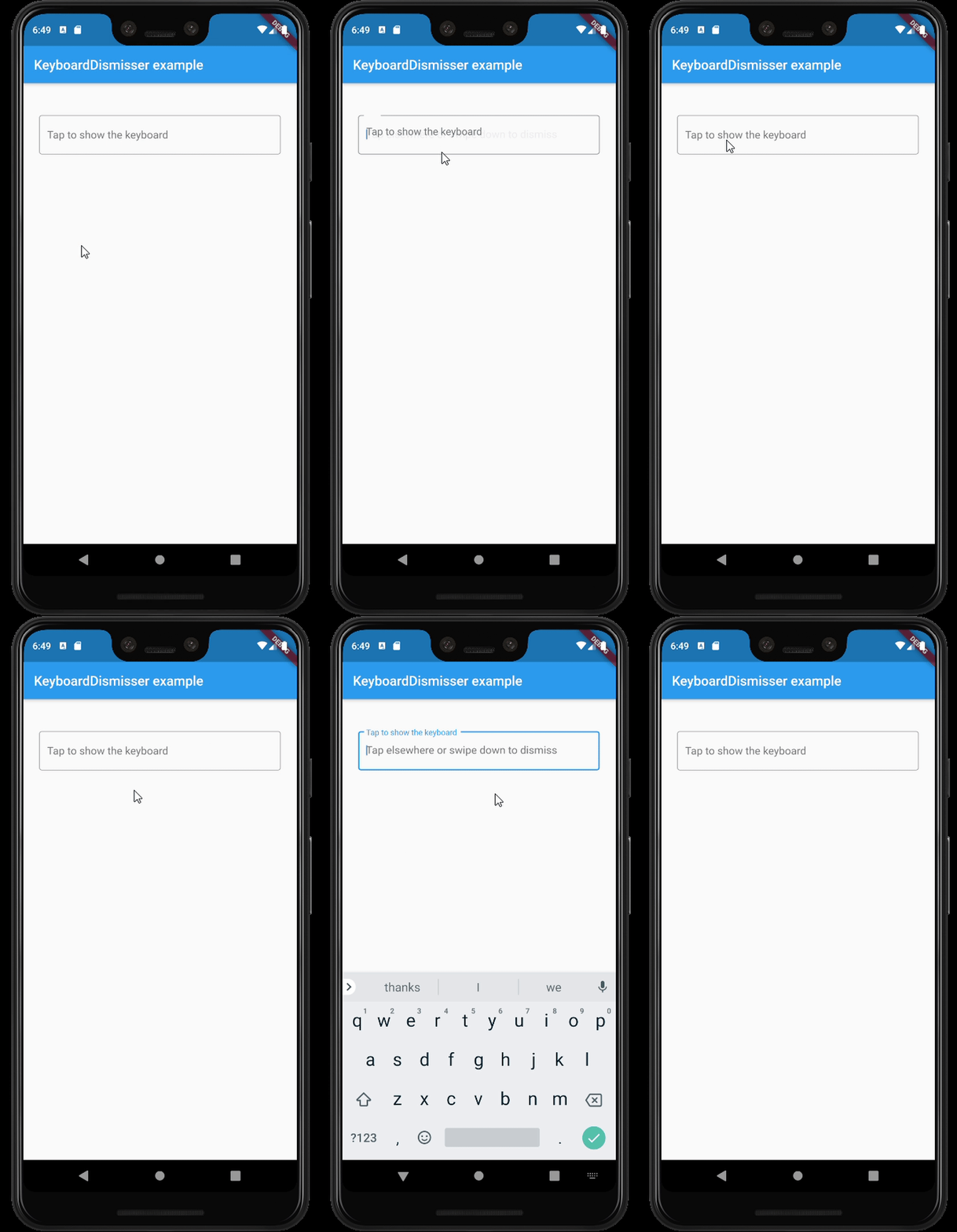
사용자가 텍스트 입력 필드 외부를 탭할 때 키보드를 자동으로 닫는 가벼운 플러터 패키지입니다. 전용 버튼이나 수동 조작 없이도 원활하게 키보드를 닫을 수 있도록 사용자 경험을 향상시킵니다. 이 패키지는 모바일, 웹, 데스크톱을 포함한 모든 주요 플랫폼에서 작동하며, 양식 및 입력 중심 인터페이스에 이상적입니다. 기존 위젯과 쉽게 통합되며 최소한의 설정만 필요합니다.
사용 사례
자주 키보드 전환을 하는 폼 입력
직관적인 키보드 종료가 필요한 모바일 및 웹 앱
텍스트 필드가 있는 데스크톱 애플리케이션
채팅 또는 메시징 인터페이스에서 UX 향상
추가적인 닫기 버튼을 제거하여 혼잡함을 줄입니다
주요 기능
외부 터치 시 자동으로 키보드 숨기기
크로스 플랫폼 호환성
최소 코드 통합
모든 입력 유형을 지원합니다
추가 종속성 없음
적합한 대상
간단한 키보드 관리를 원하는 개발자
여러 텍스트 필드를 가진 앱
사용자 경험 중심의 애플리케이션 설계
다중 플랫폼을 대상으로 하는 프로젝트
고려 사항
다른 제스처 감지기와 충돌할 수 있습니다
복잡한 제스처 상호작용에 적합하지 않음
위젯 트리 내에서 신중한 배치가 필요합니다
제한된 사용자 정의 옵션
키보드 표시를 프로그래밍 방식으로 처리하지 않음
원본 README
연결된 소스 저장소의 README 원문 스냅샷입니다. 최신 내용은 저장소에서 확인하세요.
keyboard_dismisser
A simple Flutter package to hide the keyboard when performing a gesture outside of it.
Features
By default, dismisses the keyboard when tapping outside of it on an inactive widget.
Supports several gestures at the same time.
Supports all the gestures available in Flutter's GestureDetector.
Supports directional swipes to dismiss the keyboard.
Can be applied to a whole page by wrapping its Scaffold.
Can be applied to a whole app, by wrapping its MaterialApp, WidgetsApp, or CupertinoApp.
Customizable drag start behavior and gesture hit testing behavior.
Can be excluded from the semantics tree.
Usage
This package exposes a KeyboardDismisser stateless widget. You can wrap your widget with it, and
your widget will be able to dismiss the keyboard when performing a gesture.
KeyboardDismisser takes a gestures parameter, which is a list of GestureType enum cases. This
way, you can pass any gesture you like for the keyboard dismissal. By default, KeyboardDismisser
will dismiss the keyboard when tapping outside of it, but it handles several gestures at the
same time.