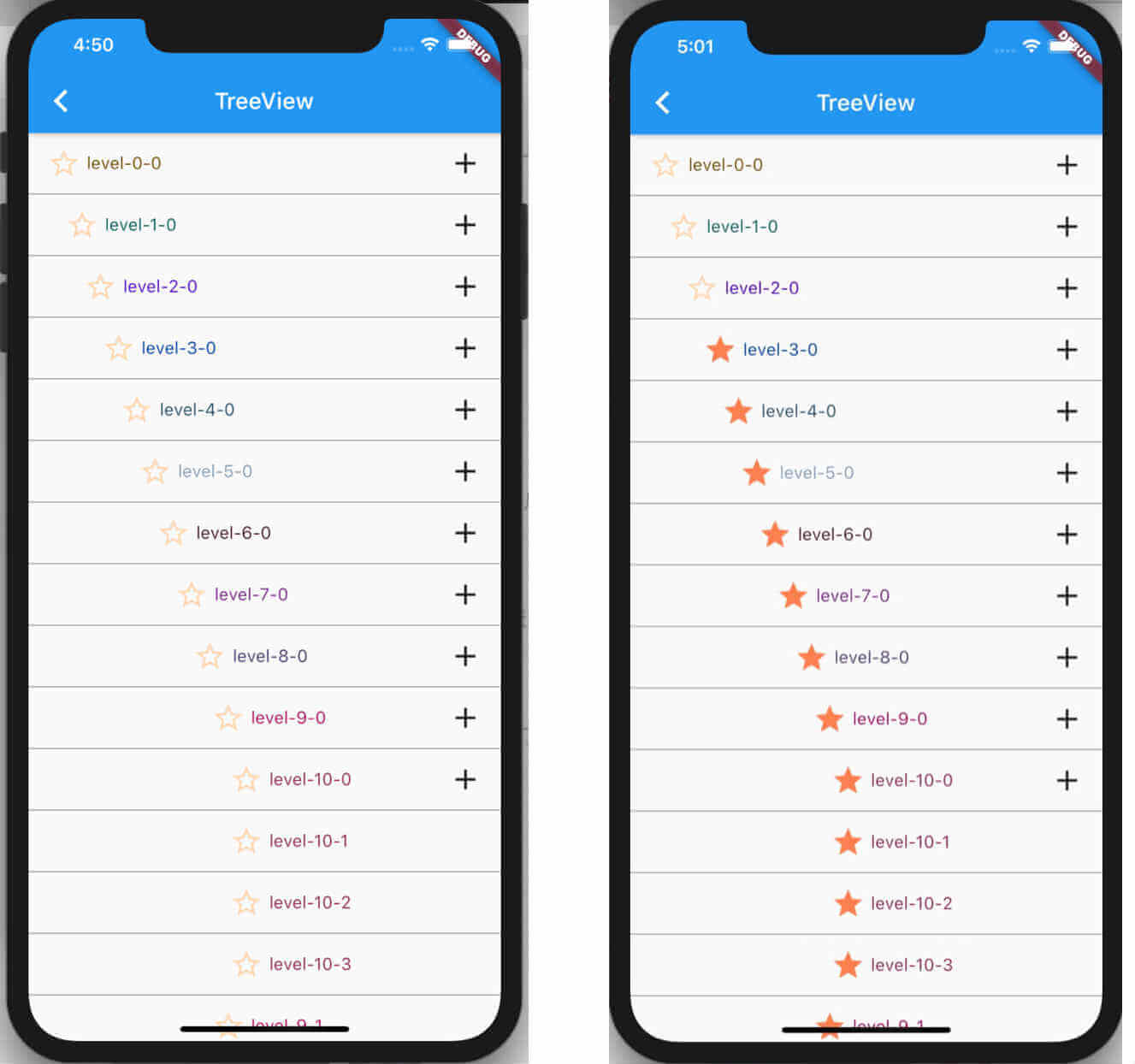
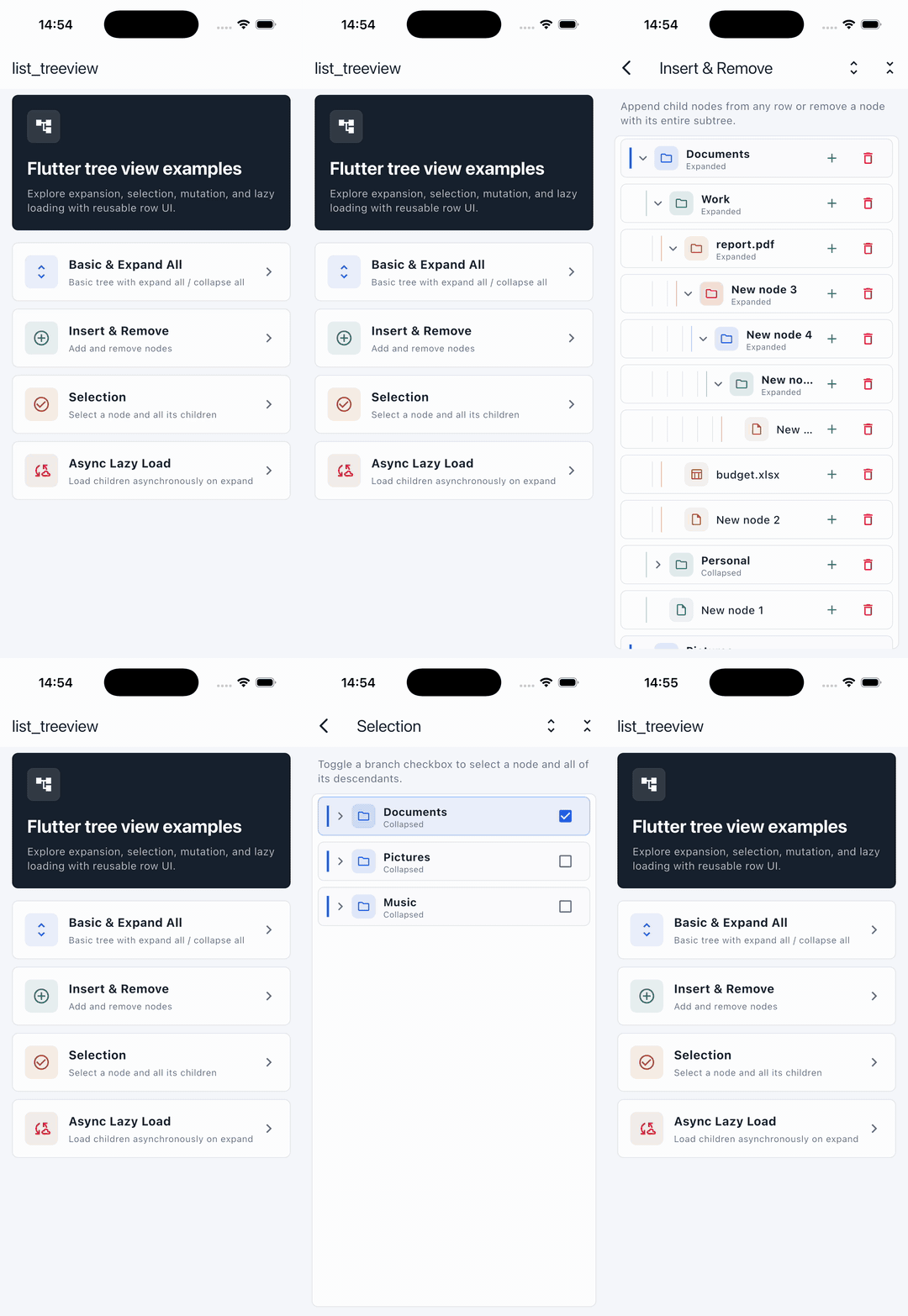
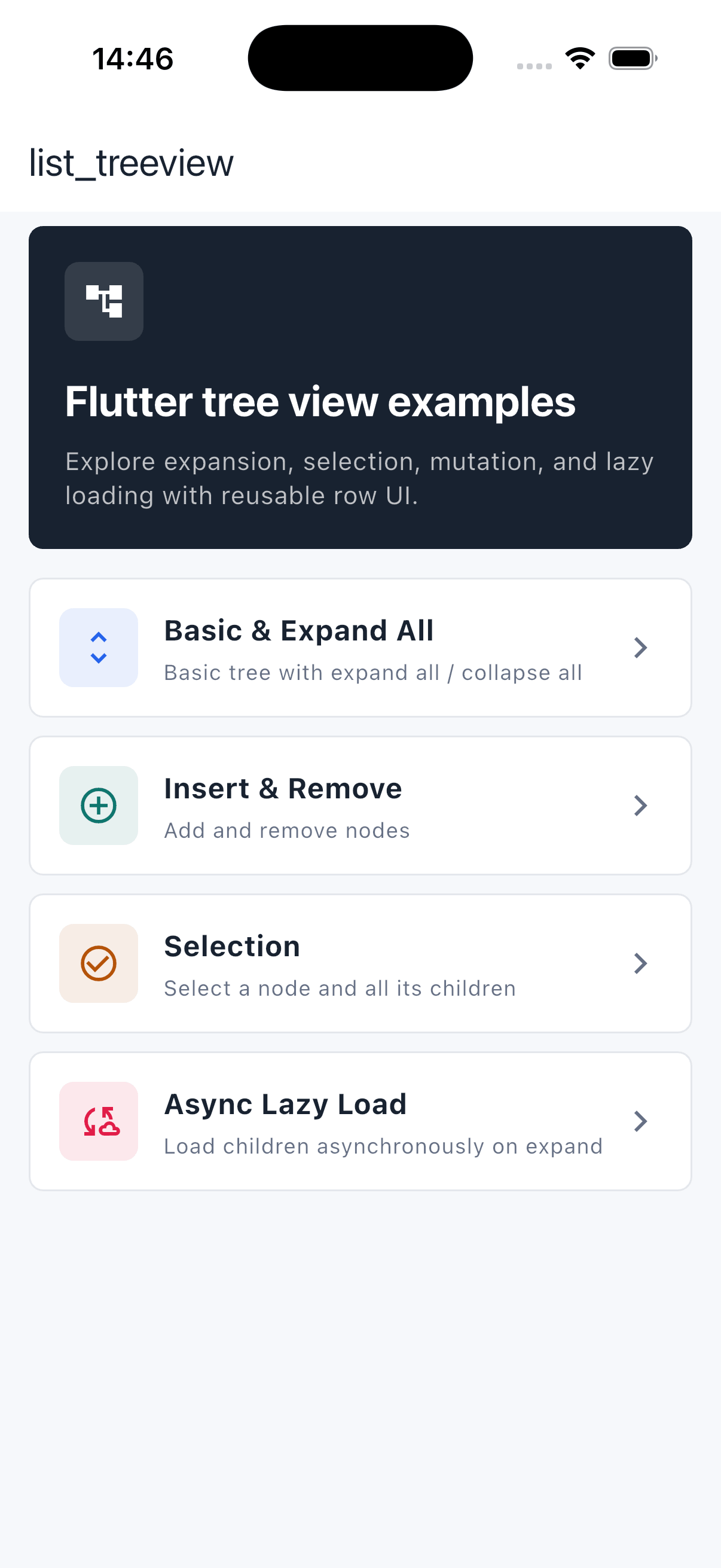
ListTreeView는 ListView 기반의 트리 뷰 UI 컴포넌트를 제공하는 Flutter 패키지로, 자식 레벨과 노드의 무한 중첩을 지원합니다. 분기의 동적 확장 및 축소를 지원하여 파일 시스템, 조직도 또는 중첩된 카테고리와 같은 계층적 데이터를 표시하는 데 이상적입니다. 이 패키지는 가볍고 기존의 Flutter 앱과 원활하게 통합됩니다. Android, iOS, macOS, Windows, Linux 등 주요 플랫폼에서 모두 작동합니다.
Your data class must extend NodeData. Beyond that you can add any
properties you like. Make your own fields nullable (or give them defaults) so
they remain optional.
/// The data bound to each node./// You must extend [NodeData]; everything else is up to you.classTreeNodeDataextendsNodeData{
TreeNodeData({this.label, this.color}) : super();
finalString? label;
finalColor? color;
}
3. Provide the data
Build your node hierarchy with addChild and hand the root-level nodes to the
controller via treeData. Data can be loaded synchronously or asynchronously.
Future<void> loadData() async {
// Data may be fetched asynchronously.awaitFuture.delayed(constDuration(seconds: 1));
final colors = TreeNodeData(label: 'Colors');
colors.addChild(TreeNodeData(
label: 'rgb(0,139,69)', color: constColor.fromARGB(255, 0, 139, 69)));
colors.addChild(TreeNodeData(
label: 'rgb(0,191,255)', color: constColor.fromARGB(255, 0, 191, 255)));
final shapes = TreeNodeData(label: 'Shapes');
shapes.addChild(TreeNodeData(label: 'Circle'));
shapes.addChild(TreeNodeData(label: 'Square'));
// Set the root-level nodes.
_controller.treeData([colors, shapes]);
setState(() {});
}
4. Build the tree
Render the tree with ListTreeView. Inside itemBuilder, cast the NodeData
back to your own type and use level to indent each row.
ListTreeView(
controller: _controller,
itemBuilder: (BuildContext context, NodeData data) {
final item = data asTreeNodeData;
returnPadding(
padding: EdgeInsets.only(left: item.level * 16.0),
child: ListTile(
title: Text(item.label ?? ''),
// Show a chevron only for nodes that have children.
trailing: item.children.isNotEmpty
? Icon(item.isExpand ? Icons.expand_less : Icons.expand_more)
: null,
),
);
},
onTap: (NodeData item) => debugPrint('tapped index ${item.index}'),
onLongPress: (NodeData item) => _controller.removeItem(item),
);
By default, tapping a row automatically expands or collapses it
(toggleNodeOnTap is true). Set toggleNodeOnTap: false to drive
expansion yourself with expandOrCollapse.
Operations
Insert
// Insert as the first child of [parent].
_controller.insertAtFront(parent, newNode);

// Append as the last child.
_controller.insertAtRear(parent, newNode);

// Insert at a specific index.
_controller.insertAtIndex(1, parent, newNode);

// Insert several nodes at the front in one call.
_controller.insertAllAtFront(parent, [nodeA, nodeB]);
Pass null as parent to insert at the root level:
_controller.insertAtFront(null, newNode);   // prepend a root node
_controller.insertAtRear(null, newNode);    // append a root node
_controller.insertAtIndex(1, null, newNode); // insert at root index 1
By default a node is inserted only when its parent is expanded. Pass
closeCanInsert: true to insert even when the parent is collapsed:
/// Toggle the node at a visible [index] (e.g. `item.index`).
_controller.expandOrCollapse(item.index);
/// Expand or collapse the whole tree at once.
_controller.expandAll();
_controller.collapseAll();
/// Query the current state.final expanded = _controller.isExpanded(item);
Lazy loading note: child controllers are created only when a parent
expands, so expandAll() expands every node whose children are already
loaded. Nodes that fetch their children asynchronously are skipped until they
have been loaded.
Select
/// Select / deselect a single node.
_controller.selectItem(item);

/// Select / deselect a node together with all of its descendants.
_controller.selectAllChild(item);
Read the result via item.isSelected inside your itemBuilder.
API reference
ListTreeView
Property
Type
Default
Description
controller
TreeViewController
required
Manages the tree data and operations.
itemBuilder
Widget Function(BuildContext, NodeData)
required
Builds the widget for each visible node.
onTap
Function(NodeData)?
null
Called when a row is tapped.
onLongPress
Function(NodeData)?
null
Called when a row is long-pressed.
toggleNodeOnTap
bool
true
Auto expand/collapse a node on tap. Set false to control it yourself.
shrinkWrap
bool
false
Forwarded to the underlying ListView.
reverse
bool
false
Forwarded to the underlying ListView.
padding
EdgeInsetsGeometry
EdgeInsets.all(0)
Padding around the list.
removeTop
bool
true
Remove the top MediaQuery padding.
removeBottom
bool
true
Remove the bottom MediaQuery padding.
TreeViewController
Method
Returns
Description
treeData(List? data)
void
Sets the root-level nodes.
insertAtFront(parent, node, {closeCanInsert})
void
Inserts node as the first child of parent. Pass null for root level.
insertAllAtFront(parent, nodes, {closeCanInsert})
void
Inserts multiple nodes at the front. Pass null for root level.
insertAtRear(parent, node, {closeCanInsert})
void
Appends node as the last child. Pass null for root level.