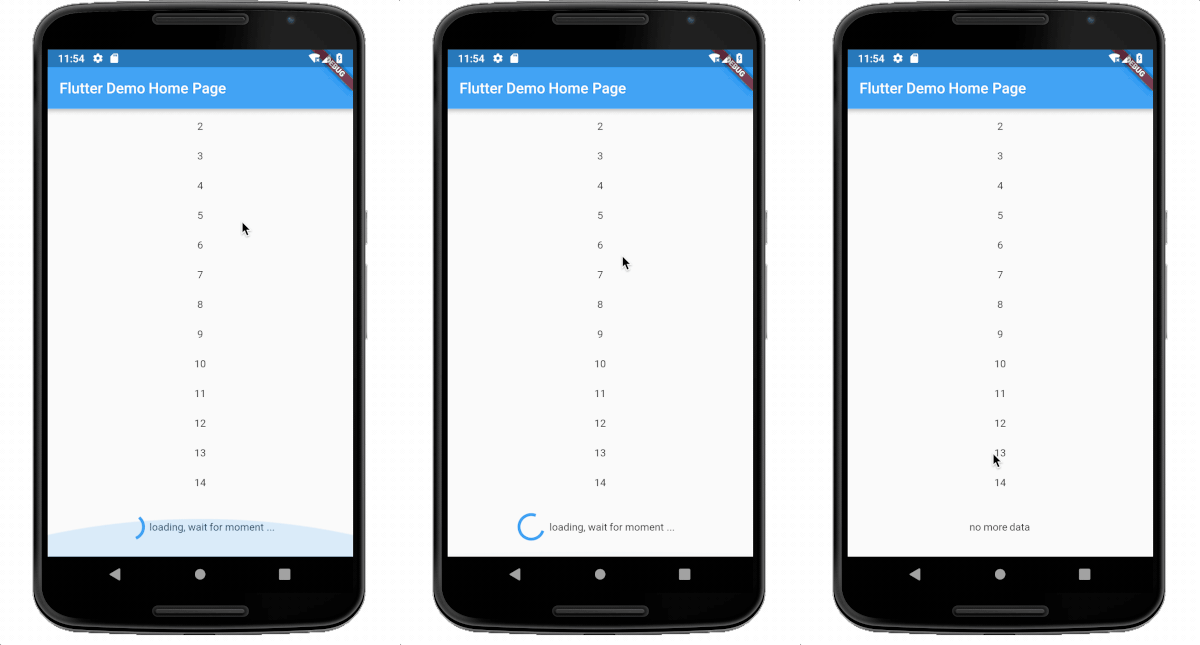
loadmore 패키지는 ListView가 하단에 도달했을 때 데이터 로딩을 트리거하여 Flutter 앱에서 무한 스크롤을 구현하는 것을 간편하게 만듭니다. 개발자가 콘텐츠의 지연로딩을 효율적으로 관리할 수 있도록 도와주며, 메모리 사용량을 줄이고 대규모 데이터셋 렌더링 시 성능을 향상시킵니다. ListView 및 기타 스크롤 가능한 위젯과의 원활한 통합을 위해 설계되었으며, Android, iOS, Web, macOS, Windows, Linux 등 여러 플랫폼을 지원합니다. 이 패키지는 가볍고 사용이 쉬우며, 사용자가 스크롤할 때 부드럽고 필요에 따라 데이터를 가져올 수 있도록 최소한의 설정만으로도 활용 가능합니다.
child: Widget ,required , support ListView ListView.builder ListView.separated, other is not support.
onLoadMore:required A Function , `typedef Future<bool> FutureCallBack();` , reture true is success and status delay,return false or null ,then the status will change to fail.
isFinish: bool, optional, if true, then the status will change to finish ,default is false
delegate: LoadMoreDelegate,optional, see the LoadMoreDelegate class,default is DefaultLoadMoreDelegate
textBuilder: optional, the result will show in loading view ,if you use default delegate. default is DefaultLoadMoreText.chinese,
whenEmptyLoad: bool ,optional, default is true, when [whenEmptyLoad] is true, and when listView children length is 0,or the itemCount is 0,not build loadMoreWidget.
abstractclassLoadMoreDelegate{
constLoadMoreDelegate();
doublewidgetHeight(LoadMoreStatus status) => _defaultLoadMoreHeight; // the loadMore height. default is 80.0DurationloadMoreDelay() => Duration(milliseconds: _loadMoreDelay);// When widget is created, the refresh delay time is triggered.WidgetbuildChild(LoadMoreStatus status); // build your widget in the loadmore widget.
}
other
homePage: https://github.com/CaiJingLong/flutter_listview_loadmore
emailto me : cjl_spy@163.com