Flutter/Dart 패키지로, 로그 출력, 파일에 기록, 그리고 Logz.io, Loki, Graylog (GELF) 등의 서비스로 원격으로 로그를 전송하는 애플리케이션을 제공하여 기본 로깅 기능을 확장합니다. Dart 로깅 패키지와 원활하게 통합되어 개발자가 최소한의 구성으로 로그 메시지를 여러 대상으로 라우팅할 수 있도록 합니다. 디버깅, 모니터링 및 환경 간 중앙 집중식 로그 관리에 적합합니다.
사용 사례
개발 중인 응용 프로그램 디버깅
생산을 위한 중앙 집중형 로그 집계
분석을 위해 로컬 파일에 로그 쓰기
원격 모니터링 서비스로 로그 전송
관측성을 위한 실시간 로그 스트리밍
주요 기능
출력, 파일 및 원격 로깅 대상을 지원합니다
인기 있는 로그 관리 플랫폼과의 통합
Dart 로깅 패키지를 사용한 간편한 설정
사용자 정의 로그 형식 및 필터링
크로스 플랫폼 호환성
사용자 정의 애펜더용 확장 가능한 아키텍처
적합한 대상
크로스플랫폼 플러터 앱을 개발하는 개발자
중앙 집중형 로깅이 필요한 팀
지속적인 로그 저장이 필요한 애플리케이션
관측성 파이프라인을 관리하는 DevOps 엔지니어
JSON 출력을 사용하는 구조화된 로깅을 사용하는 프로젝트
고려 사항
원격 서비스 엔드포인트의 올바른 구성이 필요합니다
파일 애플리더가 적절히 관리되지 않으면 성능에 영향을 줄 수 있습니다
원격 로깅은 네트워크 종속성을 도입한다
생산 환경에서 민감한 데이터가 로그에 기록되지 않도록 하세요
특정 백엔드용으로 추가 종속성이 필요할 수 있습니다
원본 README
연결된 소스 저장소의 README 원문 스냅샷입니다. 최신 내용은 저장소에서 확인하세요.
logging_appenders
Native dart package for logging appenders usable with the logging package.
I am not sure if it is wise to use this in production, but it's great during beta testing with
a handful of users so you have all logs available.
It tries to stay reasonable performant by batching log entries and sending them off only every few
seconds. If network is down it will retry later. (with an ever increasing interval).
Getting Started
After installing package logging and logging_appenders:
import'package:logging/logging.dart';
import'package:logging_appenders/logging_appenders.dart';
final _logger = Logger('main');
voidmain() {
PrintAppender.setupLogging();
// The above code is the same as:// Logger.root.level = Level.ALL;// PrintAppender()..attachToLogger(Logger.root);
_logger.fine('Lorem ipsum');
}
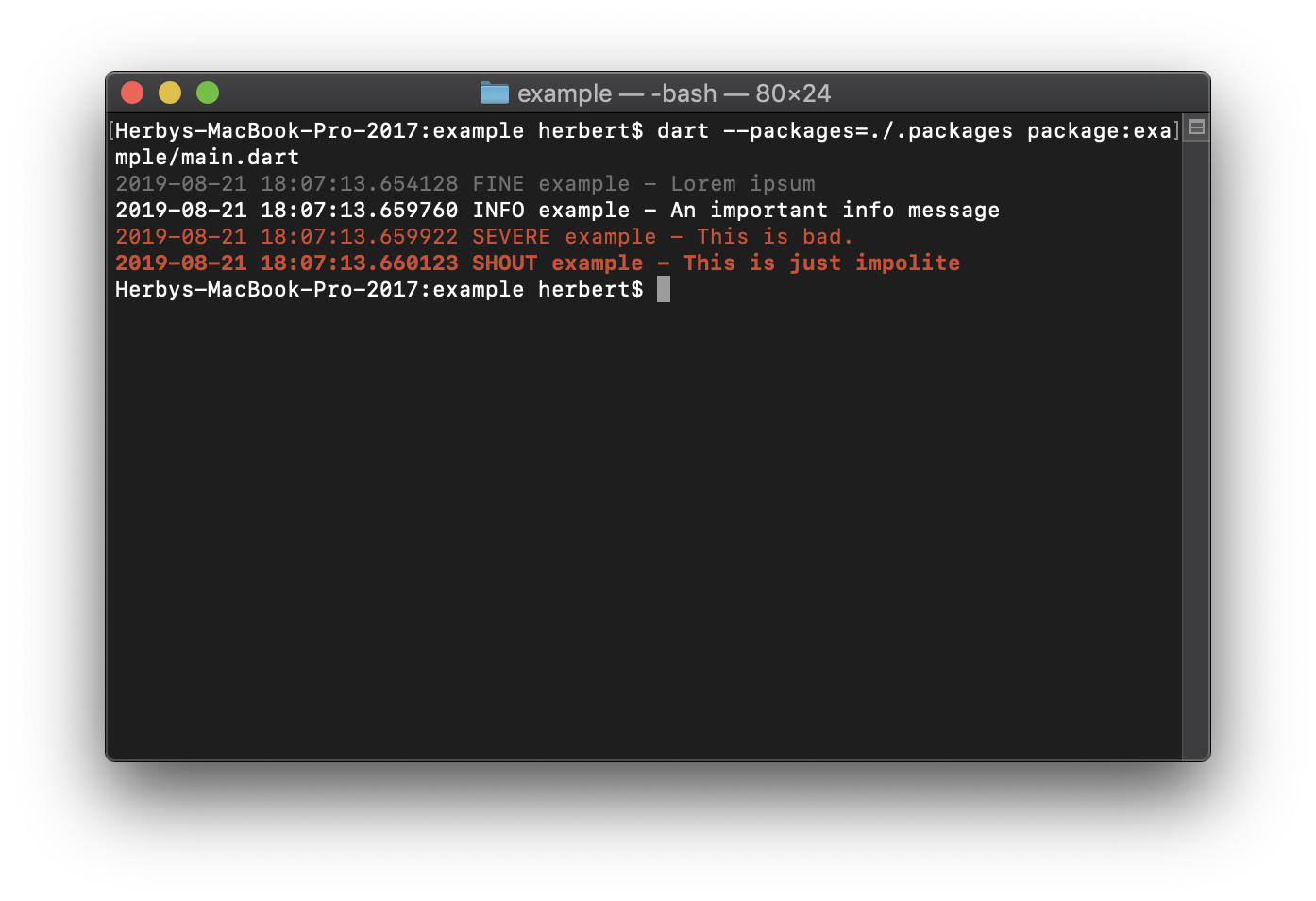
Outputs:
$ dart main.dart
2019-08-1915:36:03.827563 FINE main - Lorem ipsum
Support for Exception chaining
To chain exception you can use the extension method on Exception:
causedBy().
final _logzIoApiSender = LogzIoApiAppender(
// you can find your API key and the required URL from // the logz.io dashboard: https://app-eu.logz.io/#/dashboard/settings/general
apiToken: 'MY API KEY',
url: 'https://listener-eu.logz.io:8071/',
labels: {'app': 'MyApp', 'os': Platform.operatingSystem},
);
_logzIoApiSender.attachToLogger(Logger.root);
// ...If you know that you no longer need the appender. it's good to dispose it:
_logzIoApiSender.dispose();