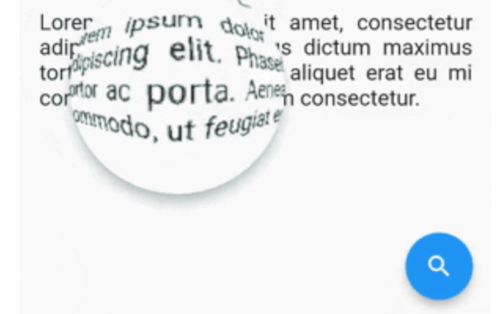
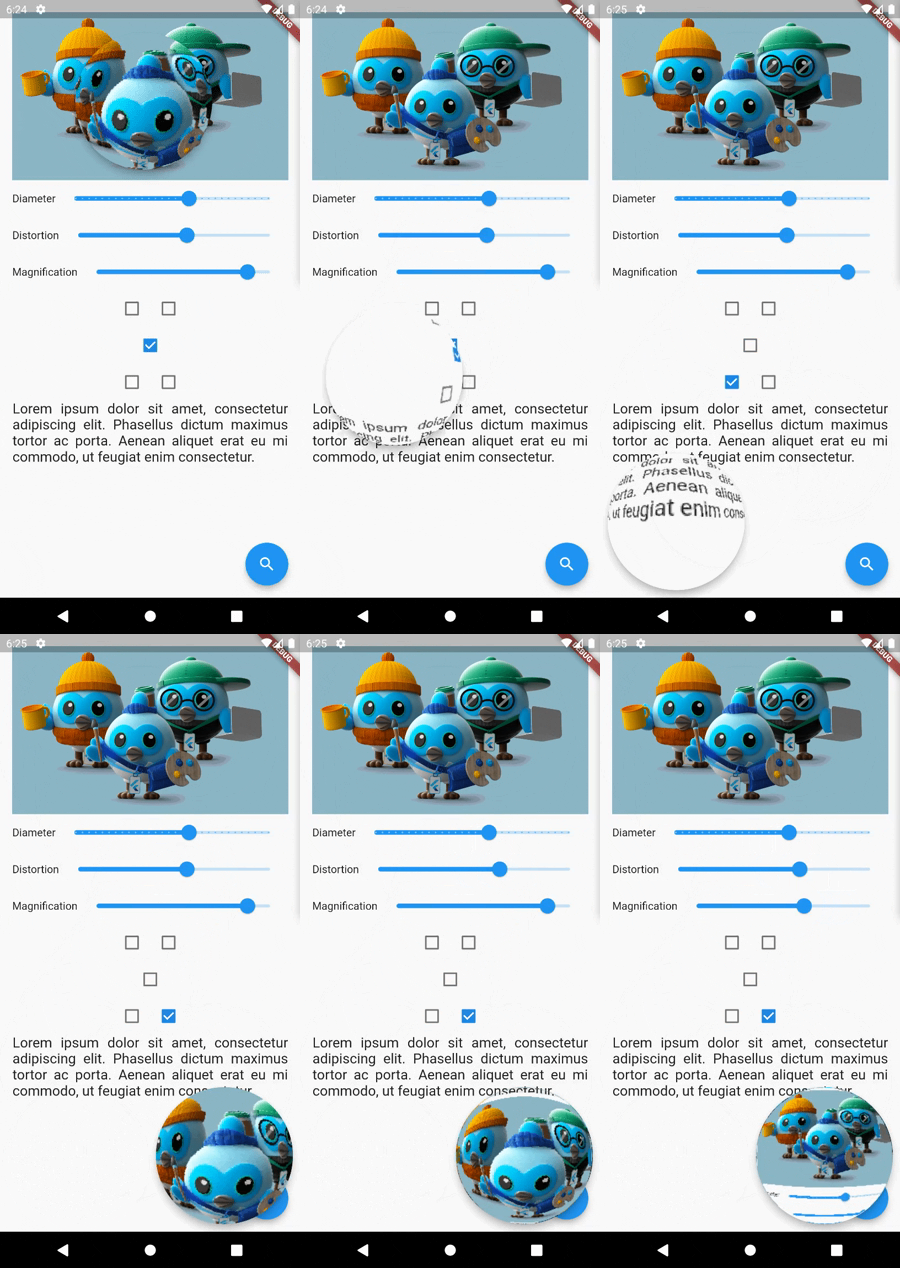
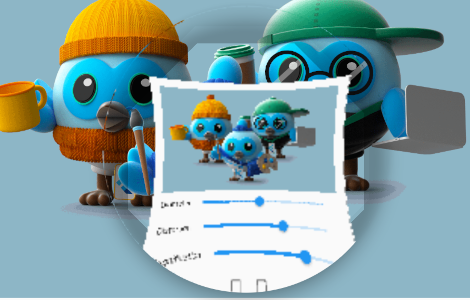
magnifying_glass 패키지는 Flutter용 실시간 확대경 렌즈 위젯을 제공하며, 동적 바렐 및 핀쿠션 왜곡 효과를 갖추고 있습니다. 이미지 뷰어, 교육 도구 또는 접근성 기능과 같은 앱에서 세부 검사를 위한 어떤 콘텐츠든 상호작용식 줌을 가능하게 합니다. 이 위젯은 모바일, 웹, 데스크톱을 포함한 모든 플랫폼에서 부드러운 성능을 위해 쉐이더를 활용합니다. 사용자 정의 가능한 렌즈 크기, 줌 수준 및 위치 제어로 기존 UI에 원활하게 통합할 수 있습니다.
사용 사례
인터랙티브 이미지 검사
접근성 향상
교육 앱 세부 정보
디지털 아트 도구
제품 세부 정보 확대
텍스트 가독성 향상
주요 기능
터치 추적을 통한 실시간 확대
바렐 및 핀쿠션 왜곡 효과
성능을 위한 쉐이더 기반 렌더링
크로스 플랫폼 지원 (Android, iOS, Web, macOS, Windows, Linux)
사용자 정의 가능한 렌즈 크기 및 줌 수준
부드럽고 반응성 있는 상호작용
적합한 대상
상호작용 가능한 줌 기능을 찾는 앱 개발자
접근성 중심 애플리케이션
디자인 및 프로토타이핑 도구
교육 소프트웨어
이미지 편집 유틸리티
고려 사항
복잡한 배경에서 더 높은 GPU 사용률
저사양 기기에서 최적화가 필요할 수 있습니다
텍스트 추출 없이 시각적 확대에 제한
고정밀 측정 작업에 적합하지 않습니다
성능은 쉐이더의 효율에 따라 달라집니다
원본 README
연결된 소스 저장소의 README 원문 스냅샷입니다. 최신 내용은 저장소에서 확인하세요.
MagnifyingGlass Flutter plugin
Flutter real-time magnifying glass lens widget with Barrel/Pincushion distortion.
Getting Started
Make [MagnifyingGlass] widget as the parent of the widget you wish to be used (usually MyHomePage).
Let you control the glass state and parameters: openGlass() closeGlass() setDistortion(double distortion, double magnification) setDiameter(int diameter) refresh()
glassPosition
enum
enum to set the touch behavior or sticky position
glassParams
GlassParams
class to set lens parameters
borderColor
Color
border color
borderThickness
double
border thickness
elevation
double
shadow elevation
shadowOffset
Offset
shadow offset
GlassPosition class
Name
Description
touchPosition
move the glass with finger touch
topLeft
sticky position to top left corner of the screen
topRight
sticky position to top rigth corner of the screen
bottomLeft
sticky position to bottom left corner of the screen
bottomRight
sticky position to bottom right corner of the screen
GlassParams class
Name
Description
startingPosition
the startin glass position. If not given the lens will be placed at the center of the screen.
diameter
the diameter of the glass
magnification
the magnification of the lens 1 means no magnification >1 means magnification <1 means shrinking
distortion
Barrel/Pincushion distortion power 0 means no distortion
padding
the padding surrounding the glass to enlarge touching area