패키지, 저장소 및 앱 카테고리 검색

markdown_editable_textinput 표지
패키지 상세v2.2.0

markdown_editable_textinput

TextField 내의 내용을 쉽게 마크다운으로 변환할 수 있는 TextField 위젯입니다.

30일 다운로드
454
좋아요
191
Pub 점수
60

패키지 설치

flutter pub add markdown_editable_textinput

패키지 개요

공개 정보를 바탕으로 생성한 선택 가이드입니다.

텍스트 입력을 마크다운 형식으로 원활하게 변환하도록 설계된 플러터 텍스트필드 위젯입니다. 사용자가 직접 콘텐츠를 입력하면서 자동으로 마크다운 구문을 적용하여 가벼운 노트 작성이나 리치 텍스트 포맷팅이 필요한 콘텐츠 생성에 이상적입니다. 폼과 에디터에 쉽게 통합되며, 복잡한 설정 없이 실시간 마크다운 렌더링을 제공합니다. 단순성과 사용 용이성을 고려해 제작되었으며, 직관적인 키보드 단축키 또는 수동 태그를 통해 굵게, 기울임, 제목, 목록과 같은 일반적인 마크다운 기능을 지원합니다. 최소한의 구조이지만 강력한 마크다운 입력 솔루션을 찾는 개발자에게 완벽합니다.

사용 사례

  • 간단한 메모 앱
  • 마크다운 기반 콘텐츠 생성
  • 풍부한 텍스트 형식이 적용된 폼 입력
  • 경량 블로그 편집기
  • 실시간 마크다운 미리보기

주요 기능

  • 실시간 마크다운 변환
  • 직관적인 키보드 단축키
  • 일반적인 마크다운 문법을 지원합니다
  • 최소한의 설정 및 통합
  • 깔끔하고 집중적인 사용자 인터페이스 디자인

적합한 대상

  • 경량 편집기를 구축하는 개발자
  • 기본 마크다운 입력이 필요한 앱
  • 텍스트 서식이 있는 교육 도구
  • 마크다운을 사용하는 콘텐츠 창작자
  • 복잡성보다 단순성을 우선시하는 프로젝트

고려 사항

  • 기본 마크다운 기능에 제한됨
  • 내장 미리보기 렌더링 없음
  • 고급 마크다운 파싱에 적합하지 않습니다
  • 복잡한 서식 지정을 수동으로 처리해야 합니다
  • 미리 보기 필요 시 외부 마크다운 렌더링에 의존

원본 README

연결된 소스 저장소의 README 원문 스냅샷입니다. 최신 내용은 저장소에서 확인하세요.

Build Status pub package codecov

markdown_editable_textinput

MarkdownEditableTextInput is a TextField Widget that allow you to convert easily what's in the TextField to Markdown.

Features

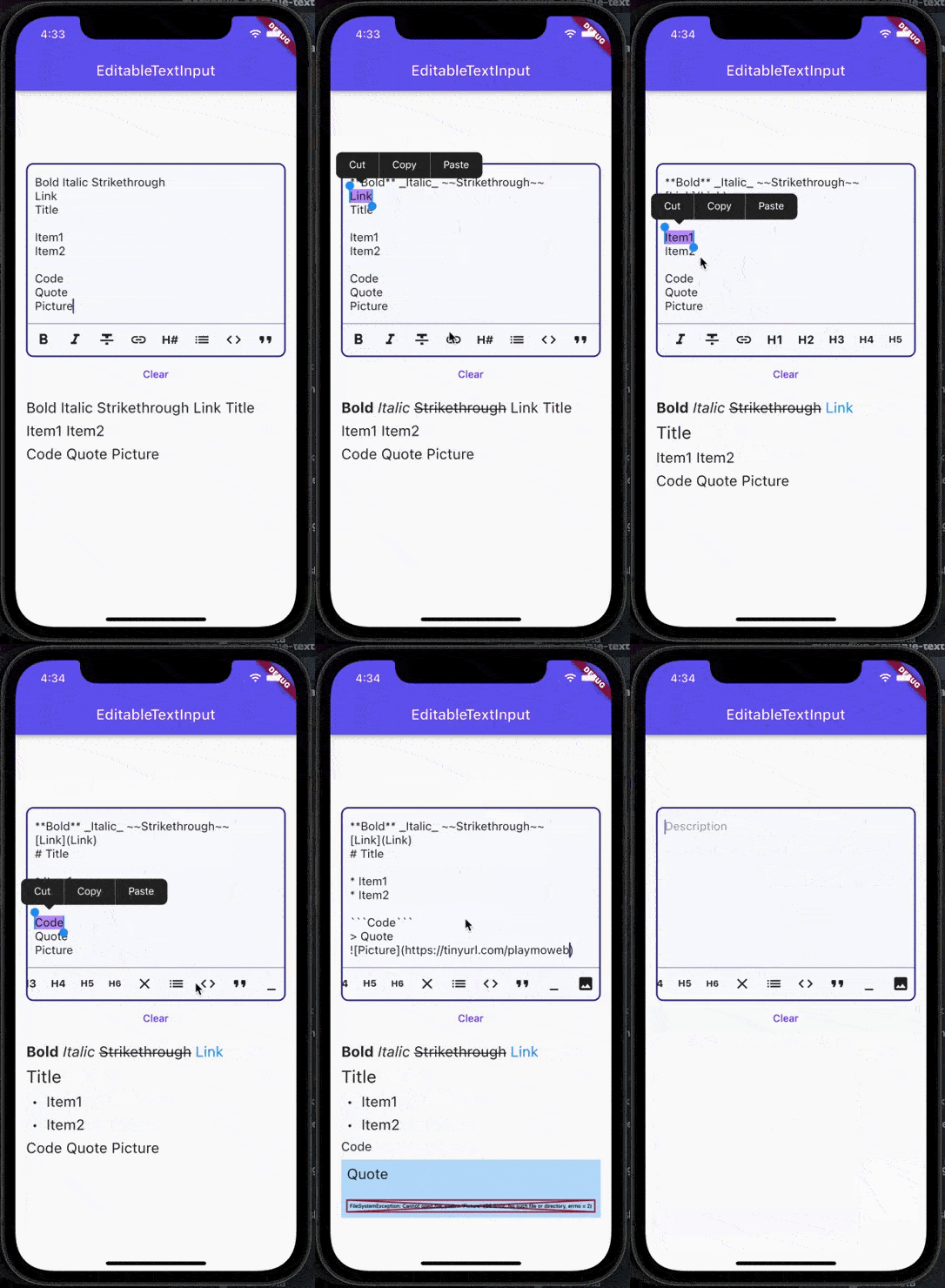
  • [x] Convert to Bold, Italic, Strikethrough
  • [x] Convert to Code, Quote, Links
  • [x] Convert to Heading (H1, H2, H3, H4, H5, H6) and Links
  • [x] Support text direction
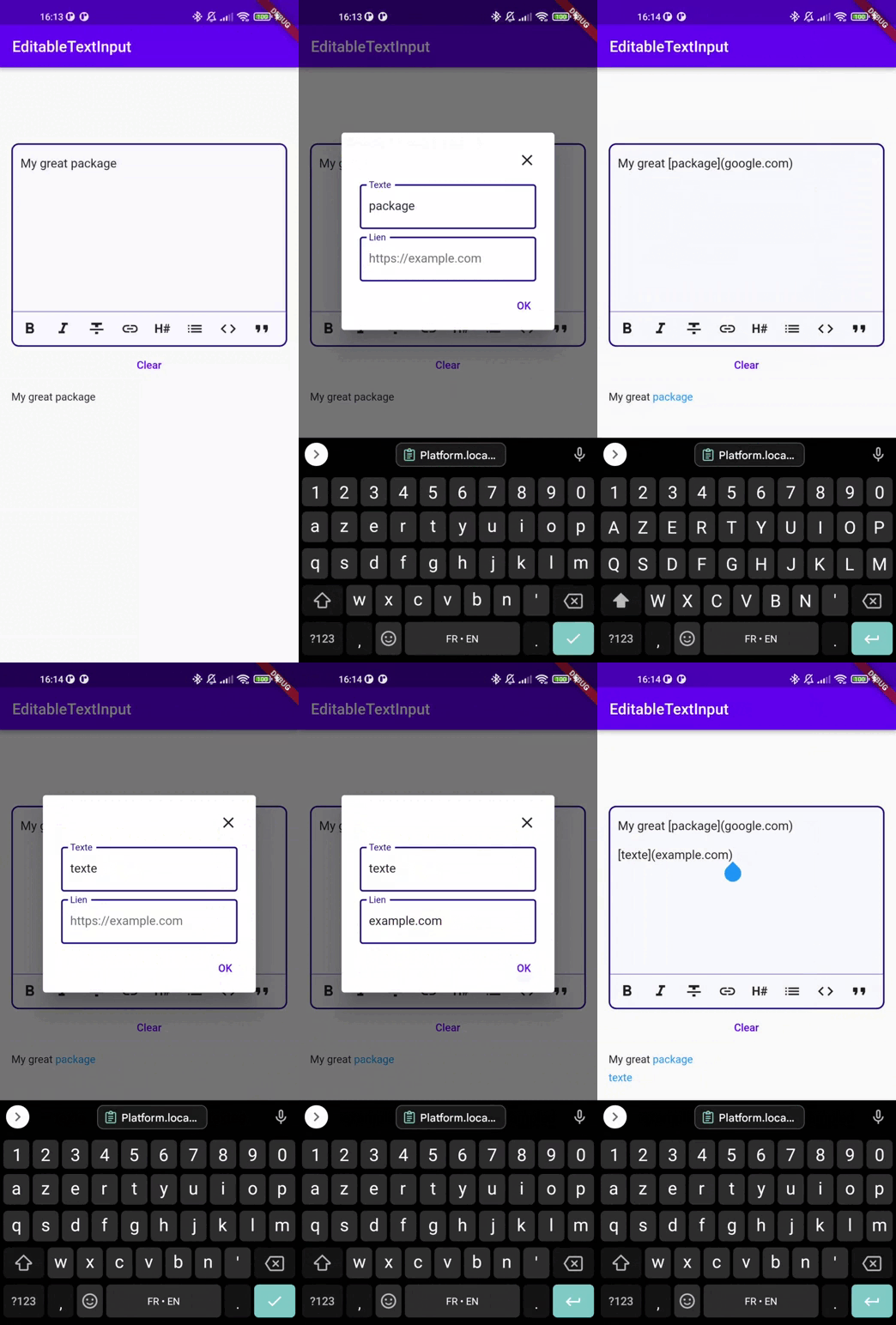
  • [x] Dialog mode to enter link and picture
  • [x] Possibility to add custom buttons to the action bar

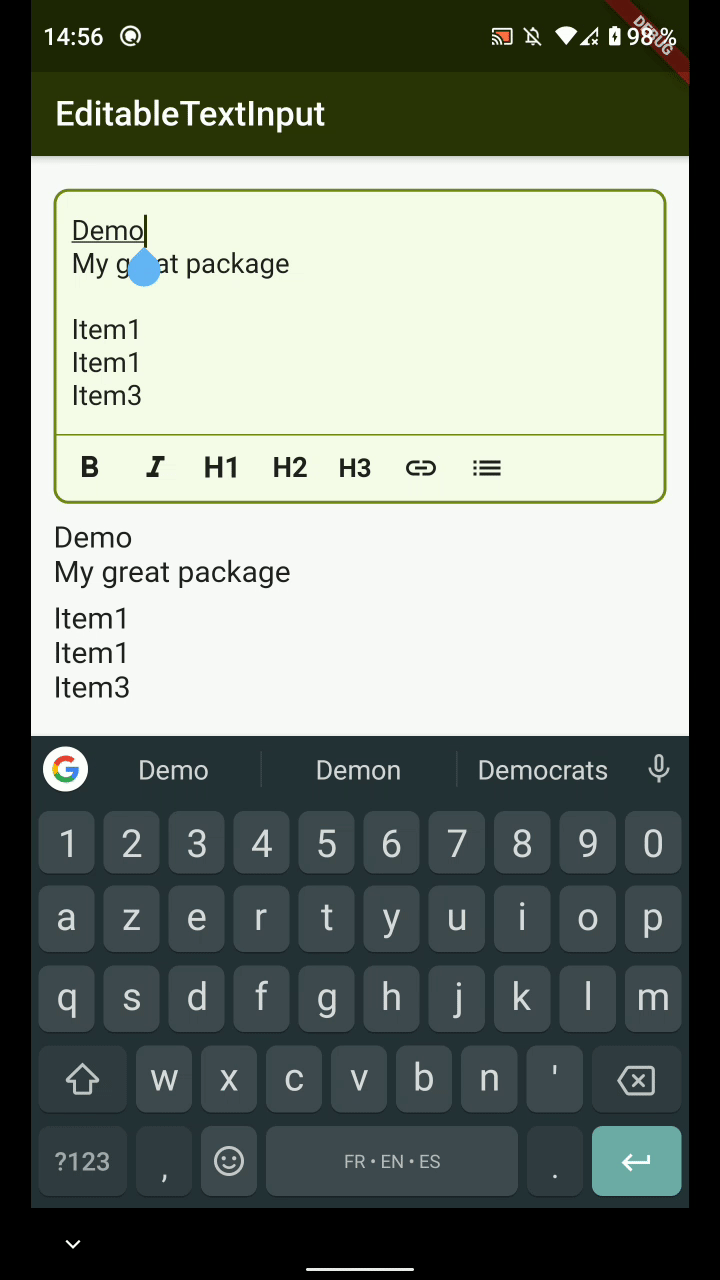
Demo

Link by Dialog demo

Usage

The color of the MarkdownTextInput is defined by the color set in your Theme :

  • primaryColor: Cursor's color
  • colorScheme.secondary: MarkdownTextInput's borders
  • cardColor: Background color of MarkdownTextInput
Attributes
Attributes Example Value Description
Function onTextChanged Callback used to retrieve the text in parent's Widget
String initialValue "Lorem Ipsum" Display an initial value in MarkdownTextInput's field
Function validators Add validators to the MarkdownTextInput
String label "Description" Display a label in MarkdownTextInput
TextDirection textDirection TextDirection.rtl Change text direction
int maxLines 3 The maximum of lines that can be display in the input
List actions [MarkdownType.bold, MarkdownType.italic] Actions the editor will handle
TextEditingController controller TextEditingController() Pass your own controller. Can be used to clear the input for example
TextStyle textStyle Theme.of(context).textTheme.bodyText2 Overrides input text style
bool insertLinksByDialog; true Choose to use dialog or not to insert link
bool insertImageByDialog; true Choose to use dialog or not to insert an image
bool customCancelDialogText; String? Text used by dialog for close dialog action
bool customSubmitDialogText; String? Text used by dialog for validate dialog action
Example

You can see an example of how to use this package here

카테고리

의존성

의존성 목록 3 개

소스 저장소

이 패키지를 사용하는 프로젝트