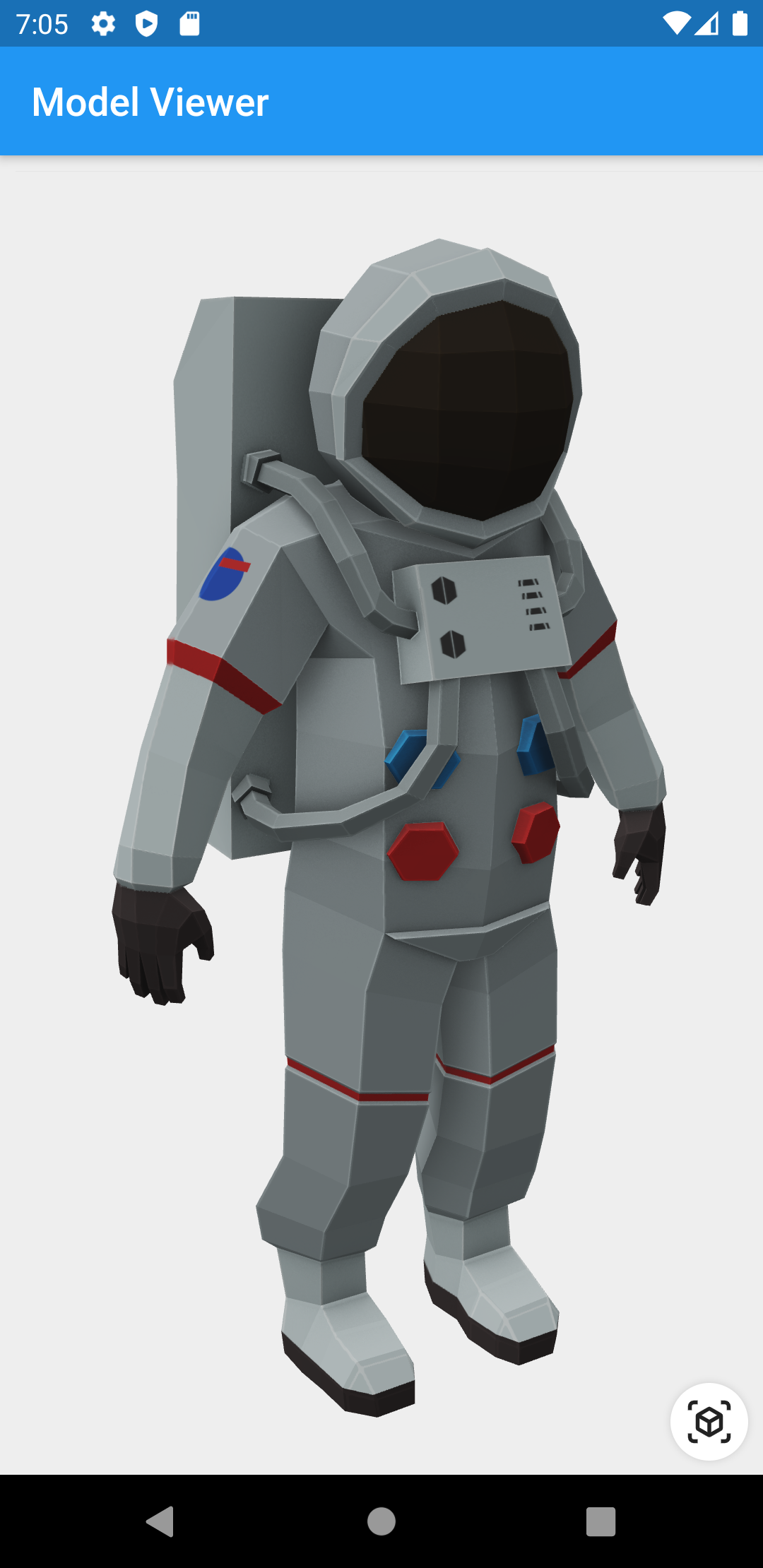
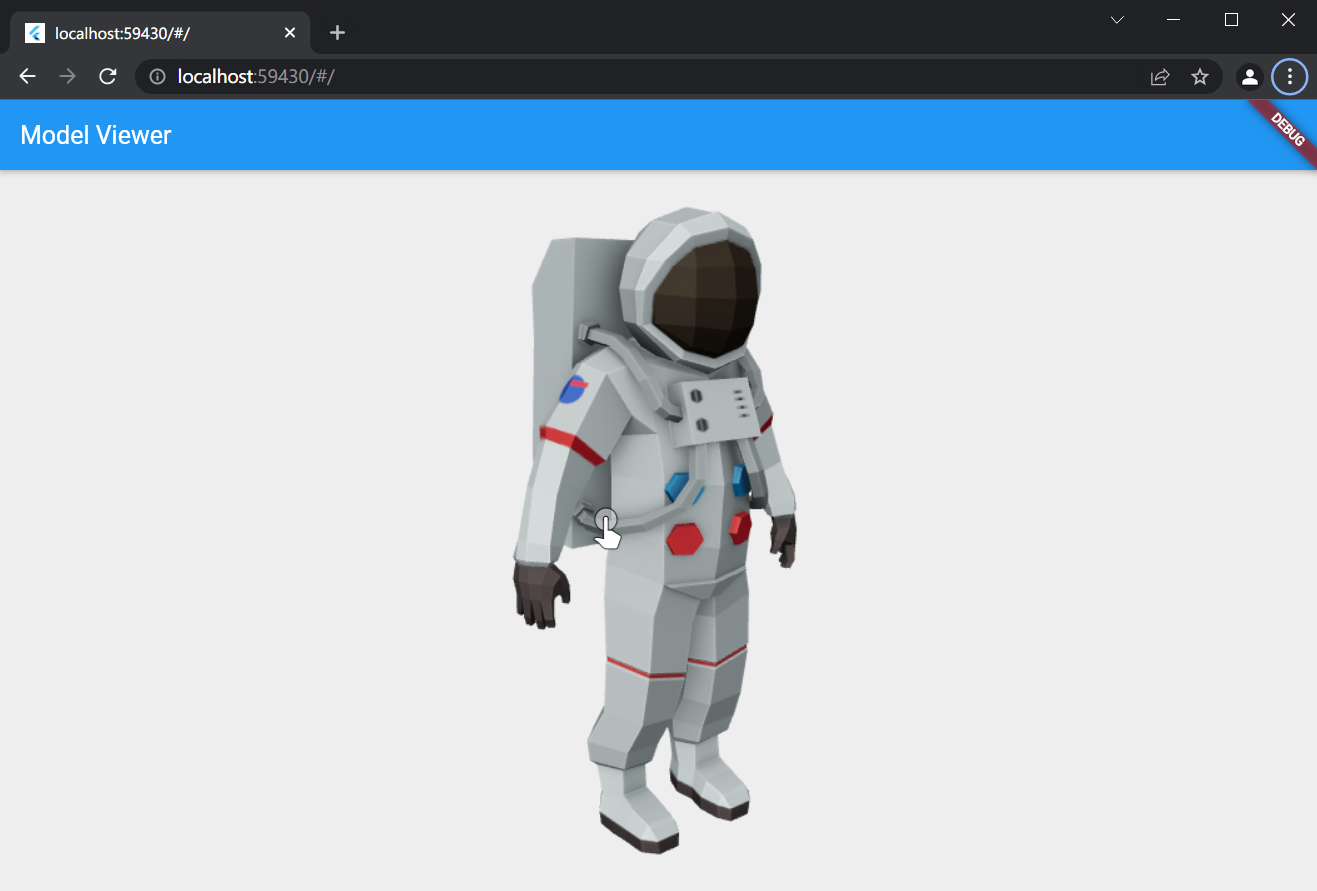
model_viewer_plus는 Android, iOS 및 웹 플랫폼에서 glTF 및 GLB 형식의 3D 모델을 렌더링하고 상호작용할 수 있도록 해주는 Flutter 위젯입니다. Flutter 애플리케이션 내에서 몰입형 3D 콘텐츠를 표시하기 위한 직관적인 인터페이스를 제공하며, 회전, 줌, 패닝 기능을 지원합니다. 웹의 <model-viewer> 요소 위에 구축되어 있으며, 네이티브 Flutter와 현대적인 3D 렌더링 기능을 연결합니다. 제품 전시, AR 통합 및 인터랙티브 시각화에 적합합니다.
We use the Google APP, com.google.android.googlequicksearchbox to display interactive 3D models on Android.
The model displays in 'ar_preferred' mode by default, Scene Viewer launches in AR native mode as the entry mode.
If Google Play Services for AR (ARCore, com.google.ar.core) isn't present, Scene Viewer gracefully falls back to 3D mode as the entry mode.
Installation
pubspec.yaml
dependencies:model_viewer_plus:^1.10.0
AndroidManifest.xml (Android 9+ only)
To use this widget on Android 9+ devices, your app must be permitted to make an HTTP connection to http://localhost:XXXXX.
Android 9 (API level 28) changed the default for android:usesCleartextTraffic from true to false,
so you will need to configure your app's android/app/src/main/AndroidManifest.xml as follows:
Alternatively, you can achieve this using a Network Security Configuration by defining a configuration file (e.g., res/xml/network_security_config.xml) and referencing it in the AndroidManifest.xml using the android:networkSecurityConfig attribute within the <application> tag.
Your network_security_config.xml should look something like this to allow traffic to localhost and 127.0.0.1:
This does not affect Android 8 and earlier. See #7 for more information.
app/build.gradle (Android only)
Change minSdkVersion to 24.
defaultConfig {
    ...
    minSdkVersion 24
    ...
}
Info.plist (iOS only)
To use this widget on iOS, you need to opt-in to the embedded views preview
by adding a boolean property to your app's ios/Runner/Info.plist file, with
the key io.flutter.embedded_views_preview and the value YES:
Modify the <head> tag of your web/index.html to load the JavaScript, like so:
<head><!-- Other stuff --><scripttype="module"src="./assets/packages/model_viewer_plus/assets/model-viewer.min.js"defer></script></head>
./assets/packages/model_viewer_plus/assets/model-viewer.min.js will use the default js file which is included in this package's asset. The official site uses unpkg, by using https://unpkg.com/@google/model-viewer/dist/model-viewer.min.js, you are using the latest version of <model-viewier>. You may replace the
value of src attribute with another CDN mirror's URL. But please notice that our model-viewer-plus maybe not able to keep up with the <model-viewier>'s latest version.
According to #44, the render quality maybe low on some mobile devices. Please consider adding <meta name="viewport" content="width=device-width, initial-scale=1" /> to the <head> of your web/index.html.
Features
Renders glTF and GLB models. (Also, USDZ models on iOS 12+.)
Supports animated models, with a configurable auto-play setting.
Optionally supports launching the model into an AR viewer.
Optionally auto-rotates the model, with a configurable delay.
Supports a configurable background color for the widget.
Note that due to browsers' CORS security restrictions, the model file
must be served with a Access-Control-Allow-Origin: * HTTP header.
Frequently Asked Questions
Q: Why do I get the error net::ERR_CLEARTEXT_NOT_PERMITTED?
You didn't configure your AndroidManifest.xml as per the installation
instructions earlier in this document. See also #7.
Q: Why does the example app just show a blank screen?
A: Most likely, the platform browser version on your device or emulator is
too old and does not support the features that Model Viewer needs.
For example, the stock Chrome version on the Android 10 emulator is too old
and will display a blank screen; it must be upgraded from the Play Store in
order to use this package. (The stock Chrome version on the Android 11
emulator works fine, however.) See google/model-viewer#1109.
Q: Why doesn't my 3D model load and/or render?
A: There are several reasons why your model URL could fail to load and
render:
It might not be possible to load the model URL due to CORS security
restrictions. The server hosting the model file must send appropriate
CORS response headers for Model Viewer to be able to load the file.
See google/model-viewer#1015.
It might not be possible to parse the provided glTF or GLB file.
Some tools can produce invalid files when exporting glTF. Always
run your model files through the glTF Validator to check for this.
The platform browser might not support the features that Model Viewer
needs. See google/model-viewer#1109.