패키지, 저장소 및 앱 카테고리 검색

motion_tab_bar 표지
패키지 상세v2.0.4

motion_tab_bar

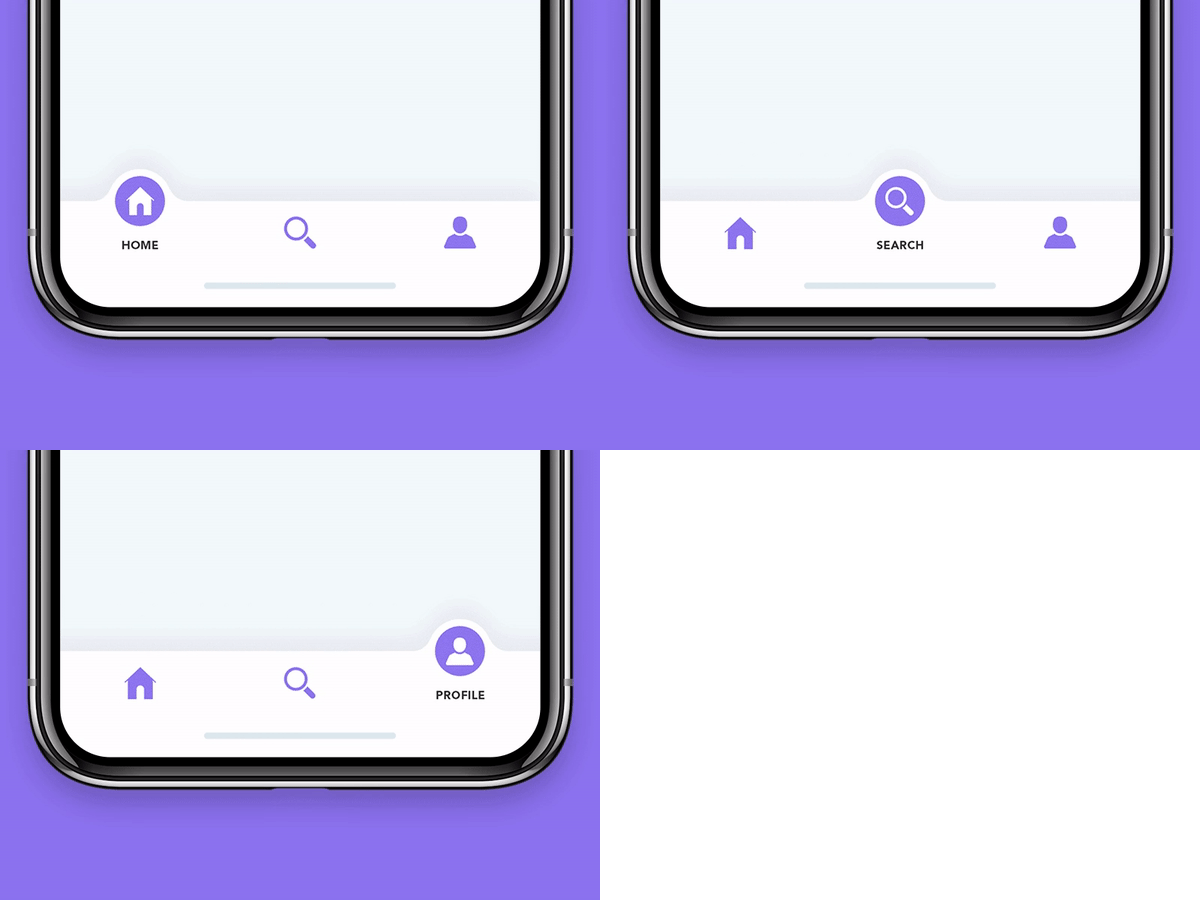
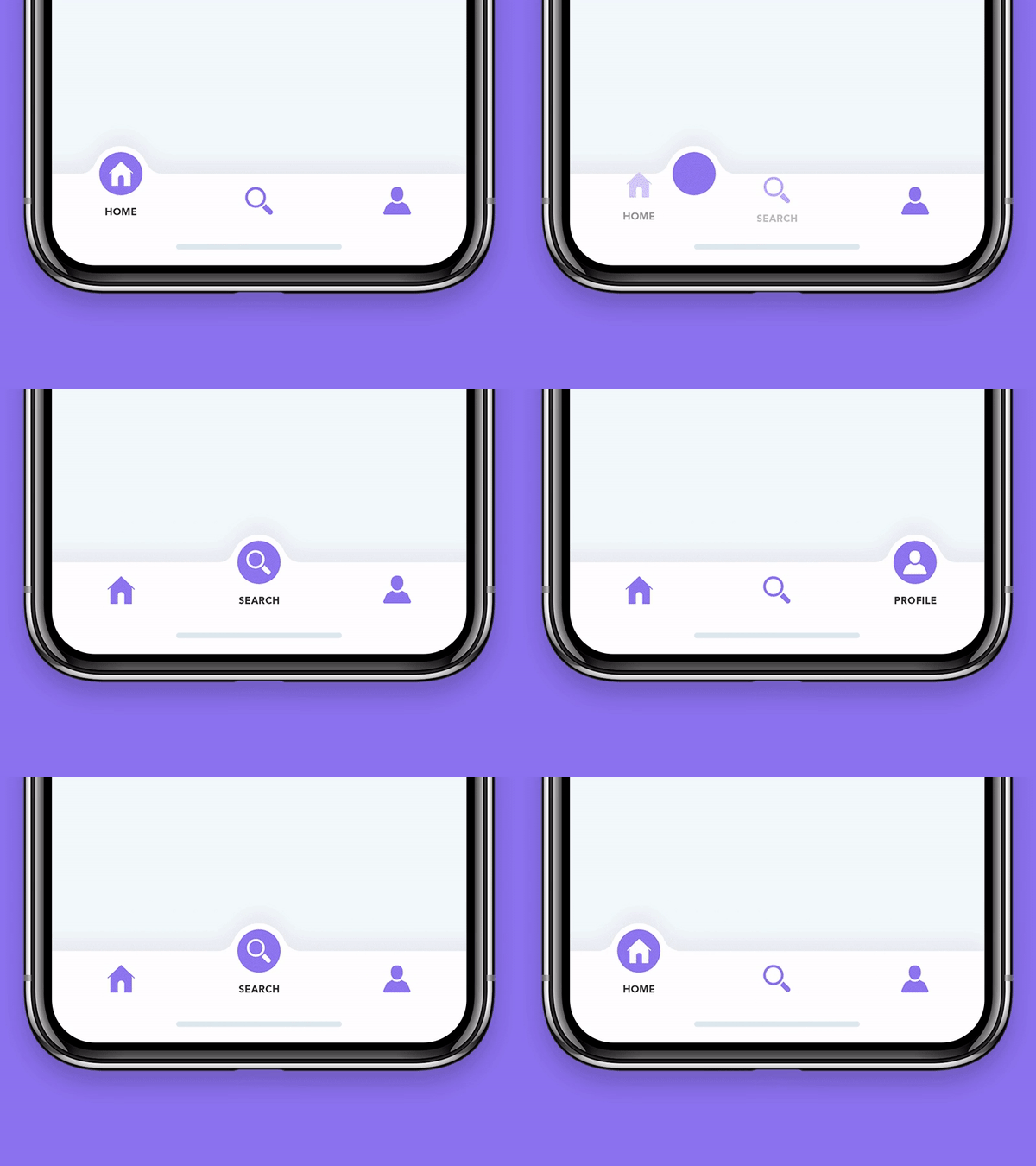
Flutter 앱용 애니메이션 바텀 네비게이션 바로 아이콘이 위치에 애니메이션으로 나타나며 색상은 사용자 정의가 가능합니다.

AndroidiOSWebmacOSWindowsLinux
30일 다운로드
725
좋아요
261
Pub 점수
140

패키지 설치

flutter pub add motion_tab_bar

패키지 개요

공개 정보를 바탕으로 생성한 선택 가이드입니다.

Motion Tab Bar는 Flutter용 애니메이션 하단 탭 바로, 부드러운 아이콘 전환과 사용자 정의 가능한 색상을 특징으로 합니다. 탭을 전환할 때 동적 애니메이션을 통해 사용자 경험을 향상시키며, 탐색을 시각적으로 매력적으로 만듭니다. 이 패키지는 Android, iOS, Web, macOS, Windows, Linux 등 여러 플랫폼을 지원하여 다양한 기기 간 일관된 디자인을 보장합니다. 개발자는 간단한 명령어를 사용해 앱에 쉽게 통합할 수 있습니다. 가벼운 성능과 유연한 스타일링 옵션 덕분에 현대적인 인터랙티브 UI에 이상적입니다.

사용 사례

  • 애니메이션 앱 탐색
  • 현대적인 모바일 및 웹 인터페이스
  • 사용자 정의 가능한 하단 탐색
  • 향상된 사용자 참여도
  • 크로스 플랫폼 앱
  • 인터랙티브 UI 컴포넌트

주요 기능

  • 부드러운 아이콘 애니메이션
  • 사용자 지정 색상
  • 크로스 플랫폼 지원
  • 간편한 통합
  • 경량 설계
  • 반응형 전환

적합한 대상

  • 애니메이션 네비게이션을 찾는 Flutter 개발자
  • 시각적 피드백이 필요한 앱
  • 디자인 중심 애플리케이션
  • 다중 플랫폼 프로젝트
  • UI/UX 개선 노력
  • 모바일 및 웹 앱 개발자

고려 사항

  • 저사양 기기에서 성능에 영향을 줄 수 있습니다
  • 색상과 애니메이션 외에는 사용자 지정이 제한적입니다
  • 모든 대상 플랫폼에서 신중한 테스트가 필요합니다
  • 미니멀리스트 디자인에 적합하지 않습니다
  • 애니메이션은 과도하게 사용될 경우 사용자를 방해할 수 있습니다
  • 완전한 기능을 위해 제3자 종속성에 의존합니다

원본 README

연결된 소스 저장소의 README 원문 스냅샷입니다. 최신 내용은 저장소에서 확인하세요.

Motion Tab Bar compatible with Flutter 3 and RTL support

pub package likes popularity pub points

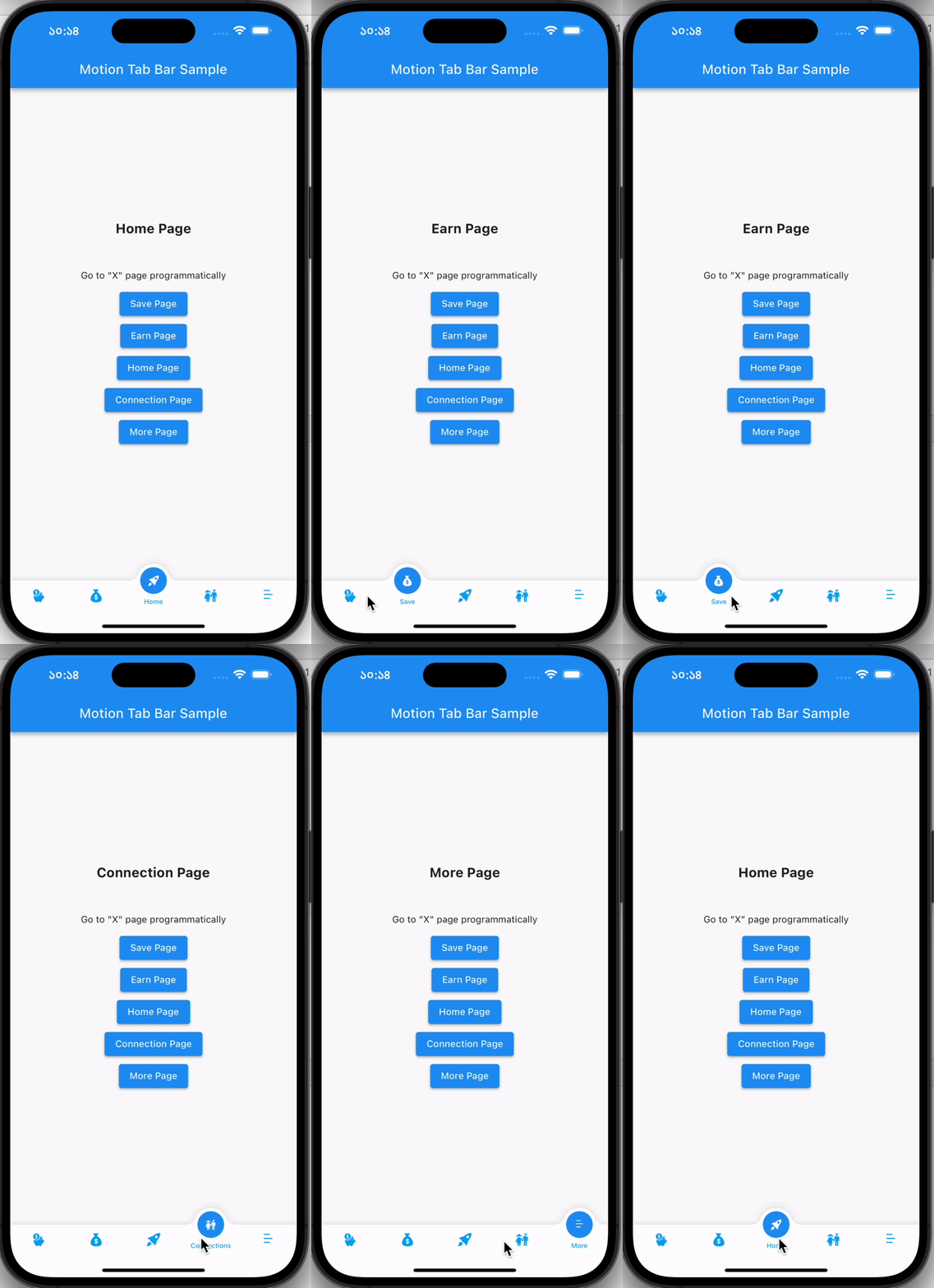
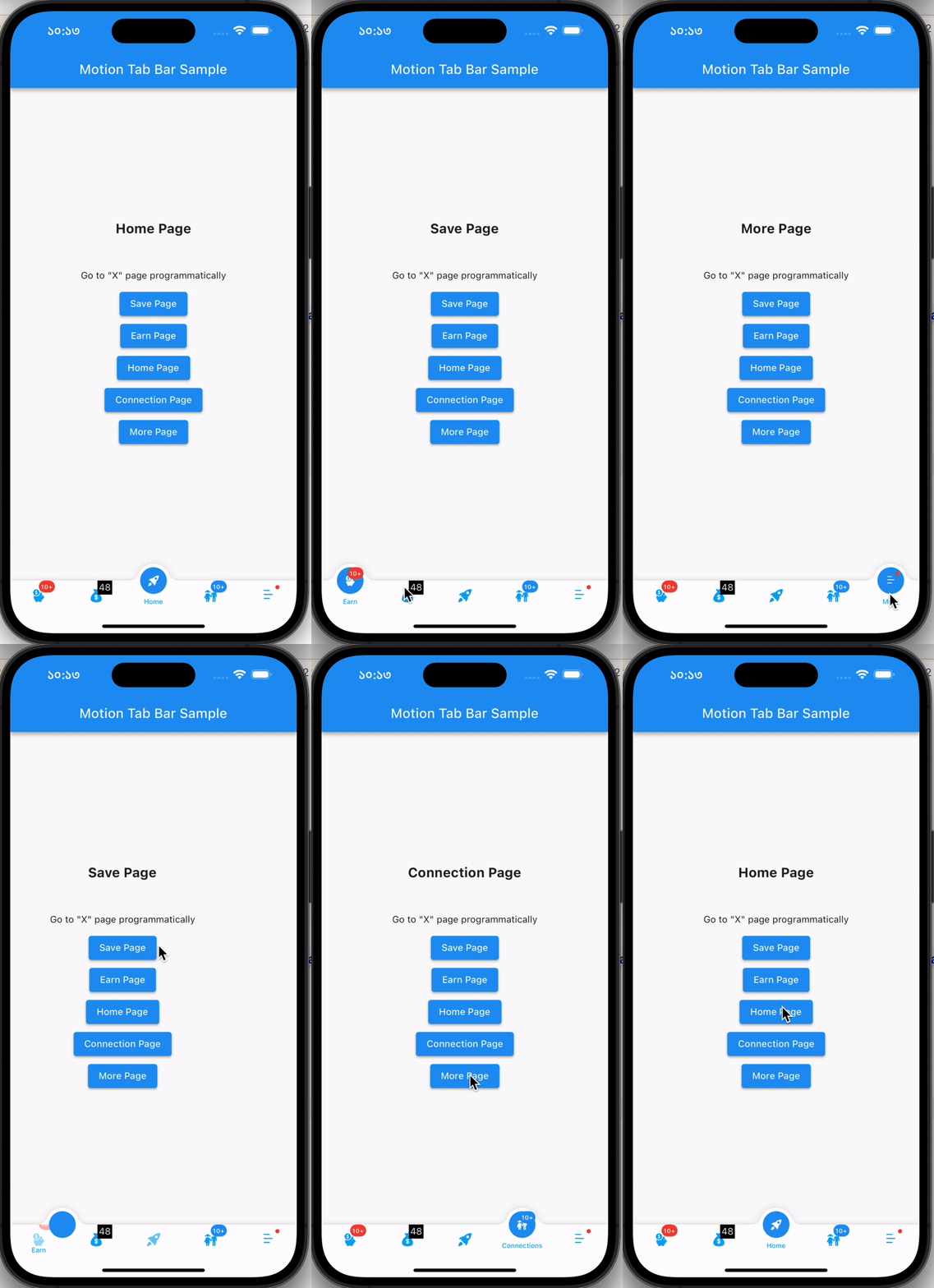
A beautiful animated widget for your Flutter apps

MotionTabBar Gif

Without Badge With Badge
MotionTabBar Gif MotionTabBar Gif

Getting Started

Add the plugin:

dependencies:
  motion_tab_bar: ^2.0.4

Basic Usage

Use default TabController or MotionTabBarController:
  // TabController _tabController;
  MotionTabBarController? _motionTabBarController;

  @override
  void initState() {
    super.initState();
    
    //// Use normal tab controller
    // _tabController = TabController(
    //   initialIndex: 1,
    //   length: 4,
    //   vsync: this,
    // );

    //// use "MotionTabBarController" to replace with "TabController", if you need to programmatically change the tab
    _motionTabBarController = MotionTabBarController(
      initialIndex: 1,
      length: 4,
      vsync: this,
    );
  }

  @override
  void dispose() {
    super.dispose();

    // _tabController.dispose();
    _motionTabBarController!.dispose();
  }
Add Motion Tab Bar to Scaffold bottomNavigationBar:
  bottomNavigationBar: MotionTabBar(
    controller: _motionTabBarController, // ADD THIS if you need to change your tab programmatically
    initialSelectedTab: "Home",
    labels: const ["Dashboard", "Home", "Profile", "Settings"],
    icons: const [Icons.dashboard, Icons.home, Icons.people_alt, Icons.settings],

    // optional badges, length must be same with labels
    badges: [
      // Default Motion Badge Widget
      const MotionBadgeWidget(
        text: '10+',
        textColor: Colors.white, // optional, default to Colors.white
        color: Colors.red, // optional, default to Colors.red
        size: 18, // optional, default to 18
      ),

      // custom badge Widget
      Container(
        color: Colors.black,
        padding: const EdgeInsets.all(2),
        child: const Text(
          '11',
          style: TextStyle(
            fontSize: 14,
            color: Colors.white,
          ),
        ),
      ),

      // allow null
      null,

      // Default Motion Badge Widget with indicator only
      const MotionBadgeWidget(
        isIndicator: true,
        color: Colors.blue, // optional, default to Colors.red
        size: 5, // optional, default to 5,
        show: true, // true / false
      ),
    ],
    tabSize: 50,
    tabBarHeight: 55,
    textStyle: const TextStyle(
      fontSize: 12,
      color: Colors.black,
      fontWeight: FontWeight.w500,
    ),
    tabIconColor: Colors.blue[600],
    tabIconSize: 28.0,
    tabIconSelectedSize: 26.0,
    tabSelectedColor: Colors.blue[900],
    tabIconSelectedColor: Colors.white,
    tabBarColor: Colors.white,
    onTabItemSelected: (int value) {
      setState(() {
        // _tabController!.index = value;
        _motionTabBarController!.index = value;
      });
    },
  ),
add TabBarView to Scaffold body
  body: TabBarView(
    physics: NeverScrollableScrollPhysics(), // swipe navigation handling is not supported
    // controller: _tabController,
    controller: _motionTabBarController,
    children: <Widget>[
      const Center(
        child: Text("Dashboard"),
      ),
      const Center(
        child: Text("Home"),
      ),
      const Center(
        child: Text("Profile"),
      ),
      const Center(
        child: Text("Settings"),
      ),
    ],
  ),
to change tabs programmatically
...

ElevatedButton(
  // set MotionTabBarController index to new tab index
  onPressed: () => _motionTabBarController.index = 0,
  child: const Text('Dashboard Page'),
),
ElevatedButton(
  // set MotionTabBarController index to new tab index
  onPressed: () => _motionTabBarController.index = 1,
  child: const Text('Home Page'),
),

...

Catch me up on LinkedIn @Rezaul Islam

💙 to Code👨🏽‍💻 Flutter Expert • Dart Kotlin Swift Node Js • Android • Full Stack Developer

카테고리

의존성

의존성 목록 1 개

소스 저장소

이 패키지를 사용하는 프로젝트

아직 데이터가 없습니다.