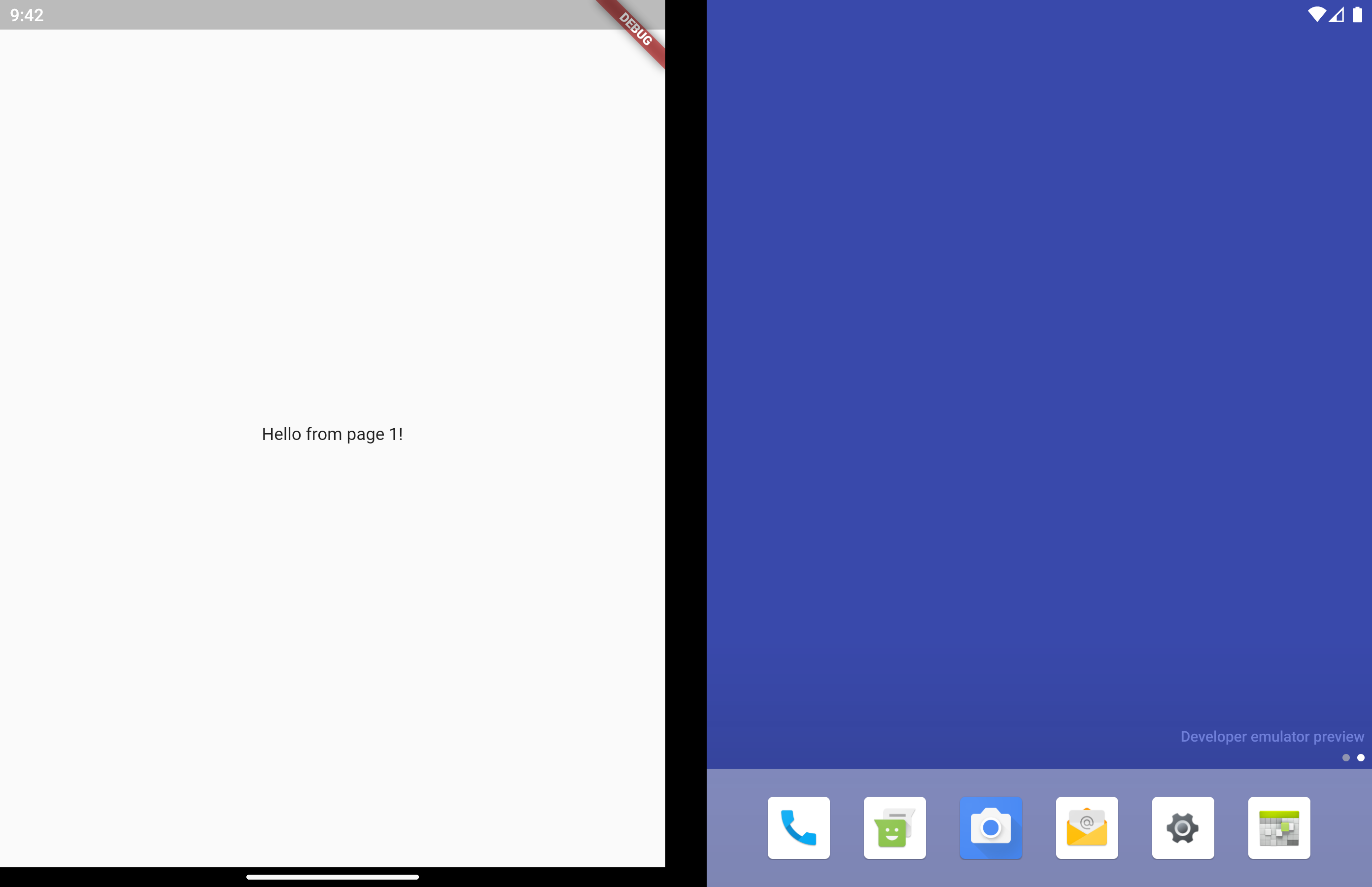
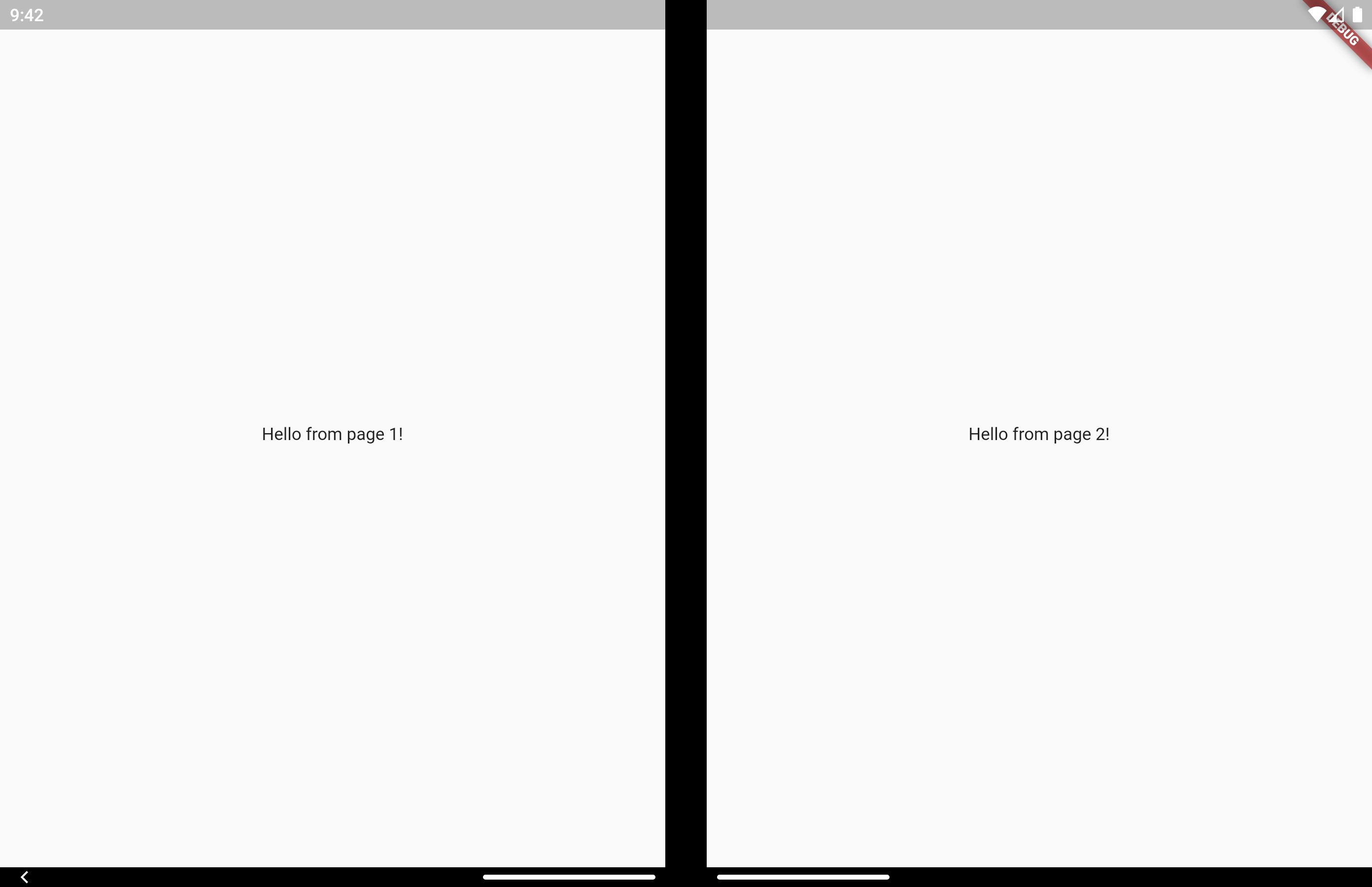
이러한 다중 화면 사용자 경험을 간편하게 만들기 위해 설계된 플러터 패키지로, 특히 이중 화면 및 접이식 기기용입니다. 여러 디스플레이에 걸쳐 레이아웃 조정을 처리하는 사용자 정의 가능한 위젯 세트를 제공하여 원활한 전환과 반응형 디자인을 보장합니다. 복잡한 화면 관리 로직을 추상화함으로써 개발자는 플랫폼별 지식 없이도 UI/UX에 집중할 수 있습니다. 현대적인 안드로이드 기기(유연한 폼팩터)를 대상으로 하는 앱에 적합합니다.
사용 사례
접이식 전화기용 앱 만들기
스플릿 스크린 레이아웃 만들기
이중 디스플레이를 위한 적응형 인터페이스 설계
안드로이드 태블릿용 반응형 UI 개발
동적 화면 구성 지원
주요 기능
다중 화면 레이아웃용 사전 구축 위젯
자동 레이아웃 적응
반응형 디자인 지원
기존 Flutter 프로젝트와의 간편한 통합
안드로이드 듀얼 스크린 장치에 최적화됨
적합한 대상
접는 안드로이드 기기 타겟 개발자
적응형 UI를 구축하는 팀
분할 화면 기능이 필요한 앱
혁신적인 장치 지원에 중점을 둔 플러터 프로젝트
동적 화면 크기와 함께 작업하는 UI 디자이너
고려 사항
Android 플랫폼에 한정
다중 화면 사용 사례에 대한 이해가 필요합니다
물리적 장치에서 추가 테스트가 필요할 수 있습니다
접이식 또는 이중 화면 앱이 아닌 경우 적합하지 않습니다
기기의 하드웨어 기능에 따라 다릅니다
원본 README
연결된 소스 저장소의 README 원문 스냅샷입니다. 최신 내용은 저장소에서 확인하세요.
Multi Screen Layout for Flutter
A collection of Widgets that make multi screen user experiences easy to build
Supported Devices
[x] Surface Duo
[x] Surface Duo 2
[x] Galaxy Z Fold 1 (Flex Mode)
[x] Galaxy Z Fold 2 (Flex Mode)
[x] Galaxy Z Flip (Flex Mode)
[ ] LG Wing
If you know of other devices that could support multi screen layouts, please submit a PR and add them to this list.
On a Microsoft dual screen device when the app is being spanned across two screens, TwoPageLayout displays both widgets, one per screen. This is designed to help you build Two Page, Dual View, and Companion Pane dual screen app patterns from Microsoft.
On a folding screen device when the display could be utilized to split content areas, TwoPageLayout displays both widgets, one per content area. This is designed to help you build Flex Mode user experiences. You can read more about how when to split content is decided in the AndroidX WindowManager documentation.
On a single screen device, or when the app is only running on a single screen, only child will be displayed.
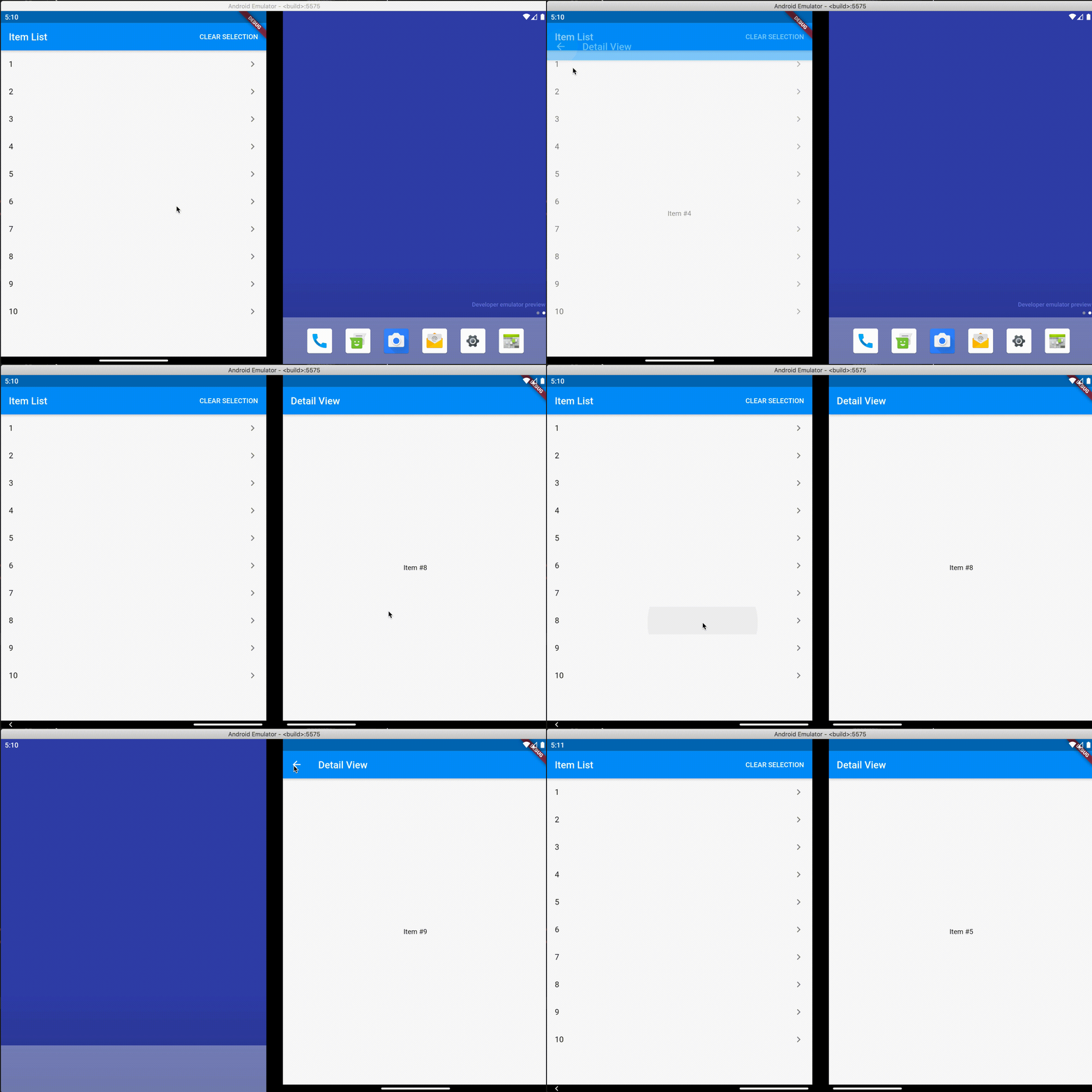
Very similar to TwoPageLayout. This layout has better support for having related, "deeper", content in the second page that would usually be accessed by navigating to a new page.
It's common to use this type of layout when you have a list of items that when tapped let you view a detailed view of the item. Email and instant messaging apps are good examples of this.
On a single screen device, or when the app is only running on a single screen, master will display first. When isSelected is true, detail is displayed as a new page on top of master, similar to using Navigator.push.
When displaying on 2 screens, both master and detail display at the same time and no navigation occurs. Even when isSelected is false.
Similar to TwoPageLayout, on a folding screen device when the screen is half opened the screen is treated as a dual screen device.
MasterDetailLayout also handles switching between spanned and non-spanned modes appropriately, so the UI will be the same if you select and then span, or span and then select.
Direct access is for advanced uses cases. The above layouts should be suitable for most apps.
There may be cases where you want to access multi screen information instead of just using the above layout widgets. Here is how to do that.
MultiScreenInfo
MultiScreenInfo is a Widget that lets you access information about the device directly in your Widget tree, it will rebuild when the data changes.
classMyAppextendsStatelessWidget{
@overrideWidgetbuild(BuildContext context) {
returnScaffold(
body: MultiScreenInfo(
builder: (info) {
returnColumn(
children: <Widget>[
Text('The below information is from the Surface Duo SDK'),
Text('isAppSpanned: ${info.surfaceDuoInfoModel.isSpanned}'),
Text('hingeAngle: ${info.surfaceDuoInfoModel.hingeAngle}'),
],
);
},
),
);
}
}
PlatformHandlers
If you need access to information about the device outside of the Widget tree, you can also make platform calls yourself.
SurfaceDuoPlatformHandler
FuturegetSurfaceDuoInfo() async {
var hingeAngle = awaitSurfaceDuoPlatformHandler.getHingeAngle();
var isDual = awaitSurfaceDuoPlatformHandler.getIsDual();
var isSpanned = awaitSurfaceDuoPlatformHandler.getIsSpanned();
var nonFunctionalBounds = awaitSurfaceDuoPlatformHandler.getNonFunctionalBounds();
}