패키지, 저장소 및 앱 카테고리 검색

number_pad_keyboard 표지
패키지 상세v0.0.6

number_pad_keyboard

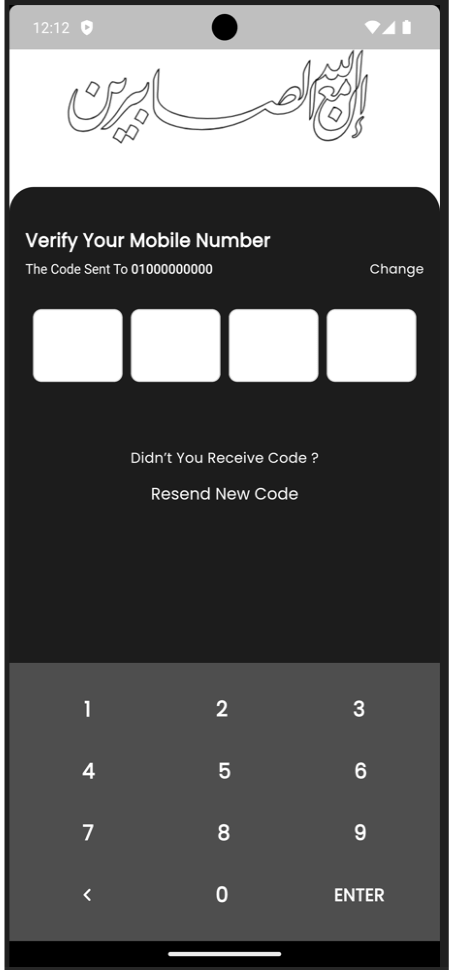
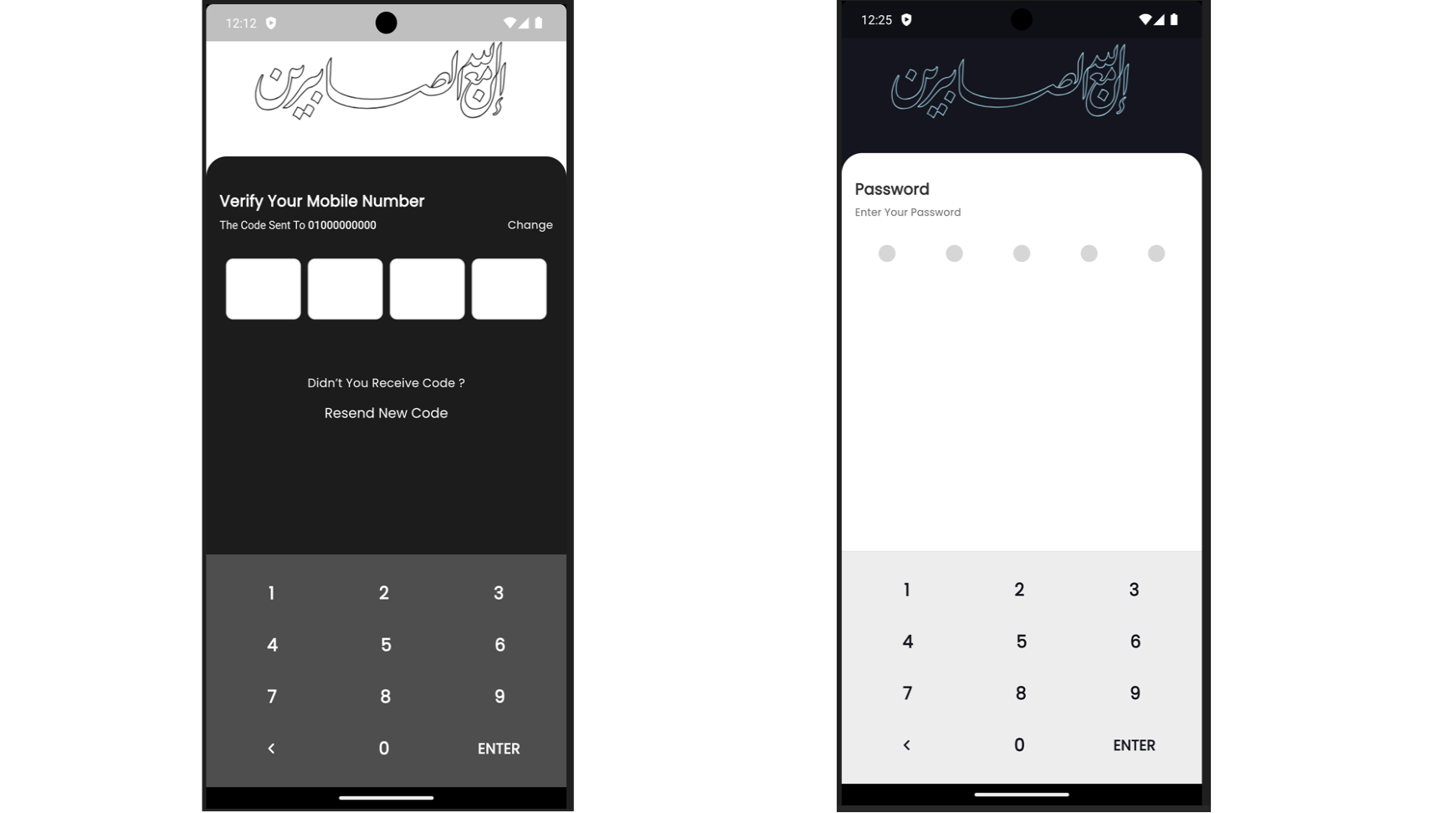
PIN 코드 또는 숫자 입력을 위한 사용자 정의 가능한 숫자 패드 키보드를 제공하는 플러터 패키지입니다. 숫자 및 버튼에 대한 사용자 지정 스타일 기능이 포함되어 있습니다.

AndroidiOSWebmacOSWindowsLinux
30일 다운로드
52
좋아요
90
Pub 점수
160

패키지 설치

flutter pub add number_pad_keyboard

패키지 개요

공개 정보를 바탕으로 생성한 선택 가이드입니다.

PIN 코드 또는 숫자 입력을 위한 사용자 정의 가능한 숫자 패드 키보드를 제공하는 플러터 패키지입니다. 개발자는 숫자와 버튼의 외관을 커스텀 스타일로 조정할 수 있어 플랫폼 간 일관된 레이아웃을 보장합니다. 모바일 및 데스크톱 환경에 최적화되어 있으며, 안드로이드, iOS, 웹, 맥OS, 윈도우, 리눅스를 지원합니다. 인증 프로세스, 결제 입력 또는 어떤 보안 숫자 입력이 필요한 상황에도 이상적입니다.

사용 사례

  • PIN 코드 입력
  • 보안 숫자 입력
  • 결제 양식 필드
  • 인증 화면
  • 사용자 ID 검증
  • 디지털 키패드 인터페이스

주요 기능

  • 사용자 정의 가능한 버튼 스타일
  • 크로스 플랫폼 호환성
  • PIN 코드 중심 디자인
  • 사용자 정의 가능한 숫자 레이아웃
  • 반응형 UI 컴포넌트
  • TextFormField과의 간편한 통합

적합한 대상

  • 모바일 앱 개발자
  • 웹 애플리케이션 제작자
  • 데스크톱 앱 빌더
  • 보안 중심 애플리케이션
  • 숫자 입력이 필요한 폼

고려 사항

  • 숫자 입력만 가능
  • 내장된 검증 없음
  • 입력 이벤트를 수동으로 처리해야 합니다
  • 텍스트 입력에 적합하지 않음
  • 다크 모드를 위해 추가적인 스타일링이 필요할 수 있습니다

원본 README

연결된 소스 저장소의 README 원문 스냅샷입니다. 최신 내용은 저장소에서 확인하세요.

Number Pad Keyboard

A Flutter package that provides a customizable number pad keyboard widget for entering PIN codes or numeric input.

Features

  • Customizable Design: Easily customize the look and feel of the number pad keyboard.
  • PIN Code Entry: Suitable for entering PIN codes or any numeric input in Flutter applications.
  • Flexible Usage: Integrate seamlessly into any Flutter project requiring a numeric keyboard interface.

Installation

Add the following dependency to your pubspec.yaml file:

dependencies:
  number_pad_keyboard: ^1.0.0

Importing

To use the Number Pad Keyboard widget in your Flutter project, import it as follows:

import 'package:number_pad_keyboard/number_pad_keyboard.dart';

Example


import 'package:flutter/material.dart';
import 'package:number_pad_keyboard/number_pad_keyboard.dart';

void main() {
  runApp(
    const MyApp(),
  );
}

class MyApp extends StatelessWidget {
  const MyApp({super.key});

  @override
  Widget build(BuildContext context) {
    return MaterialApp(
      title: 'Number Pad Keyboard Example',
      theme: ThemeData(
        primarySwatch: Colors.blue,
      ),
      home: const MyHomePage(),
    );
  }
}

class MyHomePage extends StatefulWidget {
  const MyHomePage({super.key});

  @override
  _MyHomePageState createState() => _MyHomePageState();
}

class _MyHomePageState extends State<MyHomePage> {
  final TextEditingController _textController = TextEditingController();

  void _addDigit(int digit) {
    if (_textController.text.length < 10) {
      setState(() {
        _textController.text = _textController.text + digit.toString();
      });
    }
  }

  void _backspace() {
    if (_textController.text.isNotEmpty) {
      setState(() {
        _textController.text =
            _textController.text.substring(0, _textController.text.length - 1);
      });
    }
  }

  @override
  Widget build(BuildContext context) {
    return Scaffold(
      appBar: AppBar(
        title: const Text('Number Pad Keyboard Example'),
      ),
      body: SizedBox(
        width: double.infinity,
        child: Column(
          mainAxisAlignment: MainAxisAlignment.end,
          children: <Widget>[
            Padding(
              padding: const EdgeInsets.all(20.0),
              child: TextFormField(
                controller: _textController,
                decoration: const InputDecoration(
                  border: OutlineInputBorder(),
                  labelText: 'PIN Code',
                ),
                readOnly: true,
                textAlign: TextAlign.center,
                style: const TextStyle(fontSize: 24.0),
              ),
            ),

            const SizedBox(height: 200.0,),

            NumberPadKeyboard(
              addDigit: _addDigit,
              backspace: _backspace,
              enterButtonText: 'ENTER',
              onEnter: () {
                debugPrint('PIN Code: ${_textController.text}');
              },
            ),
          ],
        ),
      ),
    );
  }
}

카테고리

소스 저장소

이 패키지를 사용하는 프로젝트

아직 데이터가 없습니다.