패키지, 저장소 및 앱 카테고리 검색

o3d 표지
패키지 상세v3.1.3

o3d

모바일 및 웹 플랫폼에서의 Flutter 3D 객체 간편 컨트롤러 (glb 형식)

AndroidiOSWeb
30일 다운로드
931
좋아요
206
Pub 점수
130

패키지 설치

flutter pub add o3d

패키지 개요

공개 정보를 바탕으로 생성한 선택 가이드입니다.

o3d는 모바일 및 웹 플랫폼에서 GLB 형식의 3D 객체를 통합하는 것을 간소화하는 Flutter 패키지입니다. 깊은 3D 그래픽 프로그래밍 지식 없이도 3D 모델을 렌더링하고 애니메이션하며 상호작용할 수 있는 사용하기 쉬운 컨트롤러를 제공합니다. 몰입형 3D 콘텐츠로 앱을 향상시키고자 하는 개발자를 위해 설계되었으며, o3d는 3D 자산을 효율적으로 로드하고 관리하는 과정을 단순화합니다. Android, iOS, Web을 지원하므로 가벼운 3D 시각화가 필요한 크로스플랫폼 애플리케이션에 적합합니다.

사용 사례

  • 인터랙티브 3D 제품 미리보기 추가
  • 교육용 3D 시각화 만들기
  • 게임 경험 향상
  • 가상 투어 구축
  • AR/VR 앱에서 3D 모델 통합

주요 기능

  • GLB 3D 모델 형식을 지원합니다
  • 크로스 플랫폼 호환성 (Android, iOS, Web)
  • 3D 객체 로드 및 제어용 간단한 API
  • 내장 애니메이션 및 상호작용 처리
  • 경량이며 성능 최적화

적합한 대상

  • 3D에 처음 도전하는 Flutter 개발자
  • 3D 모델 표시가 필요한 앱
  • 교육 및 전자상거래 앱
  • 인터랙티브 웹 및 모바일 경험

고려 사항

  • GLB 형식의 3D 모델이 필요합니다
  • 기본 3D 상호작용에 제한됨
  • 저사양 기기에서는 성능이 다를 수 있습니다
  • 내장된 물리 또는 고급 애니메이션 없음

원본 README

연결된 소스 저장소의 README 원문 스냅샷입니다. 최신 내용은 저장소에서 확인하세요.

O3D - Model Viewer for Flutter

This is a Flutter widget for rendering interactive 3D models in the glTF and GLB formats. The widget embeds Google's <model-viewer> web component in a WebView.

Flutter 3D model viewer with O3D

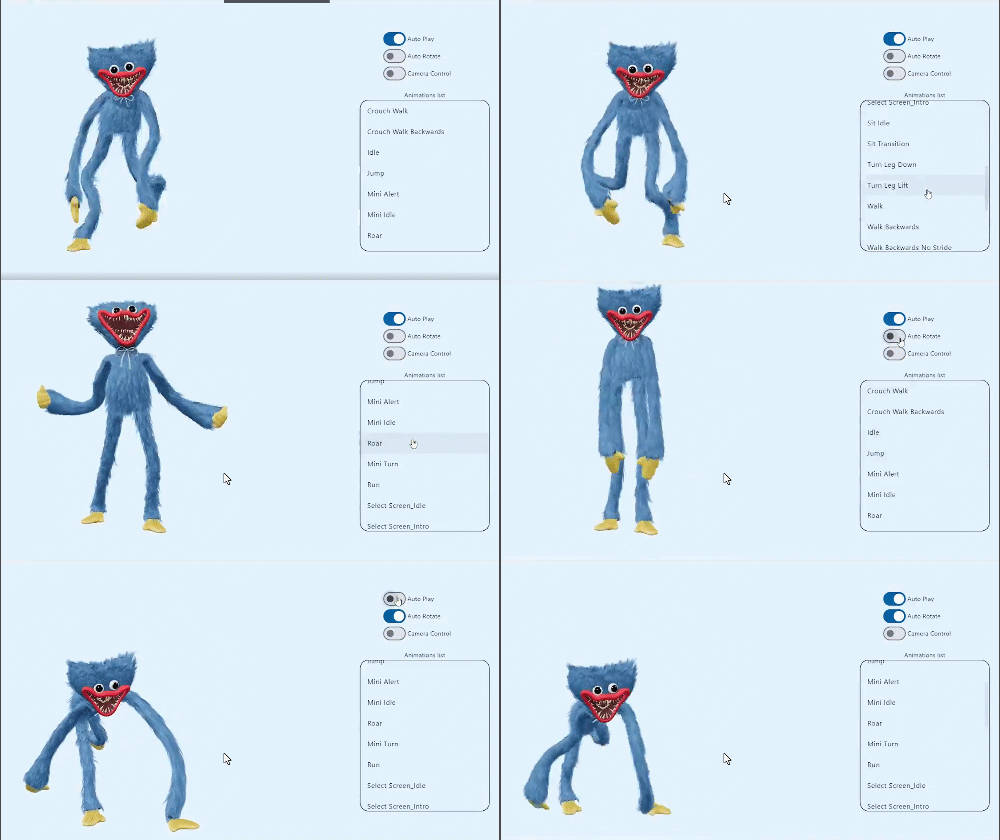
Screenshot

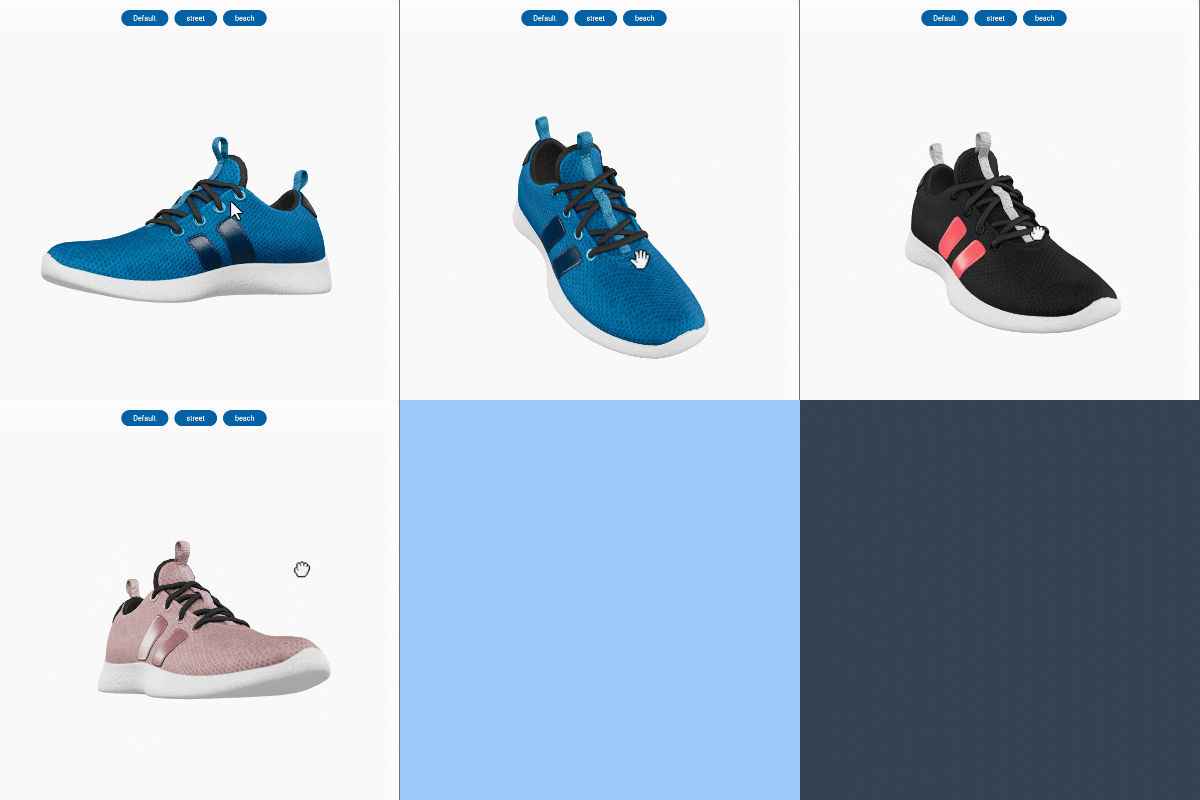
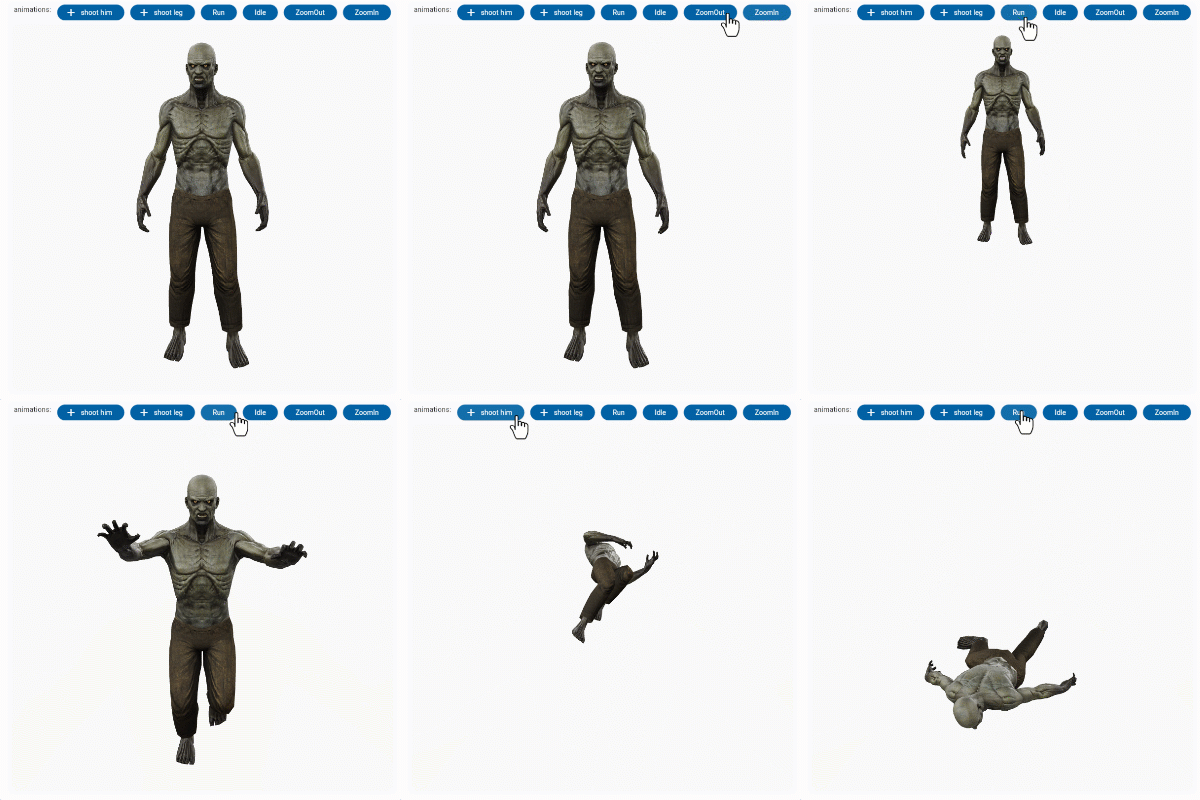
online demo 1: https://babakcode.github.io/ui_3d_test/ / source code

online demo 2: https://babakcode.github.io/ui_3d_flutter/ / source code

Flutter 3d model Flutter 3d model

Features

  1. O3DController controller = O3DController();
  2. cameraTarget: use controller.cameraTarget(20, 20, 5) x, y, z
  3. cameraOrbit: use controller.cameraOrbit(1.2, 1, 4) (theta)deg, (phi)deg, (radius)m
  4. availableAnimations: use controller.availableAnimations().then((animations) => log("Available animations: $animations"));
  5. play: use controller.play() [optional] repetitions => play(repetitions: 2)
  6. pause: use controller.pause()
  7. Renders glTF and GLB models. (Also, USDZ models on iOS 12+.)
  8. Supports animated models, with a configurable auto-play setting.
  9. Optionally supports launching the model into an AR viewer.
  10. Optionally auto-rotates the model, with a configurable delay.
  11. Supports a configurable background color for the widget.

Installation

in pubspec.yaml

dependencies:
  o3d: ^3.1.0
AndroidManifest.xml (Android 9+ only)

Test on real device and to use this widget on Android 9+ devices, your app must be permitted to make an HTTP connection to http://localhost:XXXXX. Android 9 (API level 28) changed the default for android:usesCleartextTraffic from true to false, so you will need to configure your app's android/app/src/main/AndroidManifest.xml as follows:


+    <uses-permission android:name="android.permission.INTERNET"/>

     <application
        android:name="${applicationName}"
        android:icon="@mipmap/ic_launcher"
        android:label="example"
+       android:usesCleartextTraffic="true">
        <activity
            android:name=".MainActivity"

This does not affect Android 8 and earlier.

app/build.gradle (Android only)

Change minSdkVersion to 21.

defaultConfig {
    ...
    minSdkVersion 21
    ...
}
Info.plist (iOS only)

To use this widget on iOS, you need to opt-in to the embedded views preview by adding a boolean property to your app's ios/Runner/Info.plist file, with the key io.flutter.embedded_views_preview and the value YES:


<key>io.flutter.embedded_views_preview</key><true />
web/index.html (Web only)

Modify the <head> tag of your web/index.html to load the JavaScript, like so:

<head>
    <!-- Other stuff -->
    <script type="module" src="./assets/packages/o3d/assets/model-viewer.min.js" defer></script>
</head>

Examples

Importing the library
import 'package:o3d/o3d.dart';
Creating a O3D widget
class _MyHomePageState extends State<MyHomePage> {
  
  // to control the animation
  O3DController controller = O3DController();

  @override
  Widget build(BuildContext context) {
    return Scaffold(
      appBar: AppBar(
        backgroundColor: Theme.of(context).colorScheme.inversePrimary,
        title: Text(widget.title),
        actions: [
          IconButton(
              onPressed: () => 
                  controller.cameraOrbit(20, 20, 5),
              icon: const Icon(Icons.change_circle)),
          IconButton(
              onPressed: () =>
                  controller.cameraTarget(1.2, 1, 4), 
              icon: const Icon(Icons.change_circle_outlined)),
        ],
      ),
      body: O3D.asset(
         src: 'assets/glb/jeff_johansen_idle.glb', 
         controller: controller,
      ),
    );
  }
}
Loading a bundled Flutter asset
O3D.asset(
  src: 'assets/MyModel.glb',
  // ...
),
Loading a model from the web
body: O3D.network(
   src:'https://modelviewer.dev/shared-assets/models/Astronaut.glb',
   // ...
),
Loading a model from the file system

This is not available on Web.

class HomePage extends StatelessWidget {
   const HomePage({super.key});
   
   @override
   Widget build(BuildContext context) {
      return O3D(src: 'file:///path/to/MyModel.glb',
      // ...
      );
   }
}

projects

babak code Tassio Gustavo Vaibhav Chandolia
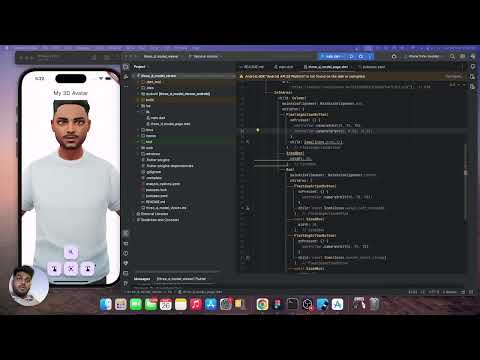
BabakCode BabakCode Vaibhav Chandolia youtube video
youtube video link linkedin post link Youtube channel

Compatibility

Notes

We use the Google APP , com.google.android.googlequicksearchbox to display interactive 3D models on Android. The model displays in 'ar_preferred' mode by default, Scene Viewer launches in AR native mode as the entry mode. If Google Play Services for AR (ARCore, com.google.ar.core) isn't present, Scene Viewer gracefully falls back to 3D mode as the entry mode.

Note that due to browsers' CORS security restrictions, the model file must be served with a Access-Control-Allow-Origin: * HTTP header.

Frequently Asked Questions

Q: Why doesn't my 3D model load and/or render?

A: There are several reasons why your model URL could fail to load and render:

  1. It might not be possible to parse the provided glTF or GLB file. Some tools can produce invalid files when exporting glTF. Always run your model files through the glTF Validator to check for this.

카테고리

의존성

의존성 목록 7 개

소스 저장소

이 패키지를 사용하는 프로젝트

아직 데이터가 없습니다.