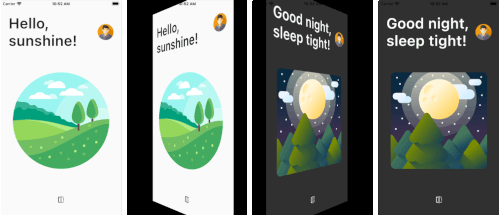
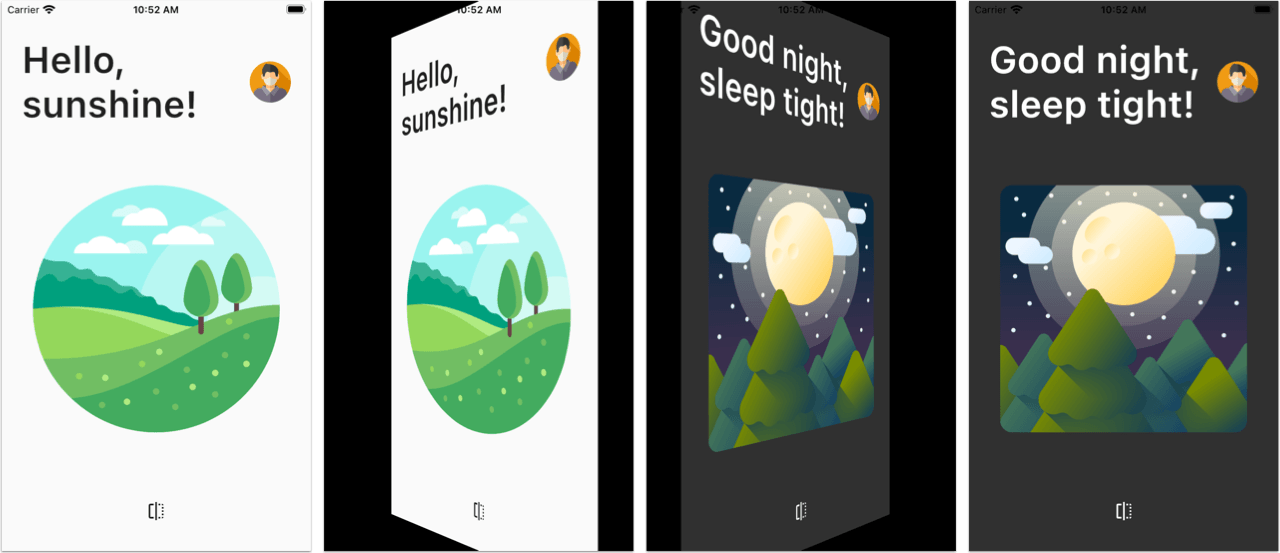
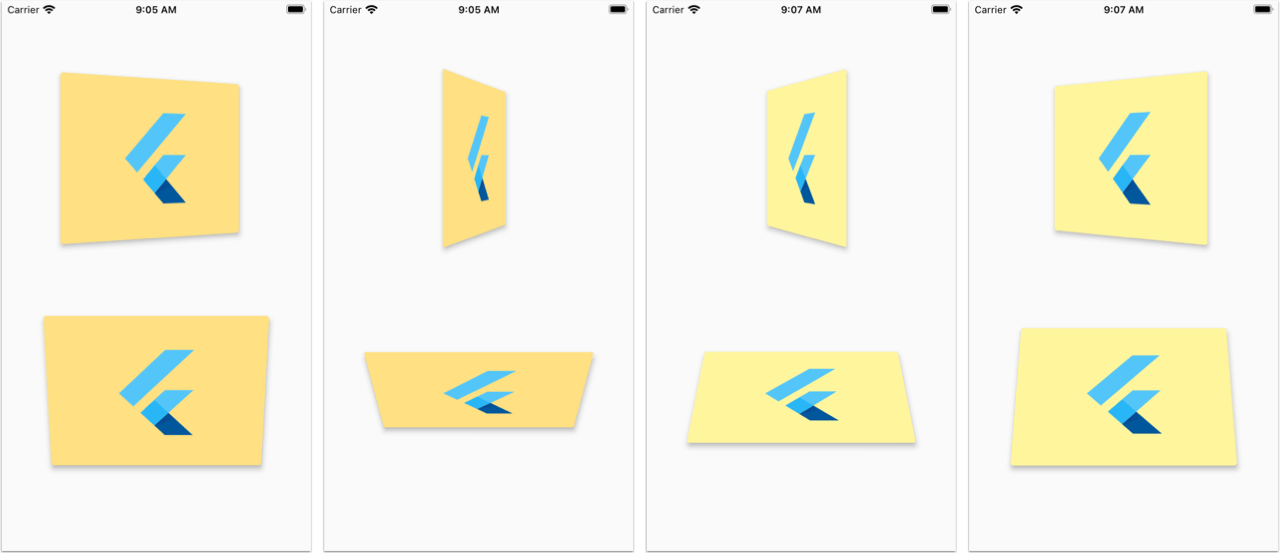
인터랙티브한 페이지 전환 애니메이션을 제공하는 플러터 위젯으로, 디지털 독서나 프레젠테이션 경험을 몰입감 있게 만들기에 적합합니다. 부드럽고 현실적인 페이지 전환 효과를 제공하여 전자책, 포트폴리오, 인터랙티브 튜토리얼 등의 앱에서 사용자 참여도를 높입니다. 성능과 커스터마이징을 고려해 제작되었으며, 터치 제스처를 지원하고 다양한 레이아웃에 통합할 수 있습니다. 패키지는 가볍고 모든 주요 플랫폼과 호환됩니다.
사용 사례
디지털 책 읽기 기기
인터랙티브 프레젠테이션
포트폴리오 전시
교육 앱
게이밍 UI
주요 기능
현실적인 페이지 전환 애니메이션
제스처 기반 상호작용
크로스 플랫폼 지원
사용자 정의 전환 효과
경량이고 효율적
기존 위젯과의 간편한 통합
적합한 대상
매력적인 UI를 원하는 앱 개발자
전자책 또는 디지털 매거진 제작자
인터랙티브 스토리텔링에 집중하는 디자이너
교육 또는 튜토리얼 앱을 개발하는 개발자
다중 플랫폼을 대상으로 하는 팀
고려 사항
복잡한 레이아웃에 최적화가 필요할 수 있습니다
성능은 장치 기능에 따라 달라집니다
2차원 플립 효과에 한정됨(3차원 깊이 없음)
고주파 애니메이션 루프에 적합하지 않습니다
간단하고 집중적인 콘텐츠와 함께 사용하는 것이 가장 좋습니다
원본 README
연결된 소스 저장소의 README 원문 스냅샷입니다. 최신 내용은 저장소에서 확인하세요.
Page Flip Builder
A custom Flutter widget that enables interactive page-flip transitions in your app.
You can use this to flip images, cards, or widgets of any size.
PageFlipBuilder is best used for full-screen page-flip transitions, but works with widgets of any size as long as their width and height is not unbounded.
PageFlipBuilder uses a drag gesture to interactively transition between a "front" and a "back" widget. These are specified with the frontBuilder and backBuilder arguments:
classMyAppextendsStatelessWidget{
@overrideWidgetbuild(BuildContext context) {
returnMaterialApp(
home: Container(
// add a black background to prevent flickering on Android when the page flips
color: Colors.black,
child: PageFlipBuilder(
frontBuilder: (_) => LightHomePage(),
backBuilder: (_) => DarkHomePage(),
),
),
);
}
}
By defalt the flip happens along the vertical axis, but you can change the flipAxis to Axis.horizontal if you want.
For more control, you can also add a GlobalKey<PageFlipBuilderState> and programmatically flip the page with a callback-based API:
classMyAppextendsStatelessWidget{
// used to flip the page programmaticallyfinal pageFlipKey = GlobalKey<PageFlipBuilderState>();
@overrideWidgetbuild(BuildContext context) {
returnMaterialApp(
home: Container(
// add a black background to prevent flickering on Android when the page flips
color: Colors.black,
child: PageFlipBuilder(
key: pageFlipKey,
frontBuilder: (_) => LightHomePage(
onFlip: () => pageFlipKey.currentState?.flip(),
),
backBuilder: (_) => DarkHomePage(
onFlip: () => pageFlipKey.currentState?.flip(),
),
// flip the axis to horizontal
flipAxis: Axis.horizontal,
// customize tilt value
maxTilt: 0.003,
// customize scale
maxScale: 0.2,
// be notified when the flip has completed
onFlipComplete: (isFrontSide) => print('isFrontSide: $isFrontSide'),
),
),
);
}
}
Features
Interactive flip transition using drag gestures (forward and reverse)
Fling animation to complete the transition on drag release
Flip page programmatically via callbacks
Flip around the horizontal or vertical axis
Flip widgets of any size
Customizable flip duration, tilt, scale
Testing the example app
Before running the example app, you need to create the ios, android, web folders as needed: