pangle_flutter는 Android 및 iOS용 바이트댄스 팬글 SDK를 통합하는 플러터 플러그인으로, 스플래시 광고 및 보상 영상 광고와 같은 다양한 광고 형식을 쉽게 구현할 수 있도록 도와줍니다. 이 플러그인은 플러터 애플리케이션에서 광고 요청, 렌더링 및 추적을 관리하기 위한 통합 인터페이스를 제공합니다. 주요 모바일 플랫폼을 모두 지원하며 팬글의 수익화 생태계와의 통합을 간소화합니다. 명확한 문서와 적극적인 유지보수를 통해 고성능 네이티브 광고를 통해 앱이 수익을 창출하도록 돕습니다.
사용 사례
비디오 광고를 통한 모바일 앱 수익화
앱 시작 시 스플래시 광고 표시
보상형 비디오 콘텐츠 통합
인센티브를 통한 사용자 참여도 향상
크로스 플랫폼 광고 캠페인 실행 중
주요 기능
스플래시 및 보상형 비디오 광고 지원
크로스 플랫폼 Android 및 iOS 호환성
광고 통합을 위한 간단한 API
실시간 광고 성과 추적
pub.dev를 통한 간편 설정
적합한 대상
광고 수익화를 찾는 플러터 개발자
중국 또는 글로벌 시장을 겨냥한 앱
바이트댄스 팬글 네트워크를 사용하는 출판사
네이티브 광고 형식을 요구하는 프로젝트
고광고 유지율을 목표로 하는 모바일 앱
고려 사항
Pangle 계정 및 광고 단위 설정이 필요합니다
안드로이드에서 추가 권한이 필요할 수 있습니다
광고 이용 가능 여부는 지역 및 채우기 비율에 따라 달라집니다
팬글 정책 준수 필요
생산 릴리스 전 테스트 광고로 테스트하기
원본 README
연결된 소스 저장소의 README 원문 스냅샷입니다. 최신 내용은 저장소에서 확인하세요.
Thanks for non-commercial open source development authorization by JetBrains.
SplashView now has two distinct error callbacks instead of one:
onError — fires when the ad fails to load (network error, no fill, etc.)
onRenderFail — fires when the ad fails to render after loading (template rendering error)
If you were using onError to catch all splash failures, add an onRenderFail handler to cover render errors.
iOS touchable bounds semantics changed: addTouchableBounds / clearTouchableBounds now directly restrict which areas of the native ad view receive touch events. If the list is empty (default) all touches pass through normally. Previously this was a pass-through whitelist that only activated when FlutterOverlayView was detected — a mechanism that was already a no-op in Flutter 3+.
BannerView and FeedView now size themselves automatically from expressSize — no external AspectRatio or fixed height required. SplashView still needs a size-constraining wrapper (Container, SizedBox, Expanded, etc.).
Closing the ad (tapping the ✕ button) no longer auto-removes the view — handle removal in onClose.
SDK Versions
The SDK is bundled as a dependency — no manual import needed. To use a different SDK version, fork this project and update the dependency.
See PROPERTY.md for a full description of every configuration parameter.
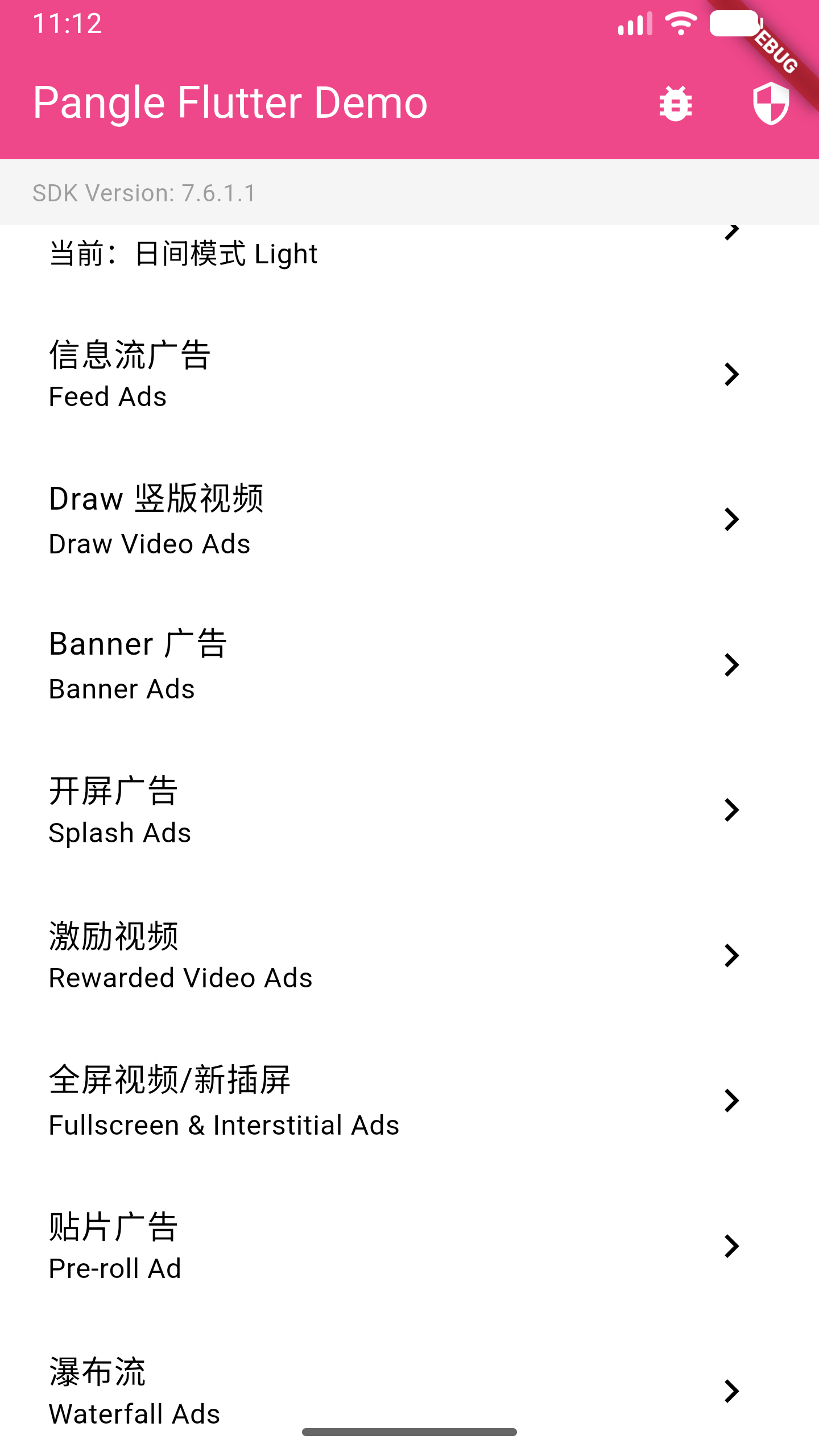
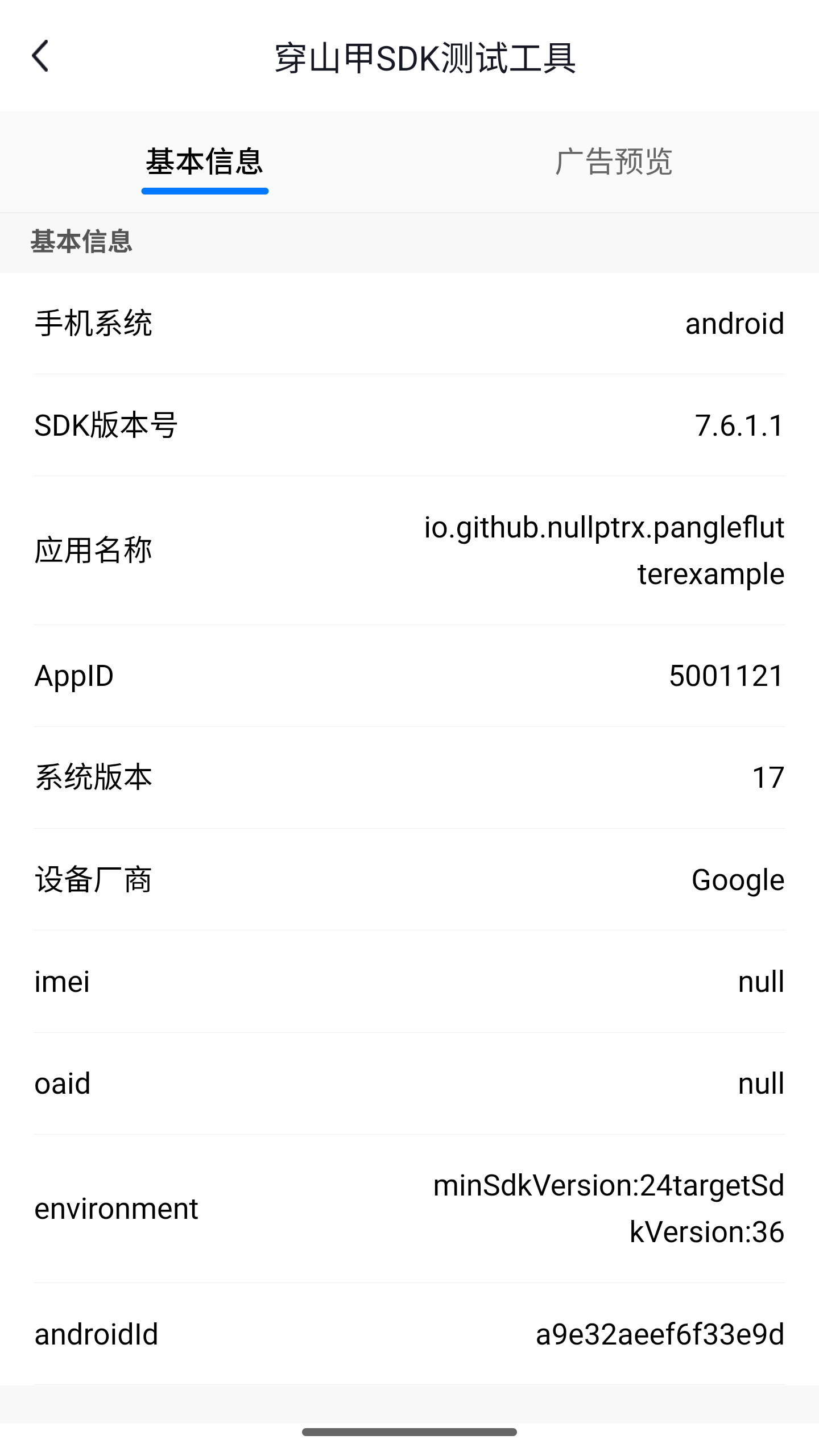
Screenshots
Integration
1. Add the dependency
dependencies:pangle_flutter:latest
2. Platform setup
See SETUP.md for Android manifest changes and iOS Info.plist / CocoaPods configuration.
iOS note: This plugin depends on Ads-CN-Beta/BUAdSDK and Ads-CN-Beta/CSJMediation. These are the beta/mediation variants of the Pangle iOS SDK.
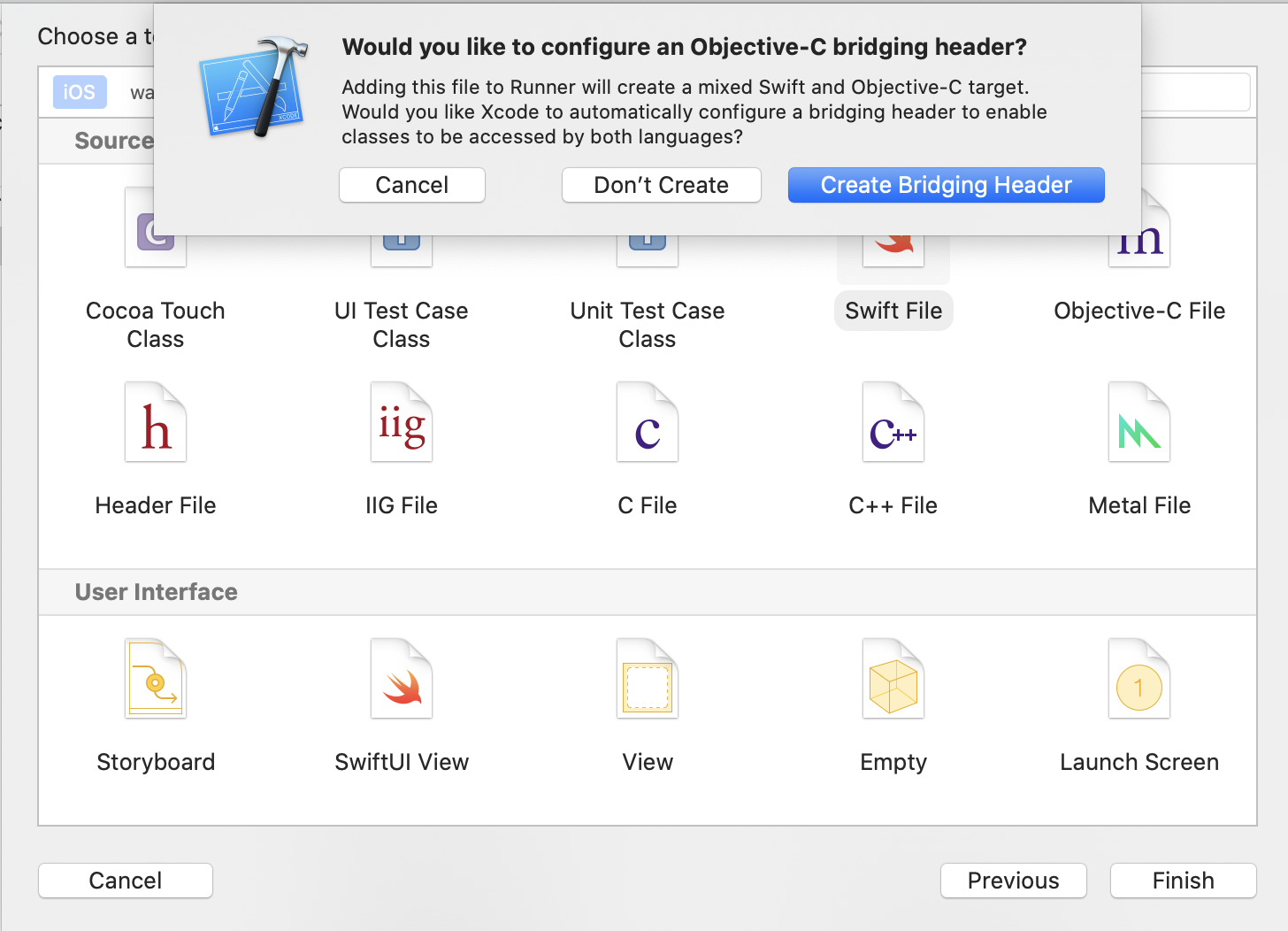
Pure Objective-C projects (iOS): Create an empty Swift file in your project and select Create Bridging Header when prompted. This is required for Swift-based plugins to work.
Usage
1. Initialization
import'package:pangle_flutter/pangle_flutter.dart';
// Call before runApp if initializing at startupWidgetsFlutterBinding.ensureInitialized();
await pangle.init(
iOS: IOSConfig(appId: kAppId),
android: AndroidConfig(appId: kAppId),
);
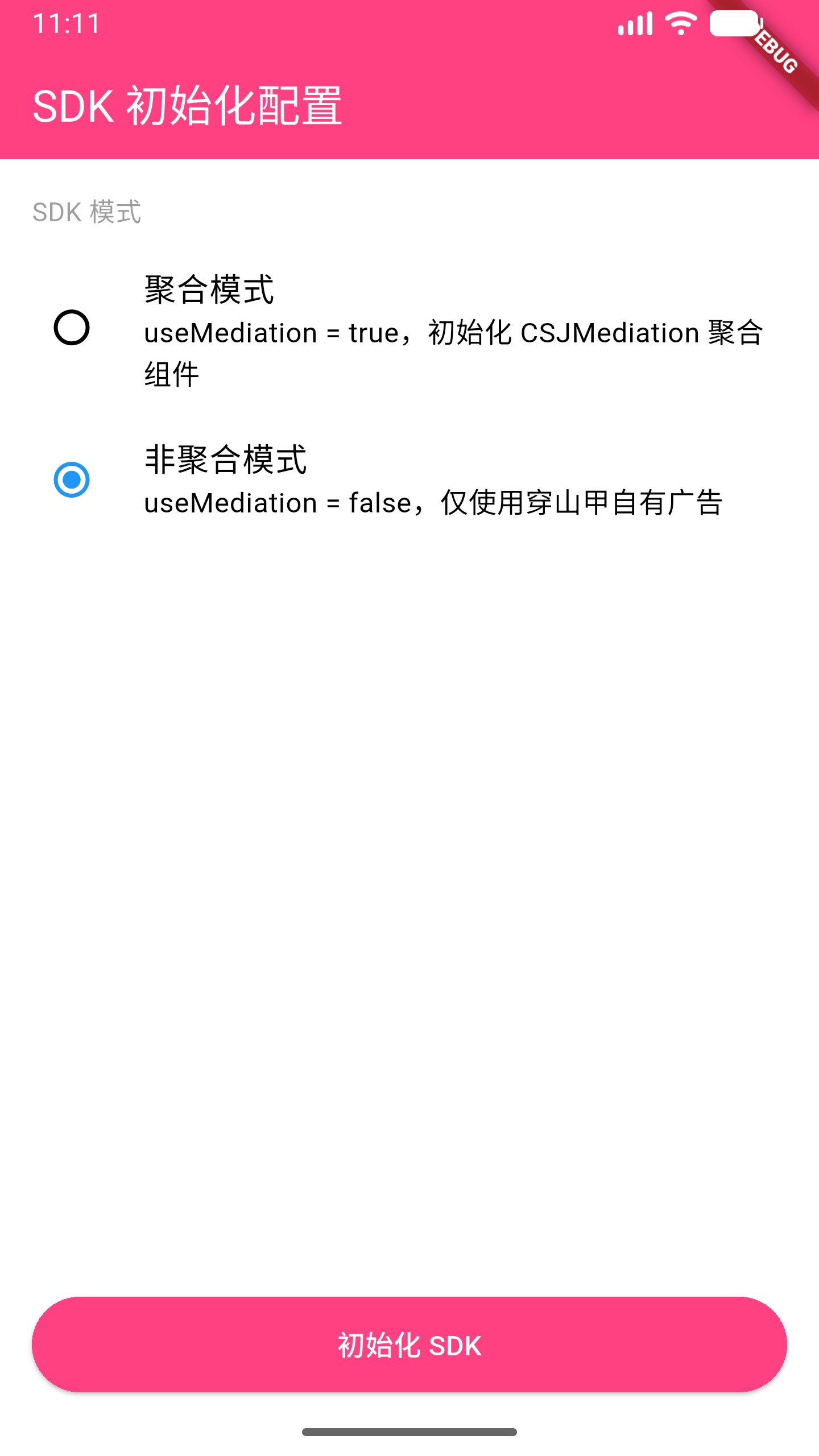
// To enable GroMore mediation:await pangle.init(
iOS: IOSConfig(appId: kAppId, useMediation: true),
android: AndroidConfig(appId: kAppId, useMediation: true),
);
SplashView(
  iOS: IOSSplashConfig(slotId: kSplashId, isExpress: false),
  android: AndroidSplashConfig(slotId: kSplashId, isExpress: false),
  onLoad: () {},          // Ad loaded successfully
  onShow: () {},          // Ad appeared on screen
  onClick: () {},         // User tapped the ad
  onClose: (type) {},     // Ad dismissed
  onError: (code, msg) {},       // Load failed
  onRenderFail: (code, msg) {},  // Render failed (after load)
);
3. Rewarded Video Ad
Use RewardedAd.load() + ad.show() for one-off load/show, or RewardedAdPool when you want ads preloaded and ready before the user triggers them.
One-off (load then show)
try {
final ad = awaitRewardedAd.load(
slotId: kRewardedVideoId,
iOS: constIOSRewardedVideoConfig(slotId: kRewardedVideoId),
android: AndroidRewardedVideoConfig(slotId: kRewardedVideoId),
);
// Reaching here means load succeededfinal result = await ad.show(
onEvent: (PangleAdEvent event) {
switch (event) {
caseAdRewardEvent(:final verified):
if (verified) grantReward();
caseAdClosedEvent():
// ad dismisseddefault:
break;
}
},
);
} onAdLoadExceptioncatch (e) {
debugPrint('load failed: $e');
}
Preload pool (recommended for better UX)
// Configure once at startup (e.g. in initState or main())awaitRewardedAdPool.instance.configure(
slotId: kRewardedVideoId,
poolSize: 2, // keep 2 ads cached
autoRefill: true, // reload automatically after each show
iOS: constIOSRewardedVideoConfig(slotId: kRewardedVideoId),
android: AndroidRewardedVideoConfig(slotId: kRewardedVideoId),
);
// Later, when the user earns an ad trigger:if (awaitRewardedAdPool.instance.isReady(kRewardedVideoId)) {
awaitRewardedAdPool.instance.show(
slotId: kRewardedVideoId,
onEvent: (event) {
if (event caseAdRewardEvent(:final verified) when verified) {
grantReward();
}
},
);
} else {
// Ad not ready yet — show a "try again later" message
}
4. Fullscreen Video Ad
Follows the same pattern as rewarded video. Use FullscreenAd for one-off or FullscreenAdPool for preloading.
The close button (✕) no longer auto-removes the item. Handle removal yourself in onDislike.
Request feed ads
// Returns a list of ad keys used to render FeedView widgetsPangleFeedAd feedAd = await pangle.loadFeedAd(
iOS: IOSFeedConfig(slotId: kFeedId, count: 2),
android: AndroidFeedConfig(slotId: kFeedId, count: 2),
);
// feedAd.data — list of ad identifiers
Display
Pass the same expressSize used in loadFeedAd — FeedView sizes itself automatically.
final result = await pangle.loadInterstitialAd(
  iOS: IOSInterstitialConfig(
    slotId: kInterstitialId,
    expressSize: PangleExpressSize(width: width, height: height),
  ),
  android: AndroidInterstitialConfig(slotId: kInterstitialId),
);
8. Touchable Bounds (iOS)
addTouchableBounds restricts which areas of a native ad view can receive touch events. When the list is non-empty, only touches within the declared rectangles are forwarded to the native view; all other touches pass through to Flutter widgets underneath.
Note: This API is iOS-only. Android platform views handle touch routing natively.
Container(
  height: 260,
  child: BannerView(
    iOS: IOSBannerConfig(
      slotId: kBannerId,
      expressSize: PangleExpressSize(width: 600, height: 260),
    ),
    android: AndroidBannerConfig(slotId: kBannerId),
    onBannerViewCreated: (BannerViewController controller) {
      // Allow touches only within these screen-coordinate rects
      controller.addTouchableBound(Rect.fromLTWH(0, 0, 300, 260));

      // Or clear all restrictions (all touches pass through to native view)
      controller.clearTouchableBounds();
    },
  ),
),
Use case: You have a floating button that overlaps the ad. Declare only the non-button area as touchable so the button remains tappable while the rest of the ad still receives clicks.
_initTouchableBounds(BannerViewController controller) {
if (!Platform.isIOS) return;
finalRenderBox buttonBox =
_floatingButtonKey.currentContext!.findRenderObject() asRenderBox;
final buttonBound = PangleHelper.fromRenderBox(buttonBox);
// Allow the ad area excluding the button region
controller.addTouchableBound(Rect.fromLTWH(
0,
buttonBound.top,
kPangleScreenWidth - buttonBound.width,
buttonBound.height,
));
}
9. Draw Ad
TikTok-style vertical full-screen video ads. Load a batch of IDs, then embed DrawView inside a full-screen PageView for swipeable playback.