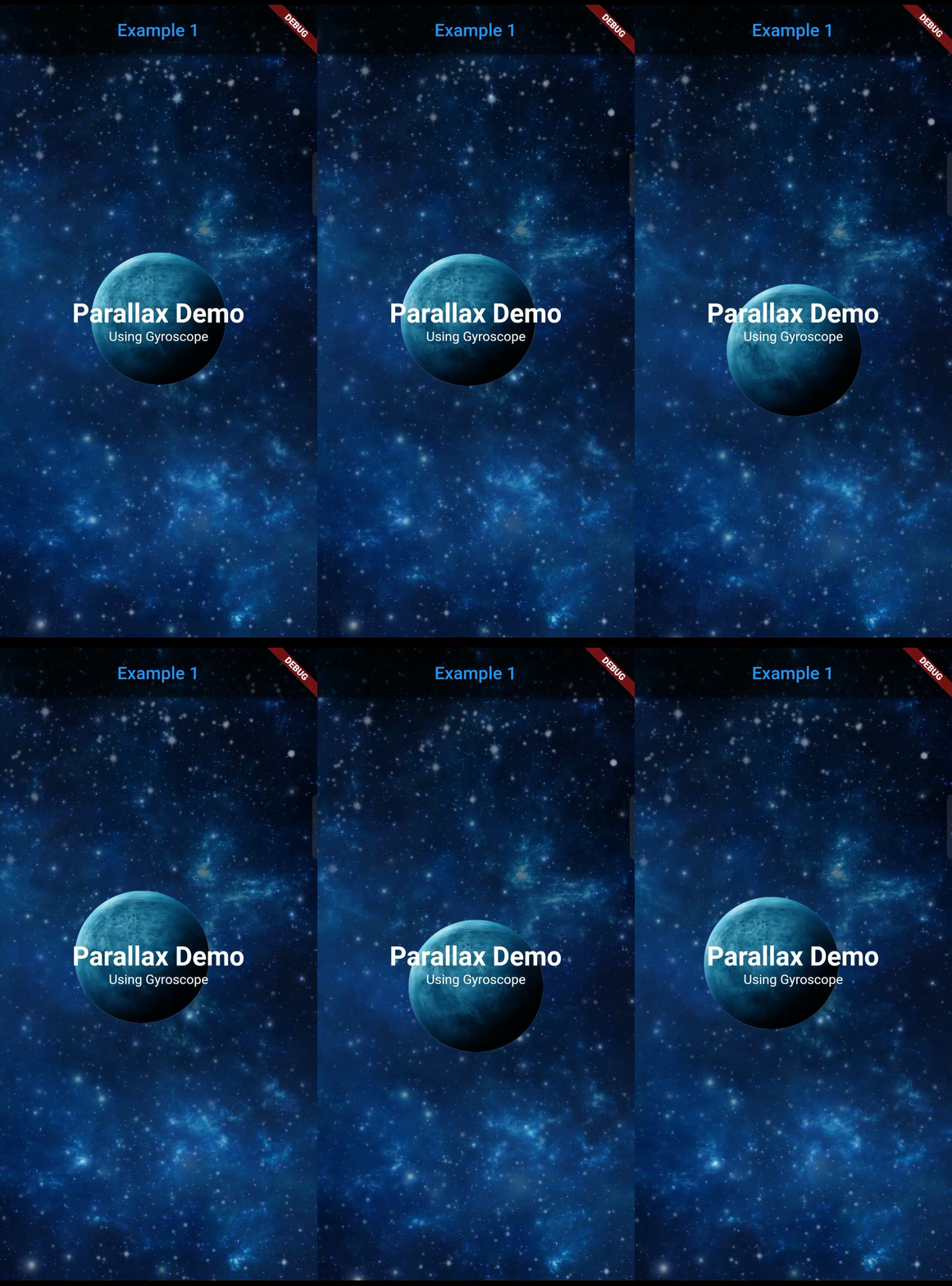
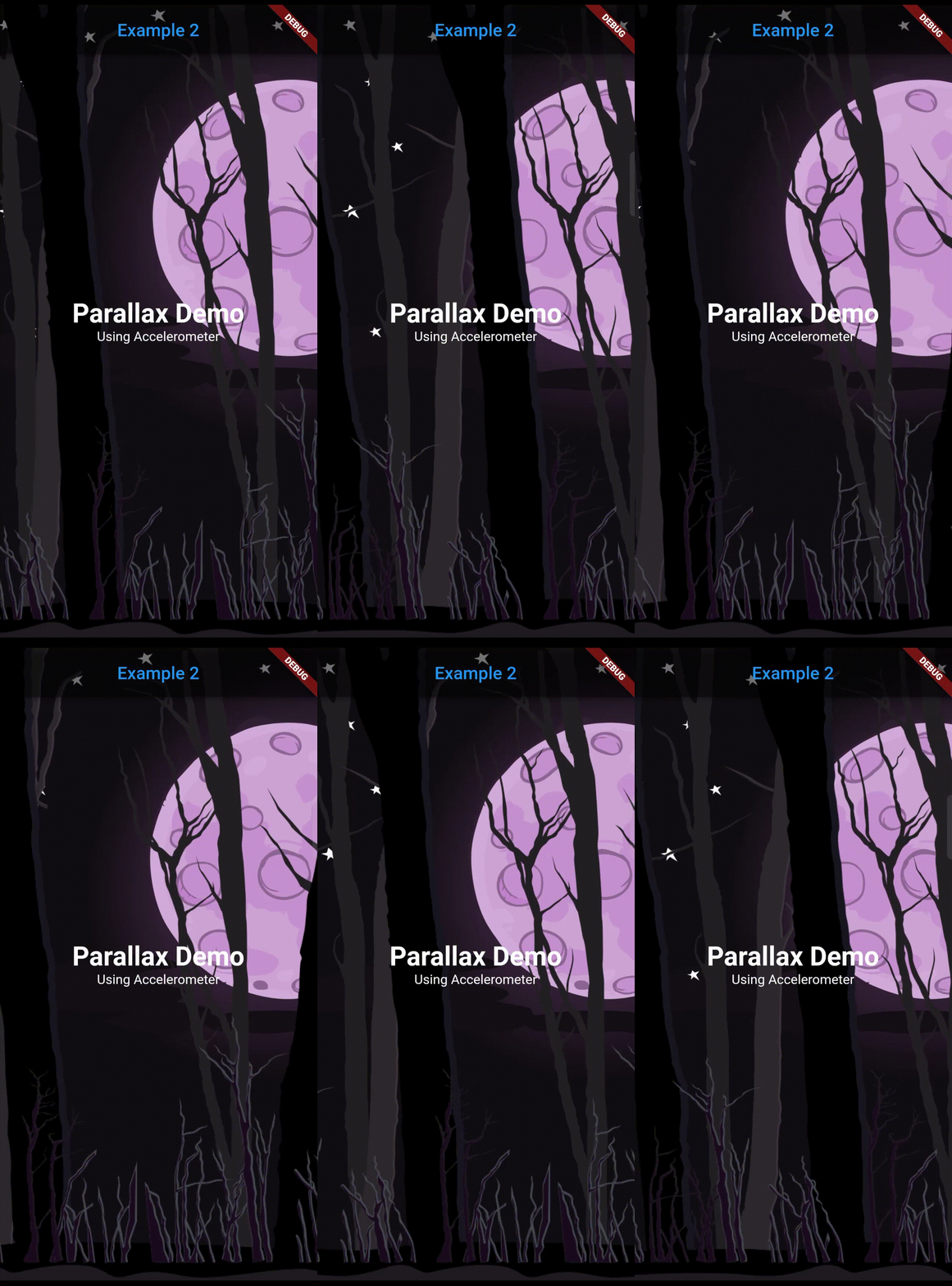
플러터 패키지로, 가속도계 및 자이로스코프와 같은 기기 센서 데이터에 반응하는 동적 파라럭스 배경을 생성할 수 있게 해줍니다. 실시간 센서 입력에 따라 배경 요소를 자동으로 조정함으로써 앱 인터페이스에 몰입형이고 움직임에 민감한 시각 효과를 쉽게 통합할 수 있도록 합니다. 미세하고 반응성 있는 애니메이션으로 사용자 참여도를 높이는 데 이상적입니다. 이 패키지는 Android 및 iOS 플랫폼 모두를 지원하며 최소한의 설정으로 원활한 성능을 제공하도록 설계되었습니다.
사용 사례
몰입형 앱 온보딩 화면 만들기
다시보드에 모션 반응형 배경 추가하기
게임 또는 인터랙티브 UI 향상
매력적인 제품 전시 페이지 설계
센서 기반 시각적 스토리텔링 구현
주요 기능
센서 기반 실시간 파라락스 효과
낮은 지연 시간의 부드러운 애니메이션
크로스 플랫폼 지원 (Android 및 iOS)
필요한 최소 구성
사용자 정의 배경 위젯을 지원합니다
성능 최적화
적합한 대상
상호작용 요소를 찾는 UI/UX 디자이너
모션 인식 앱을 개발하는 개발자
매력적인 시각적 피드백이 필요한 앱
게임화 또는 체험형 모바일 인터페이스
인터랙티브 프로토타입 제작
고려 사항
기기 센서가 사용 가능해야 합니다
지속적인 센서 사용 시 배터리 수명에 영향을 줄 수 있습니다
정적 또는 천천히 움직이는 배경에 가장 적합
복잡한 애니메이션에는 적합하지 않음
센서 감도 설정에 대한 제어가 제한됨
원본 README
연결된 소스 저장소의 README 원문 스냅샷입니다. 최신 내용은 저장소에서 확인하세요.
Parallax Sensors Bg
Get a parallax effect in the background of a page that responds to a corresponding sensor
detection (Accelerometer, Gyroscope, User accelerometer, Magnetometer)
Note: Accelerometer is preferred over other sensors.
Features
Supports 4 sensors: Accelerometer, User Accelerometer, Gyroscope, Magnetometer.
Simplified use of image.
Predefined filters for image: Blur and darken.
Any widgets can be used as a layer.
Can lock or reverse the movement of any axis.
Many parameters for precise customization.
Getting started
Add dependency in pubspec.yaml and run flutter pub get
Type of the sensor whose detected values will be used for parallax movement. (accelerometer, userAccelerometer, gyroscope, magnetometer).
layers
List<Layer>
required
Individual layers for the parallax effect. The declaration of the layers sequentially are positioned from bottom to top (Farthest to nearest from parallax perspective).
reverseVerticalAxis
bool
false
Reverses the movement of vertical axis.
reverseHorizontalAxis
bool
false
Reverses the movement of horizontal axis.
lockVerticalAxis
bool
false
Stops the movement of vertical axis.
lockHorizontalAxis
bool
false
Stops the movement of horizontal axis.
animationDuration
int
300
The duration in milliseconds it takes for the movement change to complete. Ideal value is from 200 to 400.
child
Widget?
null
The fixed body of the page, above the parallax layer.
Layer class arguments:
Argument
Type
Default
Description
sensitivity
double
required
Moving sensitivity of the layer.
offset
Offset?
null
Position of the layer from the center.
image
ImageProvider<Object>?
null
Image that the layer will show. By default, the image will take the size of the screen.
imageFit
BoxFit
BoxFit.cover
BoxFit type of the image.
imageHeight
double?
null
Height of the image.
imageWidth
double?
null
Width of the image.
preventCrop
bool
false
If set to true, it will ignore the imageHeight and imageWidth if given and will set the height and width of the image slightly more than the screen size such that it doesn't get cropped even at the extreme value of the sensor.
imageBlurValue
double?
null
Blurs the image. Value can be any positive fractional number.