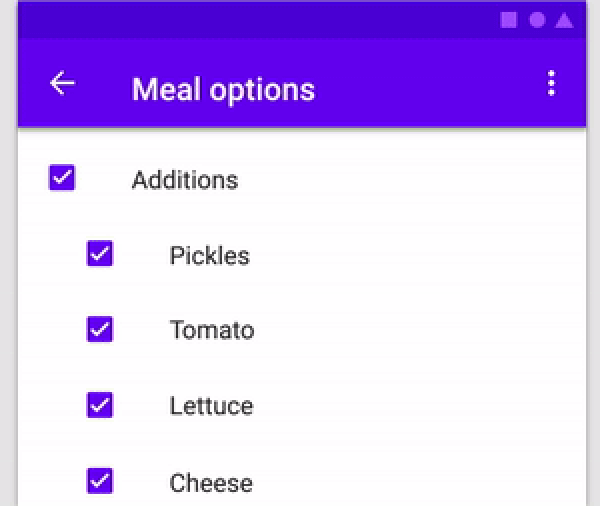
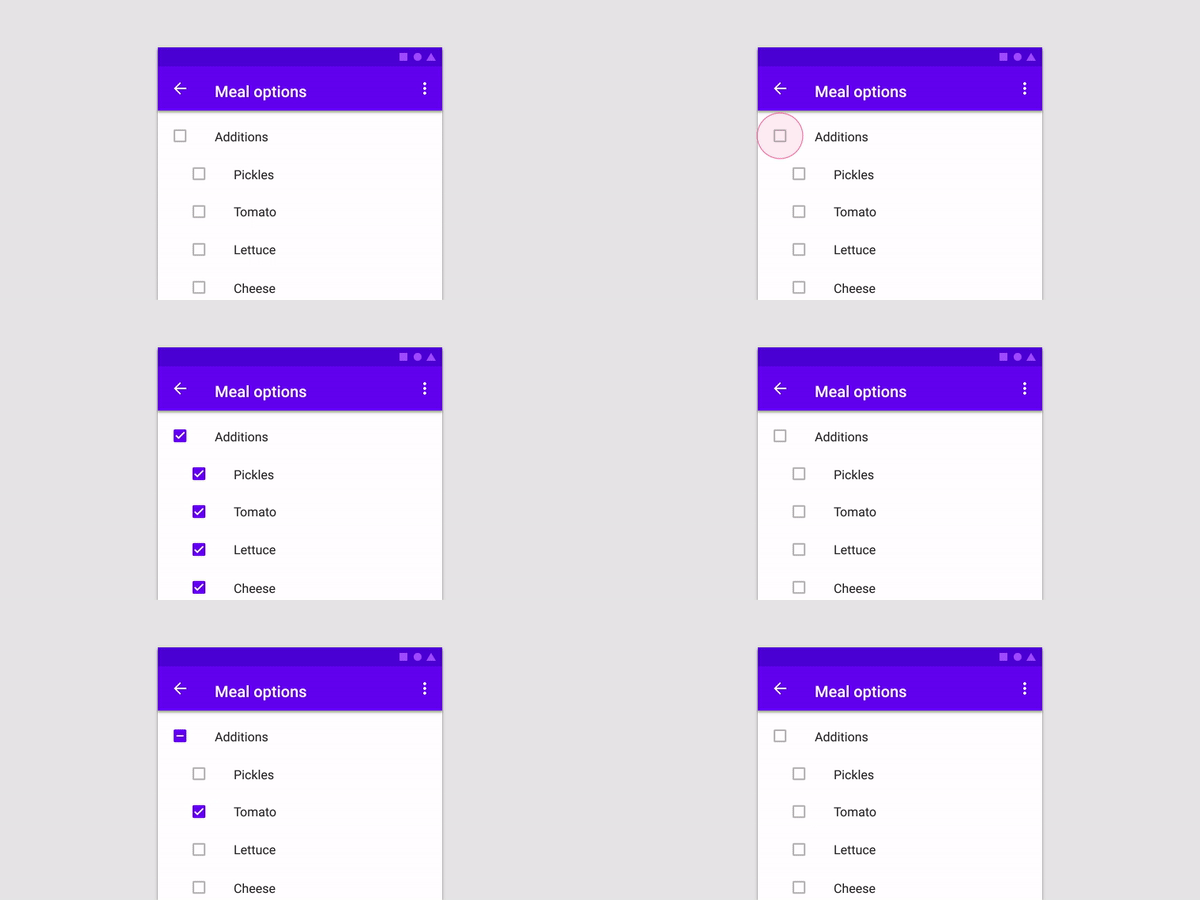
Parent Child Checkbox는 계층적 체크박스 구조를 가능하게 하는 Flutter 패키지로, 부모 체크박스가 자식 체크박스의 상태를 제어할 수 있는 중첩된 체크리스트를 만들 수 있게 해줍니다. 레벨 간에 직관적인 선택 및 해제를 지원하여 양식, 작업 목록 또는 그룹화된 옵션이 있는 설정에 적합합니다. 이 패키지는 가볍고 통합이 쉬우며 Android, iOS, Web, macOS, Windows, Linux 등 모든 주요 플랫폼에서 작동합니다.
사용 사례
작업 관리 시스템
그룹화된 옵션을 가진 폼 입력
중첩된 카테고리가 있는 설정
계층적 데이터 선택
사용자 선호도 구성
주요 기능
중첩 체크박스 계층
자동 자식 상태 전파
크로스 플랫폼 호환성
간단한 API 통합
부분 선택 상태를 지원합니다
적합한 대상
복잡한 폼을 개발하는 개발자
구조화된 체크리스트가 필요한 UI 디자이너
그룹 선택이 필요한 앱
다중 플랫폼을 대상으로 하는 프로젝트
계층적 체크를 위한 최소 설정을 원하는 사용자
고려 사항
고급 UI 요구 사항을 충족하기 위해 사용자 정의 스타일링이 필요할 수 있습니다
제한된 내장 검증
비계층적 체크박스 사용 사례에는 적합하지 않습니다
큰 트리에서는 상태 관리가 외부 처리가 필요할 수 있다
경계 사례에 대한 설명을 문서화할 수 있다
원본 README
연결된 소스 저장소의 README 원문 스냅샷입니다. 최신 내용은 저장소에서 확인하세요.
parent_child_checkbox
Parent Child Checkbox is a type of checkbox where we can establish hierarchy in Checkboxes.
You can create a Parent Checkbox which has multiple checkboxes as their children! The value of parent checkbox depends on the value of children checkboxes and vice-versa.
If we clicked on Parent Checkbox, all children checkboxes will be selected too.
Properties available:
Parameter Name
Parameter Type
Description
parent
Text
Text Widget to specify the Parent checkbox
children
List<Text>
List<Text> Widgets to specify the Children checkboxes
parentCheckboxColor
Color
Color of Parent CheckBox Defaults to [ThemeData.toggleableActiveColor]
childrenCheckboxColor
Text Widget
Text Widget to specify the Parent checkbox
parentCheckboxScale
double
Scale of the Parent CheckBox. Defaults to [1.0]
childrenCheckboxScale
double
Scale of the Children CheckBox. Defaults to [1.0]
gap
double
Gap between the Parent and Children CheckBox. Defaults to [10.0]
onCheckedChild
void Function(int index)?
Function that will be executed if a child will be selected
onCheckedParent
void Function()?
Function that will be executed if the parent will be selected
isParentSelected
Getter
Getter to get whether particular parent is selected or not.
Example: {'Parent 1' : true, 'Parent 2' : false} where Parent 1 and Parent 2 will be 2 separate parents if you are using multiple ParentChildCheckbox in your code.
Default value will be false for all specified parents
selectedChildrens
Getter
Getter to get which childrens are selected for a particular parent.
Example: {'Parent 1' : ['Children 1.1','Children 1.2'], 'Parent 2' : []} where Parent 1 and Parent 2 will be 2 separate parents if you are using multiple ParentChildCheckbox in your code.
Default value is {'Parent 1' : [], 'Parent 2' : []}