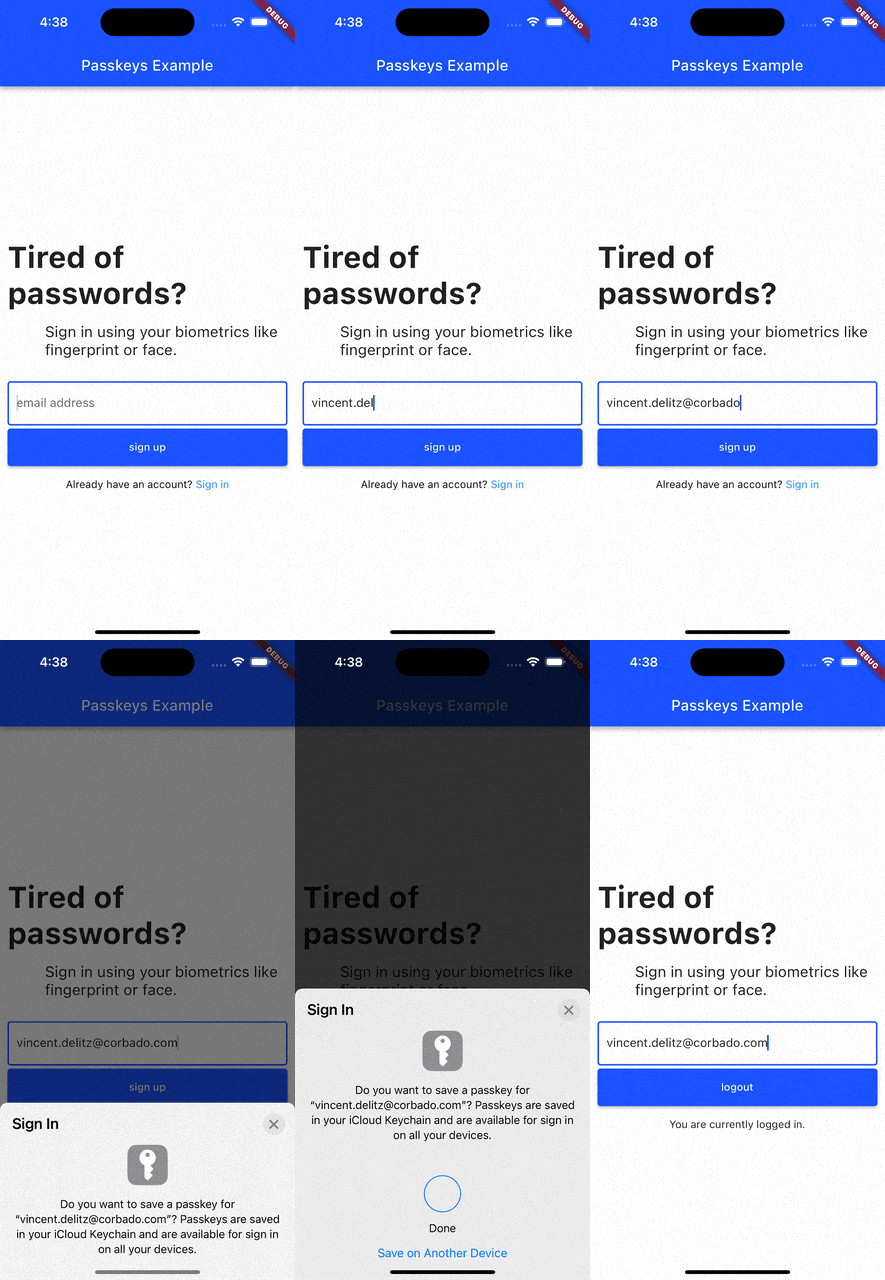
passkeys_platform_interface 패키지는 여러 플랫폼에서 패스키를 구현하기 위한 공유 플랫폼 인터페이스를 제공합니다. Android, iOS, Linux, macOS, Web 및 Windows에서 패스키 기능을 활성화하기 위해 플랫폼별 플러그인에서 구현해야 하는 핵심 API 계약을 정의합니다. 이 추상화는 일관된 동작을 보장하고 더 넓은 패스키 생태계와의 통합을 단순화합니다. 새로운 플랫폼에 대한 지원을 확장하는 개발자는 이 인터페이스를 구현하여 호환성을 유지하고 통합된 인증 워크플로우를 활용해야 합니다.
사용 사례
크로스 플랫폼 패스키 인증 활성화
새 운영 체제를 위한 패스키 구현
플랫폼별 패스키 백엔드 생성
생체 인식 또는 비밀번호 없는 로그인 통합
안전한 로컬 인증 지원
주요 기능
플랫폼 간 공유 API 계약
새로운 플랫폼 구현을 위한 확장 가능
표준화된 패스키 작업
주요 데스크톱 및 모바일 OS를 지원합니다
플러그인 상호 운용성에 최적화된 설계
적합한 대상
플러그인 개발자가 패스키 지원을 추가하고 있습니다
크로스 플랫폼 인증 라이브러리
비밀번호 없는 로그인 시스템을 구축하는 팀
보안 중심 앱 개발자
인증 도구의 오픈소스 기여자
고려 사항
각 대상 플랫폼에서 구현이 필요합니다
하위 OS의 passkey 지원에 따라 다름
추가적인 네이티브 코드 설정이 필요할 수 있습니다
최종 사용자 앱에서 직접 사용하기 위한 것이 아님
Corbado의 패스키 플러그인 생태계와 일치해야 합니다
원본 README
연결된 소스 저장소의 README 원문 스냅샷입니다. 최신 내용은 저장소에서 확인하세요.
Flutter passkeys
Flutter packages to enable passkey authentication (based on WebAuthn / FIDO2).
Android
iOS
Linux
macOS
Web
Windows
Support
:white_check_mark:
:white_check_mark:
:x:
:white_check_mark:
:white_check_mark:
:white_check_mark:
Current list of packages
1. Passkeys
Description
A Flutter package that enables simple passkey authentication.
Currently Android, iOS, macOS, Web and Windows are supported.
Features
sign up and login users with passkeys
connect your own relying party server or use pre-implemented ones
A Flutter package that builds on the passkeys package.
It adds additional functionalities to make it simpler to use passkey authentication in your own Flutter app.
Features
sign up and login users with passkeys
connect Corbado as pre-implemented relying party server
keep users logged in even if they close the app (automatic session refresh)
A Flutter package that builds on the corbado_auth and the passkeys package.
It helps you to integrate passkey authentication into your Flutter app that uses Firebase as a backend.
Note: This package is currently broken and will be fixed in the future. There is no specific ETA on when the fix will be available.
Features
allow new users to sign up and log in using passkeys
allow existing users (that you created with Firebase authentication) to setup a passkey and then log in with it
email OTP codes as fallback mechanism for situations when passkeys can not be used (e.g. when a user logs in to a device where none of his passkeys is available)
The passkeys package can be used as the platform authenticator for supabase_flutter.
Supabase Auth acts as the relying party server, while passkeys handles the native passkey prompts on iOS, Android, macOS, Windows and Web.
It requires supabase_flutter 2.15.0 or later and passkeys 2.21.0 or later.
try {
final res = await supabase.auth.signInWithPasskey(authenticator);
print('Signed in as ${res.user?.email}');
} onAuthExceptioncatch (e) {
print(e);
}
For custom flows there is also a two-step API under the supabase.auth.passkey namespace (startRegistration/verifyRegistration and startAuthentication/verifyAuthentication), as well as methods to list, rename and delete passkeys.
We're happy to receive your pull requests. For major changes, please open an issue first to discuss what you would like to change.
Support
If you have questions, feedback or wishes regarding features, please reach out to us via [email](mailto:contact@corbado.com) or join our passkeys community on Slack.