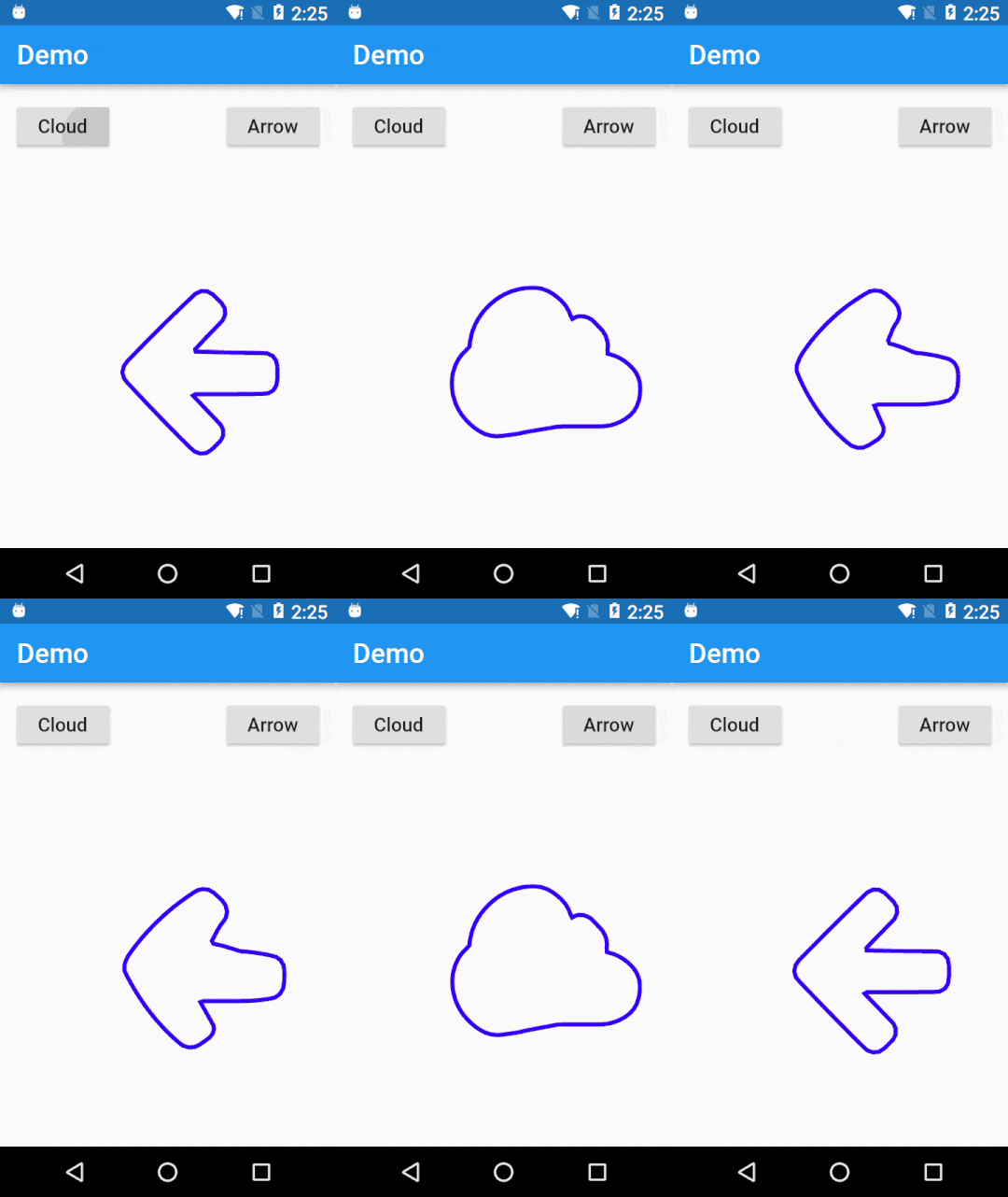
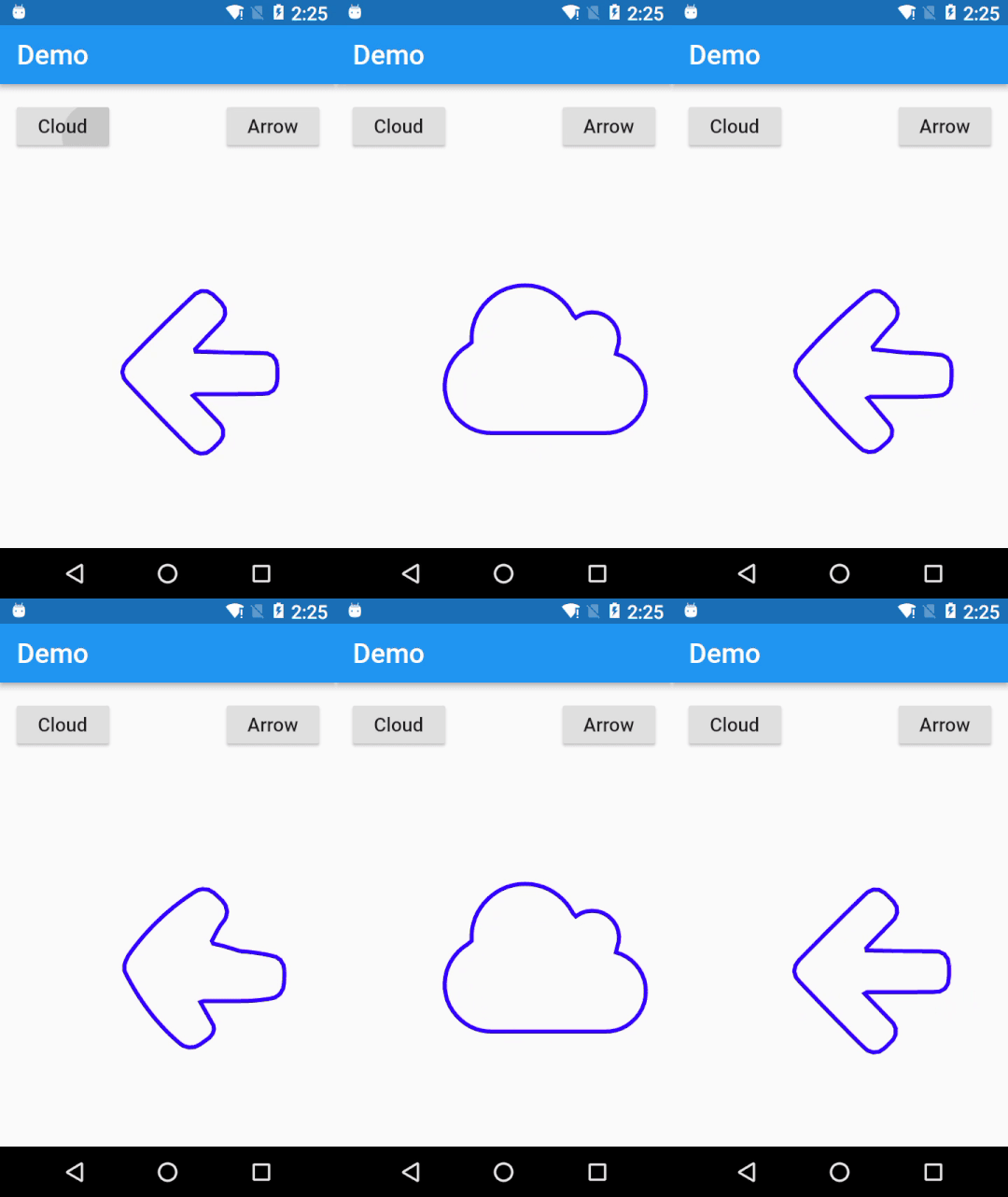
path_morph는 부드러운 경로 보간 애니메이션을 가능하게 하는 Flutter 패키지로, 개발자가 사용자 정의 경로를 다른 경로로 변형할 수 있도록 해줍니다. 애니메이션에서 형태나 외곽선 간의 매끄러운 시각적 전환을 만들기에 이상적입니다. 이 패키지는 모든 주요 플랫폼을 지원하며, Flutter의 애니메이션 시스템과 원활하게 통합됩니다. 두 경로의 점들을 시간에 따라 보간함으로써 작동하여 아이콘, 로더 또는 동적 일러스트와 같은 UI 요소에 시각적으로 매력적인 결과를 제공합니다.
사용 사례
애니메이션 아이콘 전환 만들기
UI에서 유체 형태 변형 설계하기
사용자 정의 경로 기반 그래픽 애니메이션
상호작용 가능한 로딩 표시기 만들기
앱에서 시각적 스토리텔링 향상
주요 기능
스무스한 경로 보간
크로스 플랫폼 지원
경로 애니메이션을 위한 간단한 API
Flutter의 AnimationController와의 통합
복잡한 경로 기하학을 지원합니다
적합한 대상
동적인 시각 효과를 찾는 UI/UX 디자이너
애니메이션 일러스트를 구축하는 개발자
사용자 정의 경로 전환을 필요로 하는 앱
유동적인 움직임을 갖춘 인터랙티브 프로토타입
고려 사항
매우 복잡한 경로에서는 성능이 달라질 수 있습니다
부드러운 결과를 얻기 위해 신중한 경로 구조가 필요합니다
경량 애니메이션에 가장 적합
실시간 사용자 그리기 경로에 적합하지 않음
외부 입력 없이 정적 경로 변형에 제한됨
원본 README
연결된 소스 저장소의 README 원문 스냅샷입니다. 최신 내용은 저장소에서 확인하세요.
Path Morph
This is a pure Dart package that lets you smoothly morph one Flutter Path object into another. You can think of this as a path tween animation. The idea is to take two paths, a source path and a destination path, and smoothly move the points of the source path until it looks exactly like the destination path.
Usage
First you need to sample two paths using the PathMorph.samplePaths() method, which returns a SampledPathData object.
SampledPathData data = PathMorph.samplePaths(path1, path2);
Then you call the PathMorph.generateAnimations() method to create an animation for every point in the path. This method needs an AnimationController object and a SampledPathData object as arguments. Additionally, it expects you to pass a function to it, one that takes two arguments itself. In the body of the function, you must call setState() and update the value of the shiftedPoints list, which is present in the SampledPathData object.
Lastly, while rendering the morph animation, you can call the PathMorph.generatePath() method and pass the shiftedPoints list to it. This returns a Path object you can draw on your canvas. If you are using a CustomPainter object, you'll want to pass the path as an argument to it.
Do take a look at the example project to get a better idea.
Important
This package currently allows you to morph two paths only if they both have an equal number of contours. You can think of a contour as a line you can draw without lifting the pen. For example, the path to draw a triangle, a circle, or a square has one contour only. But a path to draw two concentric circles will have two contours.