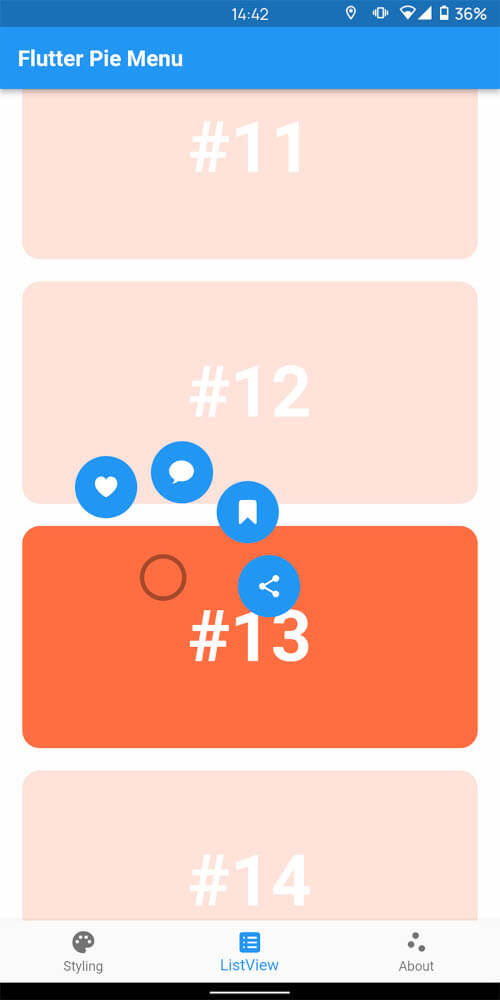
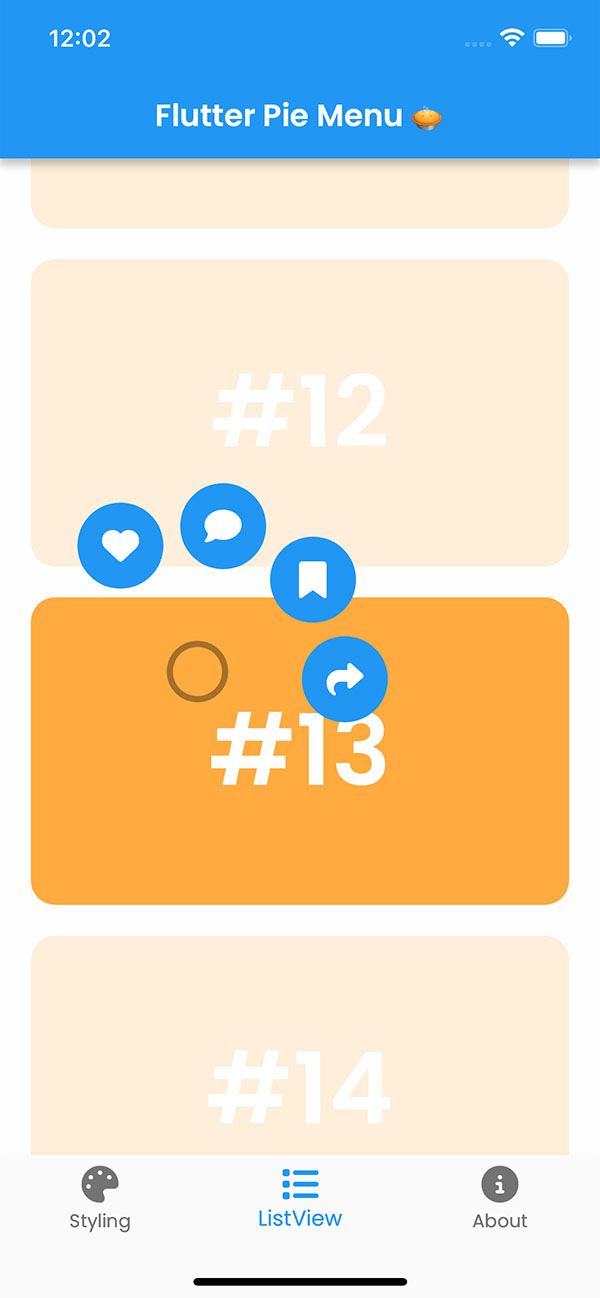
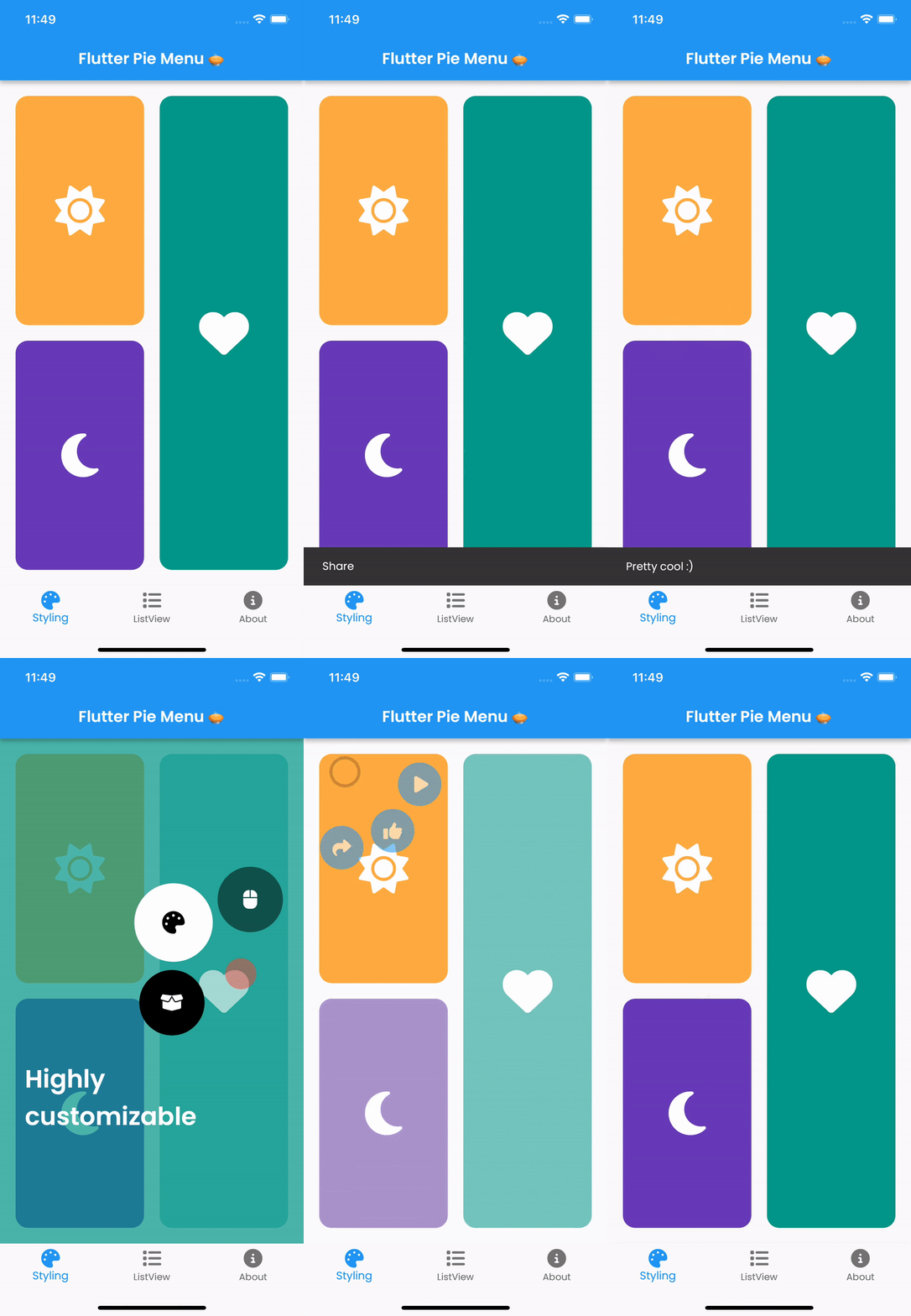
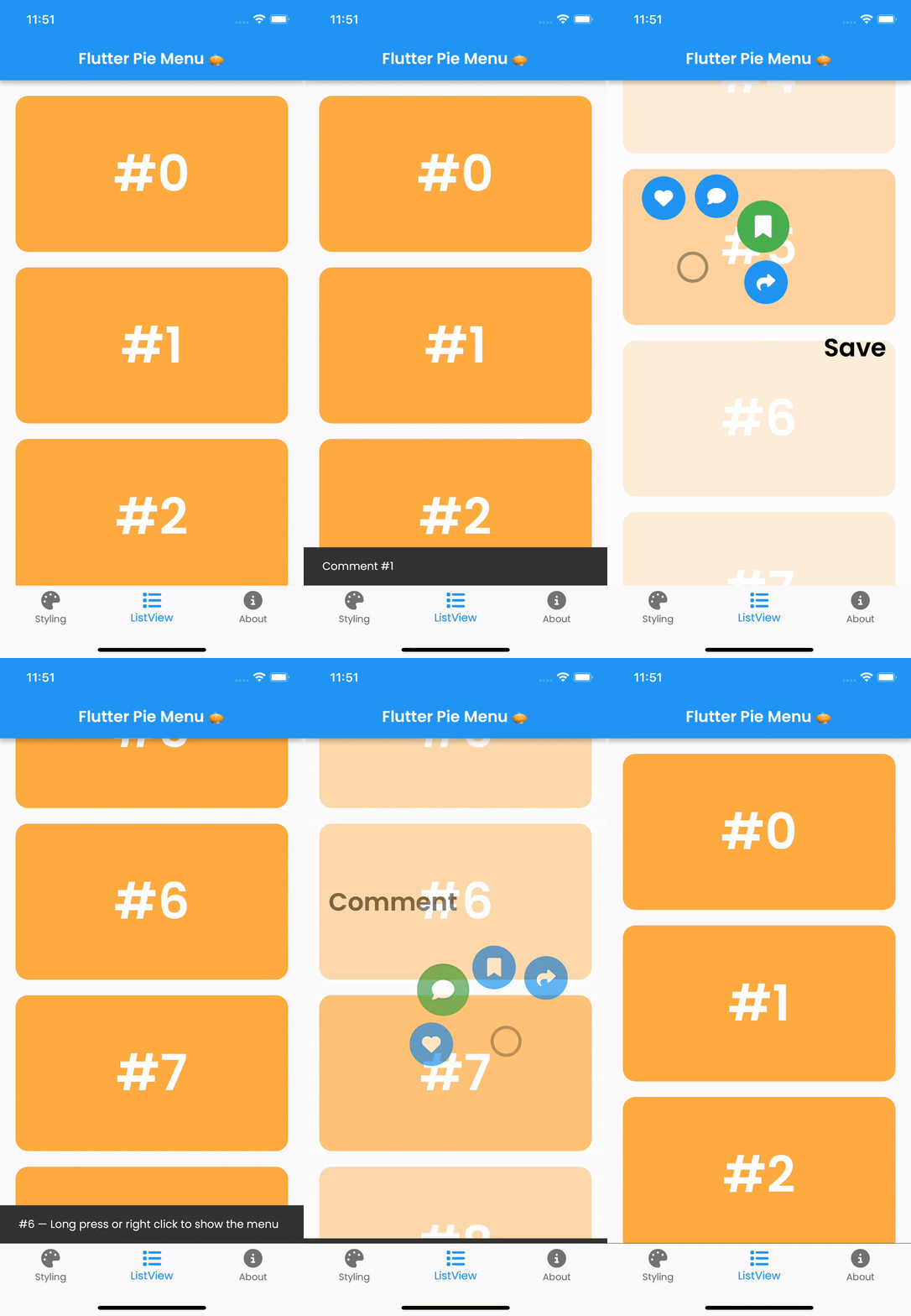
Pie_menu는 사용자 친화적이고 공간 효율적인 사용자 인터랙션에 적합한 사용자 정의 가능한 원형 또는 반경형 컨텍스트 메뉴를 제공하는 Flutter 패키지입니다. 개발자는 구성 가능한 조각, 애니메이션 및 제스처를 갖춘 상호작용형 파이 모양 메뉴를 만들 수 있습니다. 이 패키지는 Android, iOS, Web, macOS, Windows, Linux 등 여러 플랫폼을 지원하여 기기 간 일관된 동작을 보장합니다. 색상, 크기 및 동작에 대한 광범위한 사용자 지정 옵션을 통해 여러 작업에 빠르게 접근해야 하는 앱의 UI 디자인을 향상시킵니다.
사용 사례
모바일 앱에서 빠른 작업 선택
창의적 도구에서 직관적인 탐색
게임 인터페이스에서 UI 향상
생산성 앱에서 워크플로우 간소화
AR/VR 애플리케이션에서 제스처 기반 컨트롤 제공
주요 기능
높은 사용자 정의 가능한 레이디얼 레이아웃
터치, 탭 및 드래그 제스처 지원
부드러운 애니메이션과 전환
크로스 플랫폼 호환성
사용자 정의 가능한 조각 크기 및 간격
확장 가능한 이벤트 처리
적합한 대상
제스처가 풍부한 인터페이스를 구축하는 개발자
현대적인 메뉴 대안을 찾는 UI 디자이너
작은 액션 패널이 필요한 앱
인터랙티브 교육 또는 게임 애플리케이션
다수의 장치 플랫폼을 대상으로 하는 프로젝트
고려 사항
접근성에 대한 신중한 UX 테스트가 필요할 수 있습니다
많은 메뉴 항목으로 인한 성능 영향
복잡한 구성에 대한 잠재적 학습 곡선
간단한 선형 메뉴에는 적합하지 않음
작은 화면에서 터치 대상 크기 조정에 주의가 필요합니다
원본 README
연결된 소스 저장소의 README 원문 스냅샷입니다. 최신 내용은 저장소에서 확인하세요.
Flutter Pie Menu 🥧
A Flutter package providing a highly customizable circular/radial context menu, similar to Pinterest's.
Wrap the widget that should respond to gestures with the PieMenu widget, and provide the menu with a list of PieActions to display as circular buttons.
PieMenu(
onPressed: () => print('pressed'),
actions: [
PieAction(
tooltip: constText('like'),
onSelect: () => print('liked'),
child: constIcon(Icons.favorite), // Can be any widget
),
],
child: ChildWidget(),
),
💡 Note that PieMenu must be a descendant of a PieCanvas widget.
Wrap your page, or any other desired widget for drawing the menu and the background overlay, with the PieCanvas widget.
For instance, if you want the menu to be displayed at the forefront, wrap your Scaffold with a PieCanvas as follows:
Button background and icon colors are defined by the theme's buttonTheme and buttonThemeHovered properties. You can create custom PieButtonTheme instances for your canvas and menu themes.
To disable dynamic angle calculation and have the menu appear at a fixed angle, set the customAngle and customAngleAnchor attributes of PieTheme.
PieTheme(
  customAngle: 90, // In degrees
  customAngleAnchor: PieAnchor.center, // start, center, end
),
You can also use customAngleDiff or spacing to adjust the angle between buttons, and angleOffset to rotate the menu.
Specific menu position
Use the menuAlignment attribute of PieTheme to make the menu appear at a specific position regardless of the press location. Combine it with menuDisplacement to fine-tune the position.
To open, close, or toggle a menu programmatically, assign a PieMenuController to it.
// Create a controller inside a stateful widget.final _pieMenuController = PieMenuController();
// Assign the controller to a PieMenu.PieMenu(
controller: _pieMenuController,
...
),
// Control the menu using the controller.
_pieMenuController.open(
menuAlignment: Alignment.center,
);
If you need to perform actions when the menu is toggled, use the onToggle callback of PieMenu or the onMenuToggle callback of PieCanvas.