패키지, 저장소 및 앱 카테고리 검색

pip_flutter 표지
패키지 상세v0.0.3

pip_flutter

Android용 새로운 Flutter 피처 인 피처 패키지. 앱이 포그라운드에서 실행 중일 때도 앱이 종료되지 않습니다.

30일 다운로드
93
좋아요
60
Pub 점수
60

패키지 설치

flutter pub add pip_flutter

패키지 개요

공개 정보를 바탕으로 생성한 선택 가이드입니다.

pip_flutter는 Android에서 피처 인 피처(PiP) 기능을 활성화하는 Flutter 패키지입니다. 앱이 최소화되거나 다른 앱으로 전환되어도 작은 부유 창에서 계속 실행될 수 있도록 해줍니다. 이 패키지는 앱이 포그라운드에서 활성 상태로 유지되고 종료되지 않도록 보장하여 미디어 재생 또는 지속적인 작업에 대한 사용자 경험을 향상시킵니다. Android의 PiP 모드와 원활하게 통합되며, 비디오 플레이어, 라이브 스트리밍 또는 지속적인 백그라운드 작동이 필요한 모든 앱에 적합합니다. 간단한 설정 단계를 통해 기본 구성이 가능합니다.

사용 사례

  • 백그라운드에서의 비디오 재생
  • 라이브 스트리밍 애플리케이션
  • 지속적인 작업 모니터링
  • 다중 작업 사용자 워크플로우
  • 배경 오디오 및 시각 피드백

주요 기능

  • 안드로이드 전용 PiP 지원
  • 앱은 백그라운드에서 활성 상태로 유지됩니다
  • 최소한의 설정 필요
  • 다른 앱 위에 떠 있는
  • 앱 최소화 중에도 작동함

적합한 대상

  • 미디어 앱
  • 교육 도구
  • 원격 모니터링 앱
  • 생산성 앱
  • 지속적인 UI가 필요한 앱

고려 사항

  • Android 플랫폼에 한정
  • Android 8.0 이상 필요
  • iOS 지원 없음
  • 적절한 매니페스트 구성이 필요합니다
  • 추가 권한이 필요할 수 있습니다

원본 README

연결된 소스 저장소의 README 원문 스냅샷입니다. 최신 내용은 저장소에서 확인하세요.

pip_flutter

A Flutter plugin for Android and ios for make video in picture in picture mode.


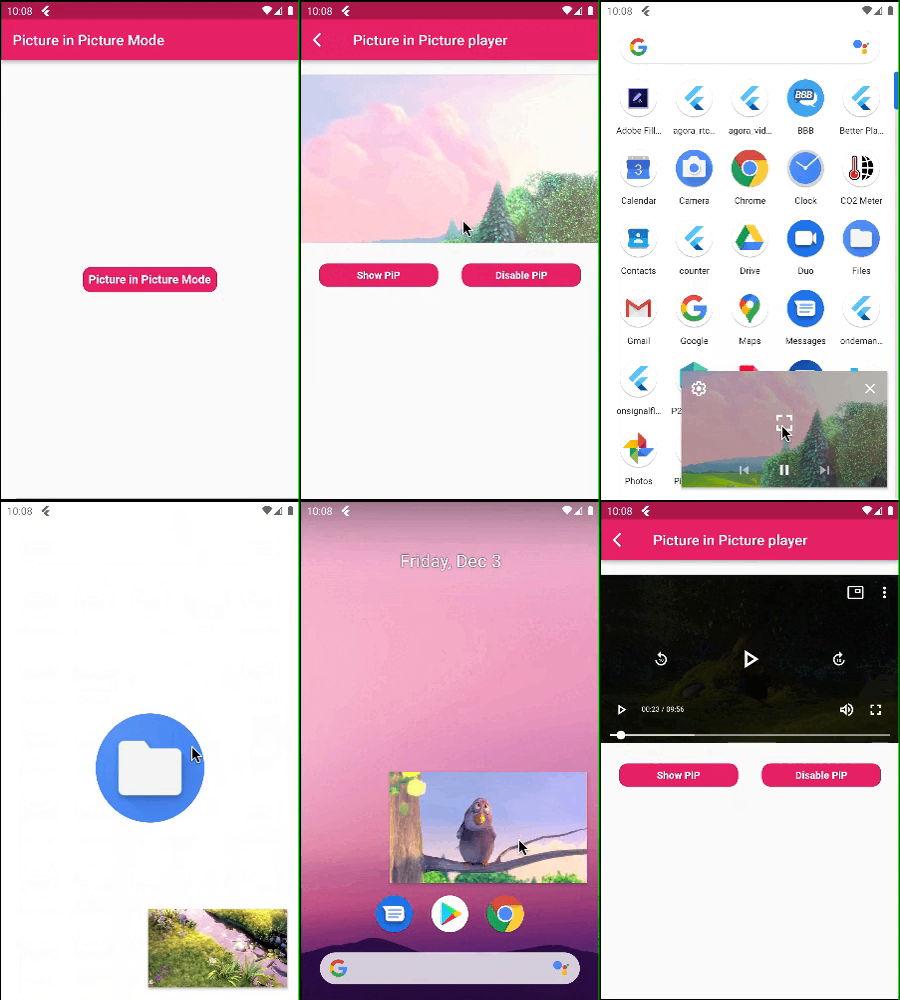
Picture in Picture Mode Flutter


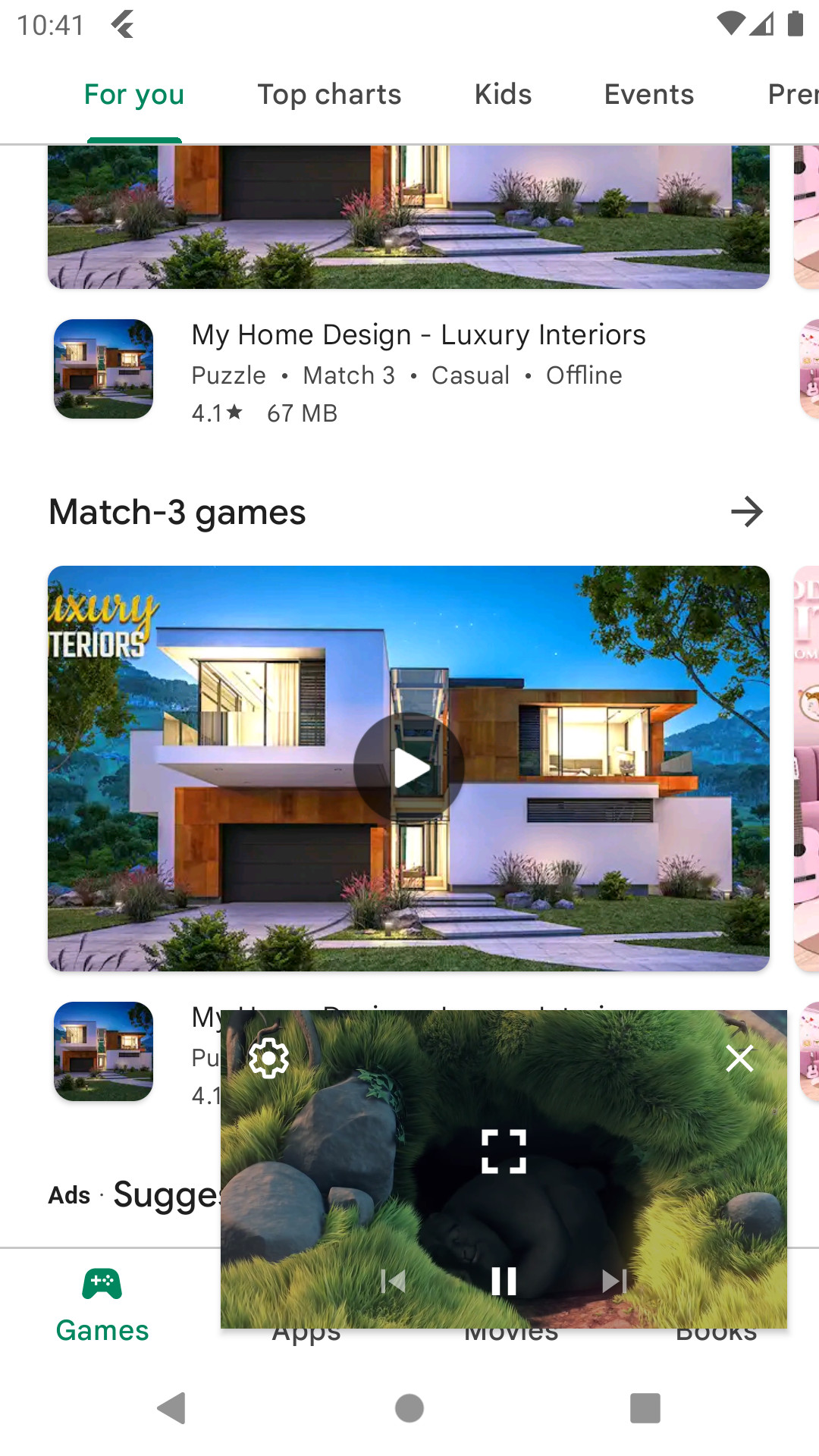
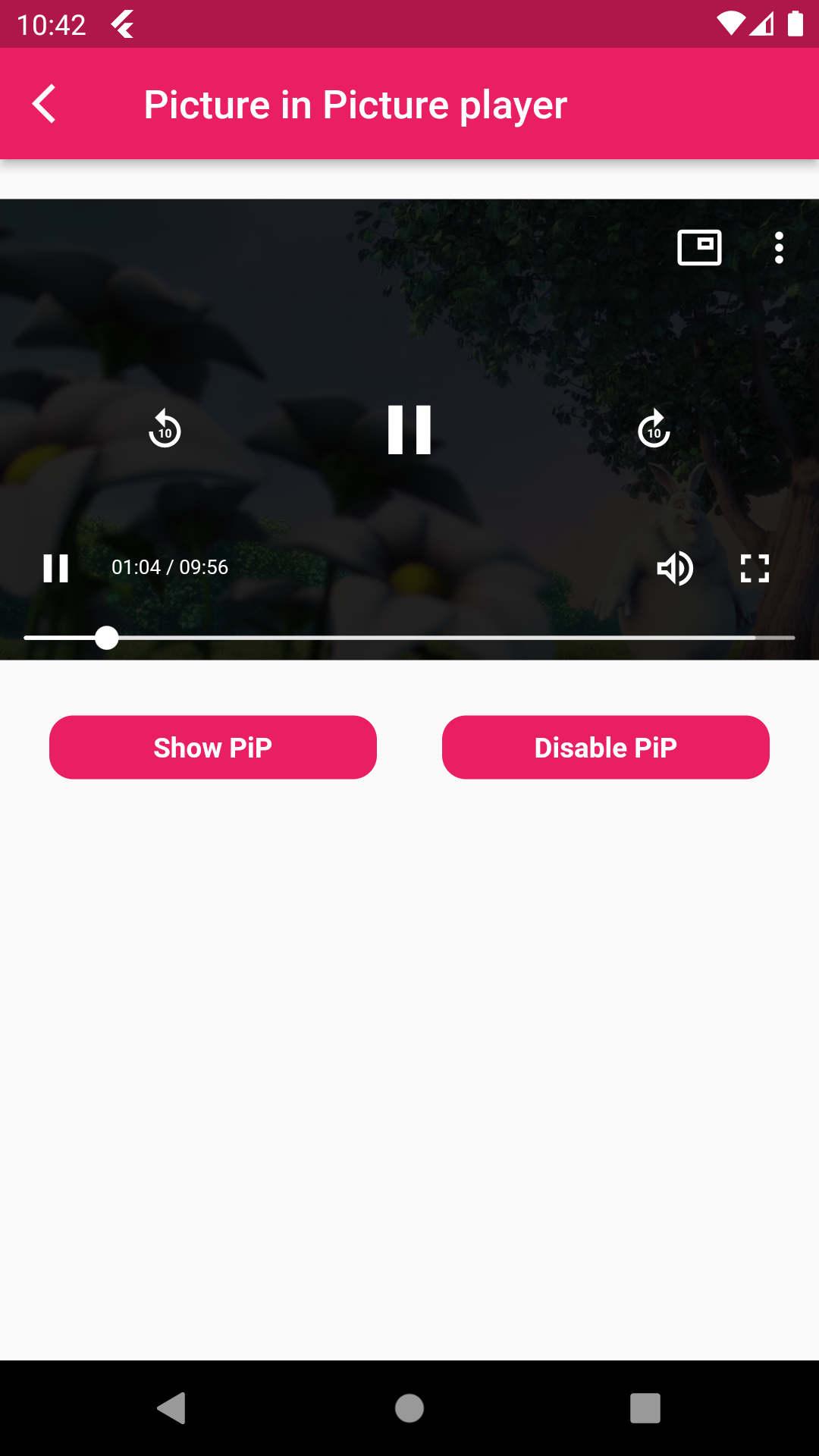
Picture in Picture Mode Disable Picture in Picture Mode

A flutter package pip flutter which will help to put your video in pip mode.

Features 💚

  • Put your video in Picture in Picture mode.
  • Also mute sound and play and pause the video.
  • Make video in full screen mode,set play back speed of video

Installation

First, add pip_flutter as a dependency in your pubspec.yaml file.

Android

Add below permission in your AndroidManifest.xml file ,also specified picture in picture mode in your activity tag and add foreground service for when app is not in background that time app not kill and running in foregorund and also add update code of MainActivity.kt and add PipFlutterPlayerService.

    <uses-permission android:name="android.permission.INTERNET"/>
    <uses-permission android:name="android.permission.FOREGROUND_SERVICE" />
    
    <activity
            android:name=".MainActivity"
            android:supportsPictureInPicture="true"
            android:launchMode="singleTop"
            android:theme="@style/LaunchTheme"
            android:configChanges="orientation|keyboardHidden|keyboard|screenSize|smallestScreenSize|locale|layoutDirection|fontScale|screenLayout|density|uiMode"
            android:hardwareAccelerated="true"
            android:windowSoftInputMode="adjustResize"
            android:exported="true"/>
            
    <service
           android:name=".PipFlutterPlayerService"
           android:stopWithTask="false" />

IOS

In Xcode of your project set ios deployment info 11.0 and set in below code in your Info.plist file.

<key>NSAppTransportSecurity</key>
<dict>
<key>NSAllowsArbitraryLoads</key>
<true/>
</dict>
<key>NSBonjourServices</key>
<array>
<string>_dartobservatory._tcp</string>
</array>
<key>UIBackgroundModes</key>
<array>
<string>audio</string>
<string>processing</string>
<string>remote-notification</string>
</array>

How to use

  • PipFlutterPlayerConfiguration : Put this class for your video configuration.
PipFlutterPlayerConfiguration pipFlutterPlayerConfiguration =
const PipFlutterPlayerConfiguration(
  aspectRatio: 16 / 9,
  fit: BoxFit.contain,
);
  • PipFlutterPlayerDataSource : Put this class for declare your video type url and url.
PipFlutterPlayerDataSource dataSource = PipFlutterPlayerDataSource(
  PipFlutterPlayerDataSourceType.network,
  'http://commondatastorage.googleapis.com/gtv-videos-bucket/sample/BigBuckBunny.mp4',
);
  • PipFlutterPlayer :
PipFlutterPlayer(
controller: pipFlutterPlayerController,
key: pipFlutterPlayerKey,
),
  • Make your video in Pip mode put this code on your onTap.
pipFlutterPlayerController.enablePictureInPicture(pipFlutterPlayerKey);
  • And make your video in disable mode put this code on your onTap.
pipFlutterPlayerController.disablePictureInPicture();

Run the example app in the exmaple folder to find out more about how to use it.

카테고리

의존성

의존성 목록 7 개

소스 저장소

이 패키지를 사용하는 프로젝트

아직 데이터가 없습니다.