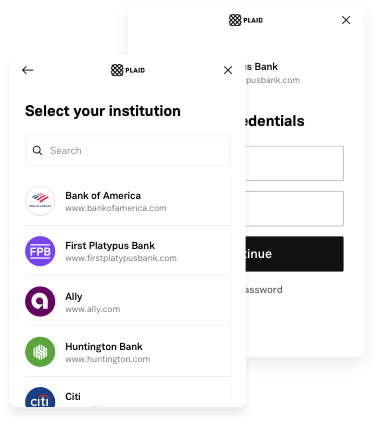
Plaid Flutter는 iOS, Android, Web용 Plaid의 네이티브 SDK를 통합하는 Flutter 패키지로, Flutter 애플리케이션에서 원활한 금융 데이터 접근을 가능하게 합니다. 이 패키지는 Plaid Link를 통해 은행 계좌 연결, 거래 데이터 조회, 신원 확인을 위한 통합 인터페이스를 제공합니다. 플랫폼별 구현을 추상화함으로써 통합을 단순화하면서도 네이티브 성능과 보안 기준을 유지합니다. 개발자는 Plaid의 강력한 인프라를 활용해 여러 플랫폼에서 신원 검증, 소득 확인, 계좌 집계를 수행할 수 있습니다.
In order to initialize Plaid Link, you will need to create a link_token at /link/token/create. After generating a link_token, you'll need to pass it into your app and use it to open Link:
...
LinkTokenConfiguration _configuration = LinkTokenConfiguration(
token: "<GENERATED_LINK_TOKEN>",
);
// Create the internal handler for Plaid Link.// This is a one-time use object that opens a Link session.// Must be called before `open()`.// Completes when Plaid is ready to open, or throws an error if setup fails.awaitPlaidLink.create(configuration: _configuration);
/// Open Plaid Link by calling open on the handler.PlaidLink.open();
...
Note that each time you open Link, you will need to get a new link_token from your server and create a new LinkTokenConfiguration with it.
A link_token can be configured for different Link flows depending on the fields provided during token creation. It is the preferred way of initializing Link going forward. You will need to pass in most of your Link configurations server-side in the /link/token/create endpoint rather than client-side where they previously existed.
If your integration is still using a public_key to initialize Plaid Link, the LinkConfiguration class has support for it. Check the migration guide to upgrade your app to the link_token flow.
(Identity Verification only) - Enable camera support
When using the Identity Verification product, the Link SDK may use the camera if a user needs to take a picture of identity documentation. To support this workflow, add a NSCameraUsageDescription entry to your ios/Runner/Info.plist with an informative string.
OAuth configuration
If your integration uses only Identity Verification or Monitor, this steps can be skipped; they are mandatory otherwise.
Registering your redirect URI:
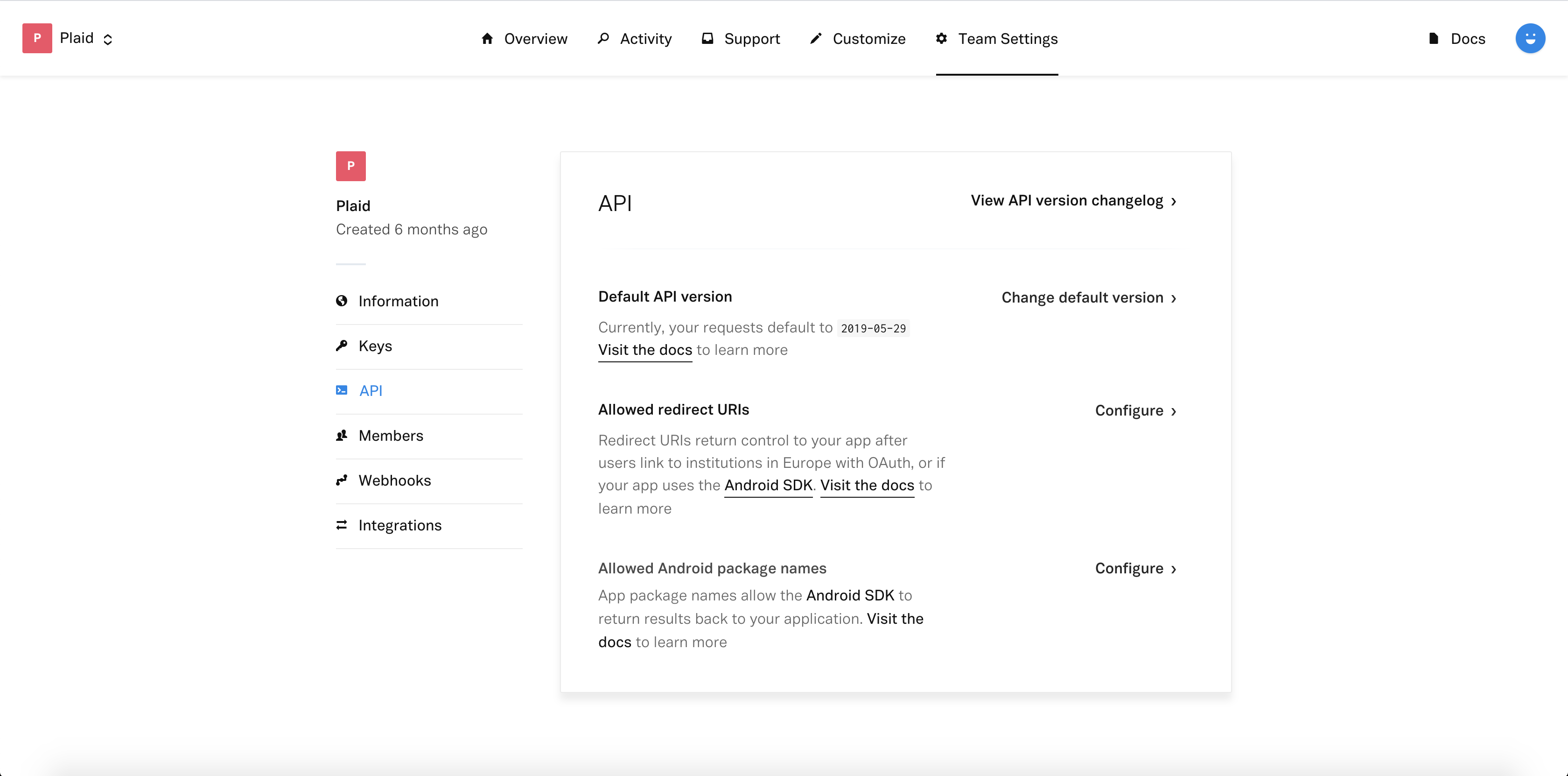
Sign in to the Plaid Dashboard and go to the Team Settings -> API page.
Next to Allowed redirect URIs click Configure then Add New URI.
Enter your redirect URI, which you must also set up as a Universal Link for your application, for example: https://app.example.com/plaid/.
Click Save Changes
These redirect URIs must be set up as Universal Links in your application.
Go to the project level android/app/build.gradle and make sure you are using a minSdk >= 21
(Identity Verification only) - Enable camera support
If your app uses Identity Verification, a user may need to take a picture of identity documentation or a selfie during the Link flow. To support this workflow, the CAMERA, WRITE_EXTERNAL_STORAGE, RECORD_AUDIO, and MODIFY_AUDIO_SETTINGS permissions need to be added to your application's AndroidManifest.xml.
Register your App ID
Sign in to the Plaid Dashboard and go to the Team Settings -> API page.
Next to Allowed Android Package Names click Configure then Add New Android Package Name.
Enter your package name, for example com.plaid.example.