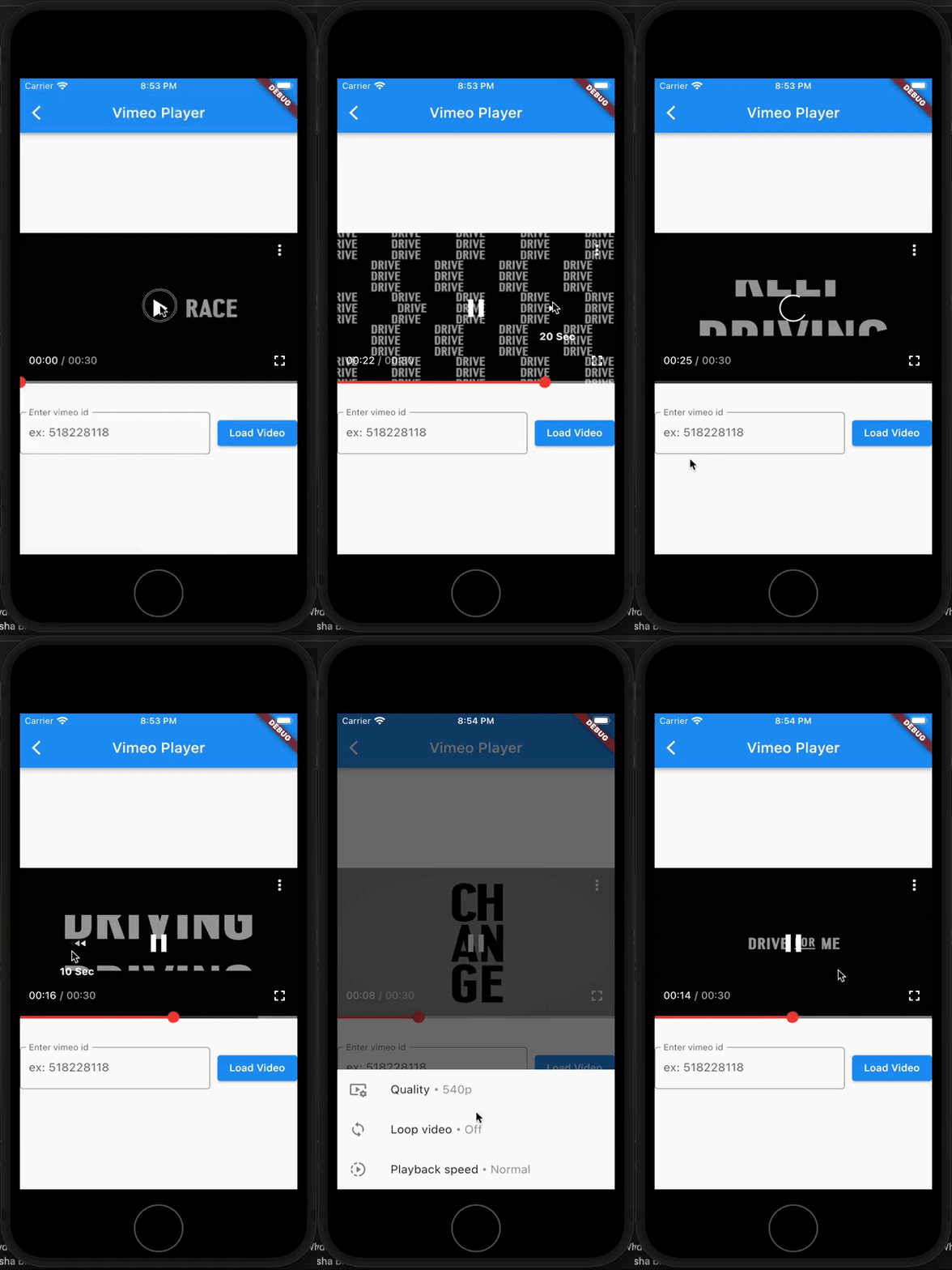
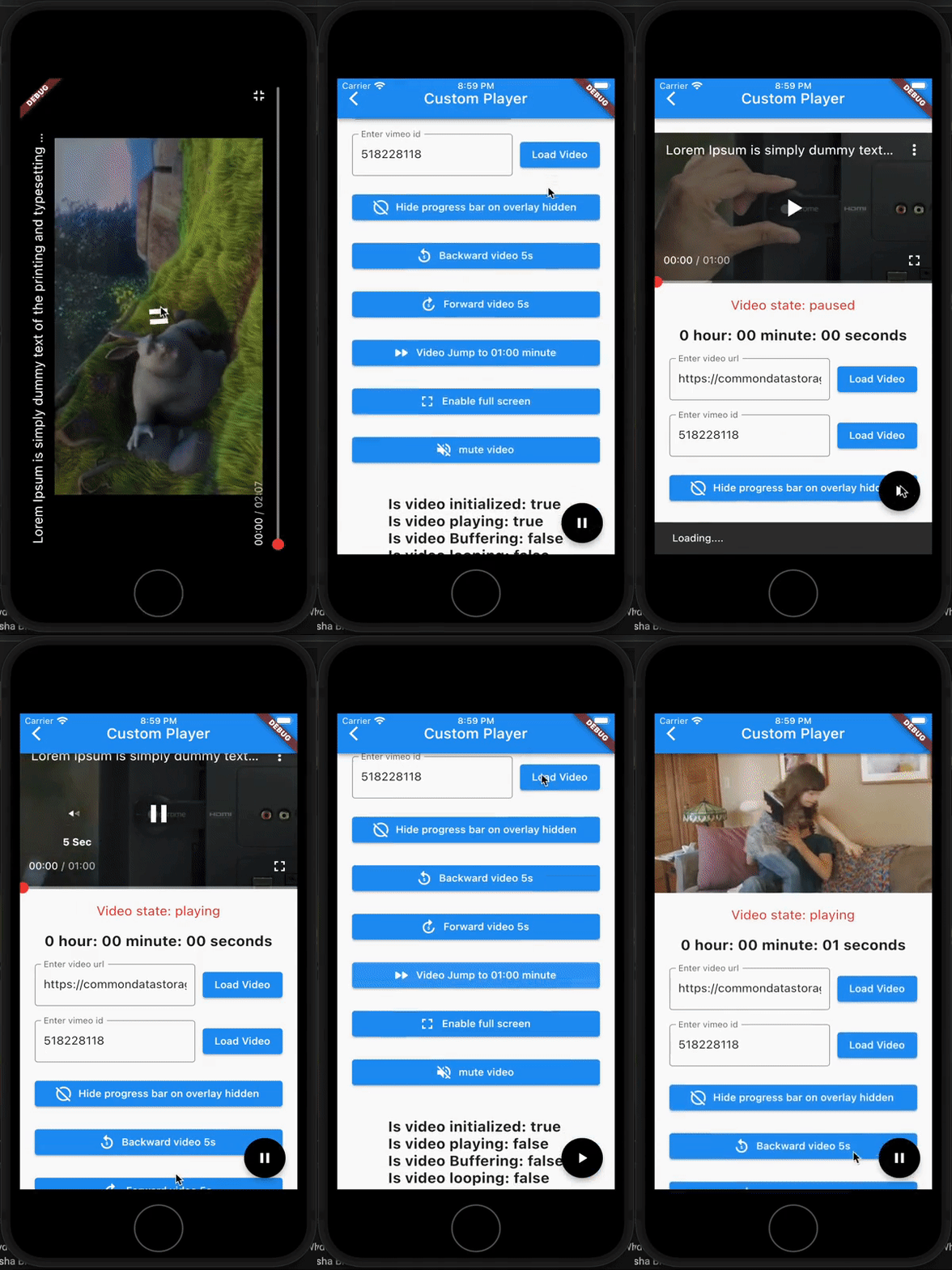
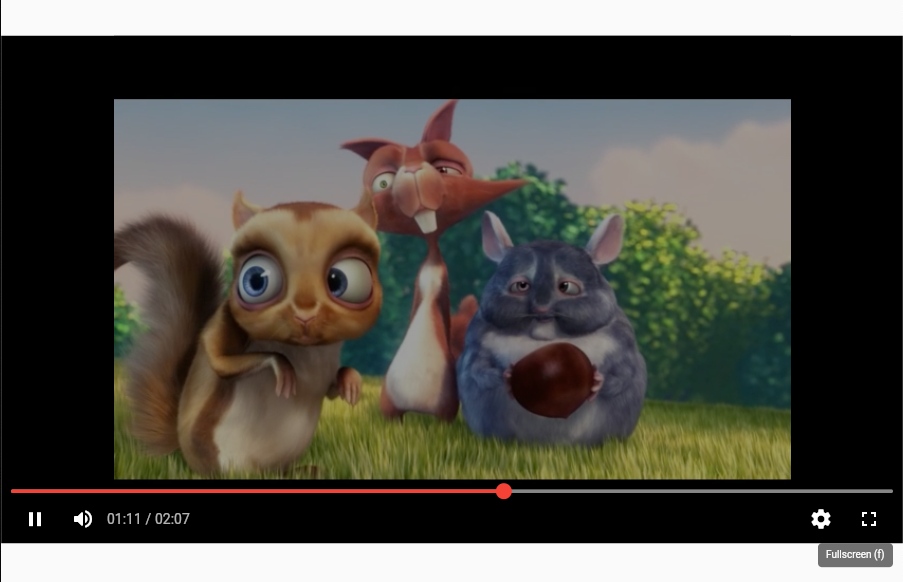
Pod Player는 Flutter 애플리케이션에 YouTube 및 Vimeo 비디오를 원활하게 통합할 수 있도록 해주는 Flutter 패키지입니다. 사용자 정의 가능한 비디오 플레이어 컨트롤을 제공하며 Android, iOS, 웹 플랫폼을 지원합니다. 비디오 콘텐츠를 삽입하기 위한 가볍고 유연한 솔루션을 찾는 개발자를 위해 설계되었으며, 최소한의 설정으로 재생을 간편하게 만듭니다. 이 패키지는 지속적으로 유지보수되며 플랫폼 간 일관된 사용자 경험을 제공합니다.
사용 사례
앱에 YouTube 동영상 삽입하기
Flutter 내에서 Vimeo 콘텐츠 재생
미디어 풍부한 교육 앱 만들기
비디오 스트리밍 인터페이스 구축
모바일 앱에 비디오 튜토리얼 통합하기
주요 기능
YouTube 및 Vimeo 지원
사용자 정의 가능한 플레이어 컨트롤
크로스 플랫폼 호환성 (Android, iOS, 웹)
경량이며 통합이 쉬움
다양한 화면 크기에 대응하는 반응형 디자인
적합한 대상
비디오 중심 앱을 개발하는 개발자
교육 또는 튜토리얼 기반 애플리케이션
비디오 삽입을 요구하는 콘텐츠 플랫폼
다중 플랫폼을 대상으로 하는 앱
고려 사항
비디오 로딩을 위해 인터넷 연결이 필요합니다
YouTube 및 Vimeo 소스에 한정
사용자 지정에는 추가적인 스타일링 지식이 필요할 수 있습니다
콘텐츠를 위해 외부 비디오 API에 의존
원본 README
연결된 소스 저장소의 README 원문 스냅샷입니다. 최신 내용은 저장소에서 확인하세요.
Video player for flutter web & mobile devices, pod player supports playing video from Youtube and Vimeo
pod player is a simple and easy-to-use video player. Its video controls are similar to Youtube player (with customizable controls) and also can play videos from Youtube and Vimeo (By providing url/video_id).
This plugin built upon flutter's official video_player plugin
PLATFORM
AVAILABLE
Android
✅
IOS
✅
WEB
✅
Features
Play youtube videos (using video URL or ID)
Play vimeo videos (using video ID [with ou without hash])
Play vimeo private videos (using video ID [with ou without hash], access token)
Video overlay similar to youtube
Double tap to seek video.
On video tap show/hide video overlay.
Auto hide overlay
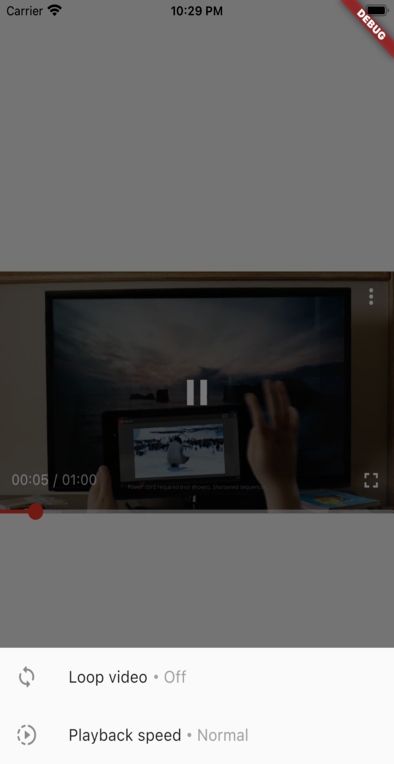
Change playback speed
Custom overlay
Custom progress bar
Custom labels
Change video quality (for vimeo and youtube)
Enable/disable full-screen player
support for live youtube video
[TODO] support for video playlist
Features on web
Double tap on Video player to enable/disable full-screen
In your pubspec.yaml file within your Flutter Project:
dependencies:pod_player:<latest_version>
Android
If you are using network-based videos, ensure that the following permission is present in your Android Manifest file, located in <project root>/android/app/src/main/AndroidManifest.xml: