quick_settings 패키지는 Flutter 개발자가 안드로이드의 빠른 설정 패널에서 사용자 지정 타일을 생성하고 관리할 수 있도록 합니다. 안드로이드 시스템 수준 UI와 통합되어 알림 쉐이드에서 바로 빠른 작업을 노출할 수 있게 해줍니다. 이 패키지는 타일 생명주기 이벤트, 상태 관리 및 상호작용을 처리하여 반응형이고 시스템에 통합된 컨트롤을 쉽게 구축할 수 있습니다. 안드로이드 전용이며 간단한 pub add 명령어로 최소한의 설정만으로도 사용 가능합니다. 생산성, 미디어 제어 또는 장치 관리 앱과 같이 시스템 UI에서 직접 접근이 필요한 앱에 적합합니다.
사용 사례
Android 빠른 설정에 사용자 지정 빠른 작업 추가
미디어 재생 컨트롤 만들기
Wi-Fi 또는 블루투스와 같은 빠른 장치 전환 기능 사용
앱 전용 단축 기능을 시스템 UI에 통합하기
즉시 액세스로 생산성 도구 구축
주요 기능
안드로이드 빠른 설정용 사용자 정의 타일 생성
타일의 라이프사이클 이벤트 처리
Flutter 앱과의 간단한 통합
재부팅 후 상태 유지 지원
내장형 타일 상호작용 콜백
적합한 대상
안드로이드 중심의 플러터 앱
시스템 수준의 빠른 접근이 필요한 앱
유틸리티 또는 미디어 앱을 개발하는 개발자
안드로이드 시스템 통합을 목표로 하는 팀
낮은 지연 시간 사용자 상호작용이 필요한 프로젝트
고려 사항
안드로이드 플랫폼에서만 작동합니다
Android SDK 21 이상 필요
올바른 매니페스트 구성이 필요합니다
안드로이드 빠른 설정에만 제한됨
일부 타일 유형은 사용자 권한이 필요할 수 있습니다
원본 README
연결된 소스 저장소의 README 원문 스냅샷입니다. 최신 내용은 저장소에서 확인하세요.
Quick Settings
This Flutter plugin lets you create and react to your own custom tile in the Android Quick Settings panel.
⚠️ This plugin features only work on Android ⚠️
On other platforms, it does nothing.
All of the following features are available directly from your Dart code:
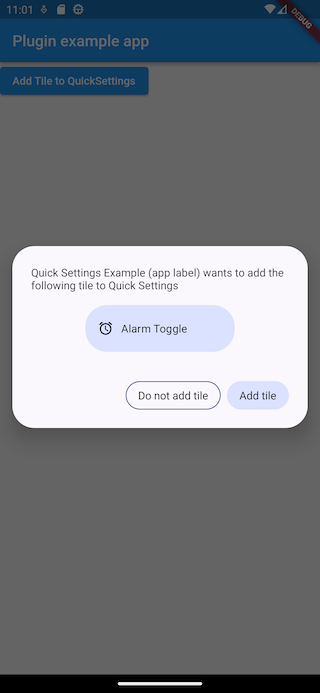
Ask the user to add your custom tile
Handle clicks on your tile even when your app has been killed
React to user addition or removal of your tile
Using this plugin below Android 7.0 will have no effect.
The callbacks onTileClicked, onTileAdded and onTileRemovedmust be defined as top-level functions.
⚠️ They should also be annotated with @pragma("vm:entry-point") to avoid being tree-shaken by the Dart compiler in release mode.
See more details here.
After being setup, these callbacks will be called even if your app is not running.
If none of them is provided, your Tile and its associated service are disabled.
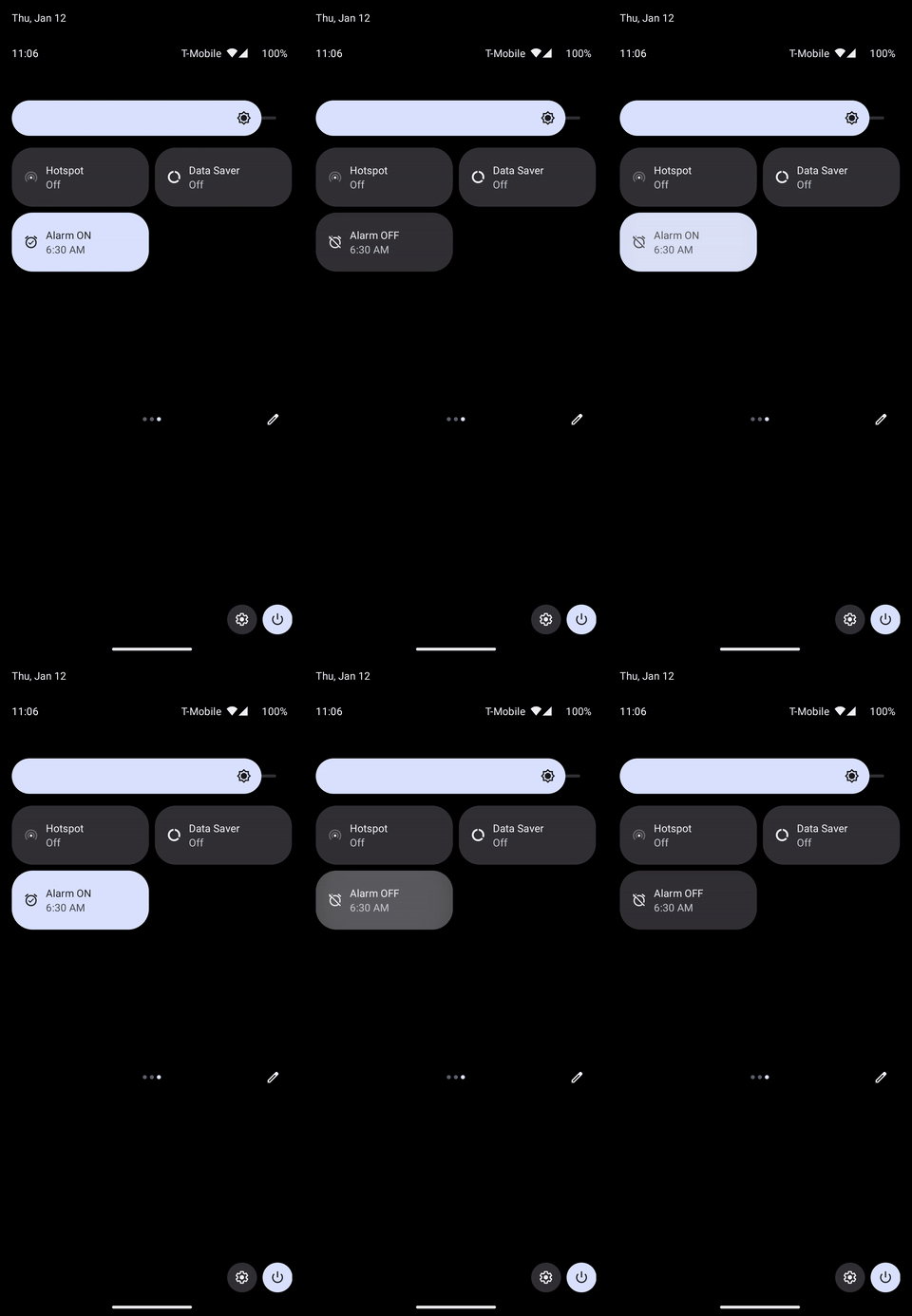
onTileClicked is triggered when your tile is clicked:
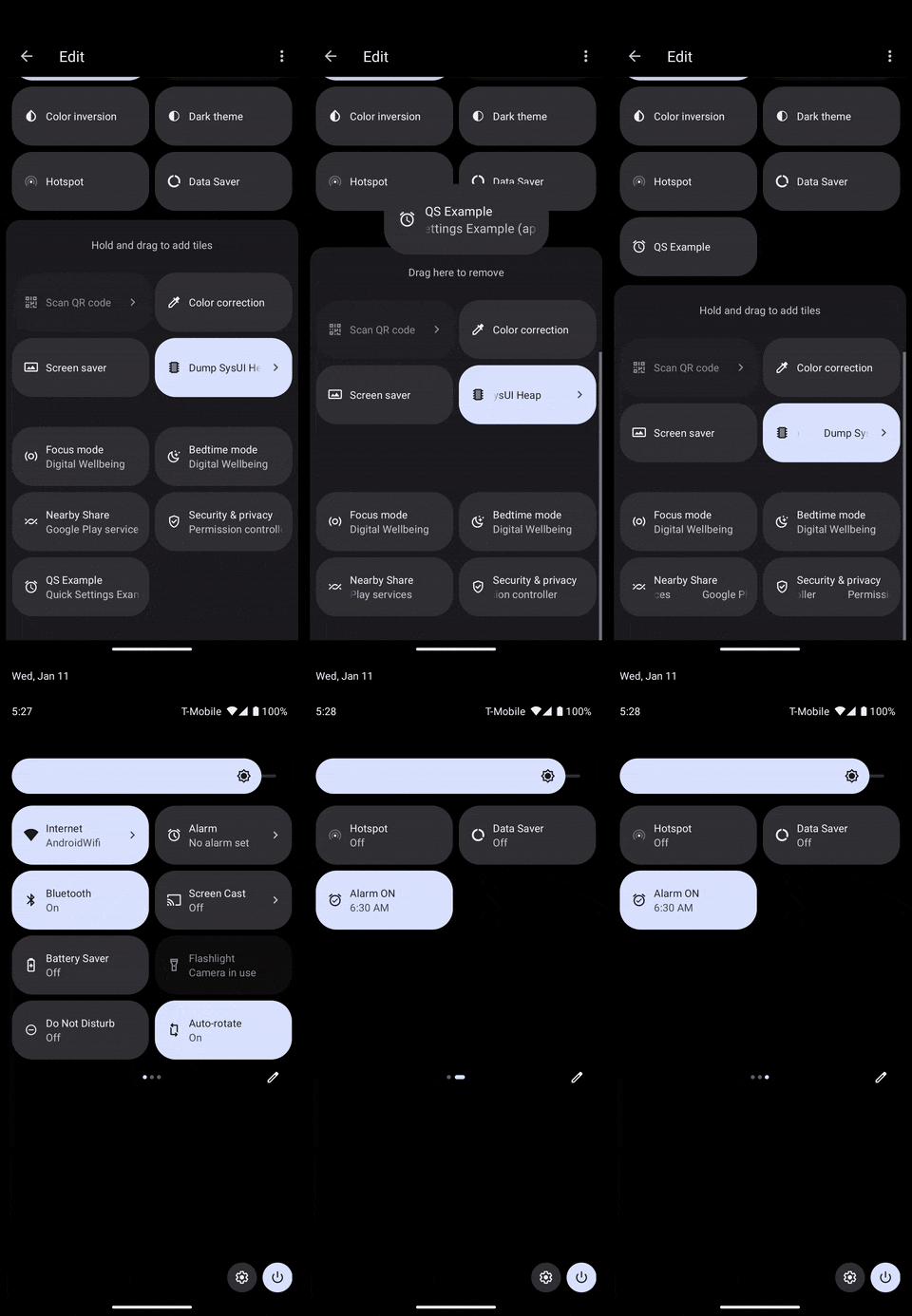
onTileAdded is triggered when your tile is added to the active Quick Settings tiles:
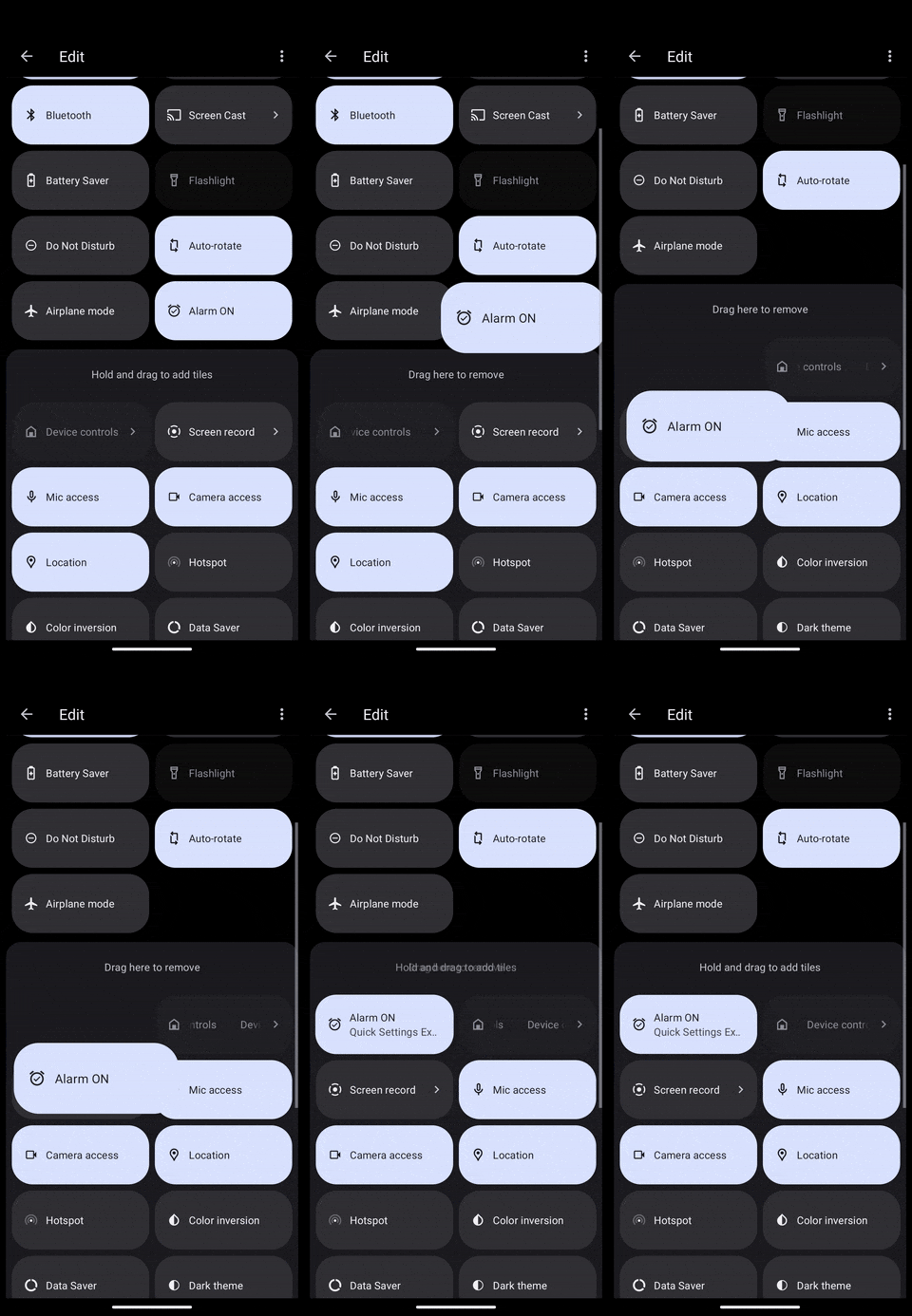
It can either be triggered by the user when they interact with the system UI like above, or from a call to QuickSettings.addTileToQuickSettings() in your app.
onTileRemoved is triggered when your tile is removed from the active Quick Settings tiles:
Let's see details on each of these callbacks.
Tile clicks
Clicks are handled with an OnTileClicked callback defined as below:
typedefOnTileClicked = Tile? Function(Tile tile);
The tile passed as parameter can let you decide what action to do depending on its TileStatus for instance.
Here is a concrete implementation:
In a more realistic scenario, you would probably fetch the current status of the alarm and update the Tile with either an active status if it is set or an inactive status otherwise.
You could also display the current hour of the alarm.
⚠️ onTileAdded should be a top-level function annotated with @pragma("vm:entry-point").
Tile removed
You also get an occasion to react to Tile removal. However, you can't return an updated Tile as with the other callbacks since it can't be updated at that moment.
Here is the callback definition:
If the user already has the Tile, this method has no effect.
The system might automatically deny if the user has already denied it several times.
Before Android 13, this has no effect.
QuickSettings.addTileToQuickSettings() returns an AddTileResult with a success parameter, but it is not reliable since the Android implementation's callback is not.
It will be mostly useful to know if your drawable has been correctly parsed by the plugin or not.
Customizing the default tile in the system UI
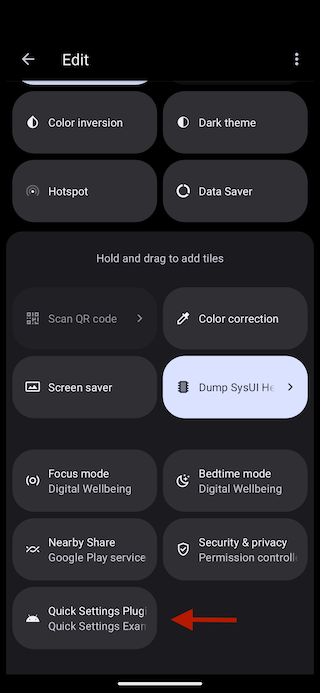
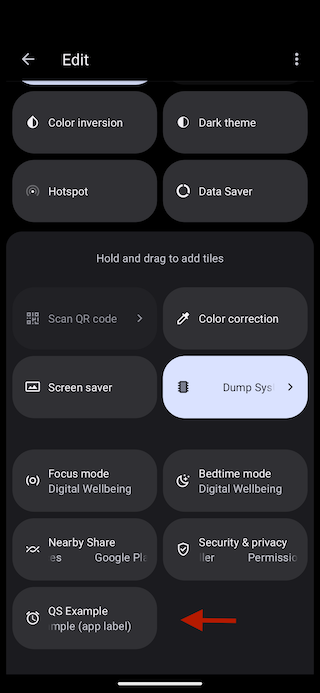
Your Tile will appear in the list of Quick Settings tiles with the following default appearance:
There are 3 elements displayed: a title, a subtitle and an icon.
To customize the title, you must override quick_settings_base_label in your Android resources.
If you don't have one, create the file /android/app/src/main/res/values/strings.xml and add the quick_settings_base_label String:
<?xml version="1.0" encoding="utf-8"?><resources><!-- Other resources --><stringname="quick_settings_base_label">QS Example</string></resources>
The subtitle is the android:label from your application's manifest.
You can find it at /android/app/src/main/AndroidManifest.xml.
<manifestxmlns:android="http://schemas.android.com/apk/res/android"package="io.apparence.quick_settings_example"><applicationandroid:label="Quick Settings Example (app label)"android:name="${applicationName}"android:icon="@mipmap/ic_launcher"><!-- Other elements --></application></manifest>
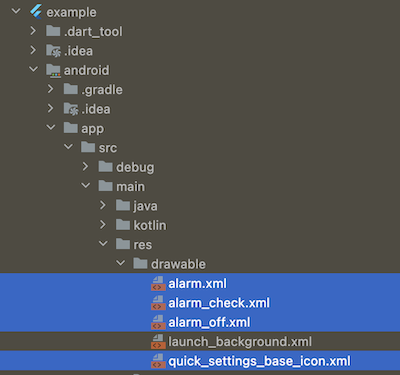
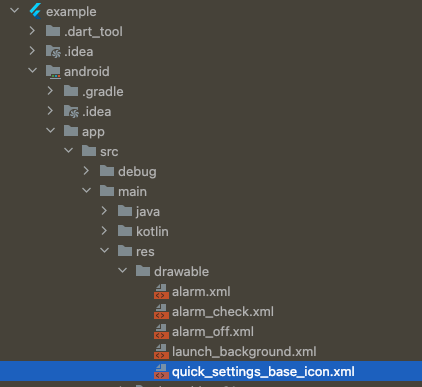
The default icon can also be overridden by providing your own drawable with the name quick_settings_base_icon.xml as it is done in the example project.
Here is the customized appearance:
Roadmap
If you are using this plugin and would like something added, please create an issue.