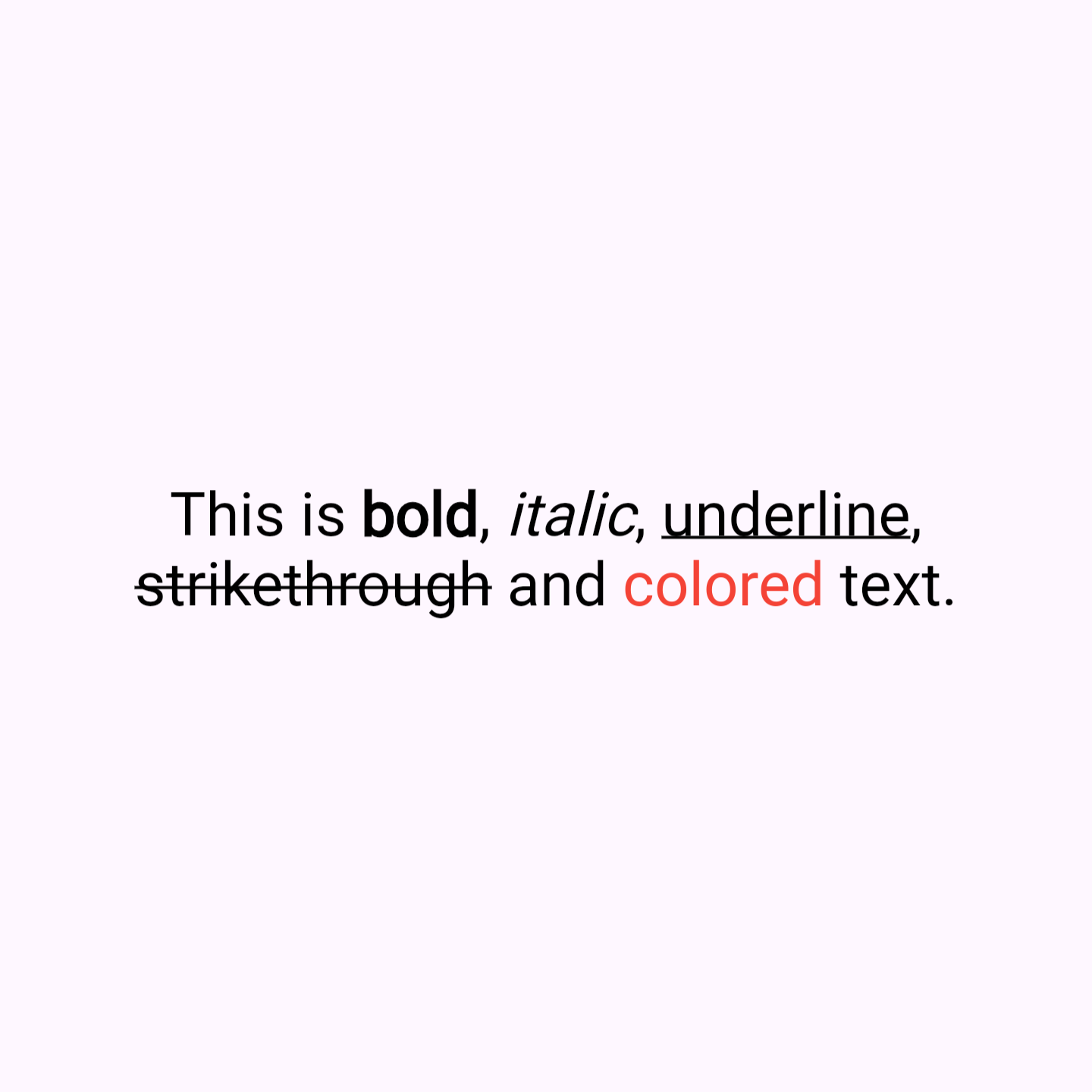
QuickText는 마크다운과 유사한 구문을 사용하여 텍스트 포맷팅을 단순화하는 Flutter 패키지입니다. 개발자가 최소한의 코드로 텍스트 스타일을 지정할 수 있게 해줍니다. 굵게, 기울임, 밑줄, 색상과 같은 일반적인 형식 옵션을 직관적인 구문으로 지원합니다. 완전한 마크다운 파서의 복잡성 없이 앱에서 풍부한 텍스트를 표시하기에 적합하며, Android, iOS, Web, macOS, Windows, Linux와 원활하게 통합됩니다. 이 패키지는 사용자 인터페이스 내에서 스타일링된 텍스트의 가독성과 유지보수성을 향상시킵니다.
사용 사례
앱 UI에서 형식화된 콘텐츠 표시
리치 텍스트 메시지 만들기
채팅 앱에서 텍스트 스타일링 간소화
문서 조각 렌더링
동적 텍스트 위젯 만들기
주요 기능
Markdown 유사 구문
크로스 플랫폼 지원
간편한 통합
Lightweight
색상과 스타일을 지원합니다
최소한의 보일러플레이트
적합한 대상
간단한 텍스트 서식 지정을 원하는 개발자
풍부한 텍스트 요구 사항을 가진 앱
스타일이 적용된 텍스트가 필요한 UI 컴포넌트
빠른 UI 변경 사항 프로토타이핑
무거운 마크다운 라이브러리를 피하는 프로젝트
고려 사항
기본 형식 지정에 제한됨
복잡한 마크다운에 적합하지 않습니다
정확한 문법 처리가 필요합니다
고급 HTML 태그 지원 없음
특수 사용 사례를 위해 맞춤형 확장을 필요로 할 수 있습니다
원본 README
연결된 소스 저장소의 README 원문 스냅샷입니다. 최신 내용은 저장소에서 확인하세요.
QuickText
QuickText is a Flutter package that simplifies text formatting with markdown-like syntax. It allow you to easily apply styles like bold, italic, underline, strikethrough color and links directly within a string, without the need to manually construct complex TextSpan trees. Similiar usage like Text widget.
Key Features
Simplified Syntax: Style your text with symbols like **bold**, *italic*, _underline_, ~strikethrough~, [colored](red), [colored](#FF0000) and [link](https://example.com).
Enhanced Readability: Clean and easy-to-read code, reducing the verbosity of RichText and TextSpan.
Customizable Styles: Includes options for text alignment, overflow, max lines, and more, providing the same flexibility as traditional Flutter text widgets.
Built-in Color Support: Apply named colors (like red, blue, etc.) or hex colors (e.g., #FF0000 for red) directly within your text string.
Link Support: Easily add links that open in the browser when tapped.
Why Use QuickText?
Time-Saving: Quickly format text without the hassle of constructing text spans.
User-Friendly: Ideal for developers who want rich text features without the complexity.
Rich Functionality: Despite its simplicity, QuickText supports a wide range of text styling options.
Sample Code
Here's how you can use QuickText in your Flutter app:
// BoldQuickText(
'This is **bold** text.',
),
// ItalicQuickText(
'This is *italic* text.',
),
// UnderlineQuickText(
'This is _underline_ text.',
),
// StrikethroughQuickText(
'This is ~strikethrough~ text.',
),
// Using named colorsQuickText(
'This is [colored](red) text.',
),
// Using hex colorsQuickText(
'This is [colored](#FF0000) text.',
),
// linksQuickText(
'This is [link](https://example.com).',
),