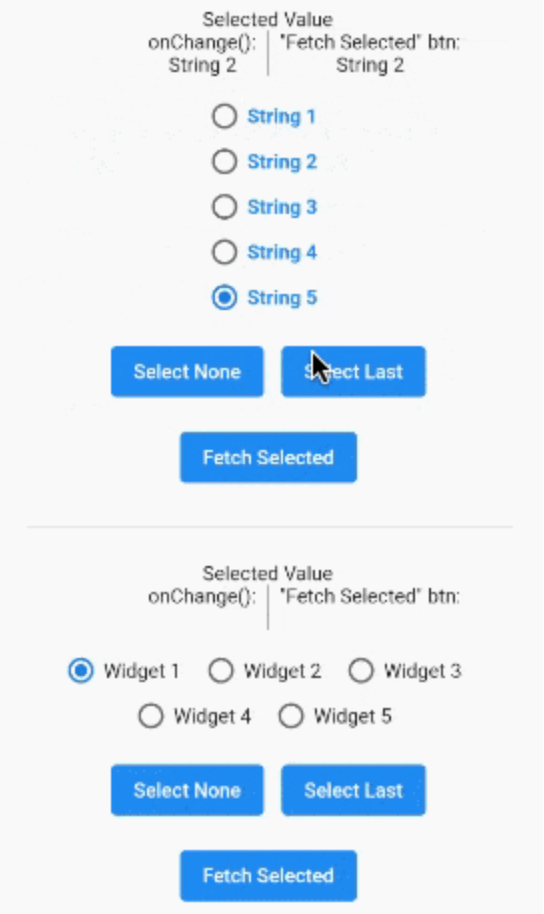
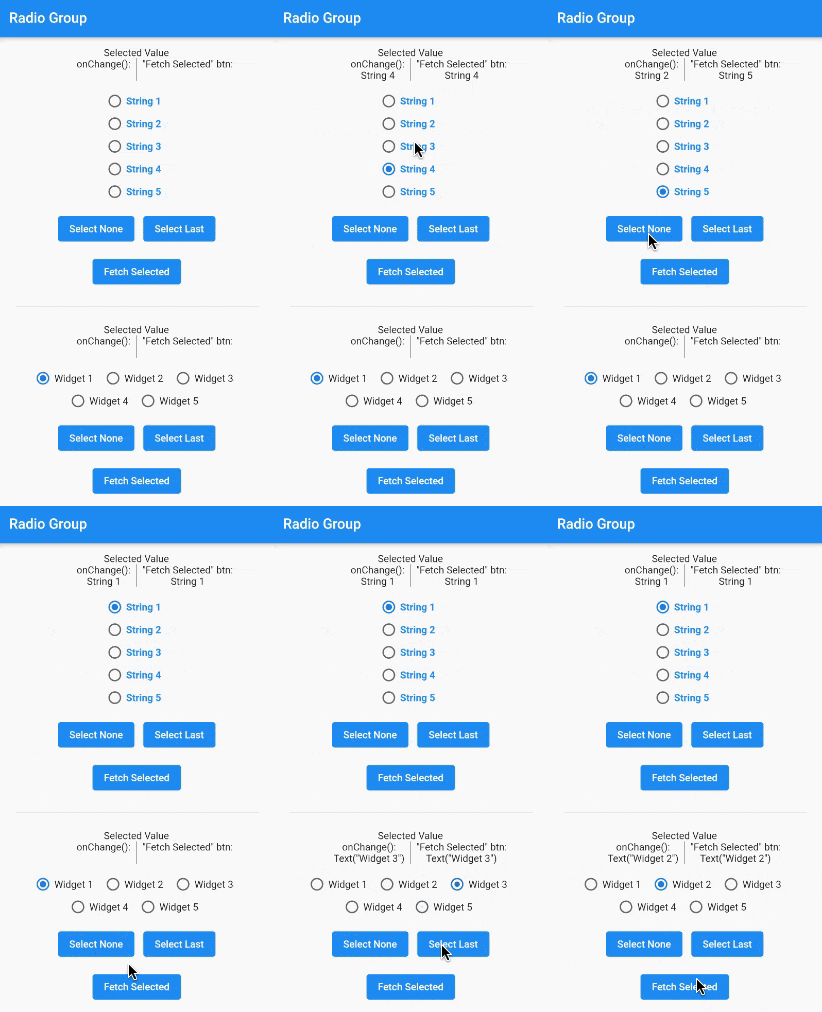
radio_group_v2는 Flutter 위젯으로, 그룹화된 라디오 버튼을 쉽게 만들 수 있도록 하며, 상호 배타성과 일관된 사용자 경험을 보장합니다. 사용자가 집합에서 하나의 옵션만 선택할 수 있도록 하며, 커스터마이징, 상태 관리 및 부드러운 인터랙션을 내장 지원합니다. 단일 선택이 필요한 폼이나 설정에 적합하며, 직관적인 디자인과 플랫폼 간 일관된 동작을 통해 사용성을 향상시킵니다.
사용 사례
단일 선택을 포함한 폼 입력
사용자 선호 설정
설문조사 또는 퀴즈 인터페이스
온보딩 흐름
동적 옵션 그룹
주요 기능
서로 배타적인 선택
사용자 정의 가능한 외관
내장 상태 관리
기존 위젯과의 간편한 통합
반응형 디자인 지원
적합한 대상
양식을 개발하는 개발자
일관성을 추구하는 UI 디자이너
단일 선택 입력이 필요한 앱
Flutter 초보자가 상태 처리를 배우고 있습니다
경량 라디오 그룹 솔루션을 필요로 하는 프로젝트
고려 사항
단일 선택만 가능
내장된 검증 없음
선택 콜백을 수동으로 처리해야 합니다
다중 선택 시나리오에 적합하지 않습니다
부모 위젯의 레이아웃 제약 조건에 의존
원본 README
연결된 소스 저장소의 README 원문 스냅샷입니다. 최신 내용은 저장소에서 확인하세요.
Radio Group
A widget that groups radio buttons so they can work together to give the user a pleasant experience when making selections within the app.
Installation
In the pubspec.yaml of your flutter project, add the following dependency:
This example shows how to programmatically select an item using two different methods.
RadioGroupController myController = RadioGroupController();
List<String> items = ["Choice1", "Choice2", "Choice3"];
RadioGroup(
controller: myController,
values: items,
)
// Method 1 - Selects a specific item from the list.
myController.value = items[1]; // Selects Choice2// Method 2 - Selects whatever item is at the given// index in the list.
myController.selectAt(2); // Selects Choice3
Example 4
This example shows how to programmatically select an item using two different silent methods. This means, when the new value in is selected in the list, the onChanged method will not be called.
RadioGroupController myController = RadioGroupController();
List<String> items = ["Choice1", "Choice2", "Choice3"];
RadioGroup(
controller: myController,
values: items,
)
// Method 1 - Selects a specific item from the list.
myController.setValueSilently(items[1]); // Selects Choice2// Method 2 - Selects whatever item is at the given// index in the list.
myController.selectSilentlyAt(2); // Selects Choice3
Example 5
This example shows how to retrieve the selected value.