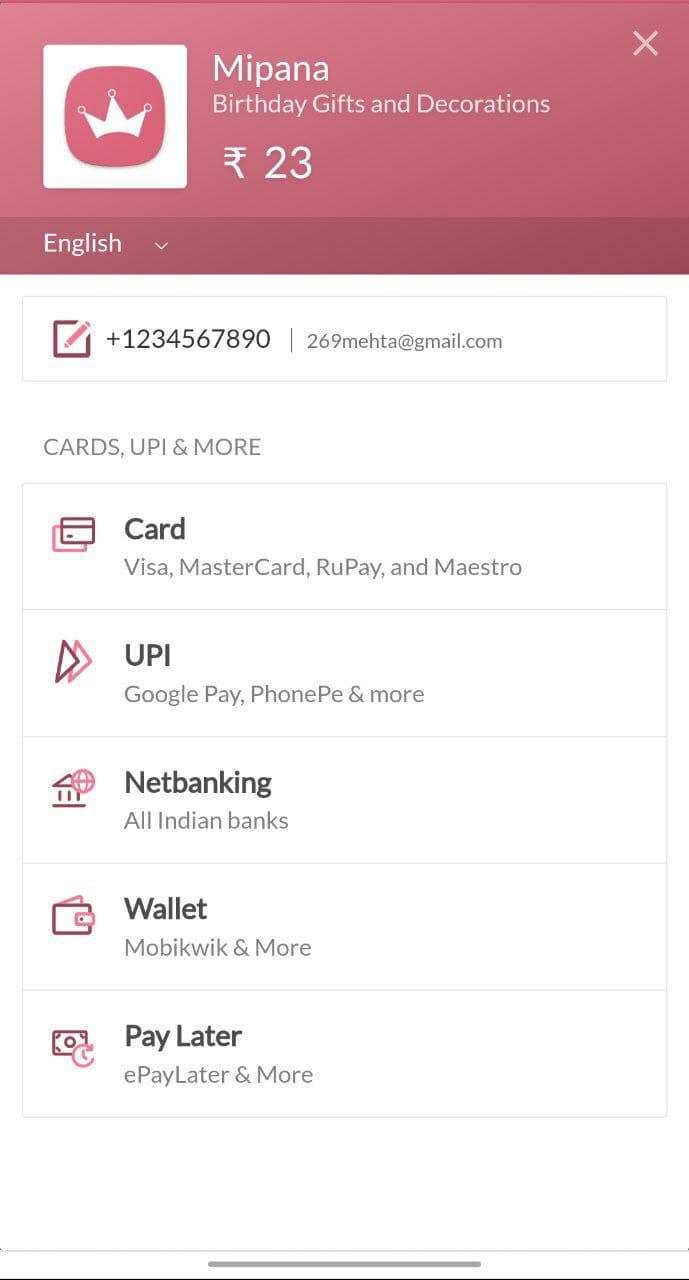
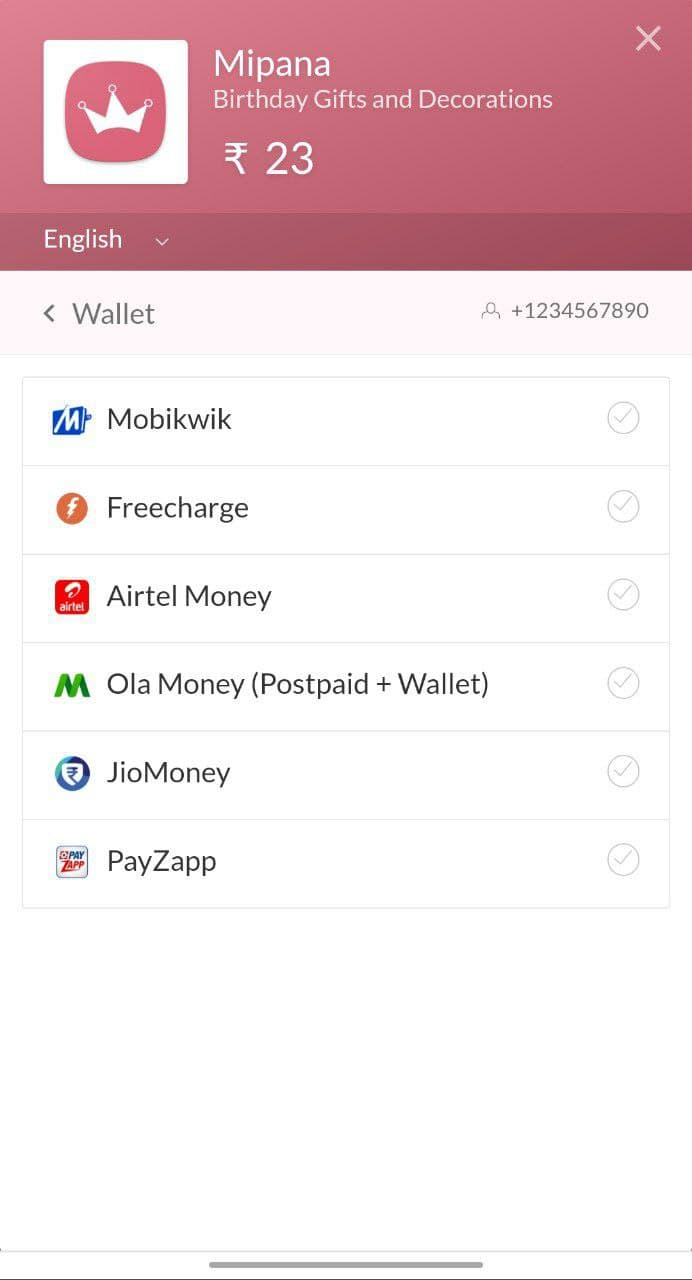
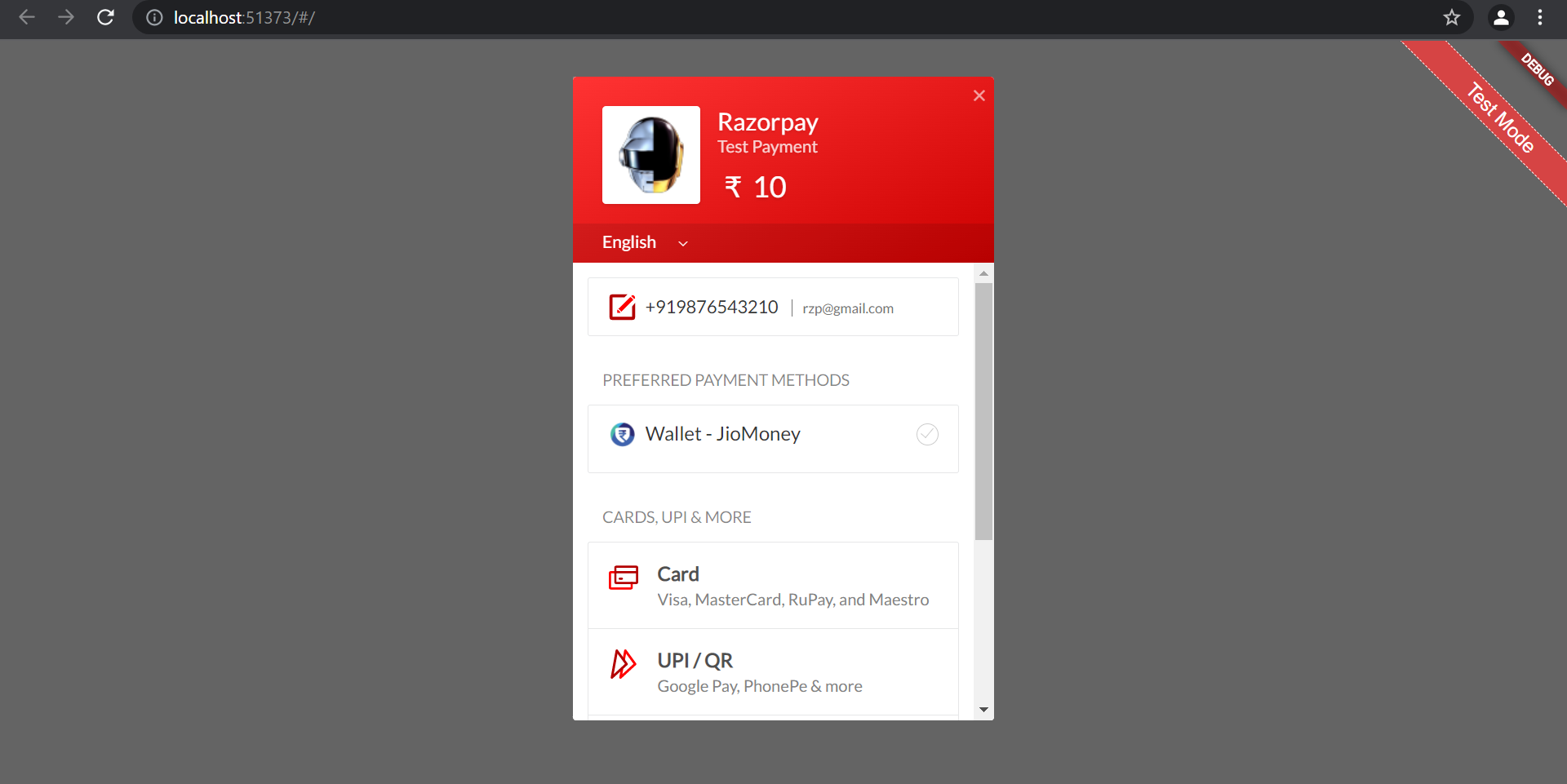
Razorpay Web은 Android, iOS, Web, macOS, Windows, Linux 등 여러 플랫폼에 Razorpay 결제 SDK를 통합하는 Flutter 플러그인입니다. 개발자가 Flutter 애플리케이션 내에서 안전하고 원활한 결제 처리를 구현할 수 있도록 도와줍니다. 카드, UPI, 인터넷 뱅킹, 월렛 등 다양한 결제 방식을 지원하여 사용자 접근성을 넓히고, 플랫폼 간 일관된 API를 통해 크로스플랫폼 결제 구현을 간소화합니다. 소스 코드는 GitHub에서 공개되어 있어 투명성과 커스터마이징이 가능합니다.
🔒 Production Ready - Built on official Razorpay SDKs for mobile platforms
🪟 Native Windows Support - Seamless WebView integration with InAppWebView
🧪 Test Mode - Full sandbox environment support for development
📱 External Wallets - Support for Paytm, PhonePe, Google Pay, and more
⚡ Zero Configuration - Works out of the box with minimal setup
☕ Support the Development
🏆 Help Keep This Project Alive & Thriving
As a full-time developer working on this plugin in my limited spare time, your support means the world! Every contribution helps me dedicate more hours to:
✨ Adding new features • 🐛 Fixing bugs faster • 📚 Improving documentation • 🚀 Supporting new platforms
🌟 If this plugin saved you hours of work, consider buying me a chai!
Your support directly impacts how much time I can invest in making this plugin better for everyone.
Use Test Keys for development (no real transactions)
Switch to Live Keys for production
💡 New to Razorpay? Learn about the payment flow before integrating.
📦 Installation
Add razorpay_web to your pubspec.yaml:
dependencies:razorpay_web:^3.1.1
Then run:
flutter pub get
Platform-Specific Setup
🤖 Android Setup
Minimum Requirements
Min SDK Version: 19 (Android 4.4+)
Update android/app/build.gradle:
android {
    defaultConfig {
        minSdkVersion 19  // Ensure this is at least 19
    }
}
ProGuard Rules (if using)
Add to your ProGuard configuration:
-keepattributes *Annotation*
-dontwarn com.razorpay.**
-keep class com.razorpay.** {*;}
-optimizations !method/inlining/
-keepclasseswithmembers class * {
  public void onPayment*(...);
}
🍎 iOS Setup
Minimum Requirements
Min Deployment Target: iOS 10.0
Bitcode: Enabled
Update ios/Podfile:
platform :ios, '10.0'

post_install do |installer|
  installer.pods_project.targets.each do |target|
    target.build_configurations.each do |config|
      config.build_settings['ENABLE_BITCODE'] = 'YES'
      config.build_settings['SWIFT_VERSION'] = '5.0'
    end
  end
end
Add use_frameworks! if you encounter Swift header issues:
use_frameworks!
Then run:
cd ios && pod install
🌐 Web Setup
Add the Razorpay checkout script to web/index.html inside the <body> tag:
<body><!-- Other content --><scriptsrc="https://checkout.razorpay.com/v1/checkout.js"></script><scriptsrc="main.dart.js"type="application/javascript"></script></body>
🪟 Windows Setup
Requirements
Microsoft Edge WebView2 Runtime (pre-installed on Windows 10/11)
No additional configuration needed! The plugin uses flutter_inappwebview to provide a native-like payment experience.
⚠️ Important: You must pass context parameter when calling open() on Windows.
🐧 Linux Setup
Uses the same WebView implementation as Windows. No additional setup required.
🍏 macOS Setup
Requirements
Uses the same WebView implementation as Windows.
Entitlements Configuration
Add network client permission to your entitlements files:
voidmakeOrderPayment() {
// First, create an order on your backend// Then use the order_id in optionsvar options = {
'key': 'rzp_test_1DP5mmOlF5G5ag',
'amount': 50000,
'name': 'Product Name',
'order_id': 'order_xyz123', // Order ID from backend'prefill': {
'contact': '9876543210',
'email': 'customer@example.com'
}
};
_razorpay.open(options, context: context);
}
Contributions are welcome! Here's how you can help:
Reporting Issues
Check existing issues before creating a new one
Provide detailed reproduction steps
Include platform information (OS, Flutter version, plugin version)
Share relevant code snippets and error messages
Pull Requests
Fork the repository
Create a feature branch (git checkout -b feature/amazing-feature)
Make your changes
Add tests for new functionality
Ensure all tests pass (flutter test)
Run code analysis (flutter analyze)
Format your code (dart format .)
Commit your changes (git commit -m 'Add amazing feature')
Push to the branch (git push origin feature/amazing-feature)
Open a Pull Request
Development Setup
# Clone the repository
git clone https://github.com/gauravmehta13/razorpay_web.git
cd razorpay_web
# Get dependencies
flutter pub get
# Run tests
flutter test# Run example appcd example
flutter run