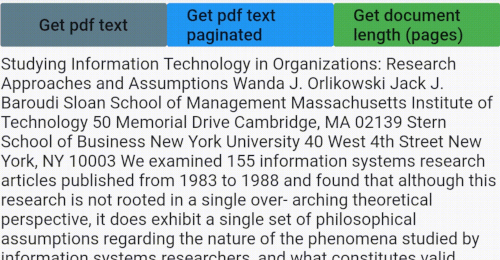
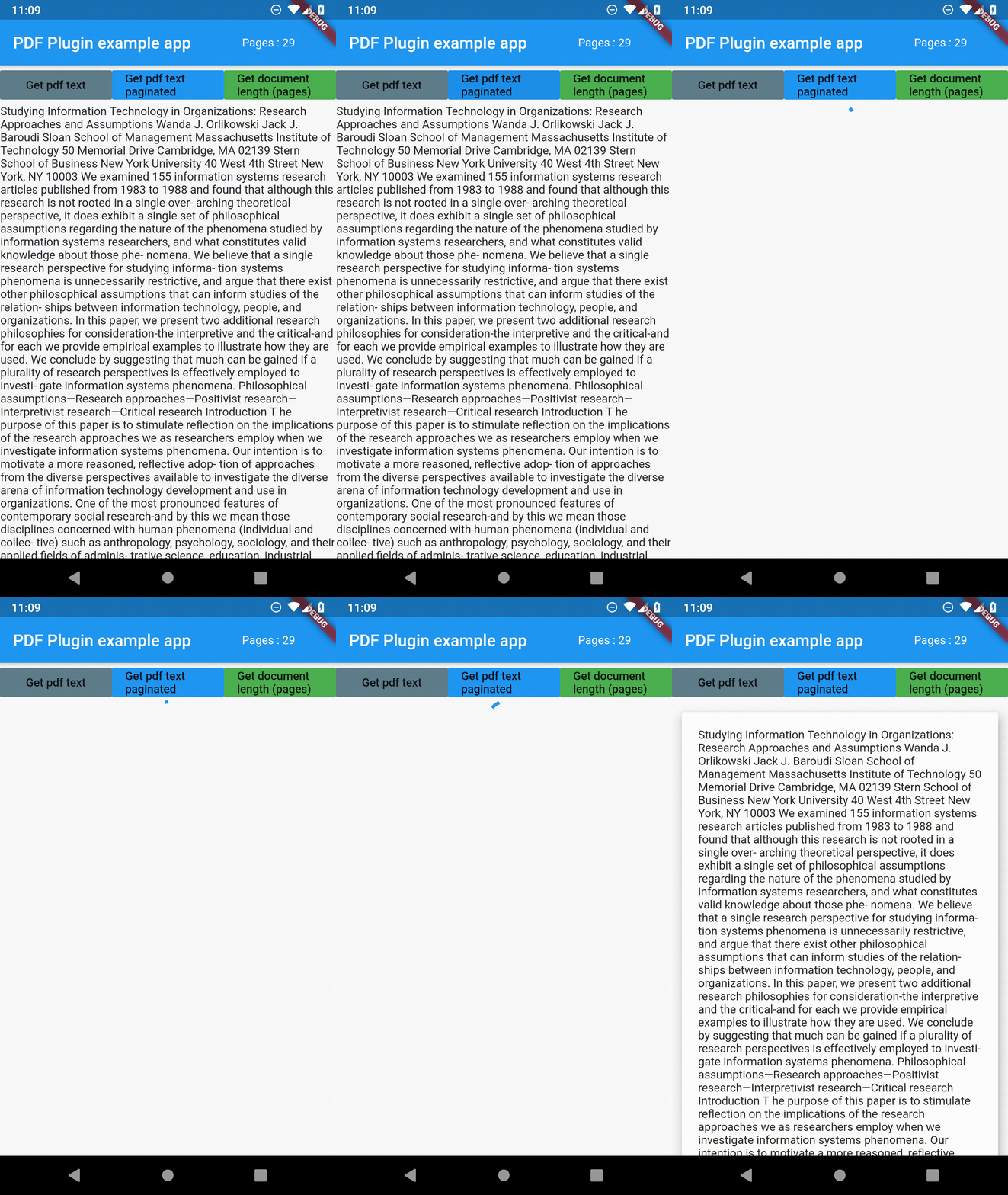
read_pdf_text 패키지는 PDF 문서에서 텍스트를 추출하기 위한 간단한 Flutter 플러그인입니다. 효율적인 PDF 콘텐츠 분석을 위해 백엔드에서 Apache PDFBox와 PDFKit을 활용합니다. 단 세 가지 간단한 함수만으로도 기본적인 텍스트 추출이 필요한 개발자들을 위한 사용하기 쉬운 인터페이스를 제공합니다. 복잡한 포맷팅이 필요 없는 PDF에서 텍스트를 읽거나 처리해야 하는 앱에 적합합니다. 이 플러그인은 Android 및 iOS 플랫폼을 모두 지원합니다.
사용 사례
스캔된 PDF에서 텍스트 추출
앱에서 문서 콘텐츠 읽기
사용자가 업로드한 PDF 파일 파싱
간단한 PDF 텍스트 분석
텍스트 기반 기능에 PDF 콘텐츠 통합하기
주요 기능
세 가지 함수만 있는 최소 API
신뢰할 수 있는 PDF 파싱 라이브러리를 사용
크로스 플랫폼 지원 (Android 및 iOS)
경량이고 통합하기 쉬움
PDF에서 빠른 텍스트 추출
적합한 대상
문서 리더를 개발하는 개발자
기본 PDF 텍스트 추출이 필요한 앱
제한된 PDF 처리 요구 사항을 가진 프로젝트
사용자 제출 PDF를 처리하는 모바일 앱
빠른 PDF 텍스트 접근을 필요로 하는 프로토타입
고려 사항
텍스트 추출만 가능
이미지 또는 고급 PDF 기능 지원 없음
하위 PDFBox/PDFKit 성능에 따라 다름
강하게 암호화되거나 스캔된 PDF 파일을 처리하는 데 어려움을 겪을 수 있습니다
PDF 편집 또는 렌더링을 지원하지 않습니다
원본 README
연결된 소스 저장소의 README 원문 스냅샷입니다. 최신 내용은 저장소에서 확인하세요.
read_pdf_text
This package parses text out of PDF document and returns it as a string.
Android
On Android the plugin uses PDFbox open source library modified by Tom Roush.
iOS
The iOS plugin uses PDFKit to parse the text out of PDF documents. It requires iOS version 11 or higher.
For error like: "Could not find or use auto-linked library 'swiftObjectiveC'"
The package only has three functions getPDFtext(path), getPDFtextPaginated(path) and getPDFlength(path).
Path is the file path to the PDF file you want to parse. I used file_picker package in the example to get the path of the PDF file.
Check the example for more details.
Example
getPDFtext(String path)
Returns text from PDF file as a String.
Future<String> getPDFtext(String path) async {
String text = "";
try {
text = awaitReadPdfText.getPDFtext(path);
} onPlatformException {
print('Failed to get PDF text.');
}
return text;
}
getPDFtextPaginated(String path)
Returns text from PDF but in a String list, where each item is a page of the PDF file.
Future<List<String>> getPDFtextPaginated(String path) async {
List<String> textList = List<String>();
try {
textList = awaitReadPdfText.getPDFtextPaginated(path);
} onPlatformException {
print('Failed to get PDF text.');
}
return textList;
}
getPDFlength(String path)
Returns length of the document as an integer.
Future<int> getPDFlength(String path) async {
int length = 0;
try {
length = awaitReadPdfText.getPDFlength(path);
} onPlatformException {
print('Failed to get PDF length';)
}
return length;
}
I wrote an article about developing package for Flutter check it out