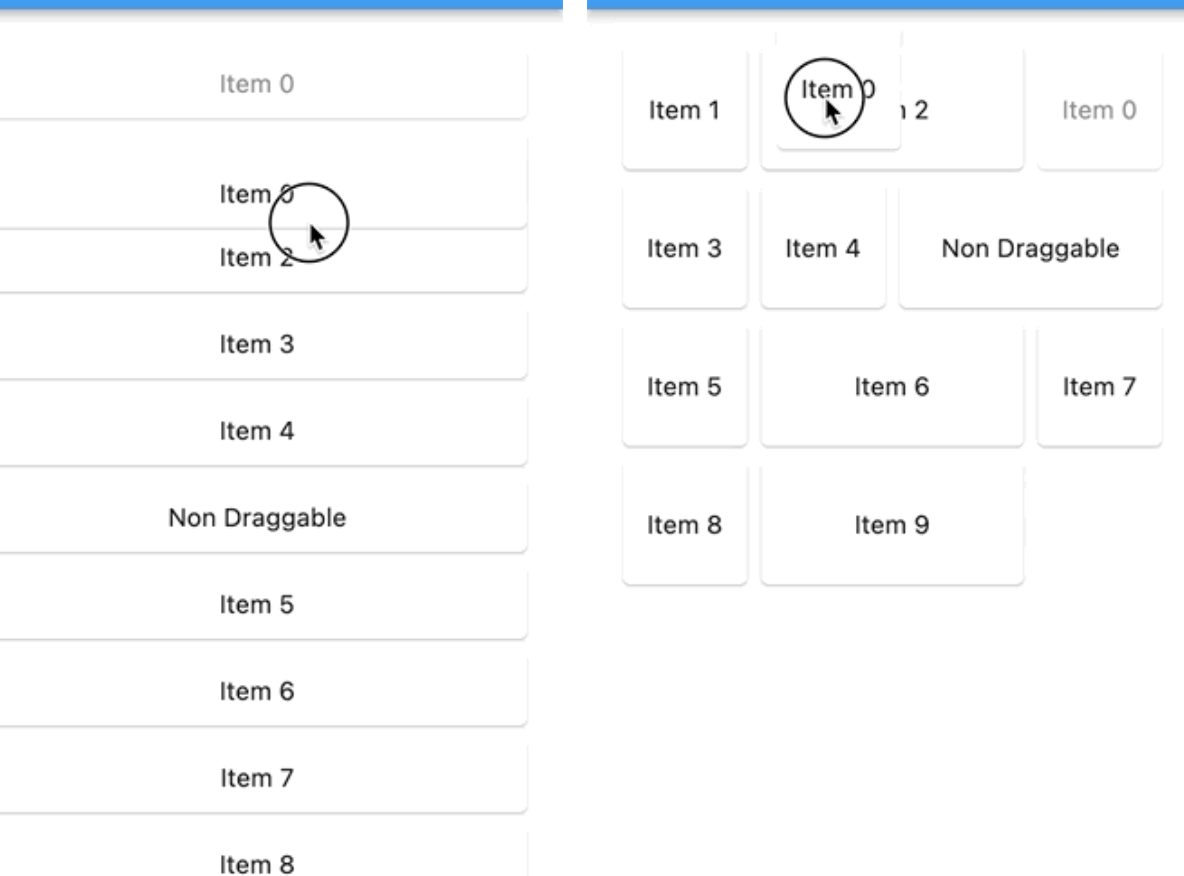
사용자가 부드러운 드래그 앤 드롭 상호작용을 통해 재정렬 가능한 스타거드 그리드 레이아웃을 만들 수 있도록 해주는 플러터 패키지입니다. 표준 스크롤 뷰의 기능을 확장하여 스타거드 그리드 내 항목을 동적으로 재정렬할 수 있게 하며, 사진 갤러리나 작업 목록과 같은 사용자 정의 콘텐츠 표시에 적합합니다. 이 패키지는 모든 주요 플랫폼을 지원하며 기존 플러터 프로젝트에 원활하게 통합됩니다.
사용 사례
사용자 정의 가능한 사진 갤러리
작업 관리 인터페이스
동적 콘텐츠 정렬
사용자 중심의 레이아웃 배열
인터랙티브 대시보드 위젯
주요 기능
드래그 앤 드롭 재정렬
스태거드 그리드 레이아웃 지원
크로스 플랫폼 호환성
정렬 재배치 중 부드러운 애니메이션
기존 Flutter 앱과의 간편한 통합
적합한 대상
인터랙티브 UI를 구축하는 개발자
동적 항목 정렬이 필요한 앱
시각 콘텐츠 구성이 포함된 프로젝트
직관적인 드래그 제스처를 원하는 사용자
다중 플랫폼을 대상으로 하는 Flutter 개발자
고려 사항
아이템 키의 고유성을 신중하게 다뤄야 합니다
대규모 데이터 세트에서 성능에 영향을 미칠 수 있습니다
재정렬 로직을 위한 적절한 상태 관리가 필요합니다
기본적인 스테가레트 동작 외에는 사용자 정의가 제한됨
중간 크기의 컬렉션에 가장 적합
원본 README
연결된 소스 저장소의 README 원문 스냅샷입니다. 최신 내용은 저장소에서 확인하세요.
reorderable_staggered_scroll_view
A Flutter package for creating reorderable and draggable staggered grid and list views. This package provides a smooth and intuitive way to reorder items in both grid and list layouts, making it perfect for creating interactive and user-friendly applications.
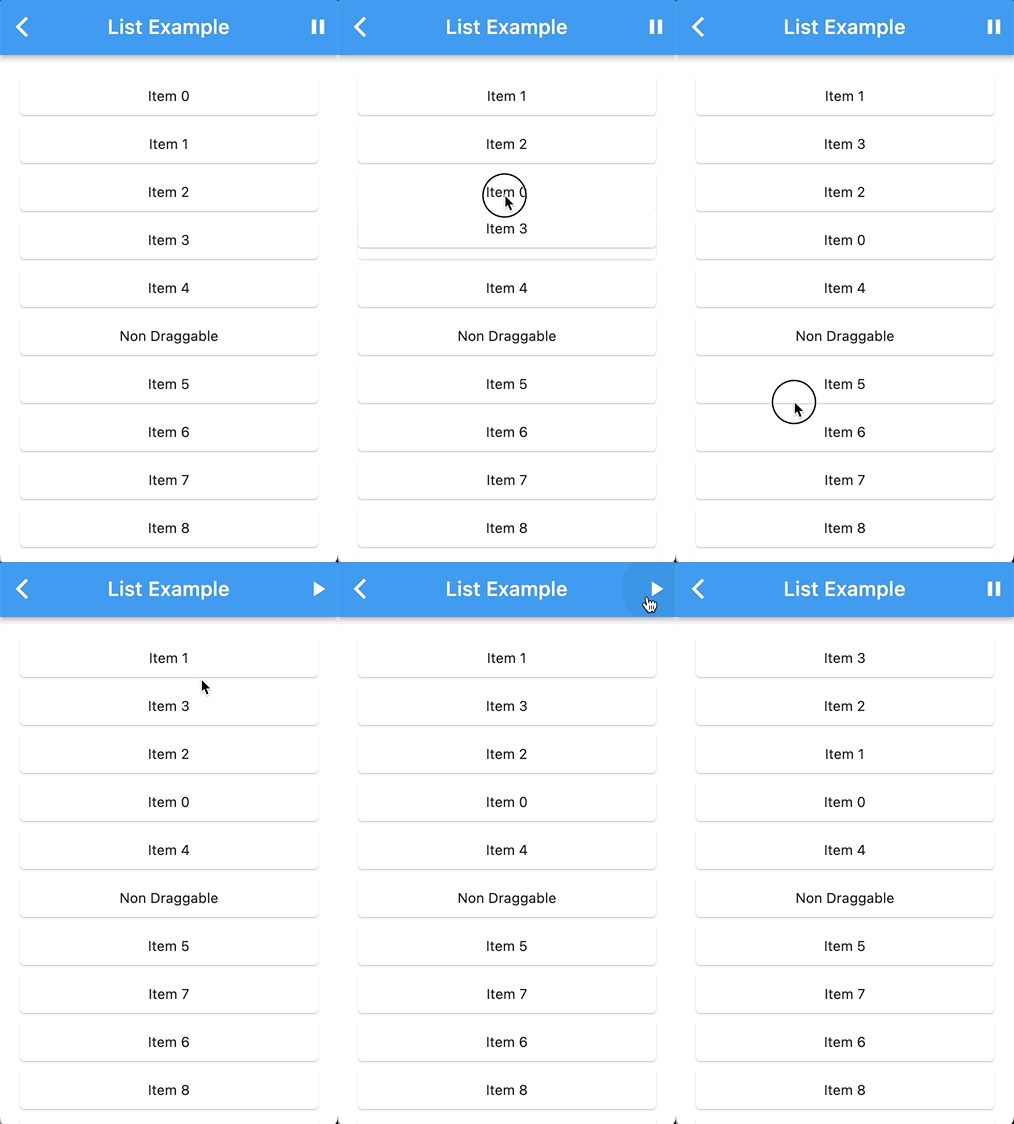
List Demo
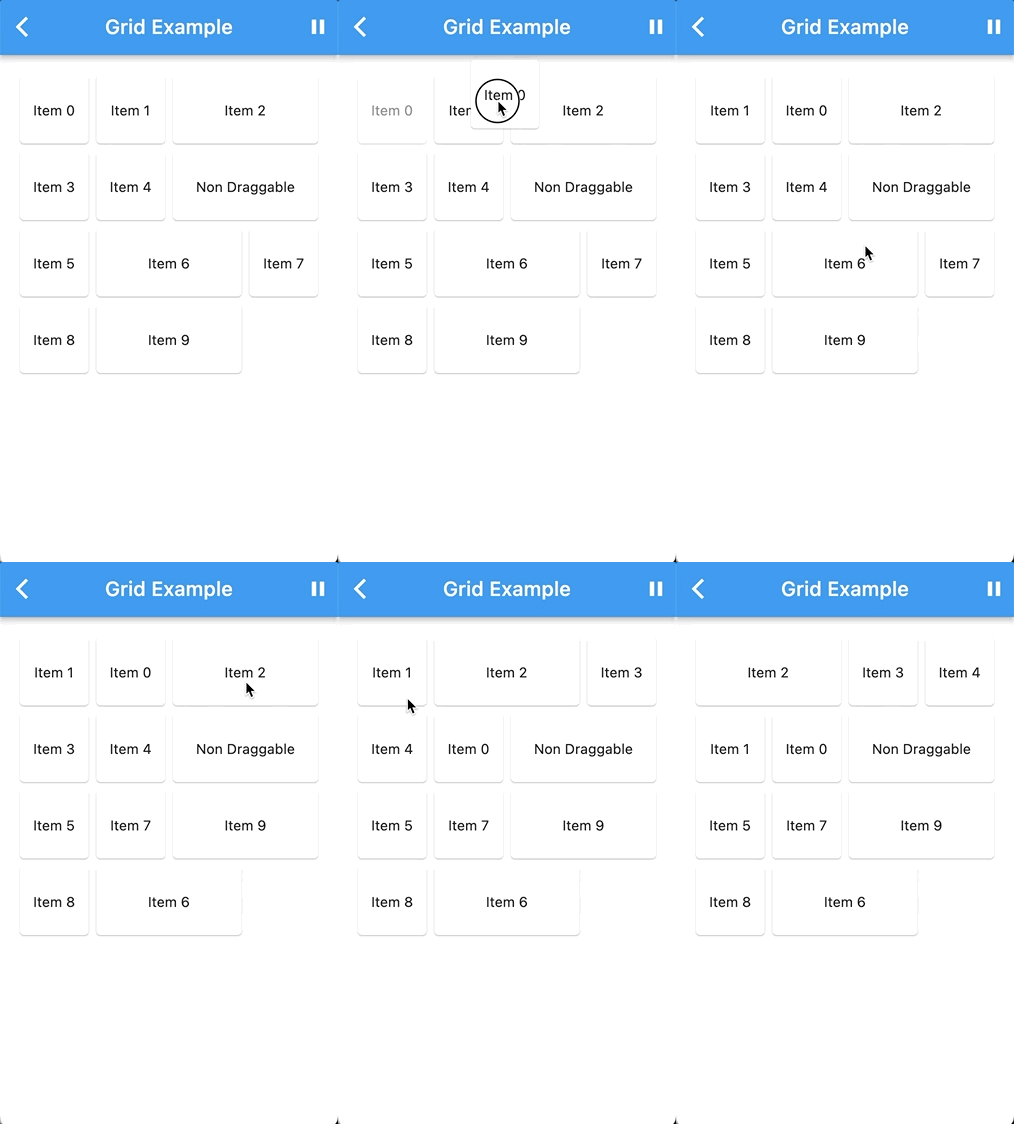
Grid Demo
Features
Reorder items with ease using drag and drop gestures.
Supports both staggered grid and list layouts.
Configurable drag-and-drop behavior.
Designed for a seamless user experience.
Getting Started
To use this package, add it to your pubspec.yaml file:
You can integrate the ReorderableStaggeredScrollView package with your custom list or grid widget by wrapping your custom list or grid widget with the necessary components.
DragNotification(
child: ListView(
scrollDirection: Axis.vertical,
children: [
DragContainer(
scrollDirection: Axis.vertical,
isLongPressDraggable: true,
buildItems: (List<Widget> children) {
returnYourCustomListViewWidget(
// Your custom list or grid widget configuration
children: children,
);
},
dataList: yourList, // Your List of ReorderableStaggeredScrollViewListItem or ReorderableStaggeredScrollViewGridItem
items: (ReorderableStaggeredScrollViewListItem element, DraggableWidget draggableWidget) {
// Map each item in your dataList into a draggable widgetreturnContainer(
key: ValueKey(element.key.toString()),
child: draggableWidget(element.widget),
);
}
),
],
),
);
Replace the comments with your actual widget configuration and data. This setup will allow you to use the ReorderableStaggeredScrollView package with your custom widget.
For more detailed usage instructions and configuration options, refer to the example directory in this repository.
Contributing
We welcome contributions! If you have ideas for improvements or encounter issues, please open an issue or submit a pull request.
Author
itisnajim, itisnajim@gmail.com
License
This package is licensed under the MIT License. See the LICENSE file for more details.