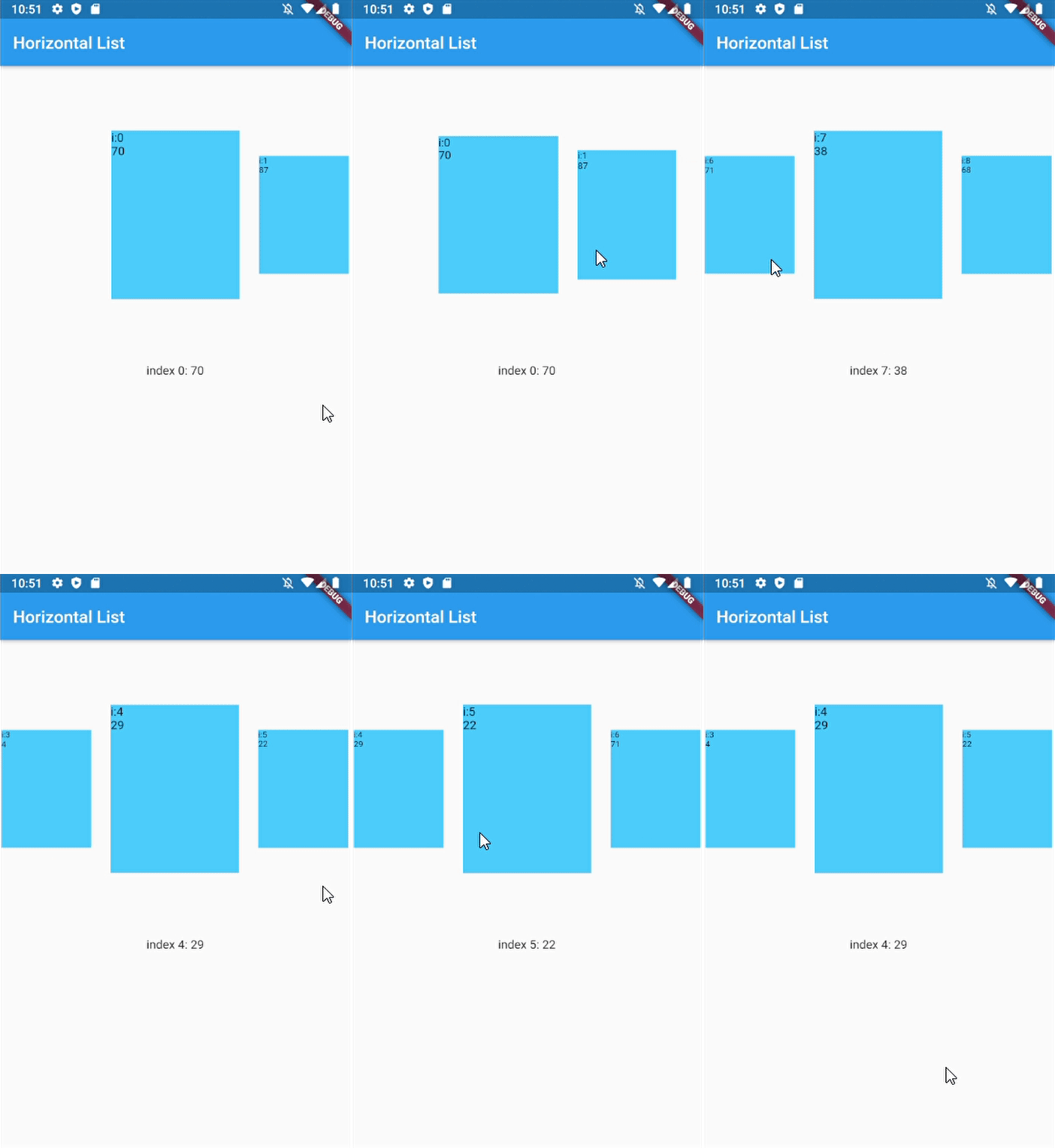
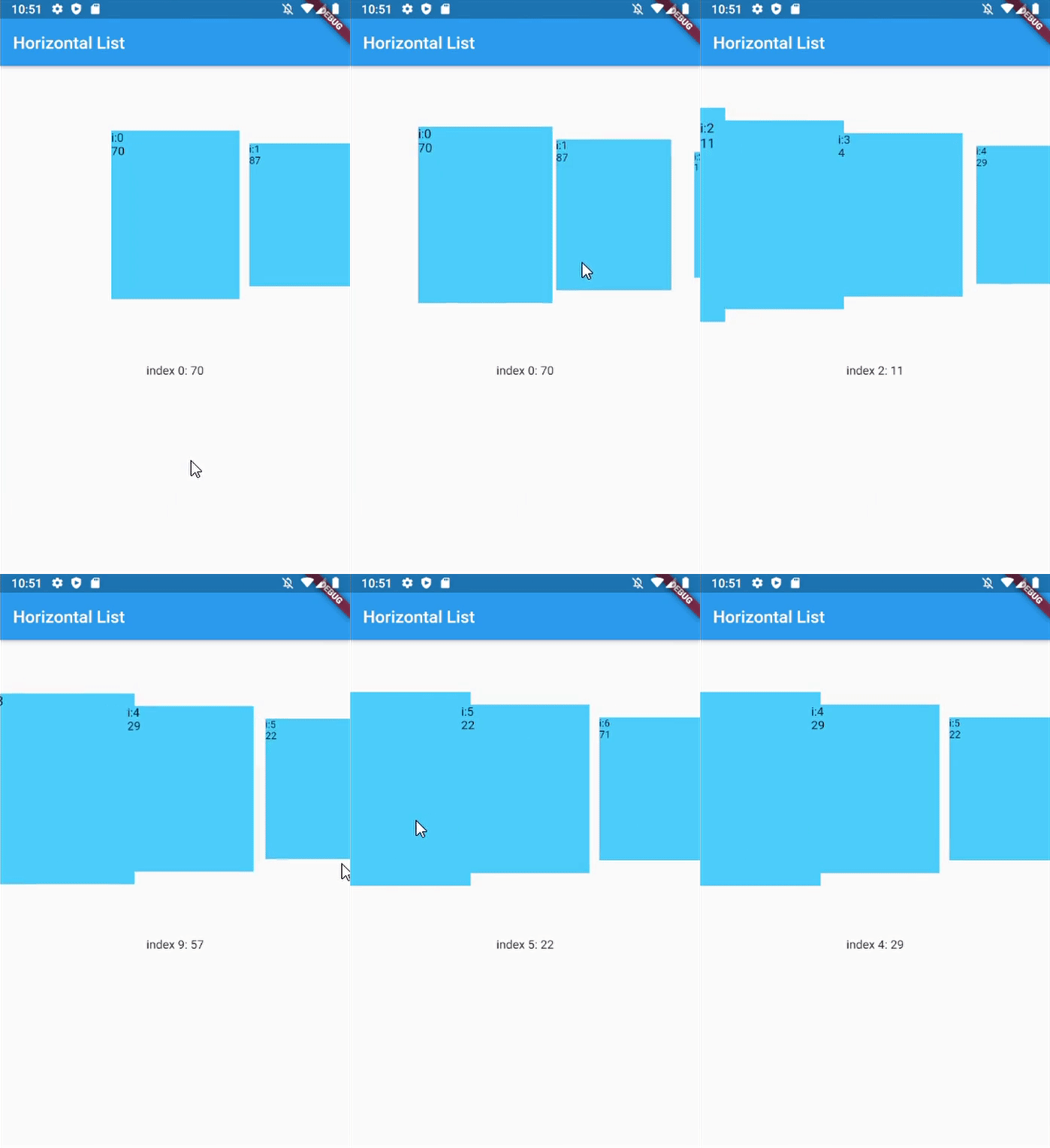
ScrollSnapList는 리스트에서 부드럽고 항목에 자동으로 스냅되는 스크롤을 가능하게 하도록 설계된 Flutter 위젯입니다. 사용자가 스크롤할 때 리스트는 자동으로 가장 가까운 항목에 스냅되며, 카루셀형 또는 페이지 기반 인터페이스의 탐색을 향상시킵니다. Android, iOS, Web, macOS, Windows, Linux 등 모든 주요 플랫폼을 지원합니다. 이미지 슬라이더, 온보딩 화면, 탭 기반 콘텐츠와 같이 리스트 항목에 정확한 정렬이 필수적인 스크롤 기반 상호작용 구현을 간소화합니다. 성능과 사용 편의성을 고려해 제작되어 기존 Flutter 프로젝트에 쉽게 통합될 수 있습니다.
사용 사례
온보딩 화면
이미지 캐러셀
탭 기반 콘텐츠 탐색
제품 슬라이더
페이지inated 목록
인터랙티브 튜토리얼
주요 기능
항목으로 자동 스냅
부드러운 스크롤 전환
크로스 플랫폼 지원
간단한 통합
사용자 정의 가능한 스냅 동작
수직 및 수평 레이아웃을 지원합니다
적합한 대상
인터랙티브 리스트 인터페이스를 구축하는 개발자
스와이프 기반 탐색을 구현하는 디자이너
정확한 스크롤 정렬이 필요한 앱
캐러셀 또는 페이지네이션을 필요로 하는 프로젝트
Flutter 초보자들이 직관적인 스크롤 제어를 찾고 있습니다
고려 사항
사용자 정의 애니메이션을 위해 추가 스타일링이 필요할 수 있습니다
매우 큰 데이터 세트와의 성능 영향
제한된 내장 제스처 사용자 정의
스냅 없이 지속적인 스크롤링에 적합하지 않음
일관된 스냅을 위해 항목 크기 조작에 주의해야 합니다
원본 README
연결된 소스 저장소의 README 원문 스냅샷입니다. 최신 내용은 저장소에서 확인하세요.
scroll_snap_list
A wrapper for ListView.builder widget that allows "snaping" event to an item at the end of user-scroll.
This widget allows unrestricted scrolling (unlike other widget that only able to "snap" to left/right neighbor at a time).
Support horizontal & vertical list
Use ListView.Builder, means no Animation
You can use this widget to achieve:
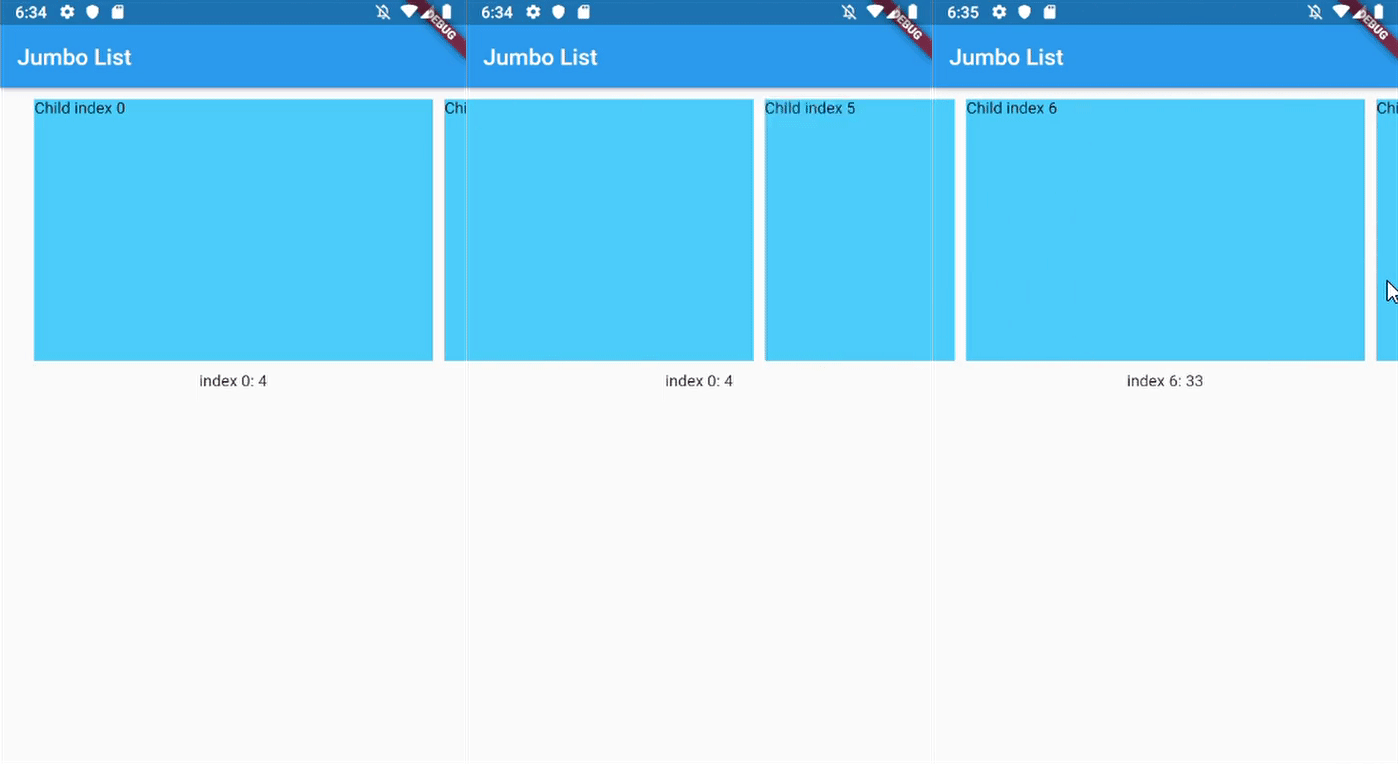
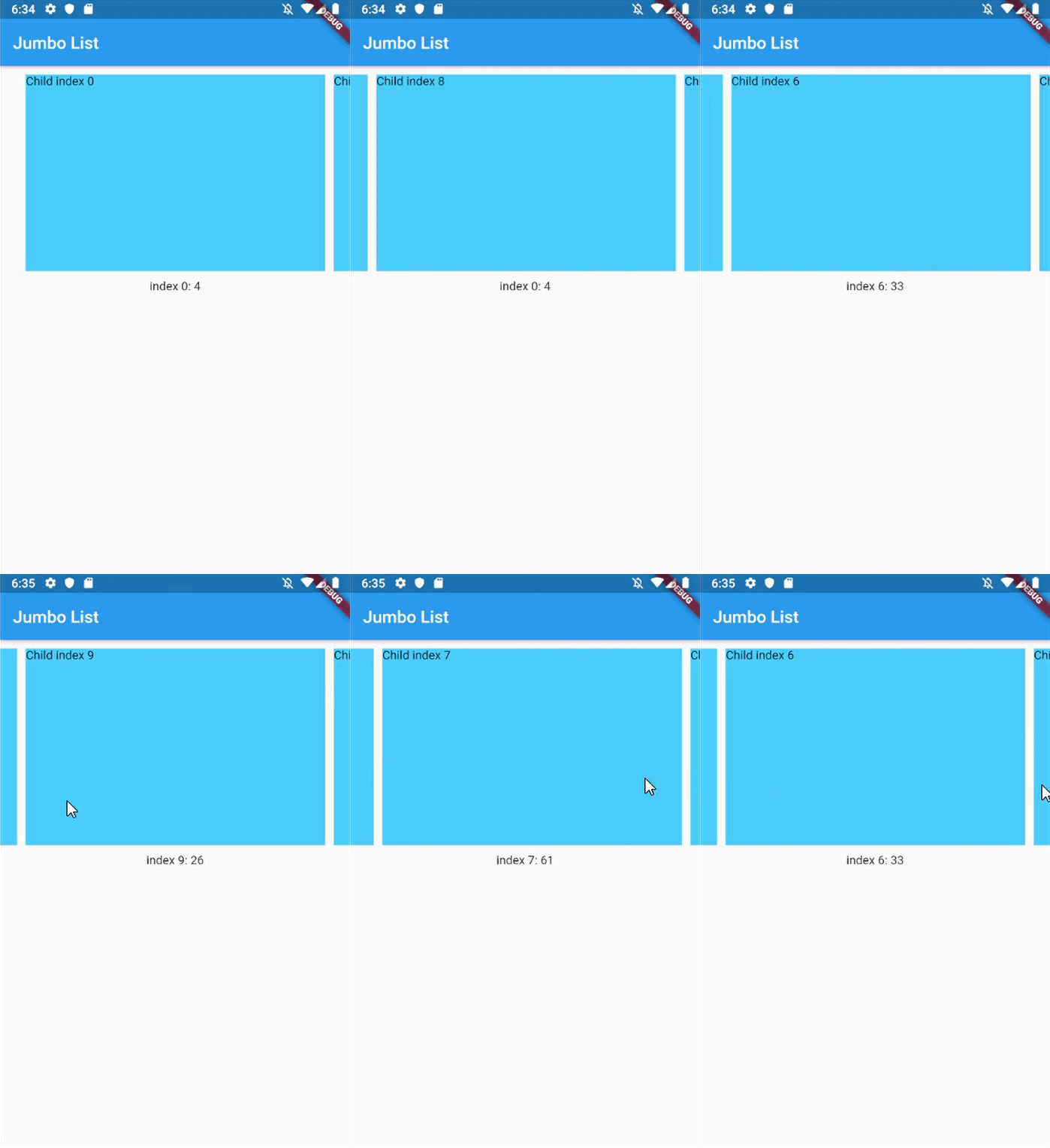
Unrestricted scrollable Jumbotron
Show daily entry for Health App and shows its detail directly below the list (reduce number of click)
Scrollable InputSelect, like datetime picker in cupertino
Horizontal Jumbotron List
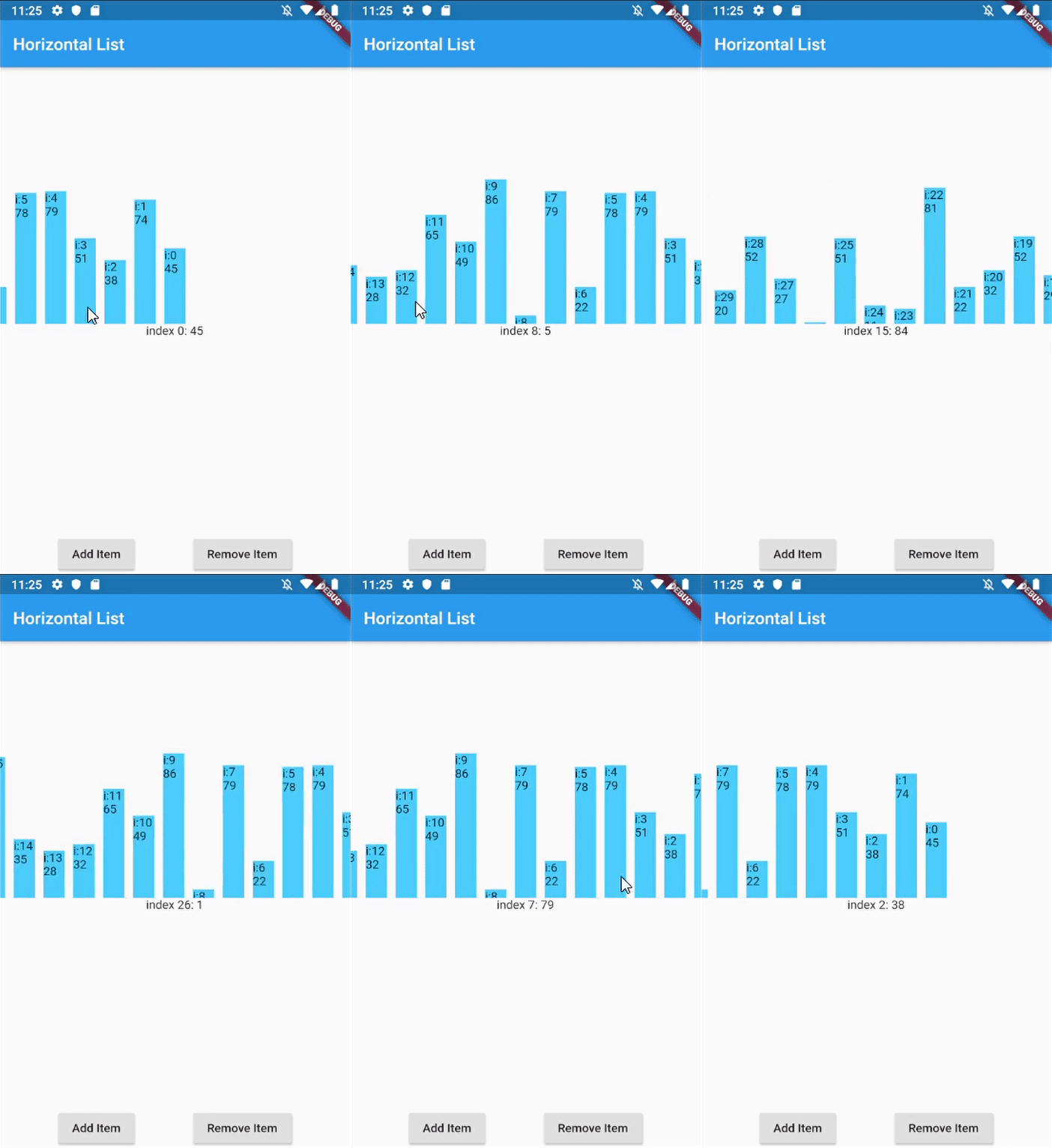
Horizontal List with infinite-loading
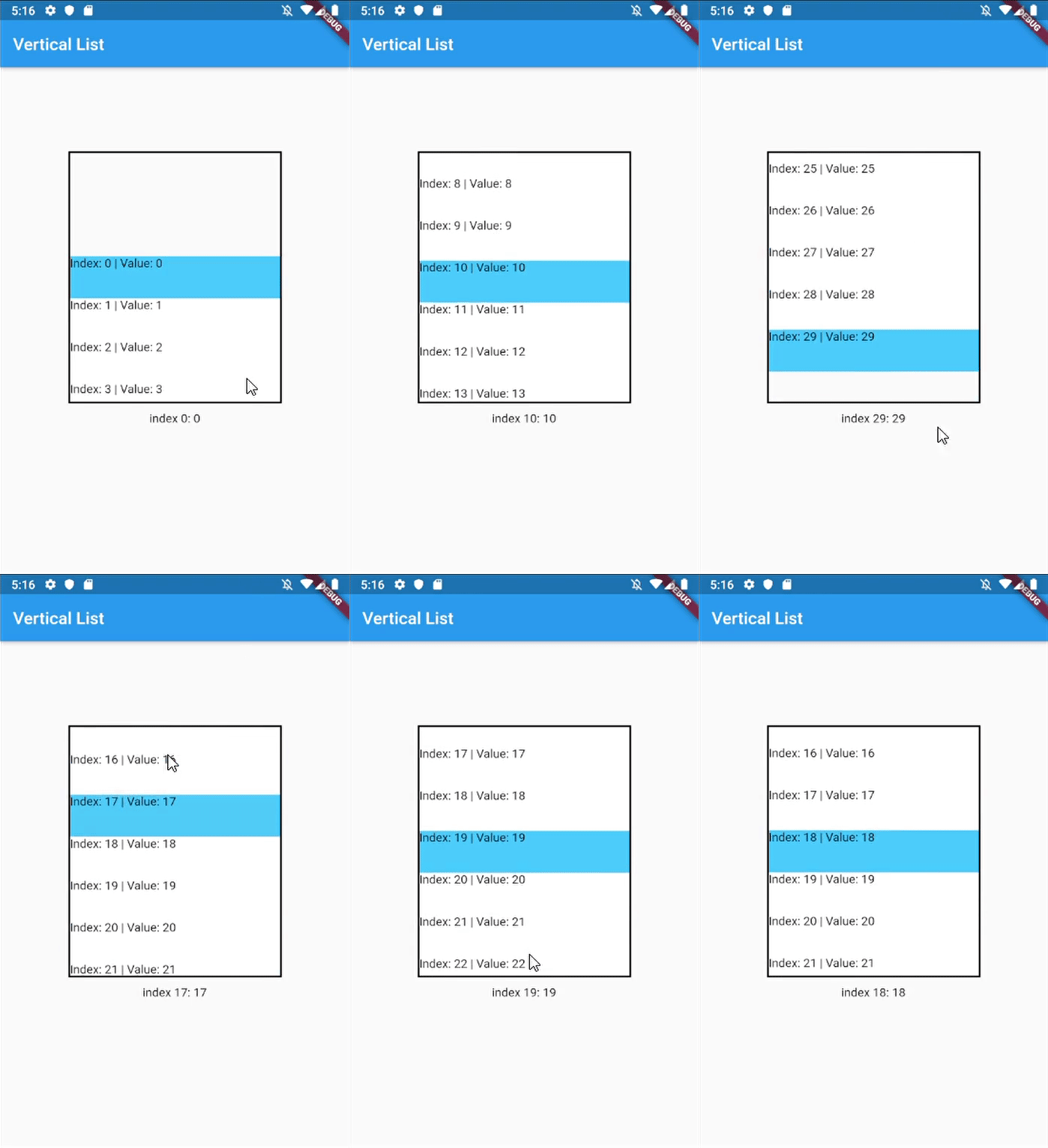
Vertical list with InkWell ListItems
Horizontal with dynamic item size
Horizontal with custom dynamic item size
Getting Started
In your flutter project pubspec.yaml add the dependency:
dependencies:...scroll_snap_list:^[version]
Usage example
This library doesn't use other library, so it should work out of the box.
Key for ScrollSnapList, used to call ScrollSnapListState
listViewKey
Key for ListView inside ScrollSnapListState, often used to preserve scroll location
itemBuilder
Same as ListView's itemBuilder
curve
Animation curve when snapping
duration
Animation duration
endOfListTolerance
Pixel tolerance to trigger onReachEnd
focusOnItemTap
Focus to an item when user tap on it. Inactive if the list-item have its own onTap detector (use state-key to help focusing instead).
focusToItem
Method to manually trigger focus to an item. Call with help of GlobalKey<ScrollSnapListState>
margin
Container's margin
itemCount
Number of item in this list
itemSize
Size used is width if scrollDirection is Axis.horizontal, height if Axis.vertical. Composed of the size of each item + its margin/padding.
onItemFocus
Callback function when list snaps/focuses to an item
onReachEnd
Callback function when user reach end of list. E.g. load more data from db
reverse
Same as ListView's reverse to reverse scrollDirection
updateOnScroll
Calls onItemFocus (if it exists) when ScrollUpdateNotification fires
initialIndex
Optional initial position which will not snap until after the first drag
scrollDirection
ListView's scrollDirection
listController
External ScrollController
dynamicItemSize
Scale item's size depending on distance to center
dynamicSizeEquation
Custom equation to determine dynamic item scaling calculation
dynamicItemOpacity
Custom opacity for offset item (single value)
selectedItemAnchor
Anchor location for selected item in the list (Start, Middle, End)
shrinkWrap
ListView's shrinkWrap
scrollPhysics
ListView's scrollPhysics
clipBehavior
ListView's clipBehavior
keyboardDismissBehavior
ListView's keyboardDismissBehavior
allowAnotherDirection
Allow List items to be scrolled using other direction
dispatchScrollNotifications
Control if ScrollNotifications should be dispatched to further ancestors. Default: false
Other Notice
By default, SnapScrollList set focusOnItemTap as true. Means any tap event on items will trigger snap/focus event to that item.
This behavior use GestureDetector, so if the list's items have their own detector (e.g. InkWell, Button), SnapScrollList unable to trigger snap event on its own. To handle this, we may use GlobalKey<ScrollSnapListState> to trigger the event manually.