SmartAuth는 Android에서 OTP 및 SMS 기반 인증을 단순화하는 Flutter 패키지로, Android SMS 사용자 동의 API와 SMS 리트리버 API를 활용합니다. 수신된 SMS에서 일회용 비밀번호(OTP)를 자동으로 감지하고 읽을 수 있으며, 양식에 OTP를 자동 채우고 사용자의 전화번호를 안전하게 가져올 수 있습니다. PIN, OTP 및 암호 필드와의 원활한 통합을 위해 설계되어 수동 입력을 줄여 사용자 경험을 향상시킵니다. 이 패키지는 플랫폼 전용이며 Android에서만 작동합니다.
사용 사례
SMS에서 OTP 자동 감지
로그인 폼에서 OTP 자동 채우기
SMS에서 사용자 전화번호 읽기
SMS 자동 채우기로 로그인 흐름 개선
이중 인증 간소화
OTP 입력 시 사용자 입력 오류 감소
주요 기능
SMS에서 자동 OTP 추출
안전한 전화번호 검색
안드로이드 전용 SMS 자동 채우기 지원
텍스트 필드와의 간단한 통합
실시간 SMS 모니터링
Android의 SMS Retriever API와 호환됩니다
적합한 대상
OTP 자동 채우기를 요구하는 안드로이드 앱
SMS 기반 2단계 인증을 사용하는 앱
네이티브 SMS 통합을 원하는 개발자
SMS 인증이 있는 사용자 흐름
로그인의 번거로움을 줄이려는 앱
고려 사항
안드로이드에서만 작동합니다
감지에 적절한 SMS 형식이 필요합니다
SMS 액세스를 위한 런타임 권한이 필요합니다
Google Play 서비스를 갖춘 기기로 제한
SMS 리트리버 API 사용 가능 여부에 따라 달라집니다
원본 README
연결된 소스 저장소의 README 원문 스냅샷입니다. 최신 내용은 저장소에서 확인하세요.
Flutter Smart Auth
Need anything Flutter related? Reach out
on LinkedIn
Flutter package for listening SMS code on Android, suggesting phone number, email, saving a
credential.
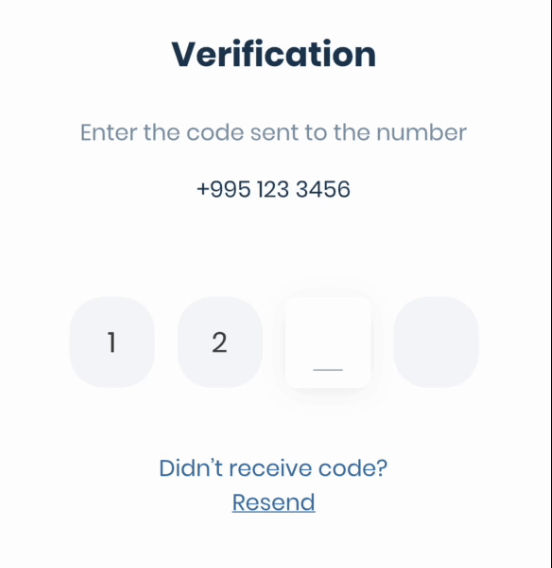
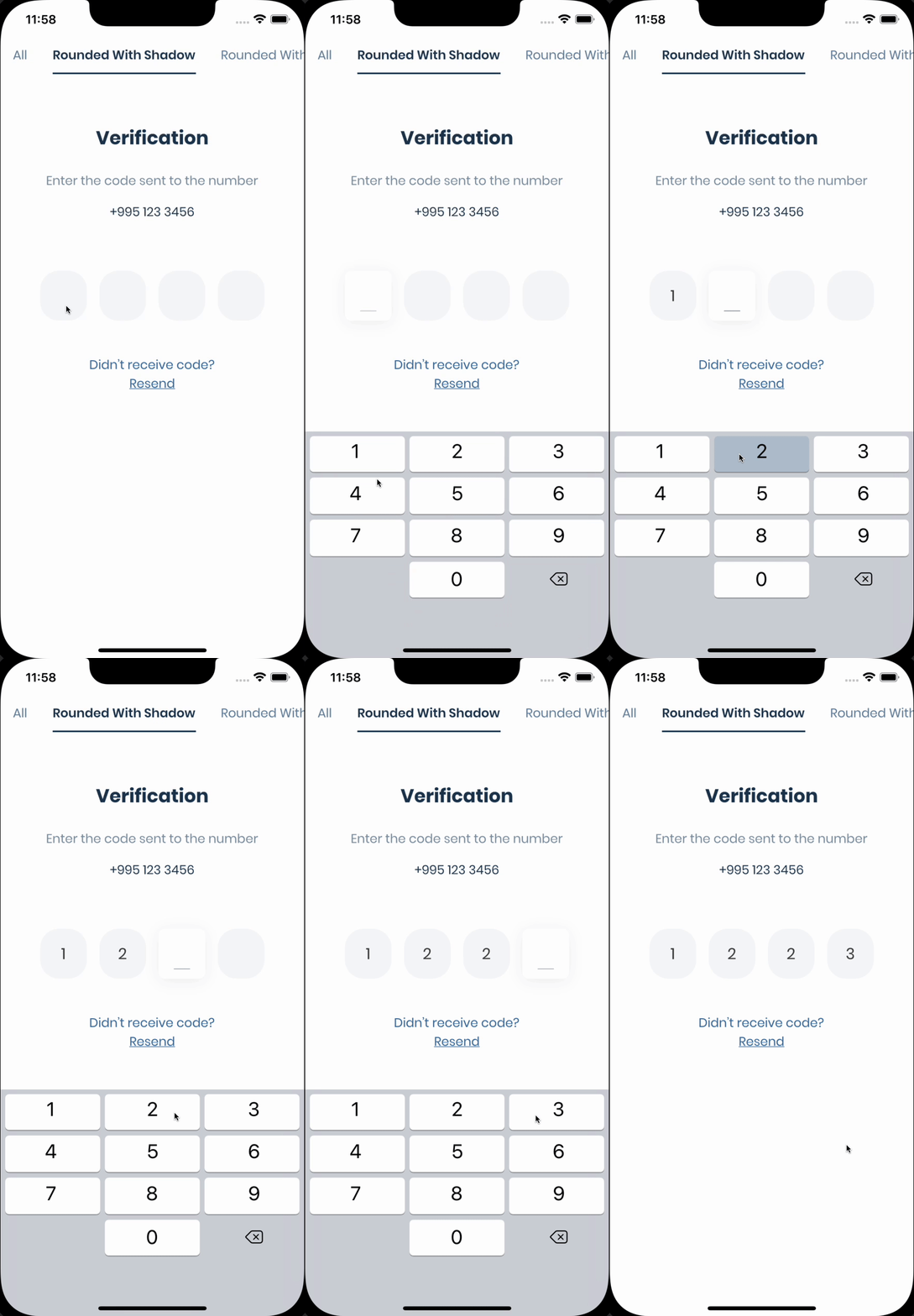
If you need pin code input like shown below, take a look at
the Pinput package.
The Phone Number Hint API, a library powered by Google Play services, provides a frictionless way to
show a user’s (SIM-based) phone numbers as a hint.
The benefits to using Phone Number Hint include the following:
No additional permission requests are needed
Eliminates the need for the user to manually type in the phone number
No Google account is needed
Not directly tied to sign in/up workflows
Wider support for Android versions compared to Autofill
voidrequestPhoneNumberHint() async {
final res = await smartAuth.requestPhoneNumberHint();
if (res.hasData) {
// Use the phone number
} else {
// Handle error
}
}
The SMS User Consent API complements the SMS Retriever API by allowing an app to prompt the user to
grant access to the content of a single SMS message. When a user gives consent, the app will then
have access to the entire message body to automatically complete SMS verification. The verification
flow looks like this:
A user initiates SMS verification in your app. Your app might prompt the user to provide a phone
number manually or request the phone number hint by calling requestPhoneNumberHint method.
Your app makes a request to your server to verify the user's phone number. Depending on what
information is available in your user database, this request might include the user's ID, the
user's phone number, or both.
At the same time, your app calls the getSmsWithUserConsentApi to show the user a dialog to
grant access to the SMS message.
Your server sends an SMS message to the user that includes a one-time code to be sent back to
your server.
When the user's device receives the SMS message, the getSmsWithUserConsentApi will extract the
one-time code from the message text and you have to send it back to your server.
Your server receives the one-time code from your app, verifies the code, and finally records that
the user has successfully verified their account.
voidgetSmsWithUserConsentApi() async {
final res = await smartAuth.getSmsWithUserConsentApi();
if (res.hasData) {
final code = res.requireData.code;
/// The code can be null if the SMS was received but the code was not extracted from itif (code == null) return;
// Use the code
} elseif (res.isCanceled) {
// User canceled the dialog
} else {
// handle the error
}
}
With the SMS Retriever API, you can perform SMS-based user verification in your Android app
automatically, without requiring the user to manually type verification codes, and without requiring
any extra app permissions. When you implement automatic SMS verification in your app, the
verification flow looks like this:
A user initiates SMS verification in your app. Your app might prompt the user to provide a phone
number manually or request the phone number hint by calling requestPhoneNumberHint method.
Your app makes a request to your server to verify the user's phone number. Depending on what
information is available in your user database, this request might include the user's ID, the
user's phone number, or both.
At the same time, your app calls the getSmsWithRetrieverApi to begin listening for an SMS
response from your server.
Your server sends an SMS message to the user that includes a one-time code to be sent back to
your server, and a hash that identifies your app.
When the user's device receives the SMS message, Google Play services uses the app hash to
determine that the message is intended for your app, and makes the message text available to your
app through the SMS Retriever API.
The getSmsWithRetrieverApi will extract the one-time code from the message text and you have to
send it back to your server.
Your server receives the one-time code from your app, verifies the code, and finally records that
the user has successfully verified their account.
voidgetSmsWithRetrieverApi() async {
final res = await smartAuth.getSmsWithRetrieverApi();
if (res.hasData) {
final code = res.requireData.code;
/// The code can be null if the SMS was received but the code was not extracted from itif (code == null) return;
// Use the code
} else {
// handle the error
}
}
Dispose
The plugin automatically removes listeners after receiving the code, if not you can remove them by
calling the removeUserConsentApiListener or removeSmsRetrieverApiListener method.
voidremoveSmsListener() {
smartAuth.removeUserConsentApiListener();
// or
smartAuth.removeSmsRetrieverApiListener();
}