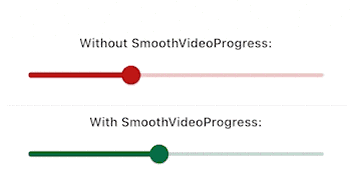
video_player 컨트롤러용 보간 프로그레스 빌더를 제공하는 플러터 패키지로, 비디오 재생 인터페이스에서 부드럽고 시각적으로 매력적인 진행률 업데이트를 가능하게 합니다. 이는 진행 상태 간의 유연한 전환을 통해 사용자 경험을 향상시키며, 사용자 정의 비디오 플레이어 UI에 이상적입니다. 표준 video_player 플러그인과 원활하게 통합되며 Android, iOS, Web, macOS 등 여러 플랫폼을 지원합니다. 복잡한 수동 애니메이션 처리 없이 프로그레스 인디케이터를 세밀하게 제어하고 싶은 개발자를 위한 것입니다.
사용 사례
사용자 정의 비디오 플레이어 UI
부드러운 진행 막대 애니메이션
개선된 비디오 재생 피드백
크로스 플랫폼 비디오 앱
실시간 진행 상황 시각화
주요 기능
보간된 진행률 업데이트
video_player와의 원활한 통합
플랫폼에 관계없는 지원
최소한의 설정 필요
고성능 렌더링
적합한 대상
UI 중심의 비디오 애플리케이션
부드러운 애니메이션을 원하는 개발자
정밀한 진행률 제어가 필요한 앱
크로스플랫폼 비디오 프로젝트
사운드가 매끄러운 미디어 플레이어를 구현하는 디자이너
고려 사항
video_player 종속성 필요
진행 상황 표시만 가능
내장된 컨트롤 없음
사용자 정의 플레이어 UI와 함께 사용하는 것이 가장 좋습니다
완전한 사용자 지정을 위해서는 추가적인 스타일링이 필요할 수 있습니다
원본 README
연결된 소스 저장소의 README 원문 스냅샷입니다. 최신 내용은 저장소에서 확인하세요.
Have you been here before: you created a video player using video_player,
but the progress bar updates way to infrequently and makes your UX look choppy?
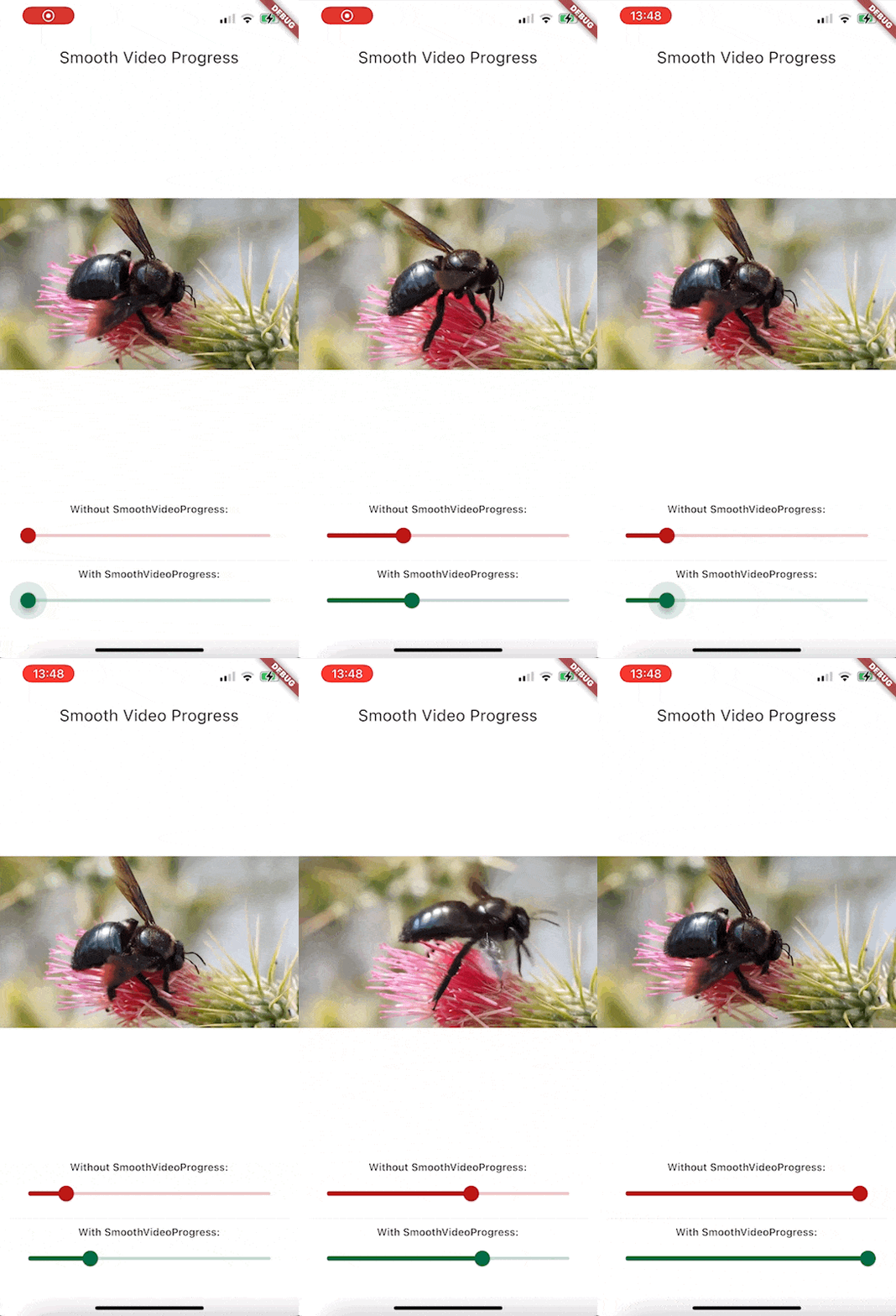
Look no further than this package. It will make your video progress bars look smooooth ✨
Since this is a GIF, the framerate is reduced, but rest assured that the bottom slider
animates at the same framerate as your app.
Features
Build a smoothly interpolated progress bar for video_player's VideoPlayerController instances.
Completely unopinianeted, build whatever you want design-wise
Use it for progress bars, spinners, more accurate time displays, ...
Getting started
Install the package. This package depends on flutter_hooks, because I use it for everything
anyway, check out the package if you don't know it, it makes life so much easier.
Usage
Here is how you would build a simple slider for example: