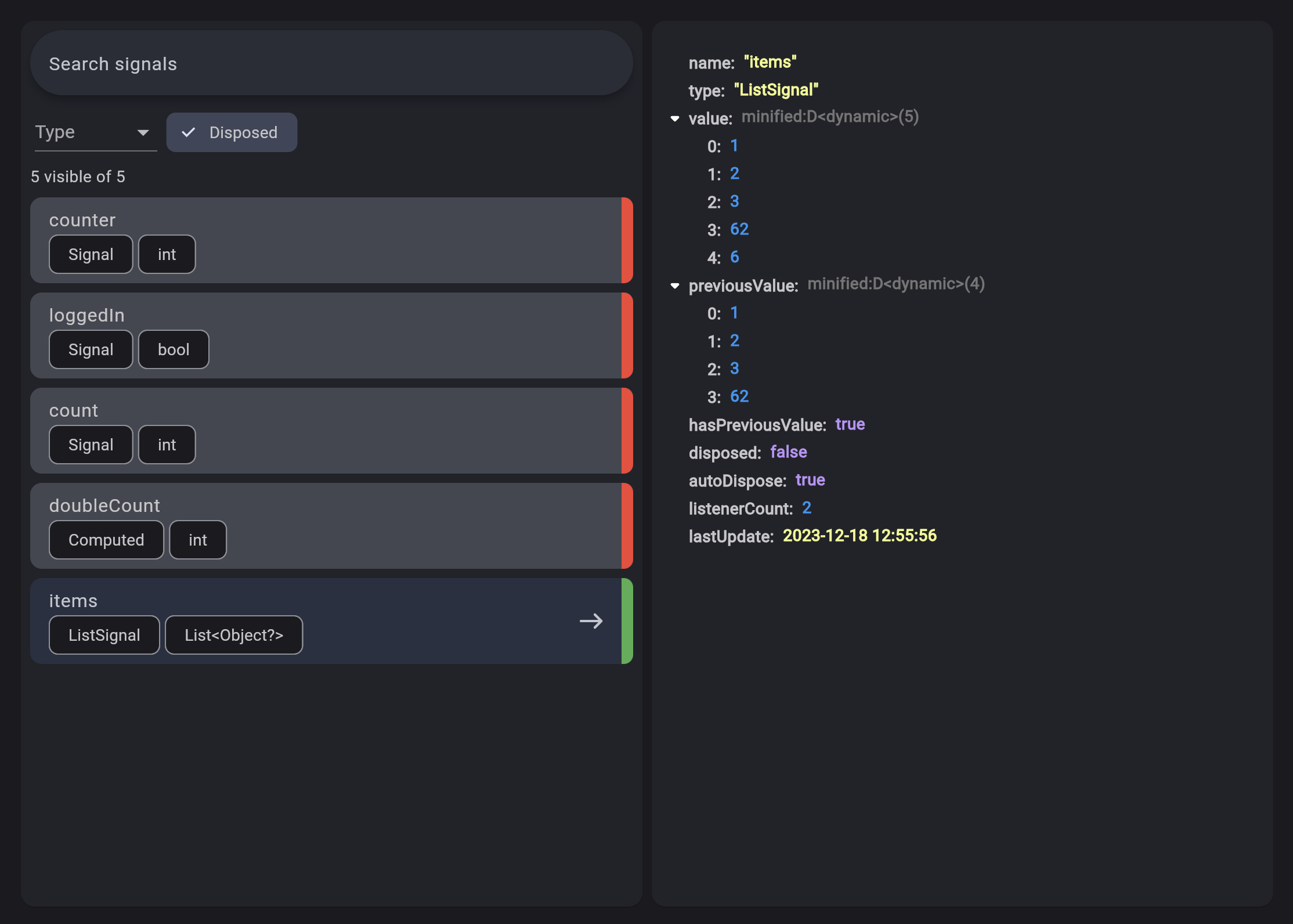
Solidart는 SolidJS에서 영감을 받은 Dart 애플리케이션을 위한 가벼운 상태 관리 솔루션입니다. 최소한의 보일러플레이트로 반응형 상태 업데이트를 제공하여 효율적이고 예측 가능한 UI 렌더링을 가능하게 합니다. 세밀한 반응성 기술을 활용해 상태가 변경될 때 필요한 부분만 다시 렌더링되도록 보장합니다. 단순성과 성능을 중시하는 설계로, 다양한 플랫폼에서 작동하는 Flutter 프로젝트에 쉽게 통합됩니다. 반응형 프로그래밍 패턴에 익숙한 개발자들이 쉽게 사용할 수 있도록 직관적인 API를 제공합니다.
사용 사례
Flutter 앱에서 실시간 데이터 업데이트
최소한의 재구성으로 반응형 UI 만들기
복잡한 컴포넌트에서 상태 로직 간소화
여러 위젯 간에 공유 상태 관리
확장성과 유지보수성이 뛰어난 앱 아키텍처 만들기
주요 기능
세밀한 반응성
최소한의 보일러플레이트
자동 종속성 추적
크로스 플랫폼 지원 (Android, iOS, Web, macOS, Windows, Linux)
SolidJS에서 영감을 받은 간단한 API
적합한 대상
Provider 또는 Riverpod의 경량 대안을 찾는 개발자
고성능 상태 업데이트가 필요한 프로젝트
SolidJS 또는 반응형 프로그래밍에 익숙한 팀
자주 업데이트되는 UI와 동적 데이터를 가진 앱
직관적인 상태 관리 접근법을 찾는 초보자
고려 사항
리버포드와 같은 성숙한 솔루션과 비교해 생태계가 제한적
커뮤니티 문서와 예제가 적음
반응형 개념에 익숙하지 않은 사람에게는 학습 곡선이 필요할 수 있습니다
철저한 아키텍처 없이 매우 대규모 상태 트리에는 적합하지 않습니다
성능과 간단함이 광범위한 도구보다 우선시되는 앱에 가장 적합
원본 README
연결된 소스 저장소의 README 원문 스냅샷입니다. 최신 내용은 저장소에서 확인하세요.
A simple state-management library inspired by SolidJS.
The objectives of this project are:
Being simple and easy to learn
Fits well with the framework's good practices
Do not have a single global state, but multiple states only in the most appropriate places
Signals are the cornerstone of reactivity in solidart. They contain values that change over time; when you change a signal's value, it automatically updates anything that uses it.
To create a signal, you have to use the Signal class:
final counter = Signal(0);
The argument passed to the class is the initial value, and the return value is the signal.
To retrieve the current value, you can use:
print(counter.value); // prints 0
To change the value, you can use:
// Set the value to 2
counter.value = 2;
// Update the value based on the current value
counter.updateValue((value) => value * 2);
Effect
Signals are trackable values, but they are only one half of the equation. To complement those are observers that can be updated by those trackable values. An effect is one such observer; it runs a side effect that depends on signals.
An effect can be created by using the Effect class.
The effect automatically subscribes to any signal and reruns when any of them change.
So let's create an Effect that reruns whenever counter changes:
final disposeFn = Effect(() {
    print("The count is now ${counter.value}");
});
Computed
A computed signal is a signal that depends on other signals.
To create a computed signal, you have to use the Computed class.
A Computed automatically subscribes to any signal provided and reruns when any of them change.
final count = Signal(0);
final doubleCount = Computed(() => count.value * 2);
Effect(() {
print('The counter is ${count.value}');
print('The double counter is ${doubleCount.value}');
});
count
..value = 1
..value = 2;
// The output will be:// The counter is 0// The double counter is 0// The counter is 1// The double counter is 2// The counter is 2// The double counter is 4
Resource
Resources are special Signals designed specifically to handle Async loading. Their purpose is wrap async values in a way that makes them easy to interact with.
Resources can be driven by a source signal that provides the query to an async data fetcher function that returns a Future.
The contents of the fetcher function can be anything. You can hit typical REST endpoints or GraphQL or anything that generates a future. Resources are not opinionated on the means of loading the data, only that they are driven by futures.
Let's create a Resource:
// The sourcefinal userId = Signal(1);
// The fetcherFuture<String> fetchUser() async {
final response = await http.get(
Uri.parse('https://jsonplaceholder.typicode.com/users/${userId.value}/'),
headers: {'Accept': 'application/json'},
);
return response.body;
}
// The resourcefinal user = Resource(fetchUser, source: userId);
A Resource can also be driven from a Stream instead of a Future, and can be created with Resource.stream(() => stream).
In this case you just need to pass the stream field to the Resource class.
If you're using SignalBuilder you can react to the state of the resource:
The on method forces you to handle all the states of a Resource (ready, error and loading).
The are also other convenience methods to handle only specific states.
Dependency Injection
The dependency injection in flutter_solidart is done using the disco package.
This replaced the Solid widget which was used in the previous versions of flutter_solidart.
disco has been built on top of Solid to provide a more powerful and flexible way to handle dependency injection.