연결된 소스 저장소의 README 원문 스냅샷입니다. 최신 내용은 저장소에서 확인하세요.
Stack Board
A Flutter package of custom stack board.



Try it: Demo
1.使用 StackBoardController
import 'package:stack_board/stack_board.dart';
StackBoard(
controller: _boardController,
background: const ColoredBox(color: Colors.grey),
),
添加自适应文本
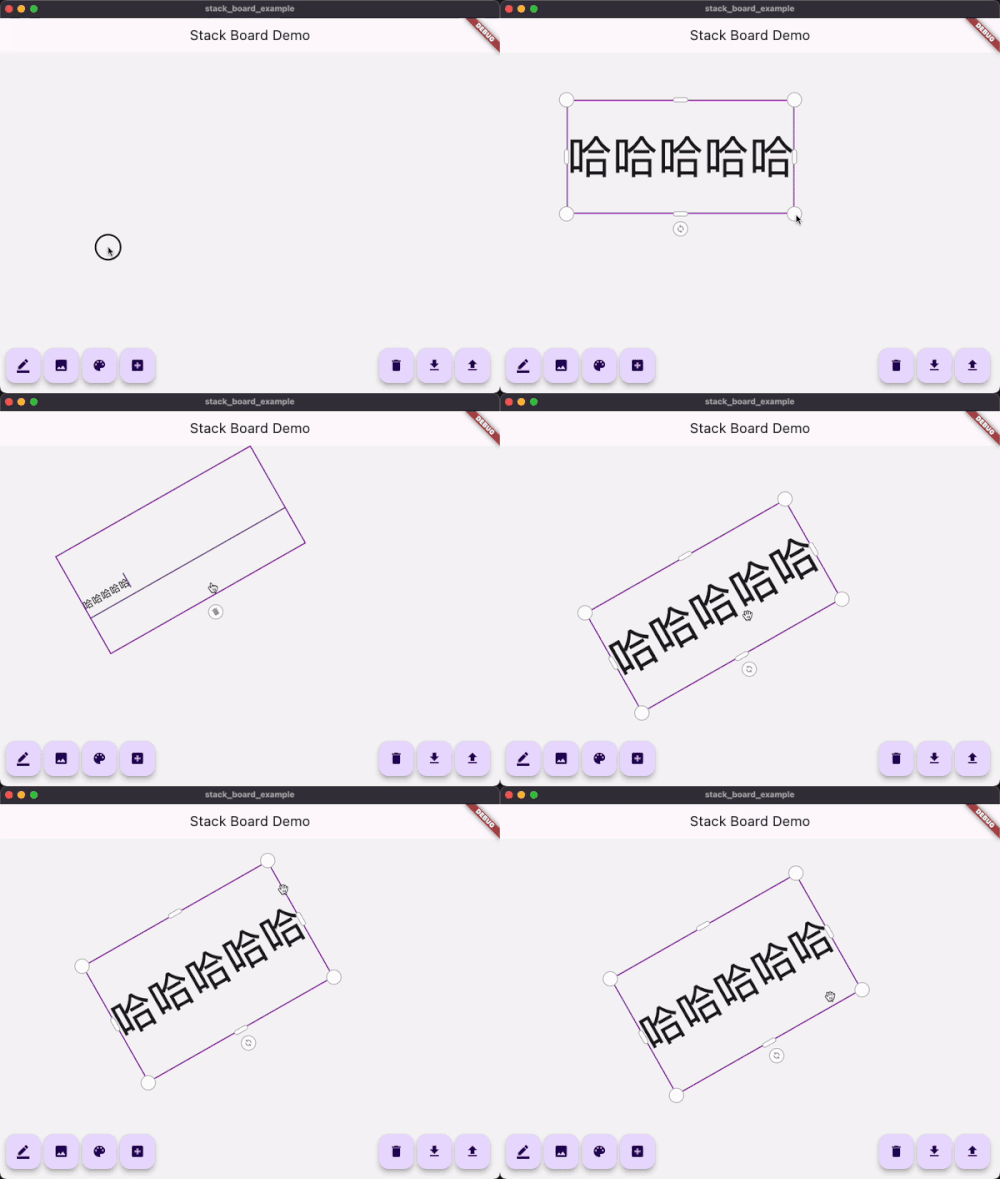
_boardController.add(
    const AdaptiveText(
        'Flutter Candies',
        tapToEdit: true,
        style: TextStyle(fontWeight: FontWeight.bold),
    ),
);
添加自适应图片
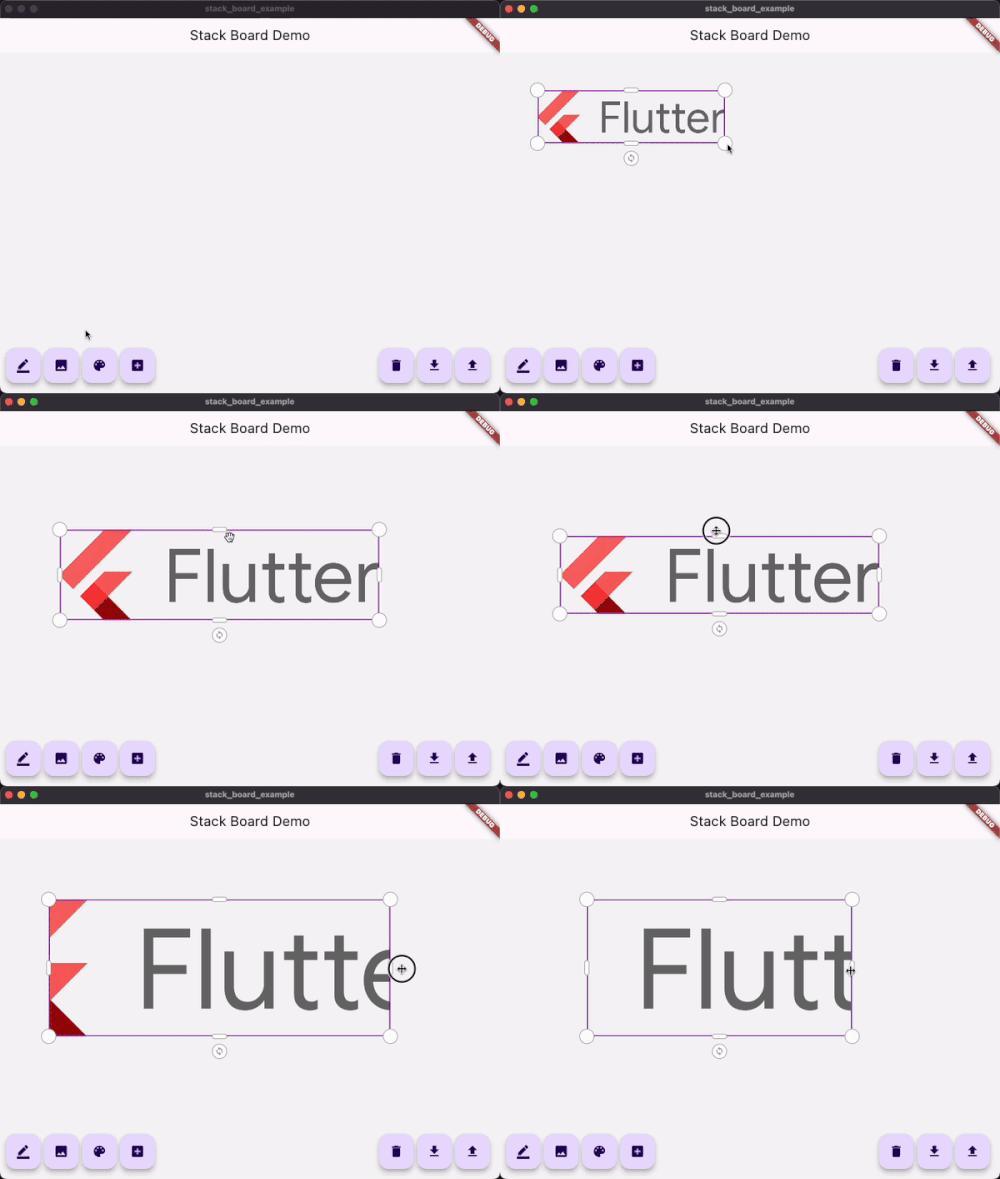
_boardController.add(
    StackBoardItem(
        child: Image.network('https://avatars.githubusercontent.com/u/47586449?s=200&v=4'),
    ),
);
添加画板
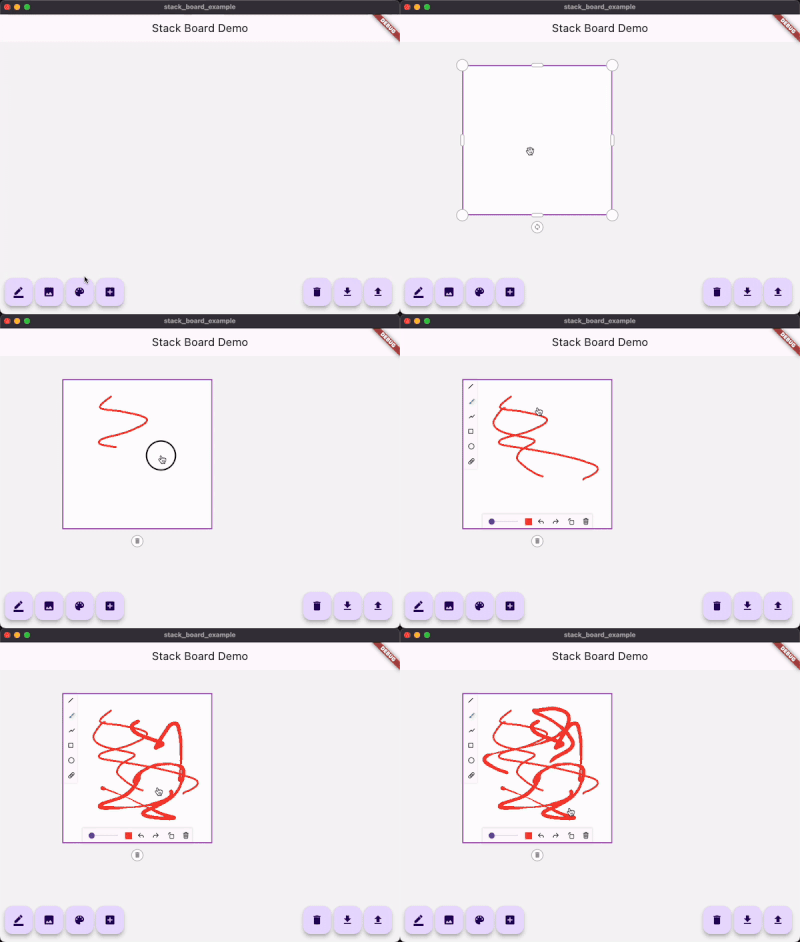
_boardController.add(
    const StackDrawing(
        caseStyle: CaseStyle(
            borderColor: Colors.grey,
            iconColor: Colors.white,
            boxAspectRatio: 1,
        ),
    ),
);
添加自定义item
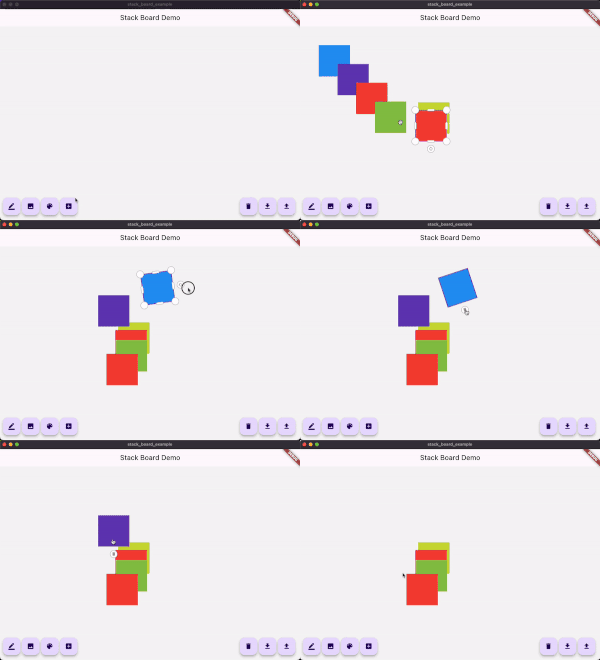
1.继承自 StackItemContent 和 StackItem
class ColorContent extends StackItemContent {
ColorContent({required this.color});
Color color;
@override
Map<String, dynamic> toJson() {
return <String, dynamic>{
'color': color.value,
};
}
}
class ColorStackItem extends StackItem<ColorContent> {
ColorStackItem({
required Size size,
String? id,
Offset? offset,
double? angle,
StackItemStatus? status,
ColorContent? content,
}) : super(
id: id,
size: size,
offset: offset,
angle: angle,
status: status,
content: content,
);
@override
ColorStackItem copyWith({
Size? size,
Offset? offset,
double? angle,
StackItemStatus? status,
ColorContent? content,
}) {
return ColorStackItem(
id: id,
size: size ?? this.size,
offset: offset ?? this.offset,
angle: angle ?? this.angle,
status: status ?? this.status,
content: content ?? this.content,
);
}
}
2.使用controller添加
import 'dart:math' as math;
...
void _addCustomItem() {
final Color color = Colors.primaries[Random().nextInt(Colors.primaries.length)];
_boardController.addItem(
ColorStackItem(
size: const Size.square(100),
content: ColorContent(color: color),
),
);
}
3.使用customBuilder构建
StackBoard(
controller: _boardController,
customBuilder: (StackItem<StackItemContent> item) {
if (...) {
...
} else if (item is ColorStackItem) {
return Container(
width: item.size.width,
height: item.size.height,
color: item.content?.color,
);
}
...
},
)

