패키지, 저장소 및 앱 카테고리 검색

syncfusion_flutter_xlsio 표지
패키지 상세v35.1.43

syncfusion_flutter_xlsio

Flutter XlsIO는 수식, 차트, 이미지, 하이퍼링크, 자동 조정 행 및 열 등을 포함한 Excel 문서를 생성하기 위한 Dart 라이브러리입니다.

AndroidiOSWebmacOSWindowsLinux
30일 다운로드
7.3만
좋아요
406
Pub 점수
150

패키지 설치

flutter pub add syncfusion_flutter_xlsio

패키지 개요

공개 정보를 바탕으로 생성한 선택 가이드입니다.

Syncfusion Flutter XlsIO는 Flutter 애플리케이션 내에서 Excel 파일을 생성하고 조작하기 위한 강력한 Dart 라이브러리입니다. 수식, 차트, 이미지, 하이퍼링크 및 행과 열의 자동 맞춤과 같은 고급 기능을 지원합니다. 강력한 스프레드시트 생성 및 내보내기 기능이 필요한 앱에 적합하며, 개발자가 여러 플랫폼에서 풍부하고 형식이 지정된 Excel 문서를 프로그래밍 방식으로 생성할 수 있도록 합니다.

사용 사례

  • 데이터를 Excel로 내보내기
  • 차트를 사용하여 보고서 생성
  • 수식을 사용하여 템플릿 만들기
  • 이미지 및 하이퍼링크 삽입
  • 스프레드시트 생성 자동화

주요 기능

  • Excel 수식을 지원합니다
  • 차트 및 이미지 삽입 포함
  • 자동 맞춤 행과 열
  • 풍부한 형식 옵션
  • 크로스 플랫폼 호환성

적합한 대상

  • 비즈니스 보고 앱
  • 데이터 내보내기 도구
  • 금융 응용 프로그램
  • 대시보드 내보내기
  • 교육 소프트웨어

고려 사항

  • 상업적 사용을 위해서는 라이선스가 필요합니다
  • 패키지 크기가 큼
  • 고급 기능 학습 곡선
  • 제한된 무료 레벨 기능
  • Syncfusion 생태계에 의존

원본 README

연결된 소스 저장소의 README 원문 스냅샷입니다. 최신 내용은 저장소에서 확인하세요.

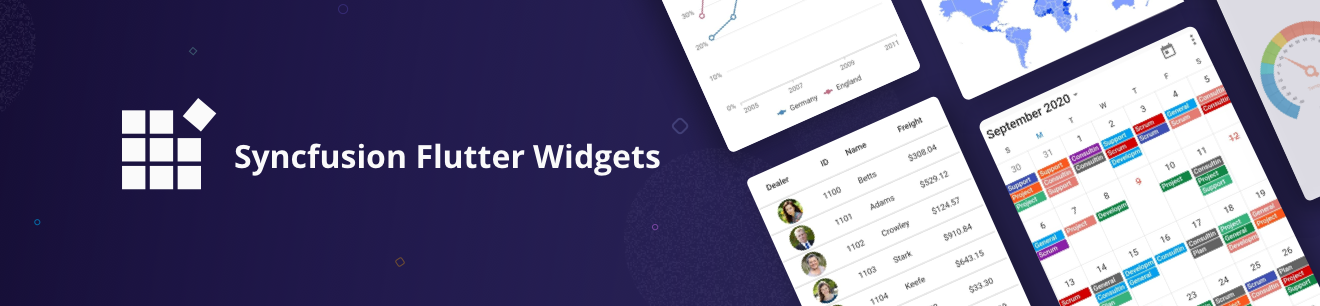
Syncfusion Flutter Widgets

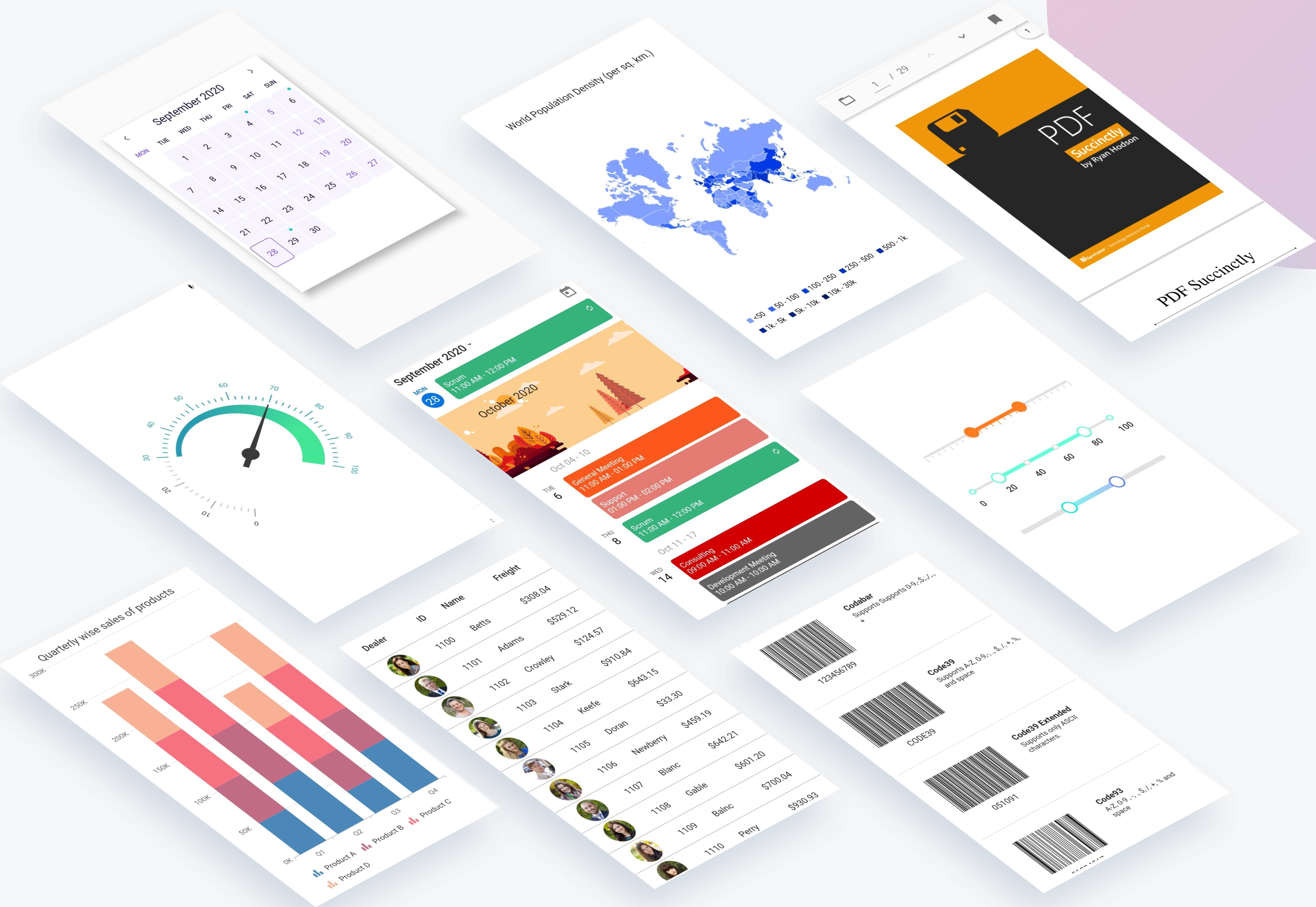
Syncfusion Flutter widgets libraries include high-quality UI widgets and file-format packages to help you create rich, high-quality applications for iOS, Android, and web from a single code base. Please find the supported platforms for our Flutter widgets.

Disclaimer: This is a commercial package. To use our packages, you need to have either the Syncfusion Commercial License or Syncfusion Community license. For more details, please check the LICENSE file.

Table of contents

Repository structure

This repository holds the source code of all the Syncfusion Flutter widgets and libraries. Source code of the widget, a working example, read me, changelog, etc., files are available in the packages directory.

Also, you can view the samples code from this repository.

Packages

Package/Plugin Available widgets/libraries Pub Points Popularity Likes
syncfusion_flutter_chat
  • SfChat
pub package pub points popularity likes
syncfusion_flutter_charts
  • SfCartesianChart
  • SfCircularChart
  • SfPyramidChart
  • SfFunnelChart
pub package pub points popularity likes
syncfusion_flutter_calendar
  • SfCalendar
pub package pub points popularity likes
syncfusion_flutter_datagrid
  • SfDataGrid
pub package pub points popularity likes
syncfusion_flutter_pdfviewer
  • SfPdfViewer
pub package pub points popularity likes
syncfusion_flutter_pdf
  • PDF library
pub package pub points popularity likes
syncfusion_flutter_xlsio
  • XlsIO library
pub package pub points popularity likes
syncfusion_flutter_datepicker
  • SfDateRangePicker
pub package pub points popularity likes
syncfusion_flutter_maps
  • SfMaps
pub package pub points popularity likes
syncfusion_flutter_gauges
  • SfRadialGauge
pub package pub points popularity likes
syncfusion_flutter_sliders
  • SfSlider
  • SfRangeSlider
  • SfRangeSelector
pub package pub points popularity likes
syncfusion_flutter_signaturepad
  • SfSignaturePad
pub package pub points popularity likes
syncfusion_flutter_barcodes
  • SfBarcodeGenerator
pub package pub points popularity likes
syncfusion_officechart
  • Office chart library
pub package pub points popularity likes
syncfusion_officecore This package is a dependecy package for Office chart library. pub package pub points popularity likes
syncfusion_flutter_core This package is a dependecy package for all the Syncfusion Flutter widgets and libraries. pub package pub points popularity likes
syncfusion_localizations This package contains localized text for 77 cultures for all the applicable Syncfusion Flutter Widgets. pub package pub points popularity likes

How to use

Referring packages source in your application

All the packages available in the packages folder can be referred in your application by following the below steps.

Step 1

Clone the flutter-widgets repository into your machine.

Step 2

Refer the required package in your application's pubspec.yaml file by mentioning its local path. For example, here we have referred the charts package.

syncfusion_flutter_charts:
    path: D:/flutter-widgets/packages/syncfusion_flutter_charts

Step 3

Run the following command to get the required packages.

$ flutter pub get

Step 4

Run your application using the following commands:

Windows & Linux

Run code: Ctrl + F5

Run with debugging: F5 or Run > Start Debugging

Stop debugging: Shift + F5

Restart debugging: Ctrl + Shift + F5

MacOS

Run code: Cmd + F5

Run with debugging: F5 or Run > Start Debugging

Stop debugging: Shift + Cmd + F5

Restart debugging: Cmd + Shift + F5

Web (VS Code in the Browser)

Run code: Ctrl + F5

Run with debugging: F5 or Run > Start Debugging

Running the available example

All the packages available in the packages folder has an example and it can be run by following the below steps.

Step 1

Clone the flutter-widgets repository into your machine.

Step 2

Open the example folder available in packages in an IDE. The below path is for reference.

..\flutter-widgets\packages\syncfusion_flutter_charts\example

Step 3

Run the following command to get the required packages.

$ flutter pub get

Note: In the example, packages are referred from the local folder which is available in this repository. If you wish, you can also refer the packages from pub.

Step 4

Run your application either using F5 or Run > Start Debugging.

Get the demo application

Explore the full capabilities of our Flutter widgets on your device by installing our sample browser applications from the below app stores, and view samples code in GitHub.

Useful links

Take a look at the following to learn more about Syncfusion Flutter widgets:

Support and feedback

  • For any other queries, reach our Syncfusion support team or post the queries through the Community forums and submit a feature request or a bug through our Feedback portal.
  • To renew the subscription, click renew or contact our sales team at salessupport@syncfusion.com | Toll Free: 1-888-9 DOTNET.

About Syncfusion

Founded in 2001 and headquartered in Research Triangle Park, N.C., Syncfusion has more than 20,000 customers and more than 1 million users, including large financial institutions, Fortune 500 companies, and global IT consultancies.

Today we provide 1,000+ controls and frameworks for web (ASP.NET Core, ASP.NET MVC, ASP.NET WebForms, JavaScript, Angular, React, Vue, and Blazor, mobile (Xamarin, Flutter, UWP, and JavaScript), and desktop development (WinForms, WPF, and UWP). We provide ready-to deploy enterprise software for dashboards, reports, data integration, and big data processing. Many customers have saved millions in licensing fees by deploying our software.

카테고리

의존성

의존성 목록 7 개

소스 저장소

이 패키지를 사용하는 프로젝트

아직 데이터가 없습니다.