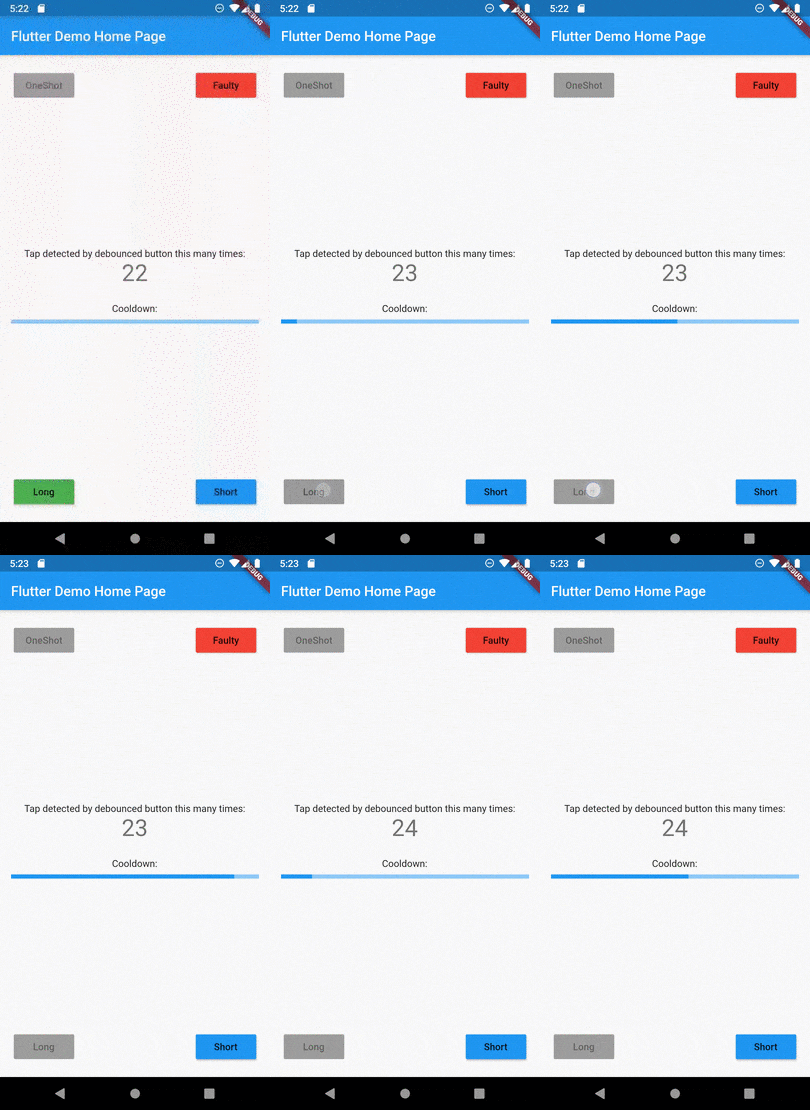
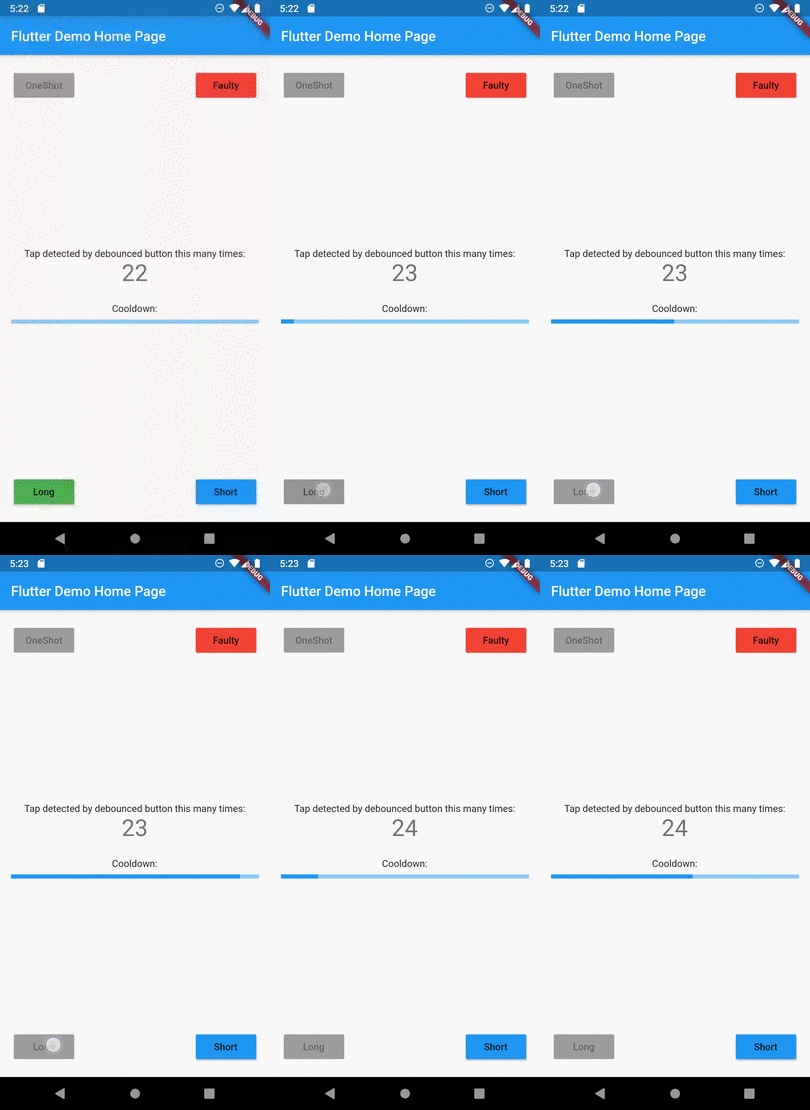
TapDebounce는 위젯(특히 버튼)에서 반복 탭을 방지하는 것을 간소화하는 Flutter 패키지입니다. 탭 콜백 실행 중에 추가 탭을 비활성화하기 위해 위젯을 TapDebounce 위젯으로 감싸면, 실수로 여러 번 제출되는 위험을 줄일 수 있습니다. 양식, 작업 또는 빠른 탭이 문제를 일으킬 수 있는 모든 상호작용 요소에 적합합니다. 모든 주요 플랫폼을 지원하며 기존의 Flutter 프로젝트에 원활하게 통합됩니다.
사용 사례
중복 폼 제출 방지
결제 흐름에서 빠른 버튼 클릭 피하기
액션 중심 인터페이스에서 UX 개선
의도하지 않은 상태 변경 줄이기
느린 네트워크 응답을 안전하게 처리하기
의도하지 않은 이중 탭 방지
주요 기능
콜백 중 자동 탭 비활성화
간단한 래핑 통합
크로스 플랫폼 지원
최소한의 보일러플레이트
사용자 정의 지연 시간
모든 위젯과 호환됩니다
적합한 대상
빠른 탭 보호를 원하는 개발자
높은 탭 위험을 가진 폼 및 액션 UI
신뢰할 수 있는 사용자 상호작용 제어가 필요한 앱
UX 일관성을 우선시하는 팀
자주 버튼 상호작용이 있는 프로젝트
고려 사항
콜백이 즉시 완료되면 탭을 방지하지 않습니다
장시간 실행 작업의 경우 수동 재설정이 필요할 수 있습니다
탭 이벤트만 제한
비활성 상태에 대한 내장 피드백 없음
복잡한 제스처 인식에 적합하지 않습니다
비동기 워크플로에서 주의 깊은 처리가 필요합니다
원본 README
연결된 소스 저장소의 README 원문 스냅샷입니다. 최신 내용은 저장소에서 확인하세요.
Description
Tap debounce simplifying widget. Wrap your button widget in TapDebounce widget and any taps will be
disabled while tap callback is in progress.
Manual
Initial code
Assume your code with some button look like this:
//...
child: RaisedButton(
color: Colors.blue,
disabledColor: Colors.grey,
onPressed: () async => awaitsomeLongOperation(), // your tap handler
child: constText('Short'),
);
//...
and you do not want user to be able to press the button again several times and start other
someLongOperation functions. Example is a Navigator pop function - it can take a few hundred of
millis to navigate and user can press the button several times, and that will lead to undesired pop
several screens back instead of one.
Wrap code to TapDebouncer
Wrap this code to Debouncer and move RaisedButton onPressed contents to Debouncer onTap:
//...
child: TapDebouncer(
onTap: () async => awaitsomeLongOperation(), // your tap handler moved here
builder: (BuildContext context, TapDebouncerFunc? onTap) {
returnRaisedButton(
color: Colors.blue,
disabledColor: Colors.grey,
onPressed: onTap, // It is just onTap from builder callback
child: constText('Short'),
);
},
),
//...
Debouncer will disable the RaisedButton by setting onPressed to null while onTap is being executed.
Add delay after tap process
You can add optional delay to be sure that the button is disabled some time after someOperation is
called.
You can fill optional cooldown field with some Duration and avoid adding of Future.delayed at
the end of onTap callback, this will be done automatically:
//...
child: TapDebouncer(
cooldown: constDuration(milliseconds: 1000),
onTap: () async => awaitsomeLongOperation(), // your tap handler moved here
builder: (BuildContext context, TapDebouncerFunc? onTap) {
returnRaisedButton(
color: Colors.blue,
disabledColor: Colors.grey,
onPressed: onTap, // It is just onTap from builder callback
child: constText('Short'),
);
},
),
//...