tbib_downloader 패키지는 프로그레스 추적, 알림 및 실시간 바이트 업데이트를 지원하는 Flutter 앱에서 파일 다운로드를 가능하게 합니다. 사용자는 화면 또는 시스템 알림을 통해 다운로드 진행 상황을 모니터링할 수 있으며, 수신된 바이트와 총 바이트에 대한 콜백을 제공합니다. 안드로이드 및 iOS용으로 설계되어 최소한의 설정으로 파일 다운로드를 간편하게 처리할 수 있습니다. 신뢰할 수 있는 백그라운드 다운로드와 전송 중 사용자 피드백이 필요한 앱에 적합합니다.
사용 사례
진행 상황 추적과 함께 파일 다운로드
다운로드 알림 표시
바이트 단위 다운로드 진행 상황 모니터링
대용량 파일 다운로드 처리
백그라운드 다운로드 기능 통합
실시간 다운로드 상태 표시
주요 기능
진행률 및 바이트 추적
다운로드용 시스템 알림
수신 및 총 바이트 수 콜백
Android 및 iOS 지원
pub를 통한 간단한 통합
백그라운드 다운로드 지원
적합한 대상
파일 다운로드가 필요한 앱
미디어 또는 문서 다운로드 기능
다운로드 중 사용자 피드백이 필요한 앱
오프라인 콘텐츠를 개발하는 개발자
대규모 파일 전송이 필요한 프로젝트
고려 사항
플랫폼별 권한이 필요합니다
Android 및 iOS에 한정
내장된 일시정지/재개 기능 없음
외부 저장소에 의존
추가적인 오류 처리가 필요할 수 있습니다
알림 동작은 플랫폼에 따라 다릅니다
원본 README
연결된 소스 저장소의 README 원문 스냅샷입니다. 최신 내용은 저장소에서 확인하세요.
tbib_downloader
This package for download file and open it you can display notifications and progress notification and can receive download bytes and total bytes
Note this package use awesome notification
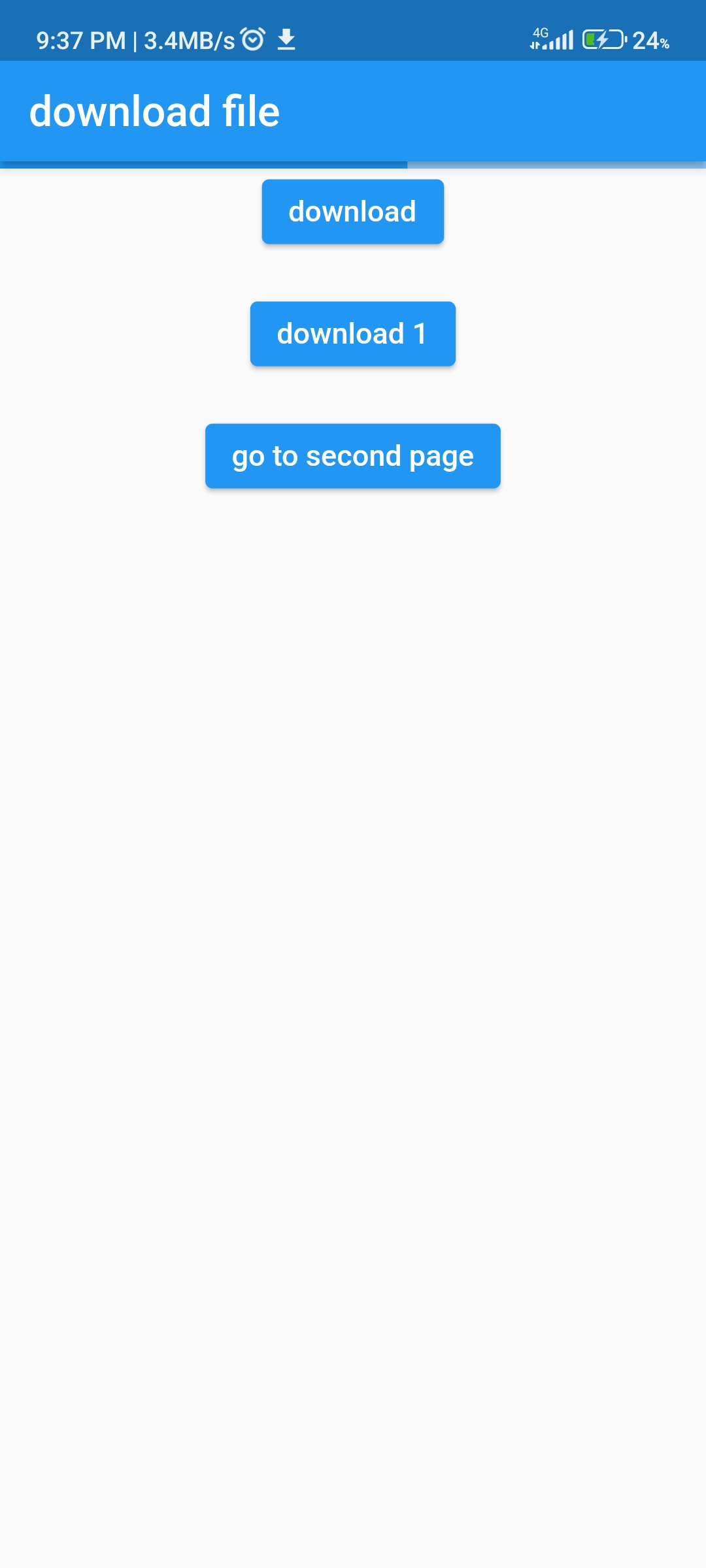
Can display progress in your app
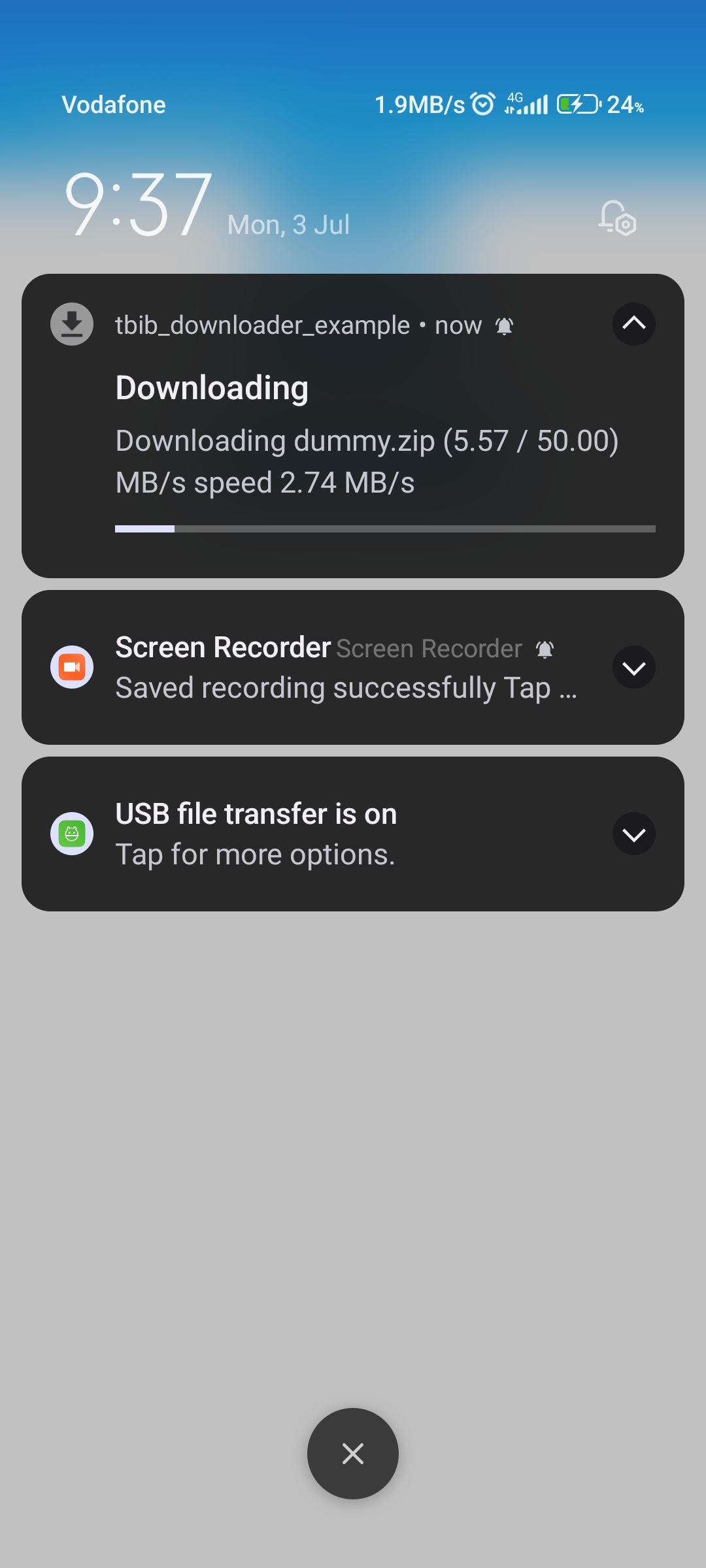
Notification with progress bar
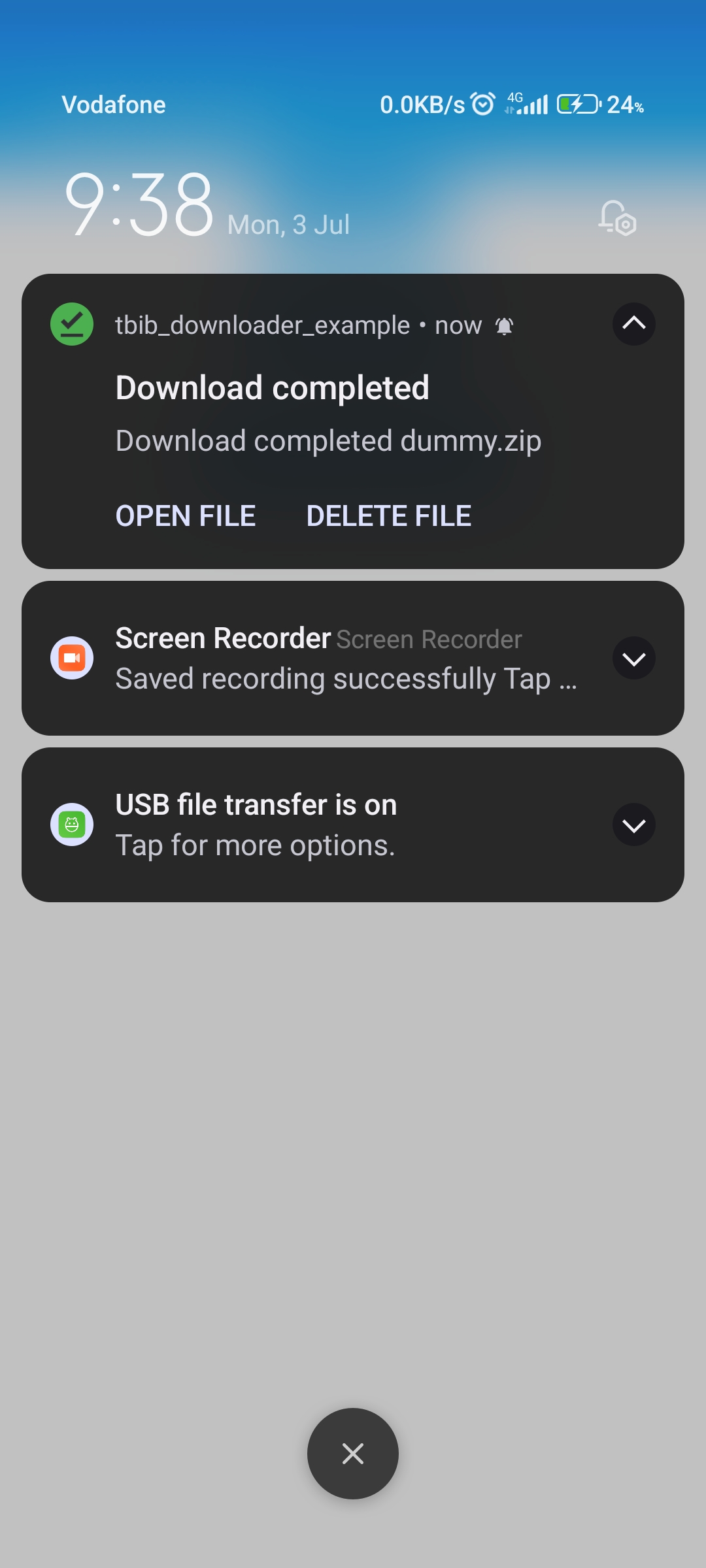
Notification downloaded ended
ios configuration
step 1
 Change
  BUILD_LIBRARY_FOR_DISTRIBUTION = YES
 to
 BUILD_LIBRARY_FOR_DISTRIBUTION = NO
import'dart:developer';
import'package:awesome_notifications/awesome_notifications.dart';
import'package:tbib_downloader/tbib_downloader.dart';
classMyNotificationService{
/// Use this method to detect when a new notification or a schedule is created@pragma("vm:entry-point")
staticFuture<void> onNotificationCreatedMethod(
ReceivedNotification receivedNotification) async {
// Your code goes here
}
/// Use this method to detect every time that a new notification is displayed@pragma("vm:entry-point")
staticFuture<void> onNotificationDisplayedMethod(
ReceivedNotification receivedNotification) async {
// Your code goes here
}
/// Use this method to detect if the user dismissed a notification@pragma("vm:entry-point")
staticFuture<void> onDismissActionReceivedMethod(
ReceivedAction receivedAction) async {
// Your code goes here
}
/// Use this method to detect when the user taps on a notification or action button@pragma("vm:entry-point")
staticFuture<void> onActionReceivedMethod(
ReceivedAction receivedAction) async {
if (receivedAction.buttonKeyPressed == 'tbib_downloader_open_file') {
var res = awaitTBIBDownloaderOpenFile()
.openFile(path: receivedAction.payload!['path']!);
log(res.message);
} elseif (receivedAction.buttonKeyPressed ==
'tbib_downloader_delete_file') {
awaitTBIBDownloaderOpenFile()
.deleteFile(receivedAction.payload!['path']!);
}
}
}
how to download
Note
in version 1.0.1 can use attribute saveFileInDataApp to save in android/data/${package name}/...