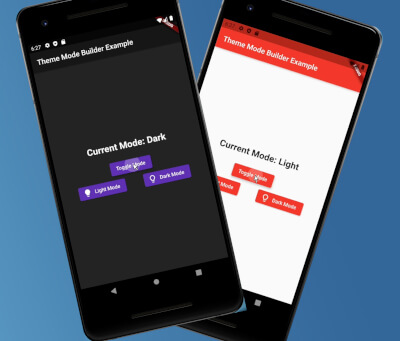
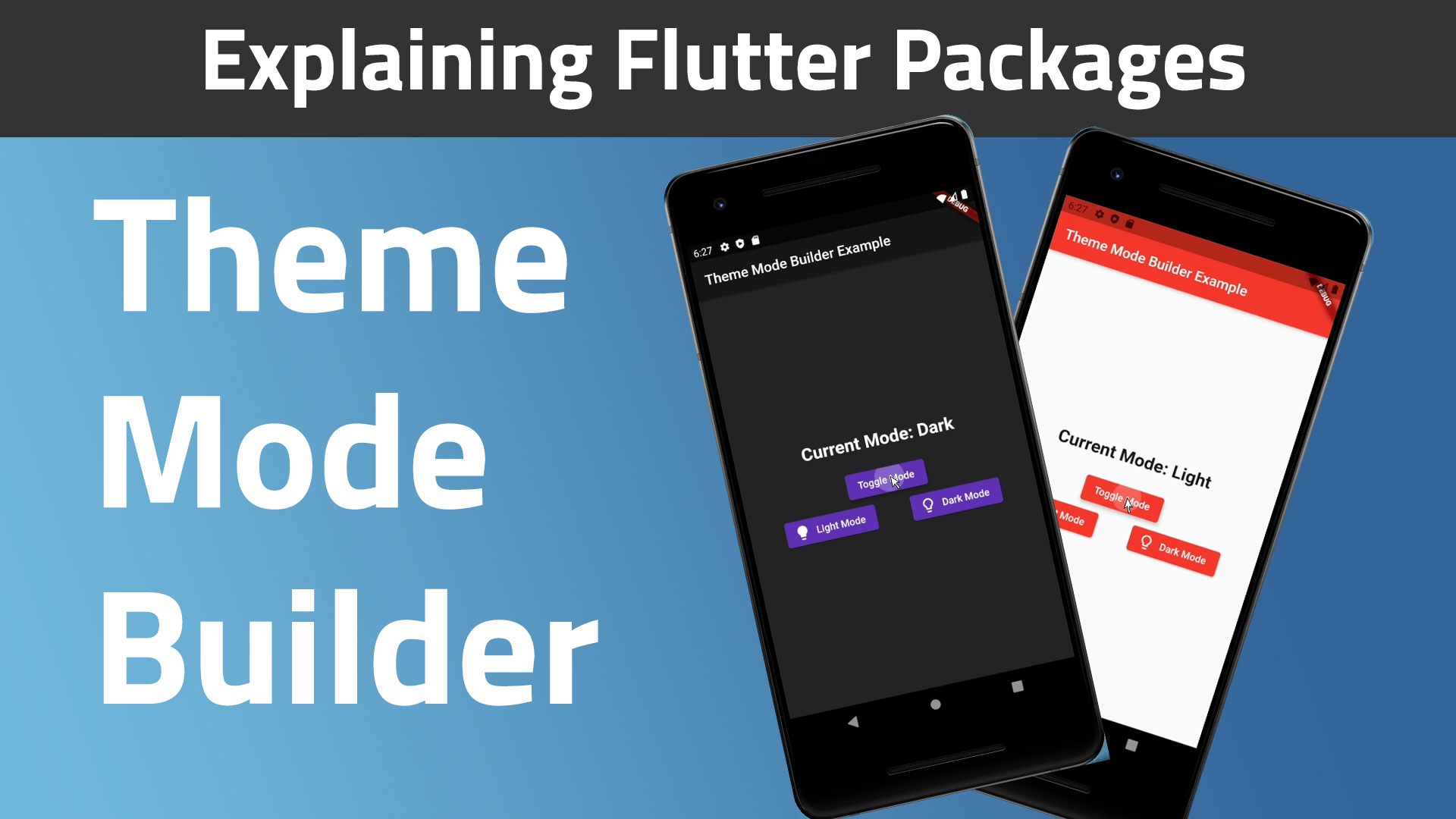
앱에서 테마 관리를 단순화하는 플러터 패키지로, 밝은 모드와 어두운 모드 간의 원활한 전환을 가능하게 합니다. 공유 설정과 통합되어 사용자의 테마 선택을 앱 재시작 후에도 유지하여 일관된 경험을 보장합니다. 봐야 할 코드 없이 테마 커스터마이징을 쉽게 구현하고자 하는 개발자를 위한 것입니다. 안드로이드, iOS, macOS, 윈도우, 리눅스 등 여러 플랫폼을 지원합니다.
사용 사례
라이트 모드와 다크 모드 전환 구현
사용자 테마 선호 설정 유지
동적 테마를 사용하여 반응형 UI 만들기
접근성 있는 앱 인터페이스 만들기
사용자 맞춤형 외관 설정 활성화
주요 기능
공유된 선호 사항을 통한 자동 테마 지속성
테마 상태 관리를 위한 간단한 API
크로스 플랫폼 호환성
라이트 모드와 다크 모드 모두 지원
기존 Flutter 프로젝트와의 간편한 통합
적합한 대상
테마 사용자 정의 기능을 갖춘 앱을 개발하는 개발자
지속적인 사용자 선호 설정이 필요한 앱
다중 플랫폼을 대상으로 하는 프로젝트
사용자 인터페이스 중심 애플리케이션
테마 설정을 최소화하고 싶은 팀
고려 사항
shared_preferences 종속성 필요
라이트/다크 모드만 가능
복잡한 테마 변형을 위해 추가 로직이 필요할 수 있습니다
고급 테마 시스템에 적합하지 않습니다
앱 시작 시 올바른 초기화에 의존
원본 README
연결된 소스 저장소의 README 원문 스냅샷입니다. 최신 내용은 저장소에서 확인하세요.
Theme Mode Builder 🚀
I created this package to help standardize my apps way of theme handling.
First run the initialization which is asynchronous so you will need to change the return type of your main() method from void to Future<void>:
Future<void> main() async {
/// ensure widgets are initializedWidgetsFlutterBinding.ensureInitialized();
/// initialize theme mode builderawaitThemeModeBuilderConfig.ensureInitialized();
/// Runs the app :)runApp(MyCoolApp());
}
Then just wrap your MaterialApp widget with the ThemeModeBuilder and return the MaterialApp widget from the builder.
The builder gives you two arguments, builder: (BuildContext context, ThemeMode themeMode) {}.
Pass the themeMode to themeMode on your MaterialApp.
Now this code below explains better than I do 🙈🚀😂:
import"package:flutter/material.dart";
import"package:theme_mode_builder/theme_mode_builder.dart";
classMyCoolAppextendsStatelessWidget{
@overrideWidgetbuild(BuildContext context) {
returnThemeModeBuilder(
builder: (BuildContext context, ThemeMode themeMode) {
returnMaterialApp(
title: "My Cool App",
/// here is the `themeMode` passed form the `builder`
themeMode: themeMode,
theme: ThemeData(
colorScheme: ColorScheme.fromSeed(
brightness: Brightness.light,
seedColor: Colors.red,
),
/// put your light theme data here
),
darkTheme: ThemeData(
colorScheme: ColorScheme.fromSeed(
brightness: Brightness.dark,
seedColor: Colors.deepPurple,
),
/// put your dark theme data here
),
home: Home(),
);
},
);
}
}
If you want to change the themeMode you just call:
awaitThemeModeBuilderConfig.toggleTheme();
And the theme will change instantly given you followed the steps above correctly 🎉.