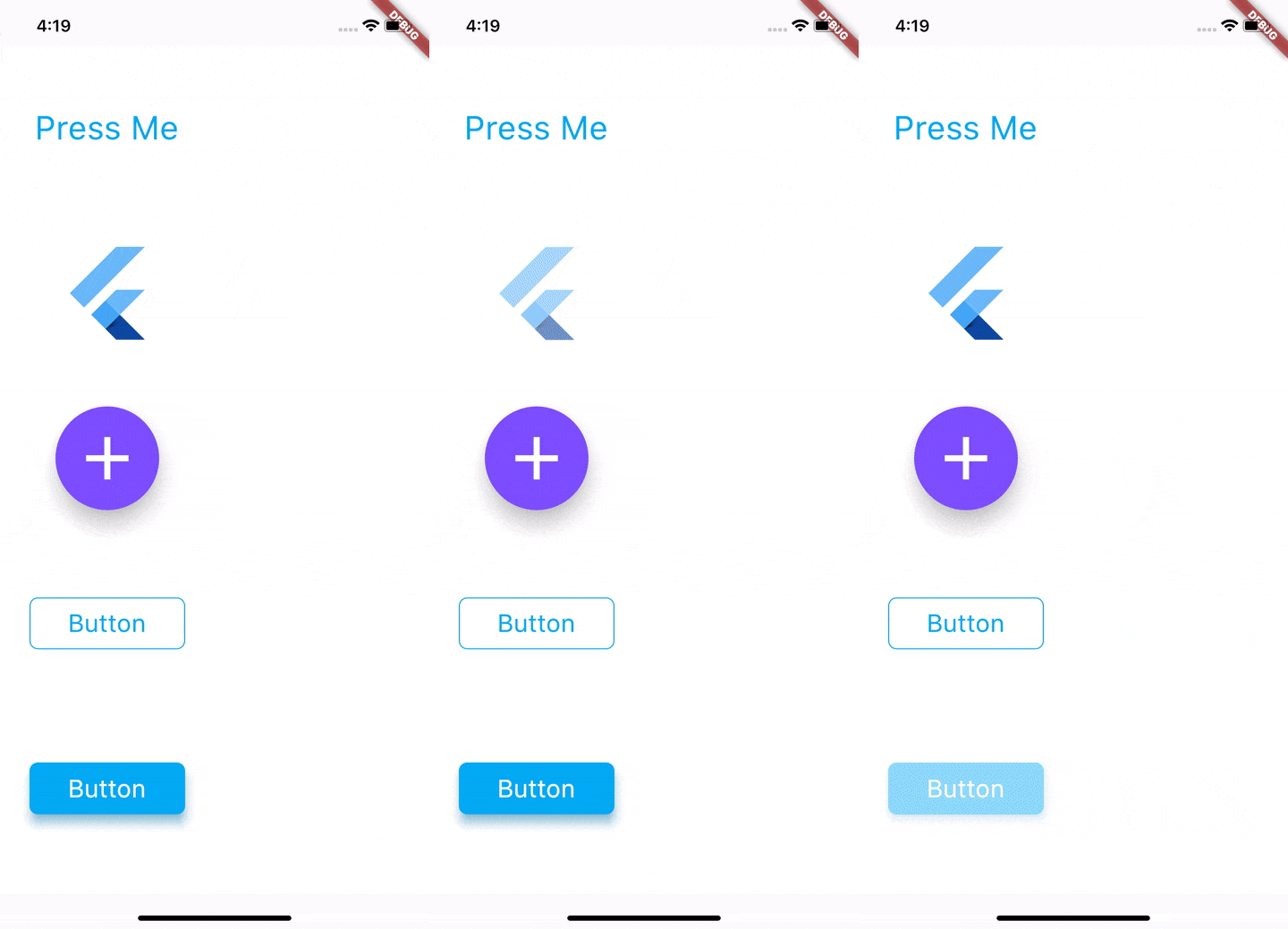
touchable_opacity 패키지는 사용자가 UI 요소와 상호작용할 때 시각적 피드백을 제공하는 Flutter 위젯을 제공합니다. React Native의 TouchableOpacity의 동작을 모방합니다. 눌렀을 때 투명도를 미세하게 변경함으로써 상호작용이 더 반응성 있게 느껴지도록 사용자 경험을 향상시킵니다. Android, iOS, Web, macOS, Windows, Linux 등 모든 주요 플랫폼과 호환되며 기존 Flutter 프로젝트에 쉽게 통합할 수 있습니다. 패키지는 가볍고 단순성을 중시하며 추가적인 복잡성 없이 직관적인 터치 피드백에 집중되어 있습니다.
사용 사례
버튼에 상호작용 피드백 추가하기
모바일 및 웹 앱의 사용자 경험(UX) 향상
반응형 UI 요소 만들기
시각적 신호를 통한 접근성 향상
폼 내 제스처 처리 간소화
주요 기능
투명도 기반의 터치 피드백
크로스 플랫폼 호환성
최소한의 설정 필요
React Native의 TouchableOpacity 동작과 일치
경량이고 성능이 뛰어남
적합한 대상
React Native에 익숙한 Flutter 개발자
일관된 터치 피드백이 필요한 앱
UI 중심 애플리케이션
간단한 제스처 개선을 원하는 개발자
다중 플랫폼을 대상으로 하는 프로젝트
고려 사항
투명도 변경에 국한됨(기타 애니메이션 없음)
복잡한 제스처 상호작용에 적합하지 않음
사용자 정의 효과를 위해 추가 스타일링이 필요할 수 있습니다
외부 소스 코드 저장소에 의존
하프틱 피드백에 내장된 지원 없음
원본 README
연결된 소스 저장소의 README 원문 스냅샷입니다. 최신 내용은 저장소에서 확인하세요.
touchable_opacity
This package gives you access to the Touchableopacity widget. This widget uses the GestureDetector to allow interaction and animated to opacity of the widget on touch events.
TouchableOpacity uses gestureDetector internally and tries to maintain all the different behaviours and interactions that gesture detector enables. To understand the different touch events that you can configure please visit the GestureDetector API docs here.
activeOpacity: double value that TouchableOpacity uses to animate the opacity of the child when a touch down event is received. The value must be between 1.0 and 0.0, the default value is 0.2 .
Example
The code found in the example folder of this repo shows how to use this package to render the content shown in the sample GIF. The folder contains a Flutter application that you can run yourself. Go here to jump into the code.
Support
If you have any issues with using this package, or have any ideas you thnk are good additions please create an issue here
Known Issues
Because of the way GestureDetector renders, TouchableOpacity fills its parent. If you want to bound the size to that of its child simply place the TouchableOpacity widget in any one of the Layout widgets, you can see a list of layout widgets available in flutter here