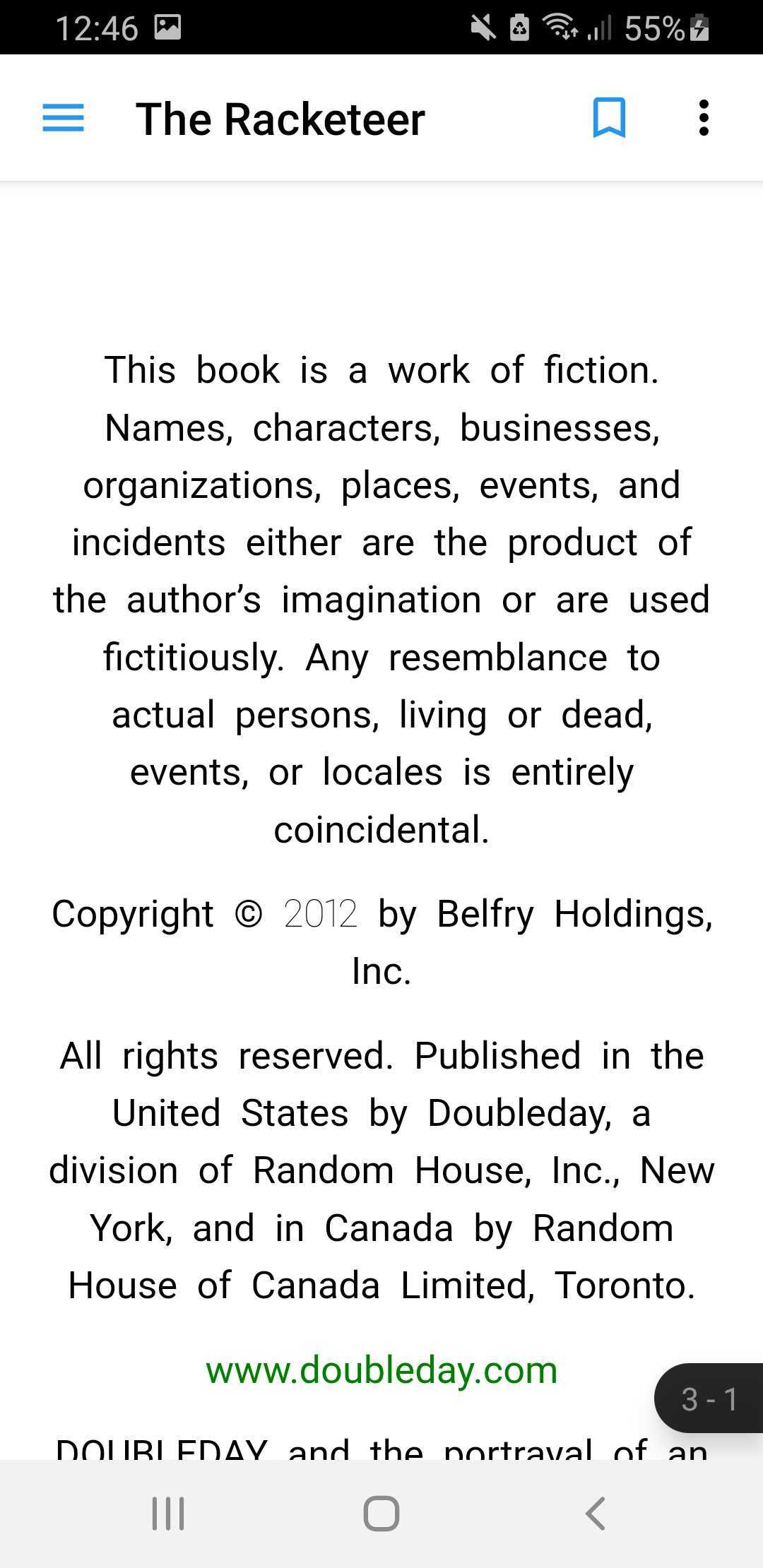
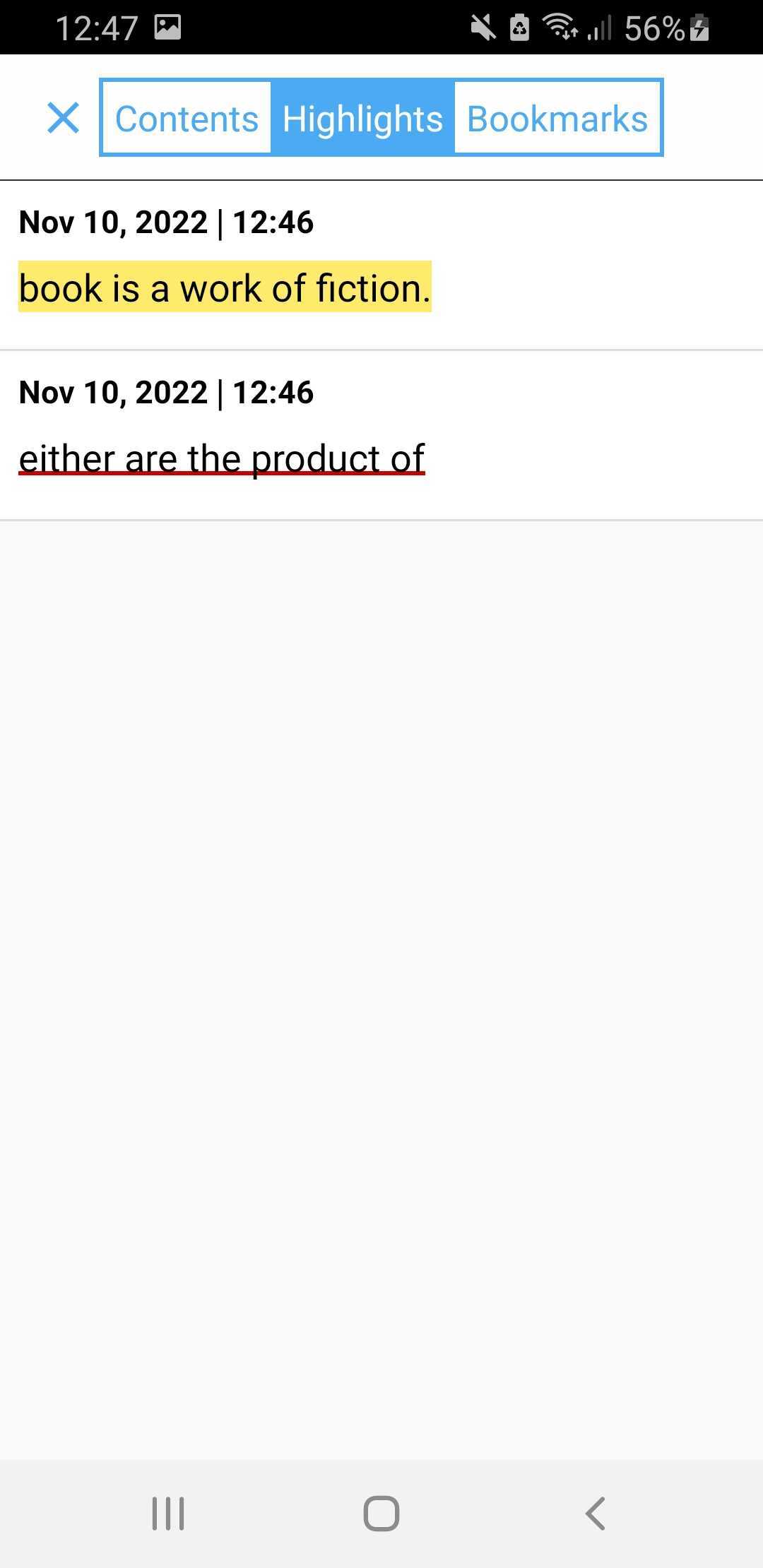
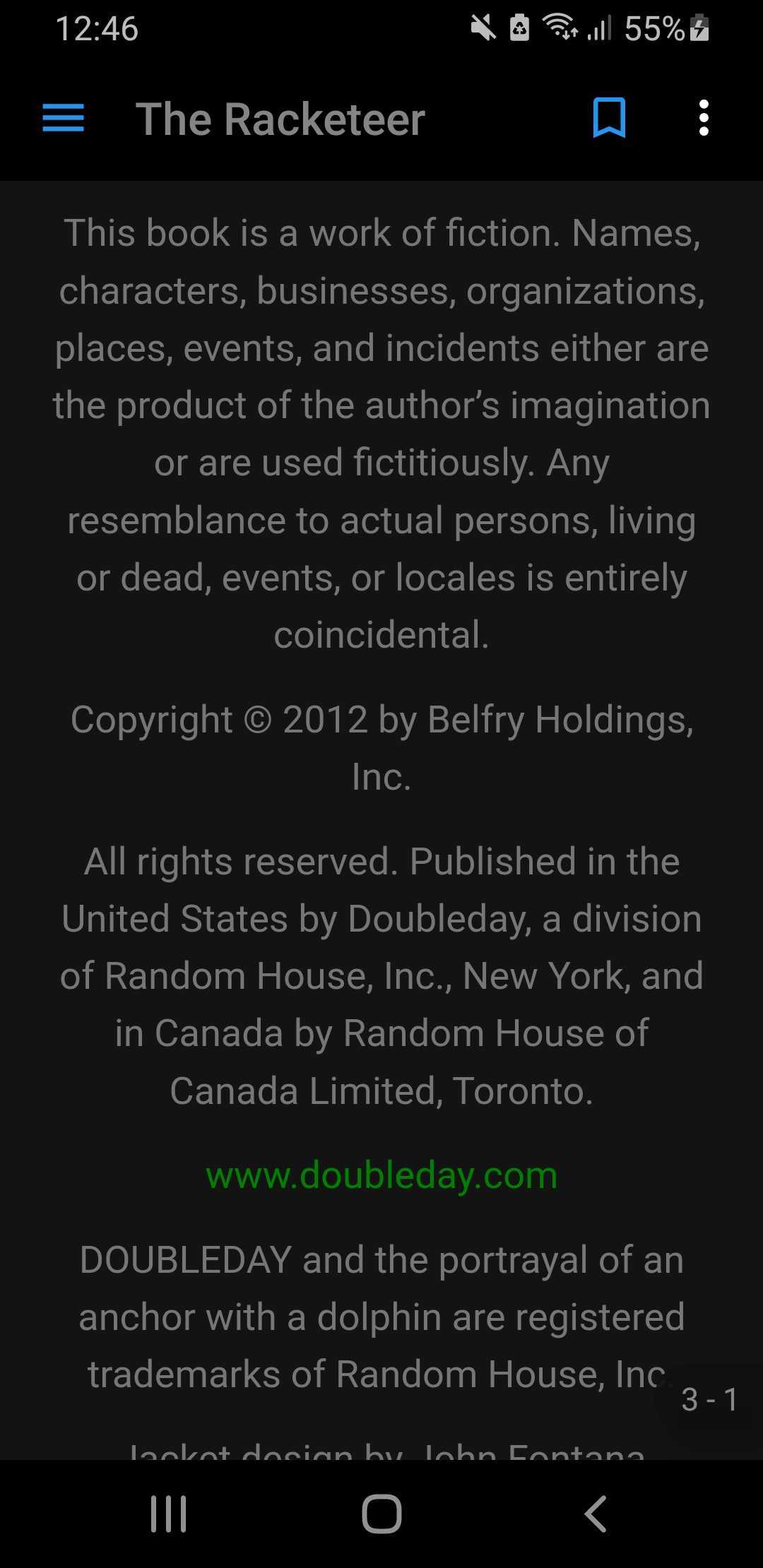
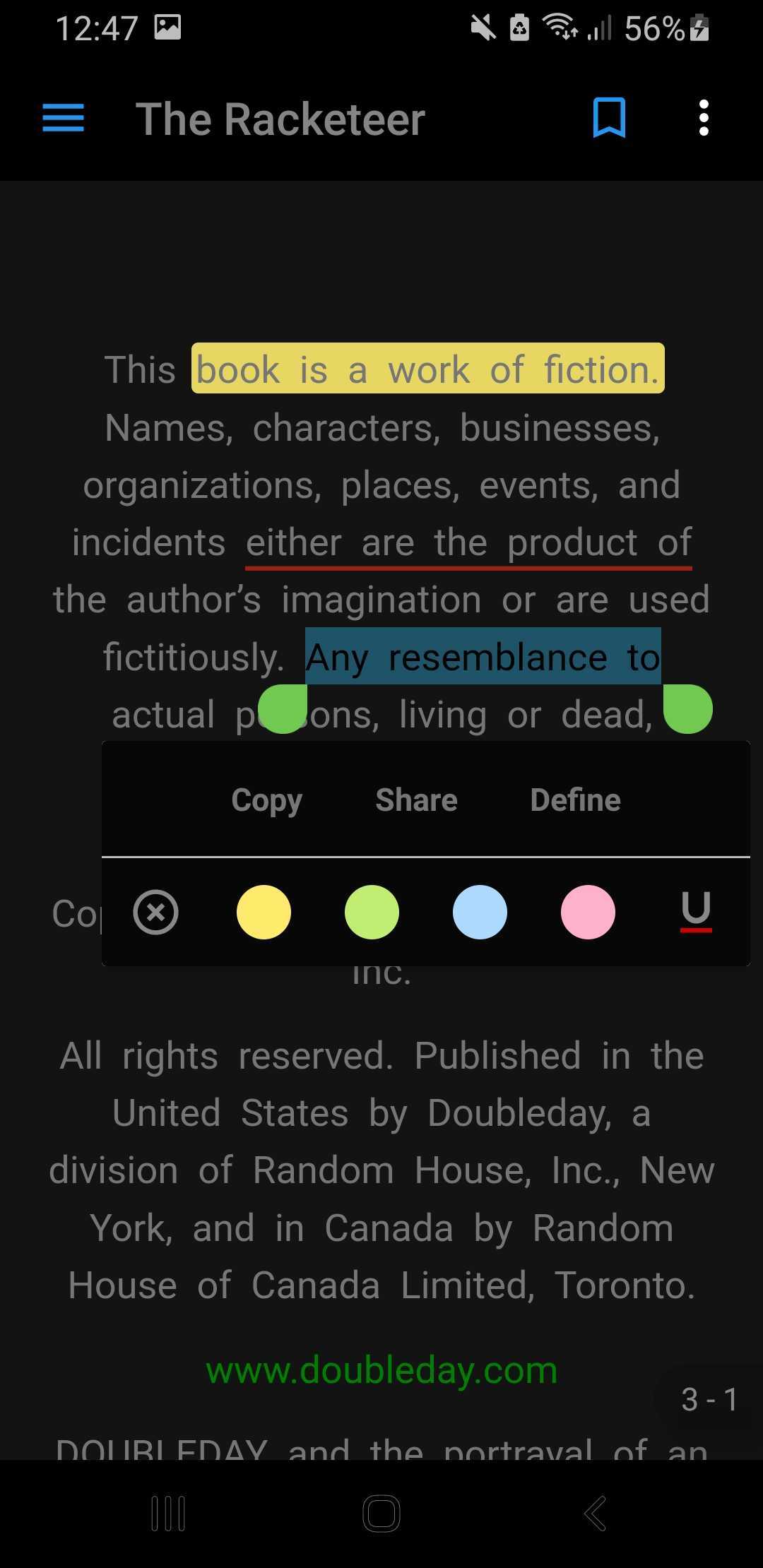
vocsy_epub_viewer는 folioreader 프레임워크를 래핑하여 EPUB 전자책 리더를 제공하는 플러터 패키지입니다. 안드로이드 및 iOS 플랫폼에서 플러터 애플리케이션 내부에서 EPUB 파일을 원활하게 읽을 수 있도록 합니다. 페이지 전환, 텍스트 선택, 북마크 기능 등을 포함한 깔끔하고 사용자 정의 가능한 인터페이스를 제공합니다. 앱에 EPUB 지원을 통합하고자 하는 개발자를 위해 설계되었으며, 하위 라이브러리에 대한 깊은 지식 없이도 EPUB 콘텐츠를 처리하는 과정을 간소화합니다.
사용 사례
Flutter 앱에서 EPUB 책 읽기
디지털 도서관 기능 통합
교육 또는 전자학습 애플리케이션 구축
사용자 지정 전자책 리더 만들기
인터랙티브 교과서 삽입
주요 기능
folioreader 프레임워크 기반으로 구축됨
Android 및 iOS를 지원합니다
사용자 정의 가능한 UI 컴포넌트
페이지 탐색 및 텍스트 선택
북마크 및 주석 지원
적합한 대상
교육 앱 개발자
디지털 출판 플랫폼
전자책 앱 개발자
모바일 학습 도구
콘텐츠가 풍부한 Flutter 애플리케이션
고려 사항
EPUB 형식만 지원
folioreader의 안정성에 의존
UI 일관성을 위해 추가 스타일링이 필요할 수 있습니다
내장된 검색 기능 없음
EPUB의 파일 경로를 수동으로 처리해야 합니다
원본 README
연결된 소스 저장소의 README 원문 스냅샷입니다. 최신 내용은 저장소에서 확인하세요.
Vocsy Epub Viewer
originally a fork of epub_kitty with few more features. i
made this out of epub_kitty because the author was inactive(he isn't merging PRs or attending to
issues) and i started having alot of issues with the plugin
vocsy_epub_viewer is an epub ebook reader that encapsulates
the folioreader framework. It supports iOS and
android.
Features
Name
Android
iOS
Reading Time Left / Pages left
✅
✅
Last Read Locator
✅
✅
Distraction Free Reading
✅
❌
Load E-Pub from Asset
✅
✅
Copy and Share Text
✅
✅
Highlight Text
✅
✅
Multiple Theme [Light / Dark]
✅
❌
Support Multiple Device Language
✅
✅
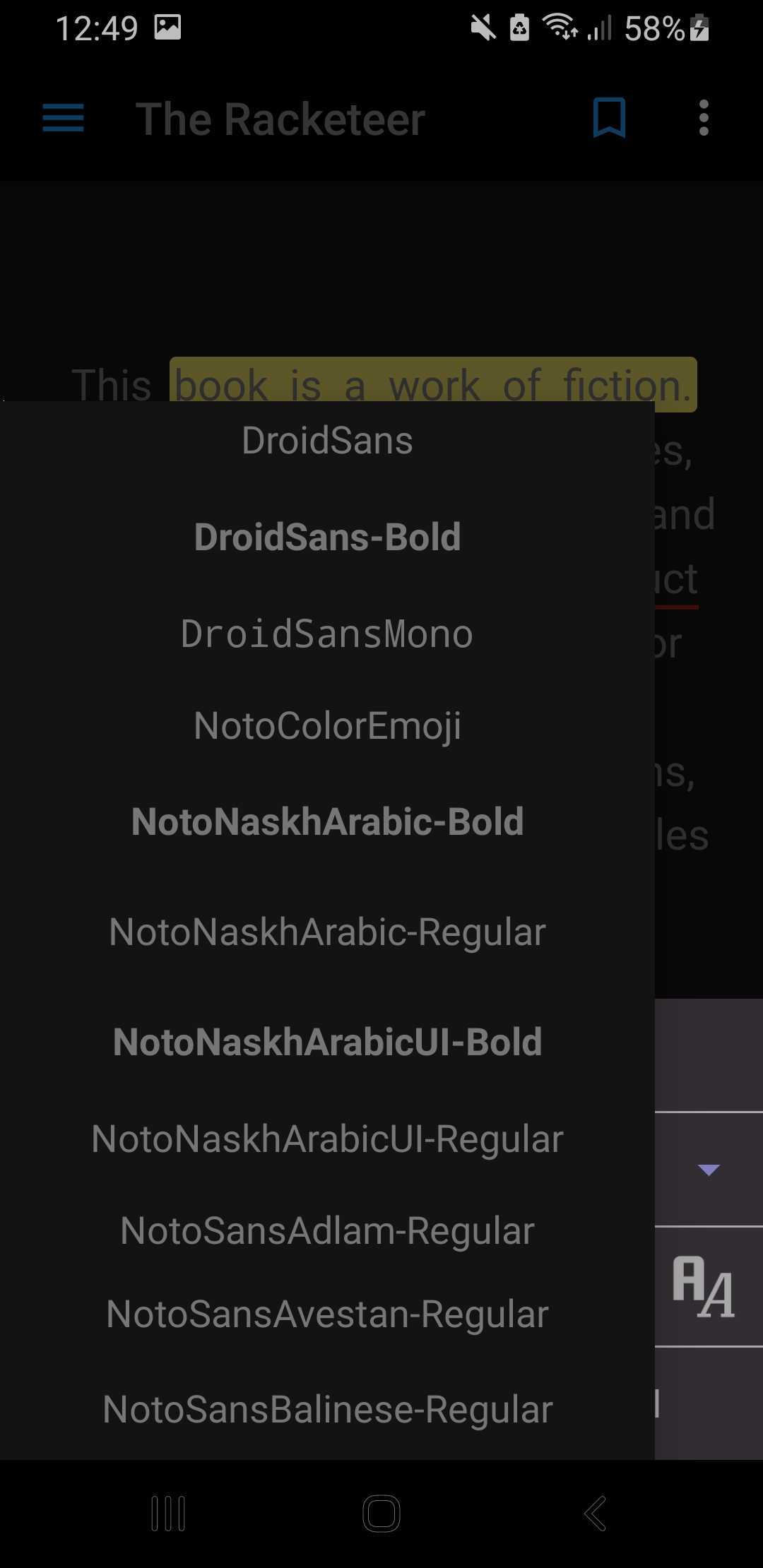
Change FontStyle
✅
❌
Android 13 Supported
✅
❌
ScreenShots
Light
Dark
Install
This plugin requires Swift to work on iOS. Also, the minimum deployment target is 9.0
platform :ios, '9.0'
Import into pubspec.yaml
dependencies:vocsy_epub_viewer:latest_version
NOTE Please add this to the release build type in your app build.gradle to avoid crashes on android
release builds
NOTEandroid -> app -> src -> main -> res -> xml Inside xml Folder create xml file network_security_config.xml
Usage
VocsyEpub.setConfig(
themeColor: Theme.of(context).primaryColor,
identifier: "iosBook",
scrollDirection: EpubScrollDirection.ALLDIRECTIONS,
allowSharing: true,
enableTts: true,
nightMode: true,
);
/**
* @bookPath
* @lastLocation (optional and only android)
*/VocsyEpub.open(
'bookPath',
lastLocation: EpubLocator.fromJson({
"bookId": "2239",
"href": "/OEBPS/ch06.xhtml",
"created": 1539934158390,
"locations": {
"cfi": "epubcfi(/0!/4/4[simple_book]/2/2/6)"
}
}), // first page will open up if the value is null
);
// Get locator which you can save in your databaseVocsyEpub.locatorStream.listen((locator) {
print('LOCATOR: ${EpubLocator.fromJson(jsonDecode(locator))}');
// convert locator from string to json and save to your database to be retrieved later
});
You can also load epub from your assets using EpubViewer.openAsset()
awaitVocsyEpub.openAsset('assets/3.epub',
lastLocation: EpubLocator.fromJson({
"bookId": "2239",
"href": "/OEBPS/ch06.xhtml",
"created": 1539934158390,
"locations": {
"cfi": "epubcfi(/0!/4/4[simple_book]/2/2/6)"
}
}), // first page will open up if the value is null
);
// Get locator which you can save in your databaseVocsyEpub.locatorStream.listen((locator) {
print('LOCATOR: ${EpubLocator.fromJson(jsonDecode(locator))}');
// convert locator from string to json and save to your database to be retrieved later
});
If you encounter any problems feel free to open an issue. If you feel the library is missing a
feature, please raise a ticket on Github and I'll look into it. Pull request are also welcome.
For help getting started with Flutter, view the online
documentation.
For help on editing plugin code, view
the documentation.