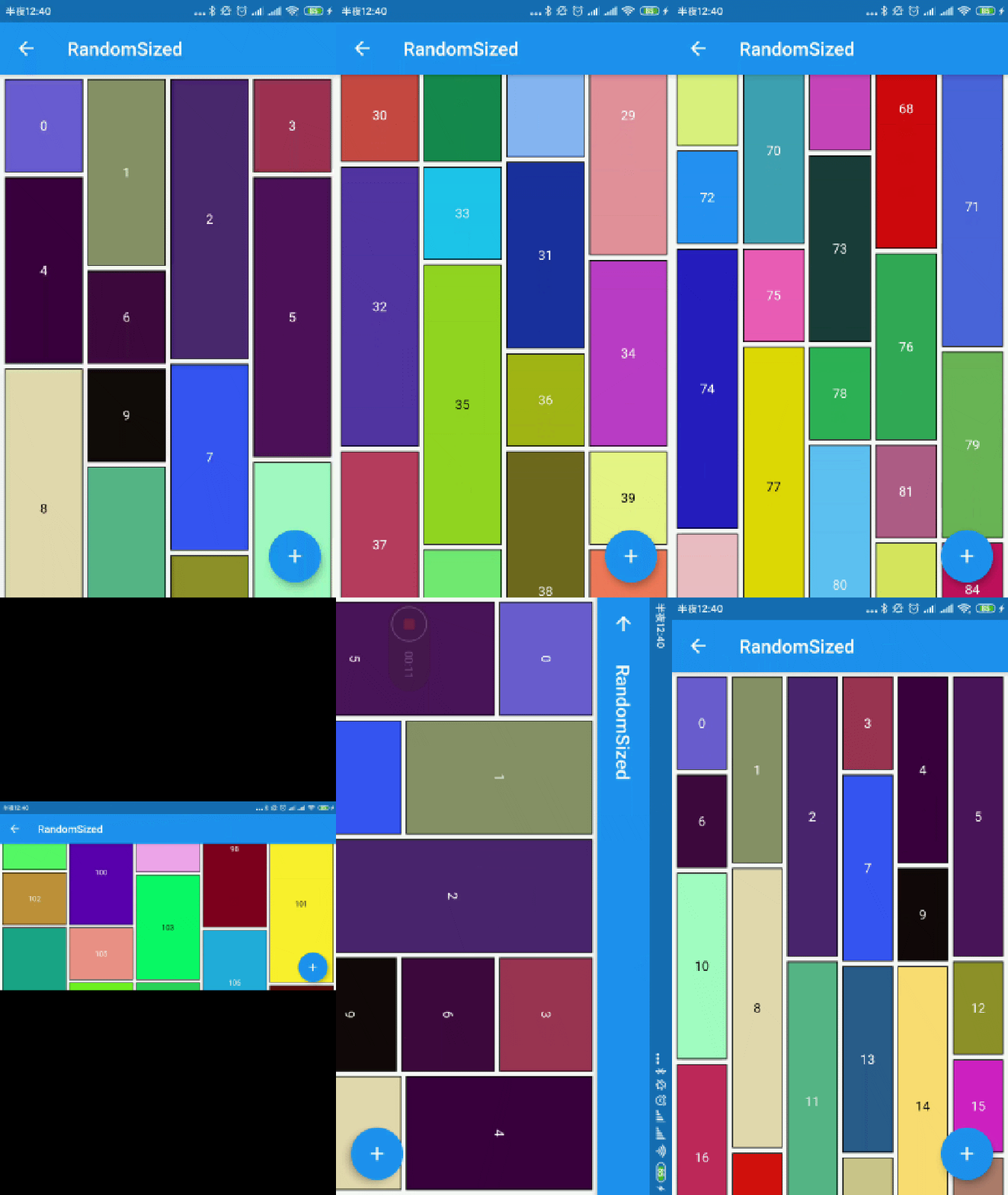
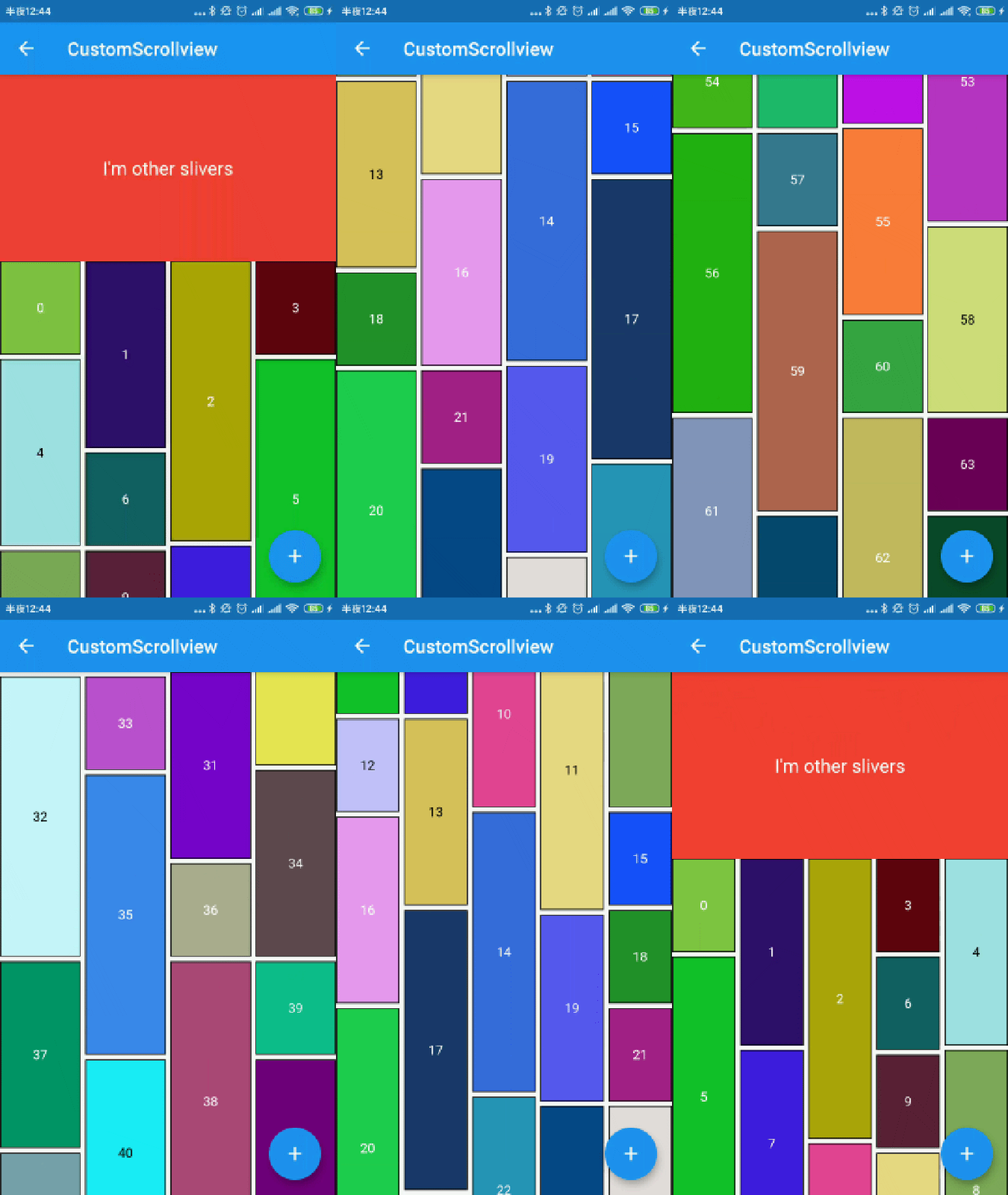
개발자가 빠르게 워터폴 플로우 레이아웃을 만들 수 있도록 해주는 플러터 패키지입니다. 항목들이 높이가 다른 열에 배열되는 그리드 뷰의 일종입니다. Pinterest와 유사한 동적이고 시각적으로 매력적인 형식으로 이미지나 콘텐츠를 표시하는 데 이상적입니다. 이 패키지는 Android, iOS, Web, macOS, Windows, Linux 등 모든 주요 플랫폼을 지원하며 크로스 플랫폼 일관성을 보장합니다. 컬럼 수, 간격, 스크롤 동작 등을 사용자 정의할 수 있어 다양한 UI 요구사항에 유연하게 대응할 수 있습니다.
사용 사례
이미지 갤러리 표시
Pinterest 스타일 피드 만들기
동적 콘텐츠 그리드 구축
제품 목록 표시
반응형 레이아웃 구현
주요 기능
최소 코드로 간편한 설정
변동 항목 높이를 지원합니다
사용자 정의 가능한 열 수 및 간격
크로스 플랫폼 호환성
스무스 스크롤 성능
유연한 항목 빌더
적합한 대상
소셜 미디어 피드를 개발하는 개발자
시각 콘텐츠 표시를 만드는 디자이너
반응형 그리드 레이아웃을 필요로 하는 앱
동적 또는 비정형 콘텐츠 크기를 가진 프로젝트
다양한 플랫폼을 대상으로 하는 팀
고려 사항
대규모 데이터 세트에 대한 최적화가 필요할 수 있습니다
아이템 수가 매우 많을 경우 성능이 저하될 수 있습니다
레이아웃 문제를 방지하기 위해 항목 크기 조절에 신중해야 합니다
고정 높이 항목 시나리오에 적합하지 않음
기본 전환 외에 내장 애니메이션 기능은 제한적임
원본 README
연결된 소스 저장소의 README 원문 스냅샷입니다. 최신 내용은 저장소에서 확인하세요.
waterfall_flow
A Flutter grid view easy to build waterfall flow layout quickly.
The number of logical pixels between each child along the main axis.
0.0
crossAxisSpacing
The number of logical pixels between each child along the cross axis.
0.0
collectGarbage
Call when collect garbage, return indexs to collect
-
lastChildLayoutTypeBuilder
The builder to get layout type of last child ,Notice: it should only for last child
-
viewportBuilder
The builder to get indexs in viewport
-
closeToTrailing
Whether make layout close to trailing
false
WaterfallFlow.builder(
//cacheExtent: 0.0,
padding: EdgeInsets.all(5.0),
gridDelegate: SliverWaterfallFlowDelegateWithFixedCrossAxisCount(
crossAxisCount: 2,
crossAxisSpacing: 5.0,
mainAxisSpacing: 5.0,
/// follow max child trailing layout offset and layout with full cross axis extend/// last child as loadmore item/no more item in [GridView] and [WaterfallFlow]/// with full cross axis extend// LastChildLayoutType.fullCrossAxisExtend,/// as foot at trailing and layout with full cross axis extend/// show no more item at trailing when children are not full of viewport/// if children is full of viewport, it's the same as fullCrossAxisExtend// LastChildLayoutType.foot,
lastChildLayoutTypeBuilder: (index) => index == _list.length
? LastChildLayoutType.foot
: LastChildLayoutType.none,
),
CollectGarbage
track the indexes are collect, you can collect garbage at that monment(for example Image cache)
build lastChild as special child in the case that it is loadmore/no more item.
enumLastChildLayoutType {
/// as default child
none,
/// follow max child trailing layout offset and layout with full cross axis extend/// last child as loadmore item/no more item in [ExtendedGridView] and [WaterfallFlow]/// with full cross axis extend
fullCrossAxisExtend,
/// as foot at trailing and layout with full cross axis extend/// show no more item at trailing when children are not full of viewport/// if children is full of viewport, it's the same as fullCrossAxisExtend
foot,
}
WaterfallFlow.builder(
gridDelegate: SliverWaterfallFlowDelegateWithFixedCrossAxisCount(
lastChildLayoutTypeBuilder: (index) => index == length
? LastChildLayoutType.foot
: LastChildLayoutType.none,
),
CloseToTrailing
when reverse property of List is true, layout is as following.
it likes chat list, and new session will insert to zero index.
but it's not right when items are not full of viewport.
to solve it, you could set closeToTrailing to true, layout is as following.
support [ExtendedGridView],[ExtendedList],[WaterfallFlow].
and it also works when reverse is flase, layout will close to trailing.