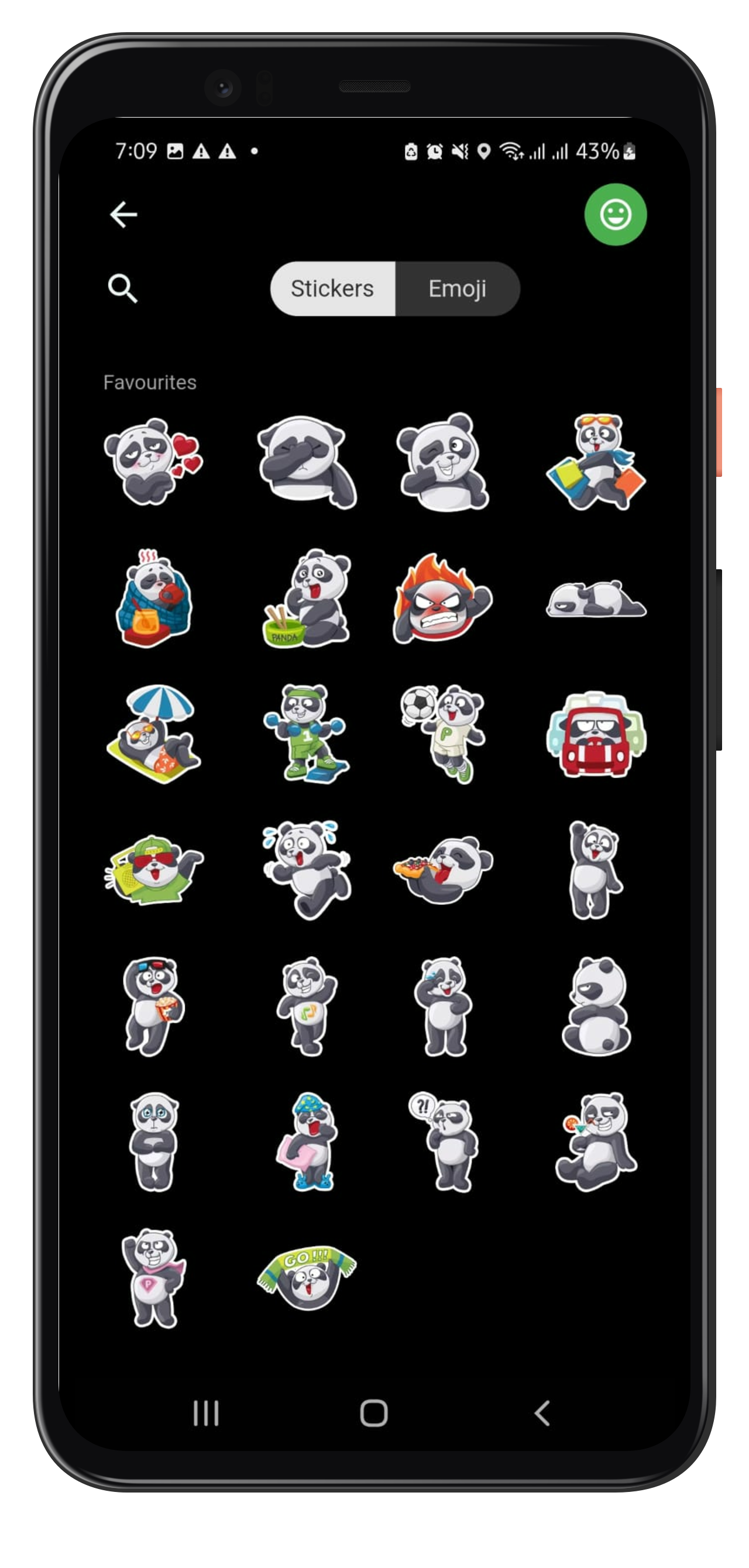
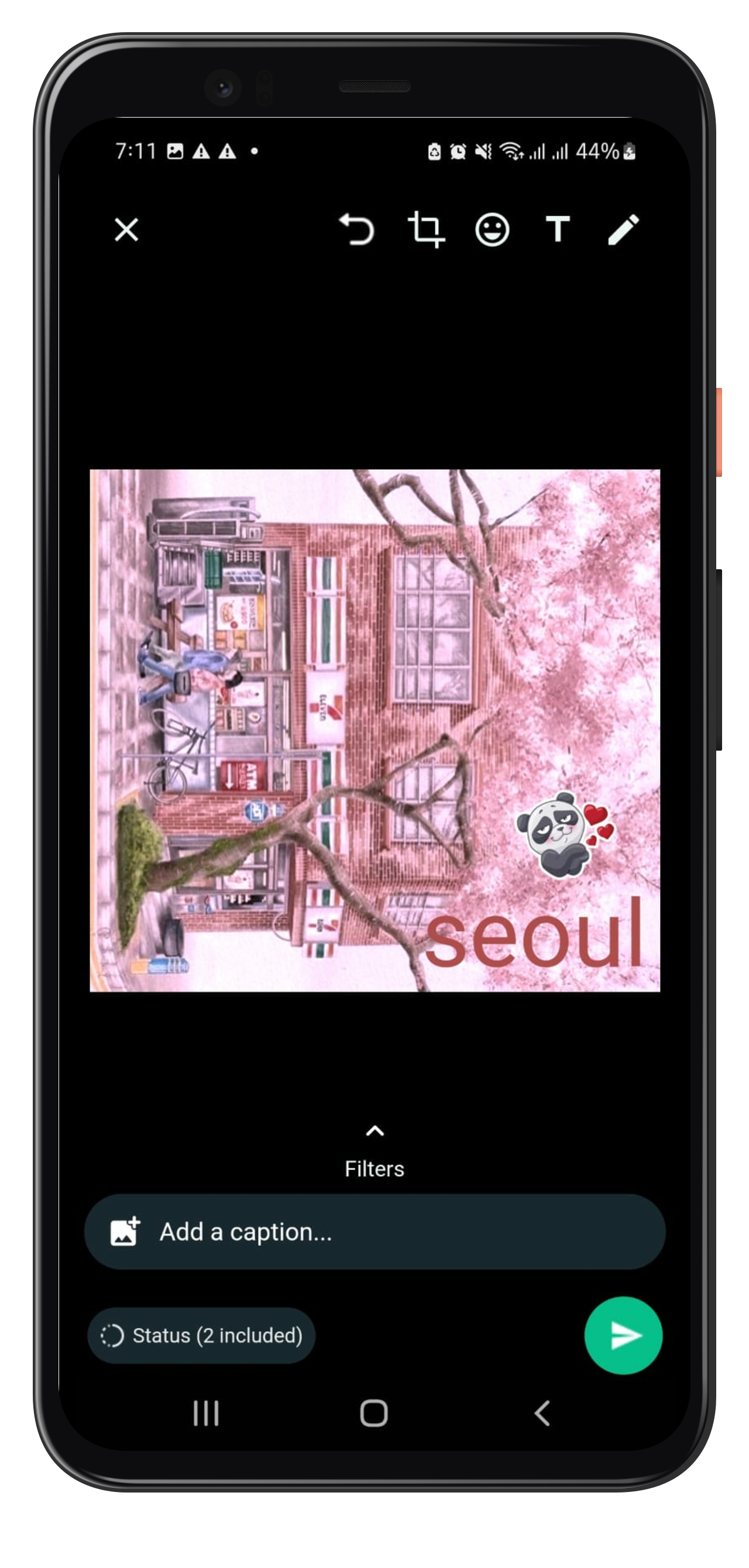
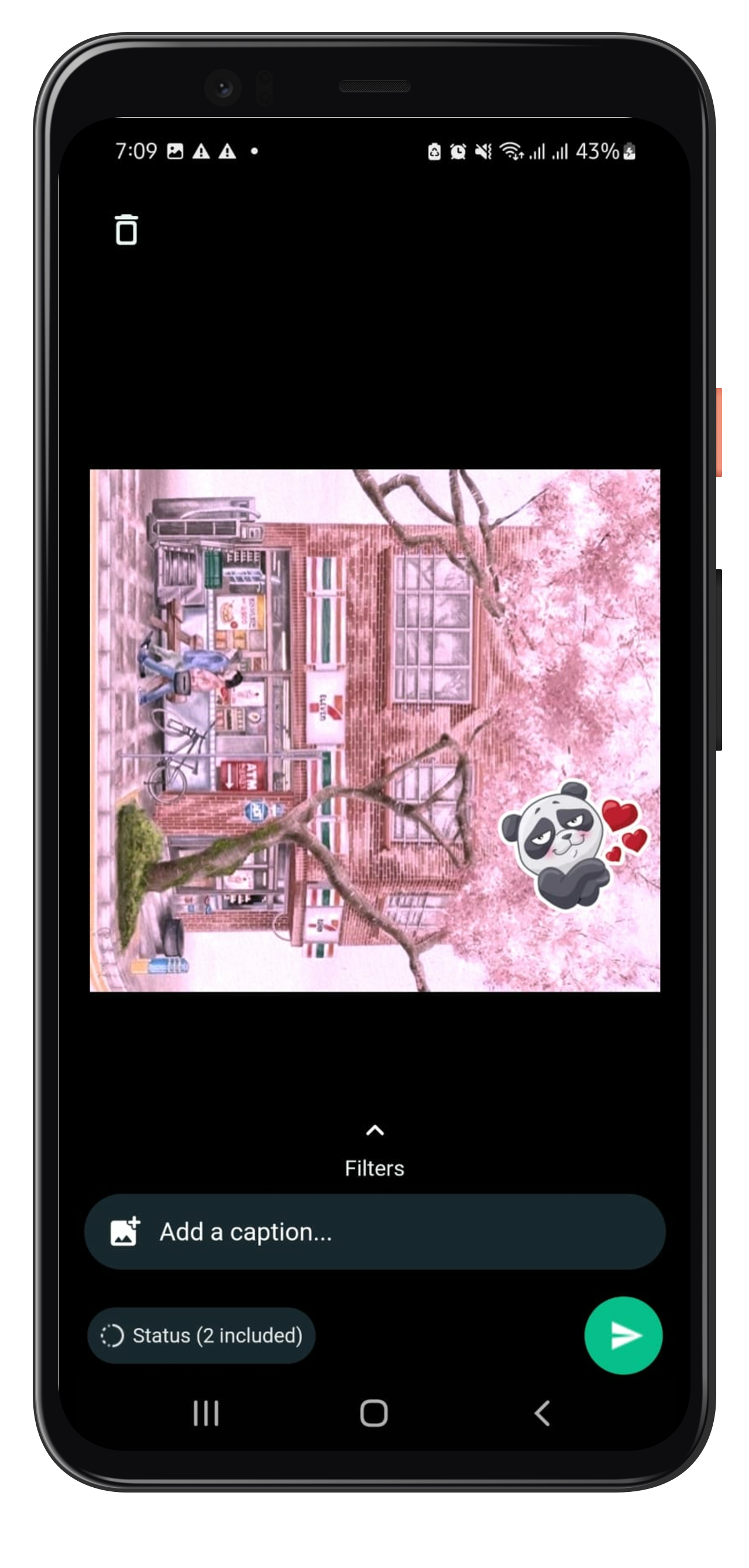
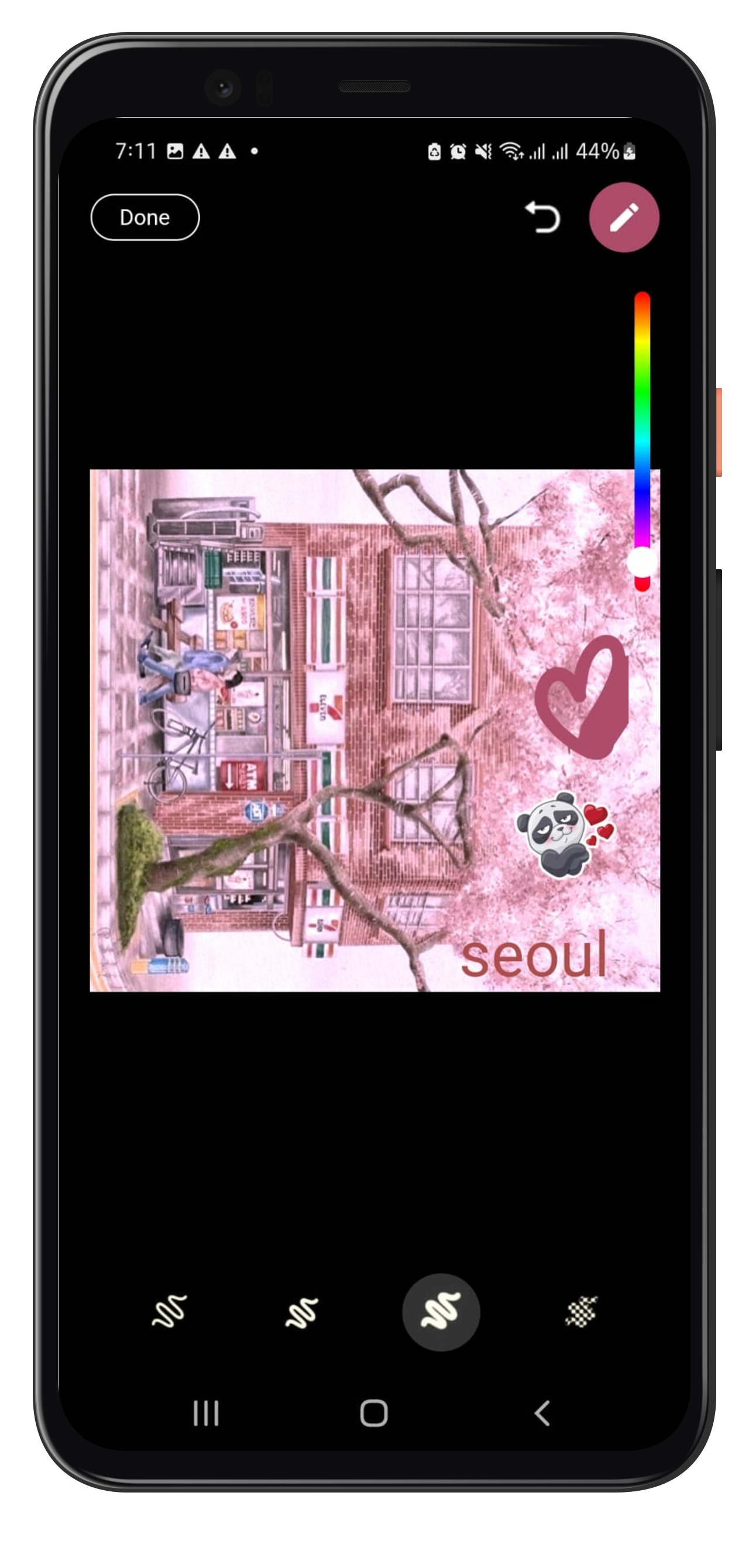
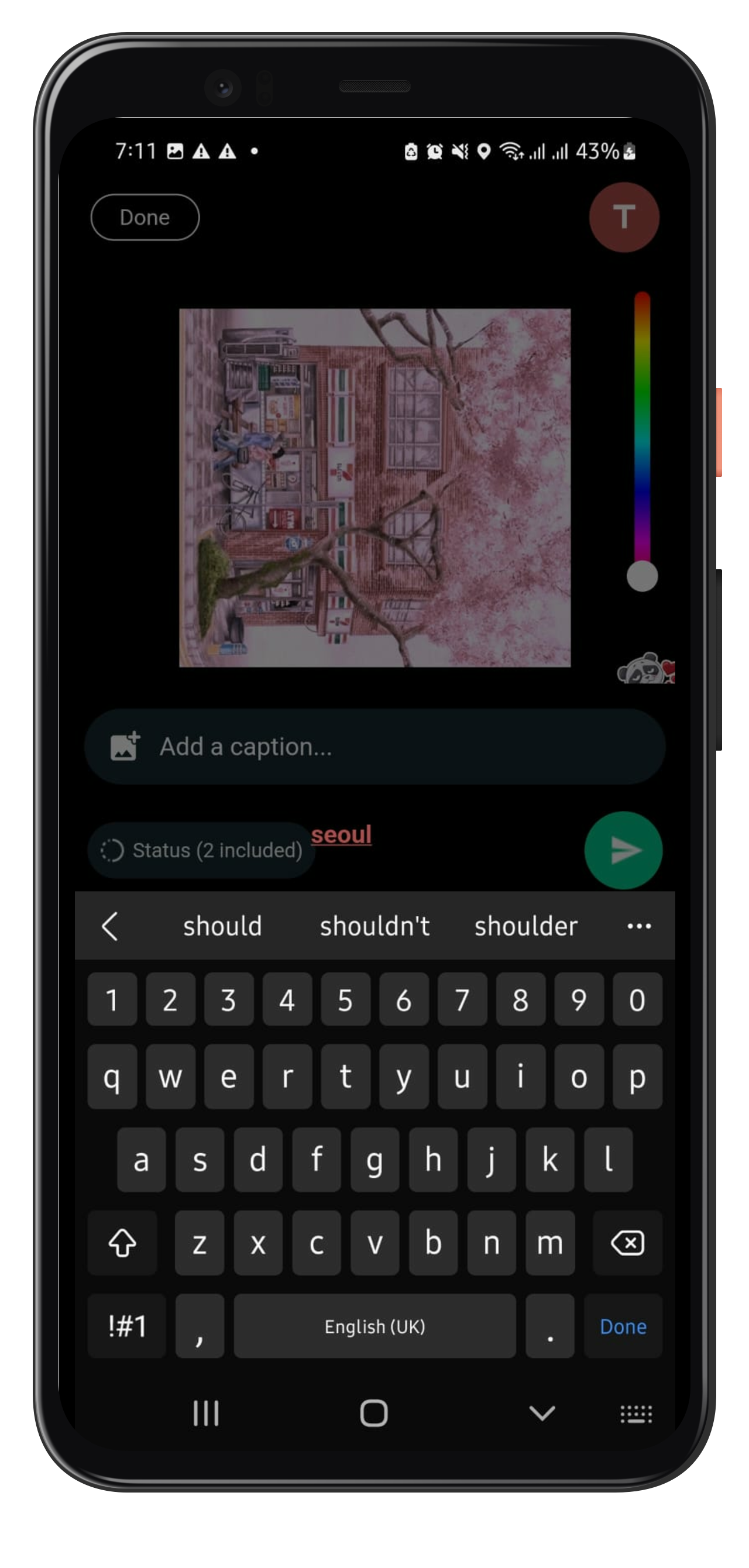
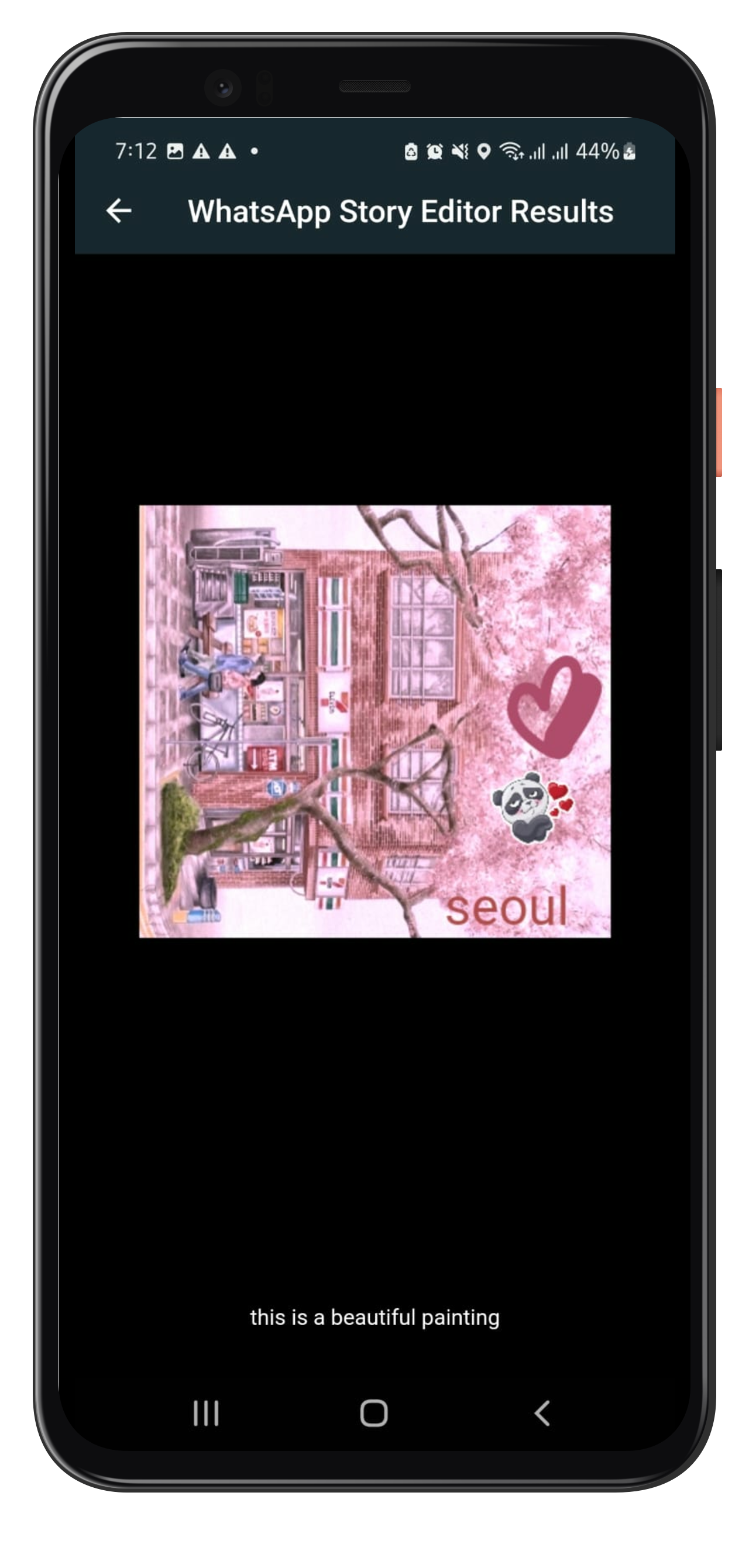
개발자가 앱에 WhatsApp와 유사한 스토리 편집 기능을 통합할 수 있도록 해주는 플러터 패키지입니다. 텍스트, 스티커, 그림, 필터 추가를 위한 도구를 제공하며, 안드로이드 및 iOS 플랫폼을 모두 지원합니다. 상호작용이 강하고 시각적으로 풍부한 스토리를 쉽게 만들 수 있게 해주며, 소셜 미디어나 메시징 애플리케이션에 적합합니다. 플랫폼 채널을 통해 네이티브 기능을 활용하여 원활한 성능과 일관된 사용자 경험을 제공합니다.
사용 사례
소셜 미디어 스토리 만들기
스토리 기능을 활용한 메시징 앱 구축
창의적인 콘텐츠 편집 추가
사용자 생성 스토리 공유 활성화
스티커 및 텍스트 오버레이 통합
주요 기능
텍스트 및 스티커 추가
그리기 및 스케치 도구
필터 및 효과 적용
크로스 플랫폼 호환성
Flutter와의 간단한 통합
적합한 대상
소셜 네트워킹 앱
메시징 플랫폼
크리에이티브 콘텐츠 도구
모바일 앱 개발자
스토리 기반 사용자 참여
고려 사항
플랫폼별 설정이 필요합니다
제한된 사용자 정의 옵션
네이티브 SDK에 의존합니다
추가 스타일링이 필요할 수 있습니다
기본적인 스토리 편집 요구 사항에 가장 적합
원본 README
연결된 소스 저장소의 README 원문 스냅샷입니다. 최신 내용은 저장소에서 확인하세요.
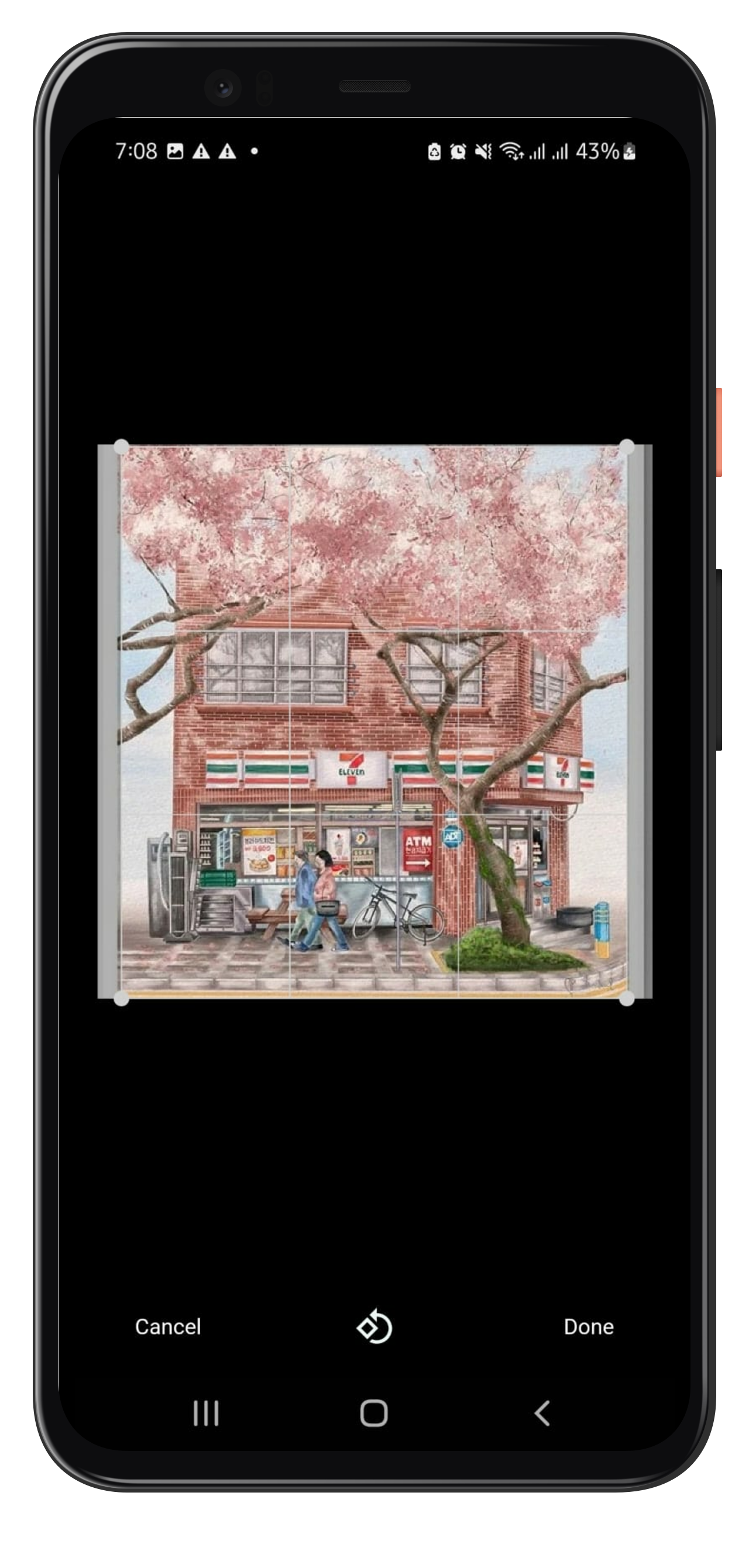
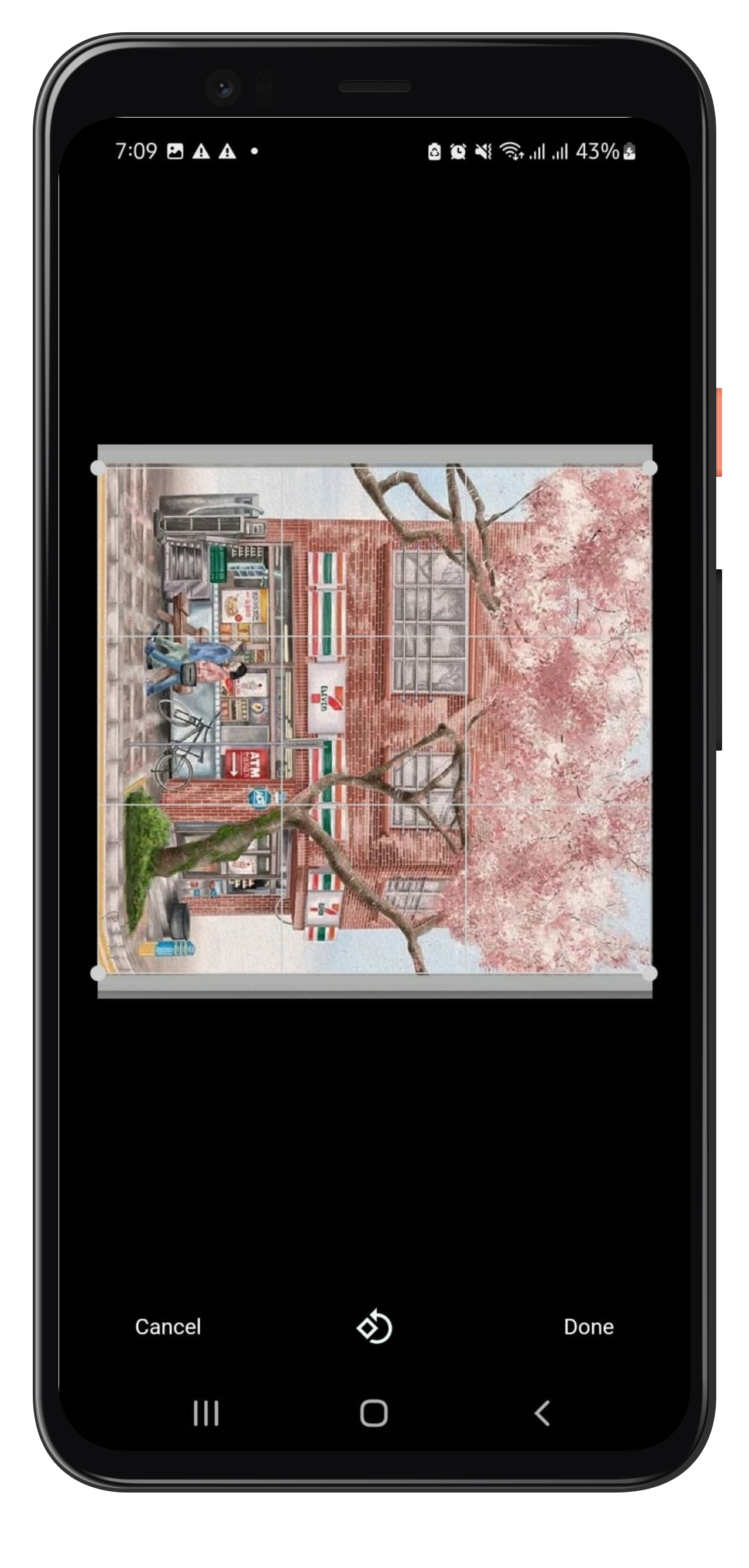
Flutter package to add story editing features similar to Whatsapp. Make Stories like whatsapp and add texts, stickers, painting on your photo along with basic features like crop, rotation, and also add captions to it.
How to Use
To use whatsapp_story_editor, follow the following steps:
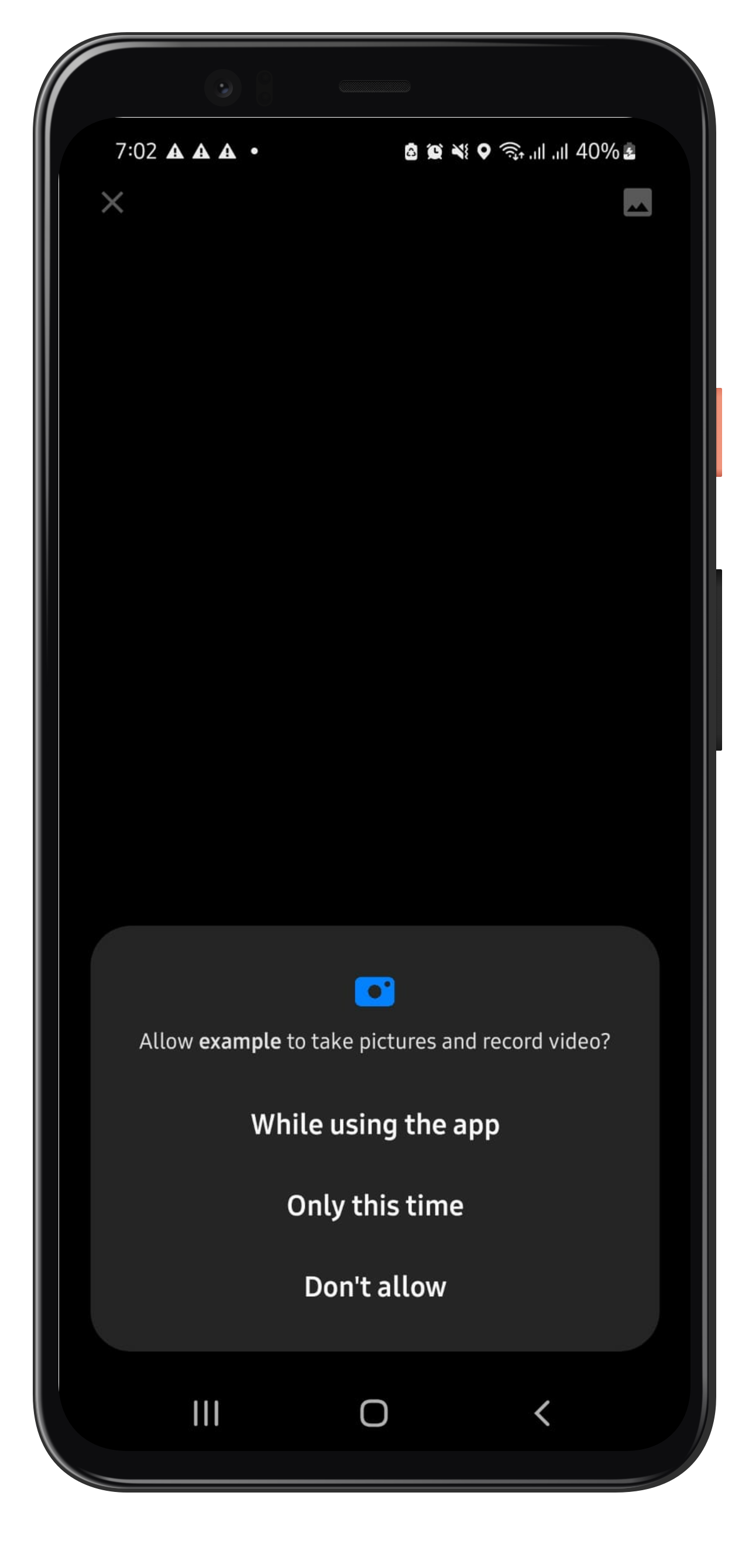
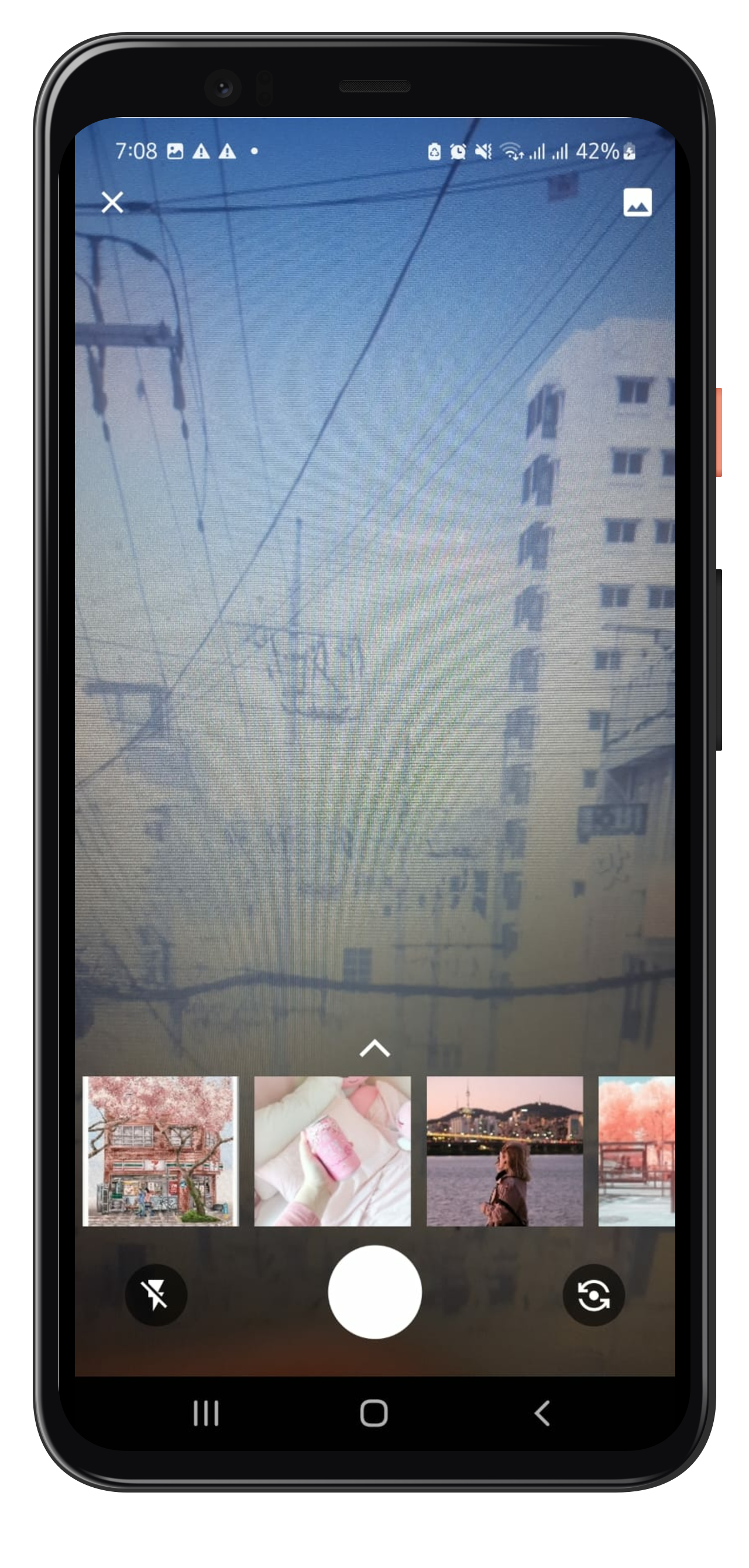
Navigate to WhatsappStortEditor Page on button click, you can find a whatsapp Camera button in the example file for reference. It will land you to the camera page which allows you to capture or select the photo from gallery upon your conscent.
Note that the whatsappStoryEditorResult could be null if the user dosnt makes any edit on the photo and leaves. SavedImageView is the page where you could show the edited photo and caption. You may change as you need it to be.
Example
Please refer to the example file for detailed usage and example here
For now, only one image editing capability is being handled by Whatsapp Story Editor in this version.
FAQ
In case you need: to add new feature or you get any error or any help, please contact me at javeriaiffat312@gmail.com or javeria.iffat@lums.edu.pk
please be kind if you get any errors, text me I'll be more than happy to help you all.