सार्वजनिक जानकारी से बना चयन मार्गदर्शन। केवल संदर्भ हेतु।
एक फ्लटर पैकेज जो उपयोगकर्ता प्रवाह एंडपॉइंट को एक्सेस करने के लिए वेब व्यू को एम्बेड करके Azure AD B2C के साथ एकीकरण को सरल बनाता है। यह ऐप के भीतर सीधे साइन-अप, साइन-इन और पासवर्ड रीसेट जैसे निरंतर प्रवाह को सक्षम करता है। माइक्रोसॉफ्ट के आईडेंटिटी प्लेटफॉर्म का उपयोग करने वाले डेवलपर्स के लिए डिज़ाइन किया गया है, यह B2C नीतियों के UI रेंडरिंग को एक नेटिव वेब व्यू के माध्यम से संभालता है, जिससे कस्टम प्रमाणीकरण तर्क की आवश्यकता कम हो जाती है। पैकेज हल्का है और फ्लटर ऐप्स और Azure AD B2C सेवाओं के बीच एक सीधी ब्रिज प्रदान करने पर केंद्रित है।
उपयोग
Azure AD B2C प्रवेश प्रवाहों को एकीकृत करना
B2C नीतियों के माध्यम से उपयोगकर्ता पंजीकरण सक्षम करना
पासवर्ड रीसेट वर्कफ्लो का समर्थन करना
मोबाइल ऐप्स में B2C UI एम्बेड करना
कस्टम प्रमाणीकरण यात्रा का प्रबंधन
मुख्य विशेषताएँ
सरल वेब दृश्य एकीकरण
B2C उपयोगकर्ता प्रवाह तक सीधी पहुँच
आवश्यक सेटअप न्यूनतम
सुरक्षित τोकन संचालन
माइक्रोसॉफ्ट पहचान प्रणाली के लिए बनाया गया
इनके लिए उपयुक्त
Azure AD B2C का उपयोग करने वाले Flutter ऐप्स
सुरक्षित प्रमाणीकरण की आवश्यकता वाले मोबाइल ऐप्स
B2C नीतियों के साथ परिचित विकासकर्मी
कॉर्पोरेट-ग्रेड एप्लिकेशन बनाने वाली टीमें
न्यूनतम कस्टम प्रमाणीकरण कोड वाले प्रोजेक्ट्स
विचार योग्य बातें
प्रभावी एज़्यूर एडी बी2सी कॉन्फ़िगरेशन की आवश्यकता होती है
वेब दृश्य-आधारित प्रवाहों तक सीमित
कोई निर्मित टोकन परिस्थिति नहीं
बाहरी B2C नीति URL पर निर्भर करता है
पूर्ण निवासी UI प्रमाणीकरण के लिए उपयुक्त नहीं
मूल README
संबंधित सोर्स रिपॉज़िटरी के मूल README का स्नैपशॉट। नवीनतम सामग्री के लिए रिपॉज़िटरी देखें।
Azure AD B2C Embedded Webview
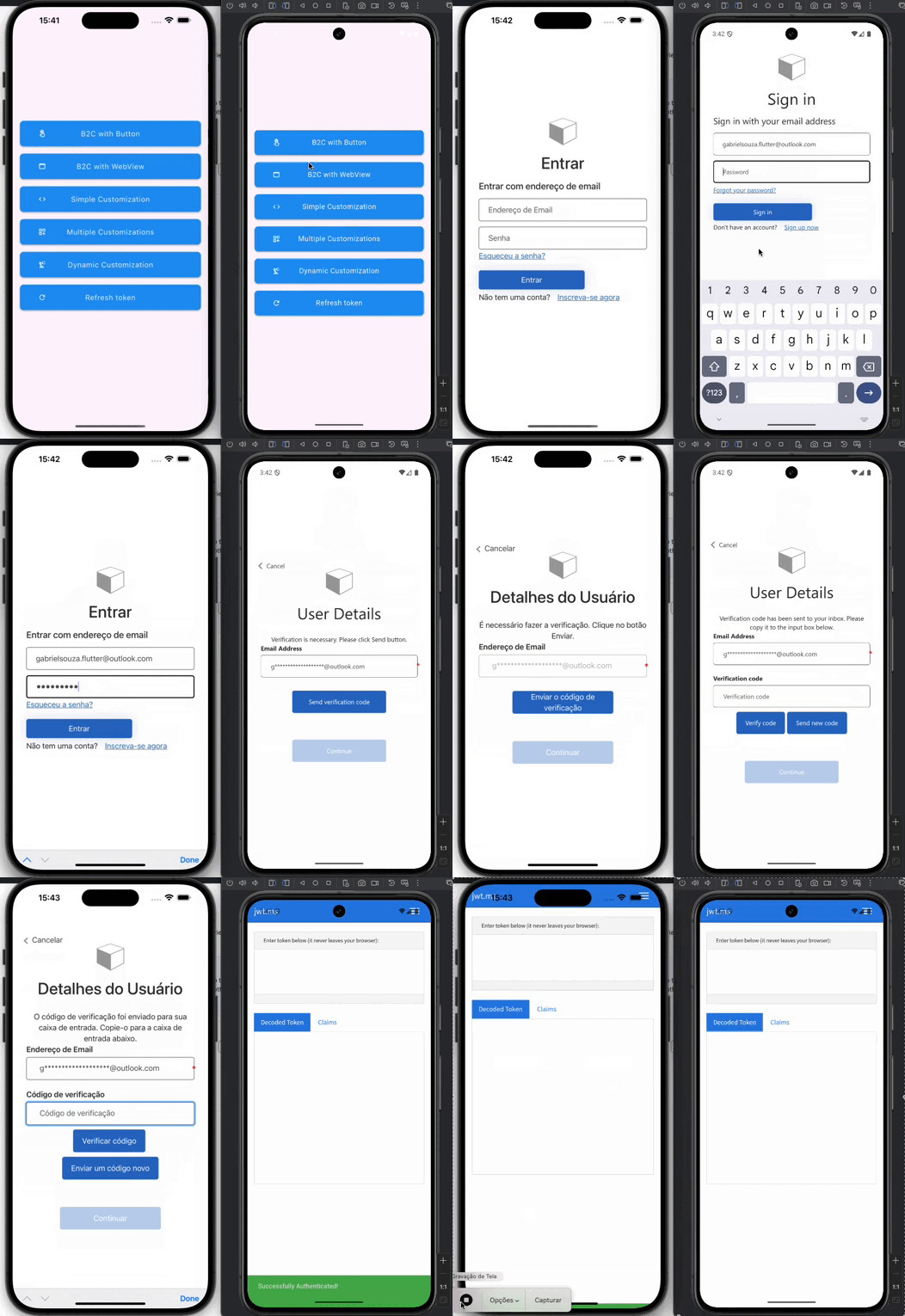
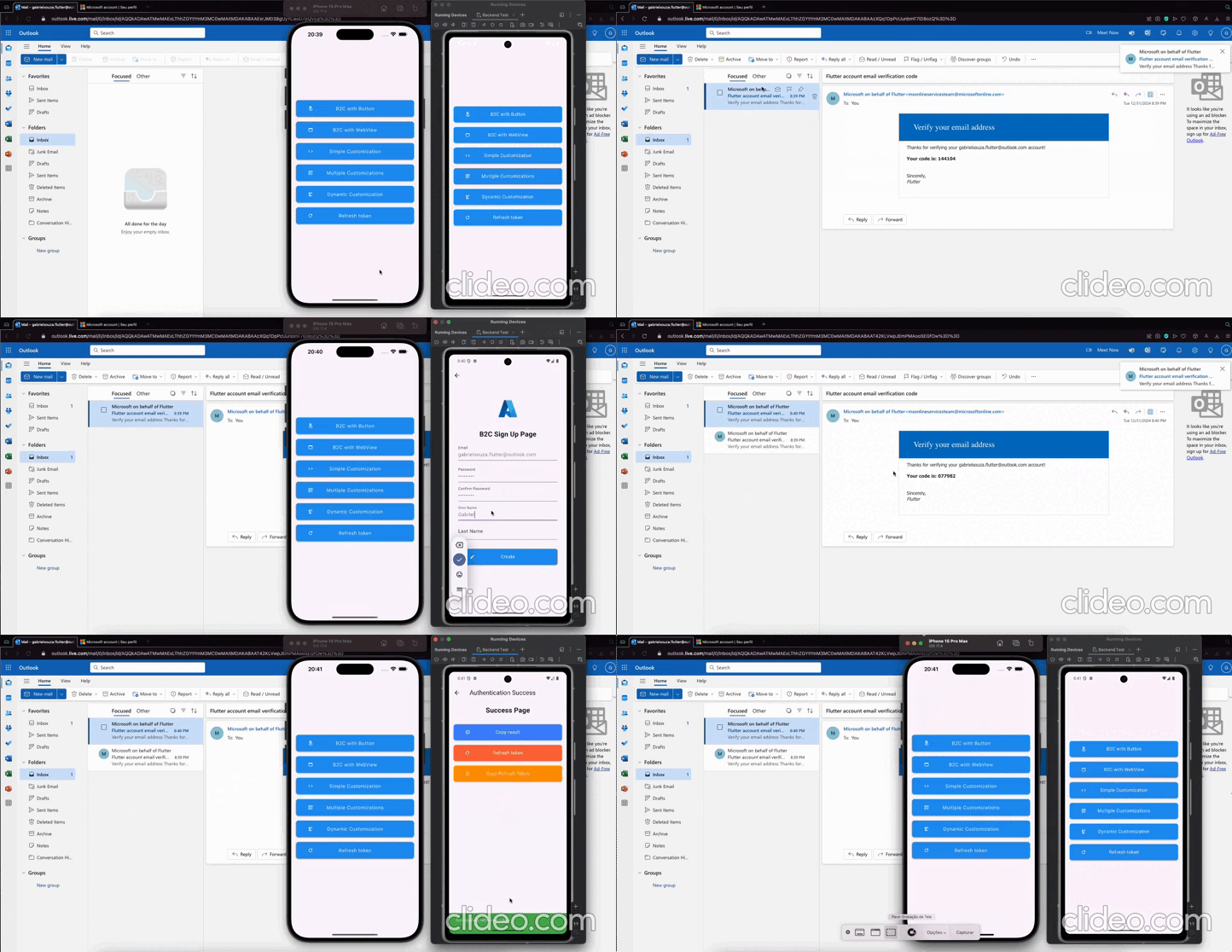
Azure AD B2C Embedded Webview is a very simple Flutter package that demonstrates how to use the embedded web view to sign in users with Azure AD B2C.
Currently, using Flutter packages - appAuth and flutter_azure_b2c redirects to browser and doesn't provide in-app experience.
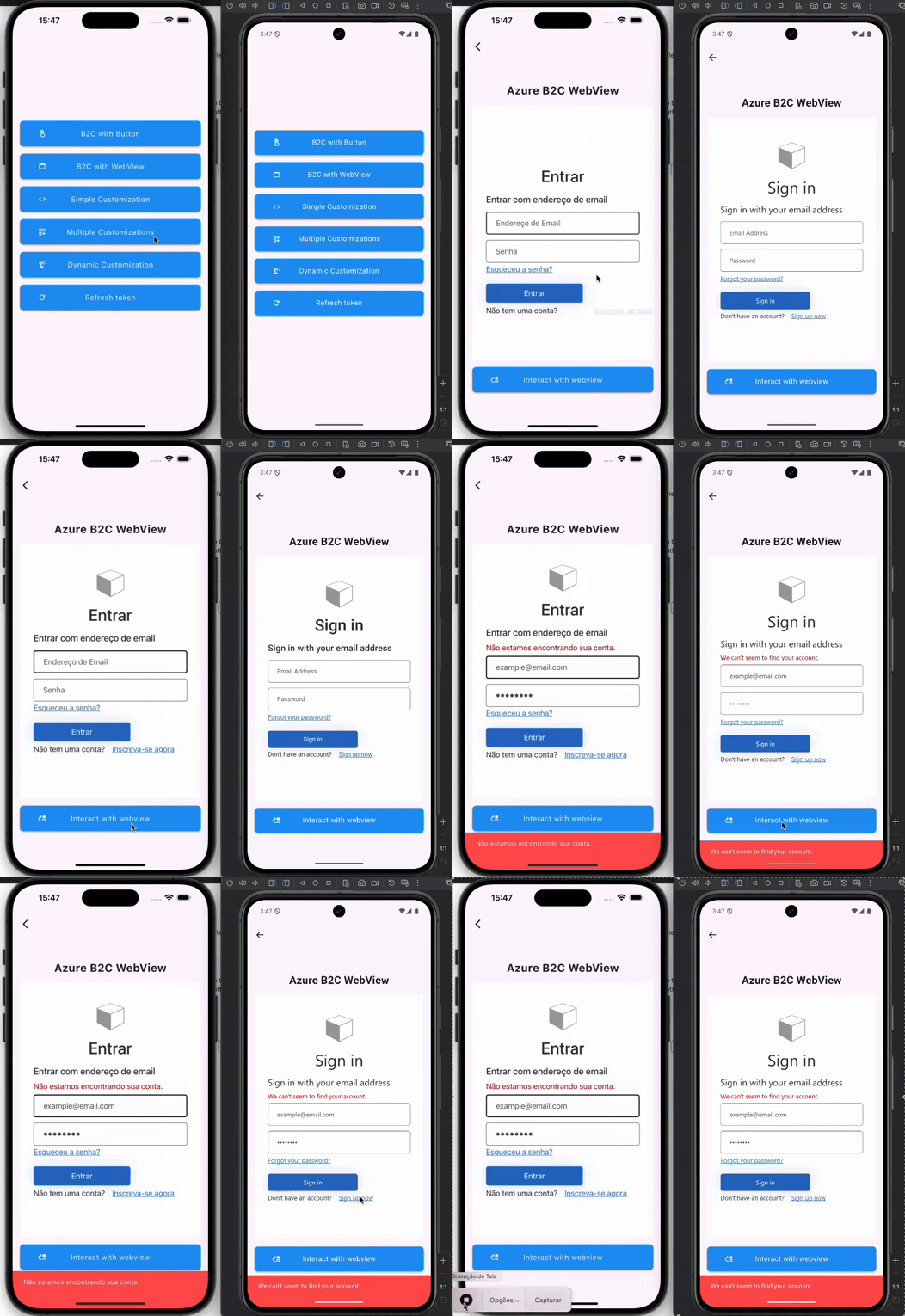
This package embeds the web view of the user flow endpoint using flutter_appview and redirects the user as per onRedirect callback method.
📚 Features
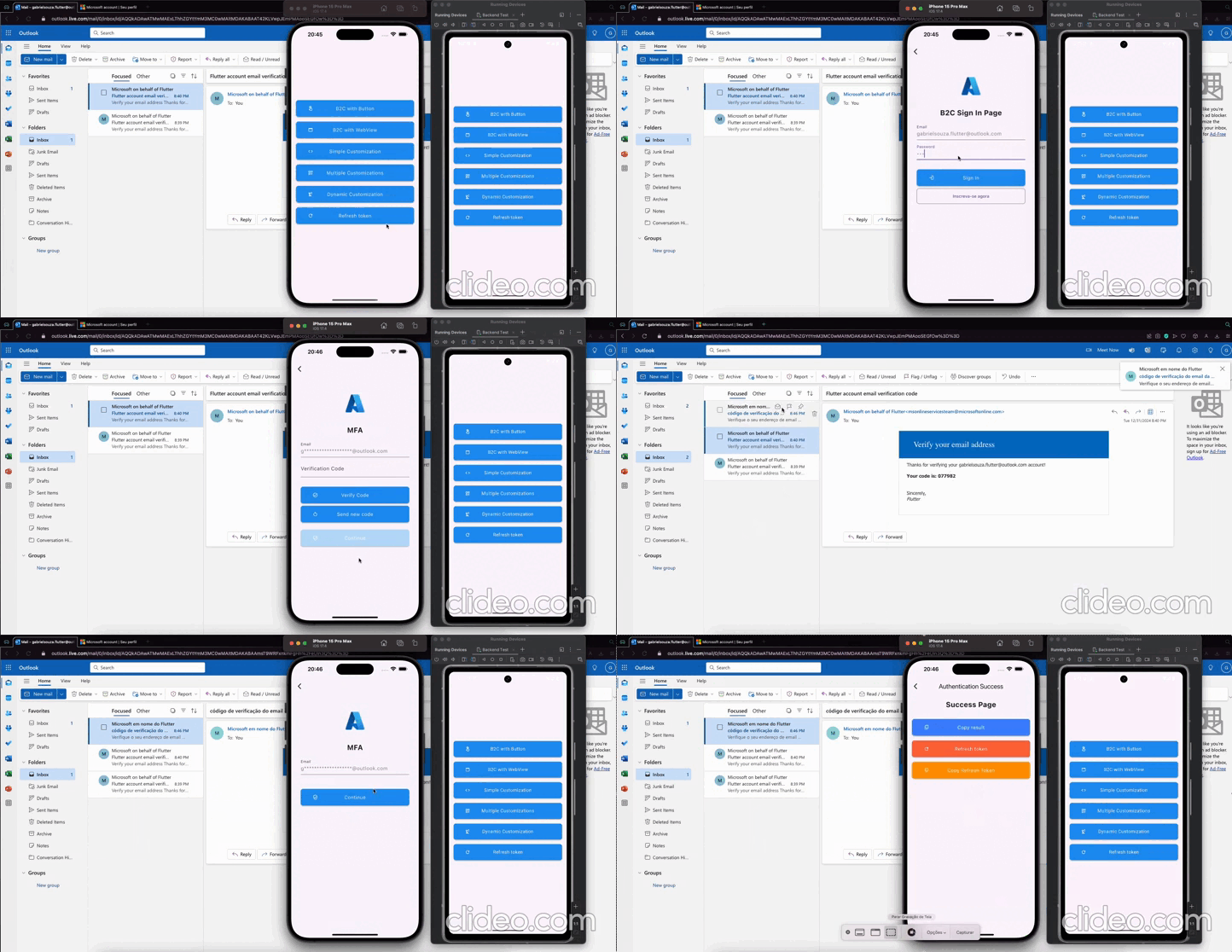
Login Button
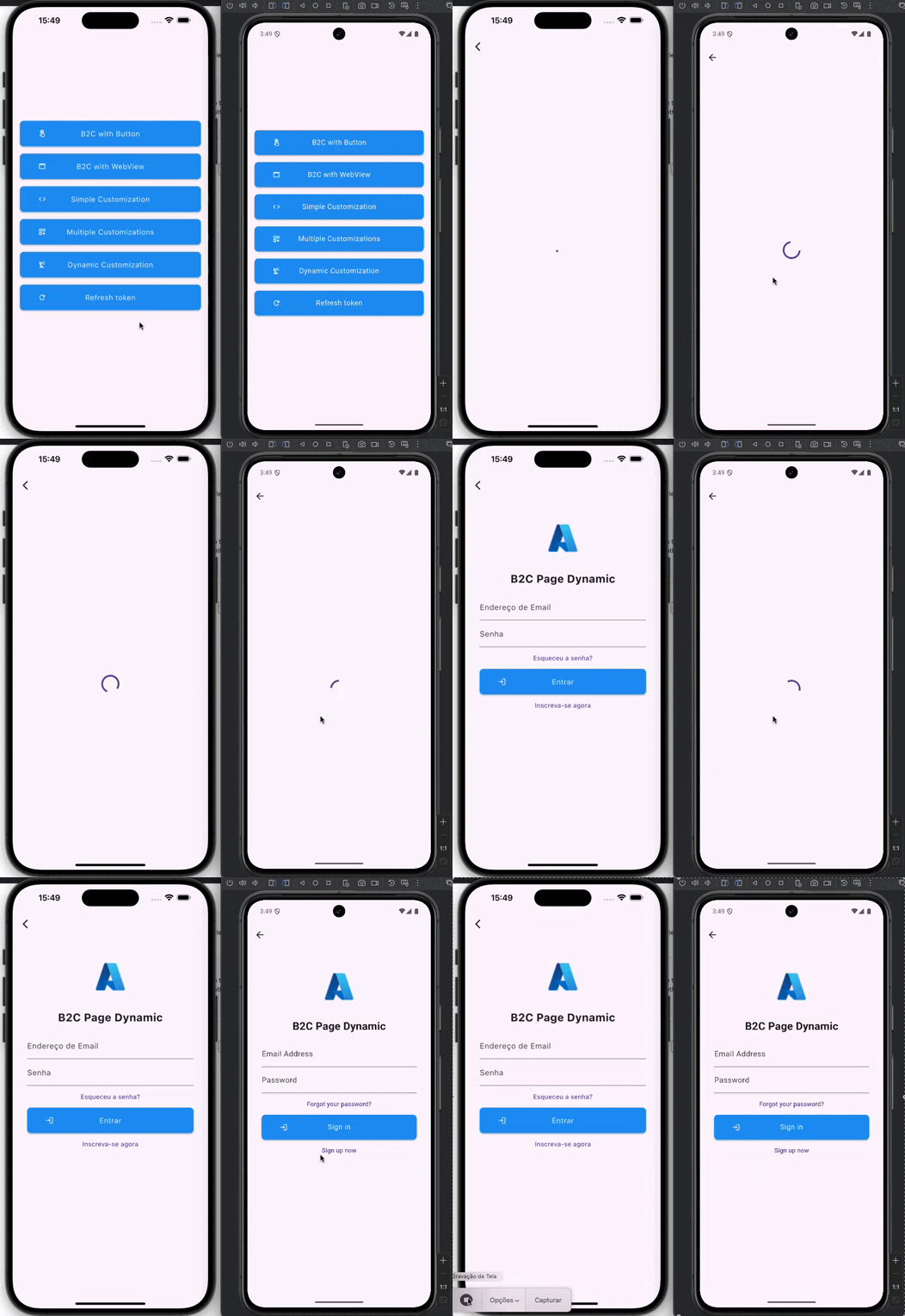
Webview Interaction
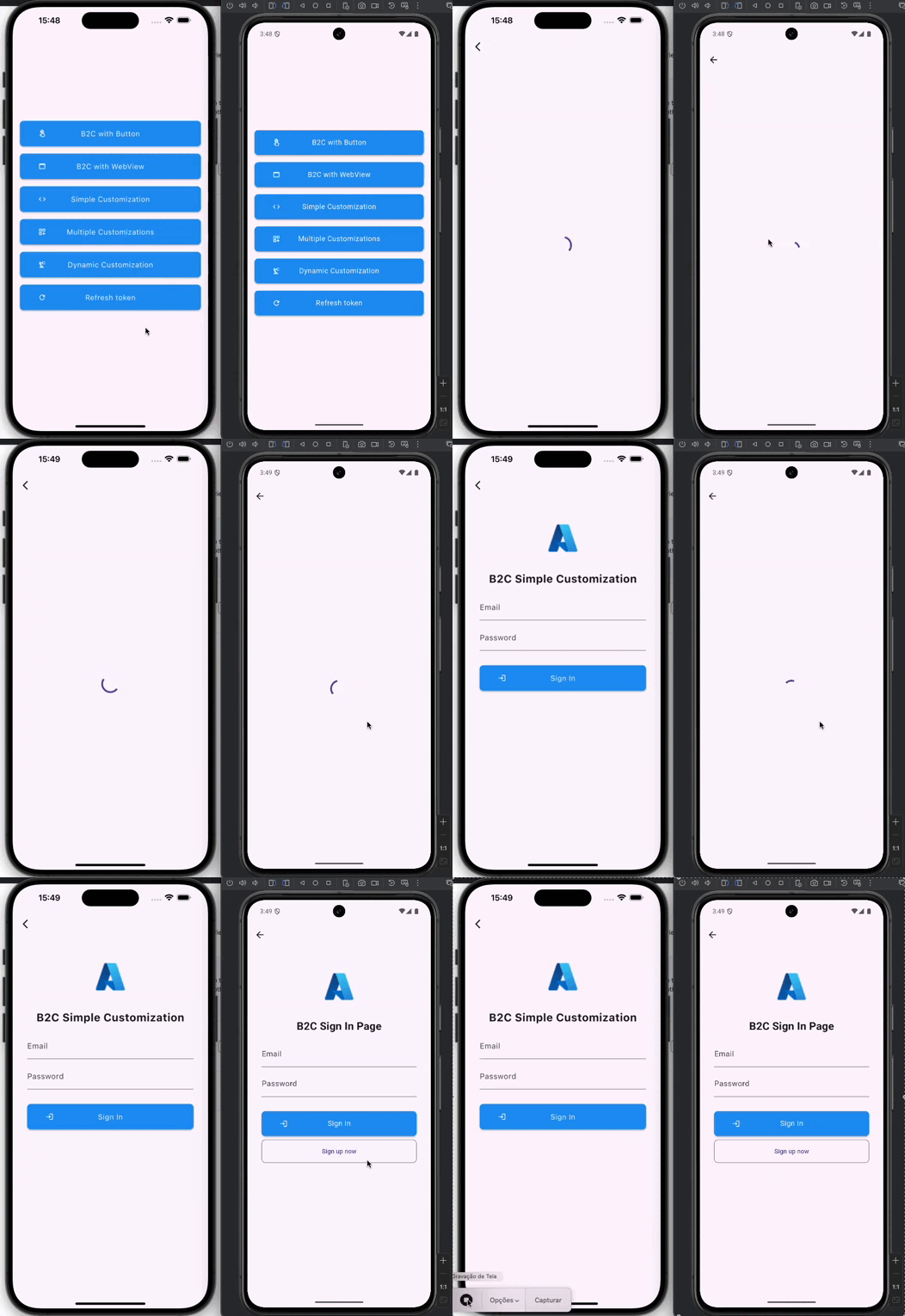
Flutter UI Customization
Dynamic Flutter Layout
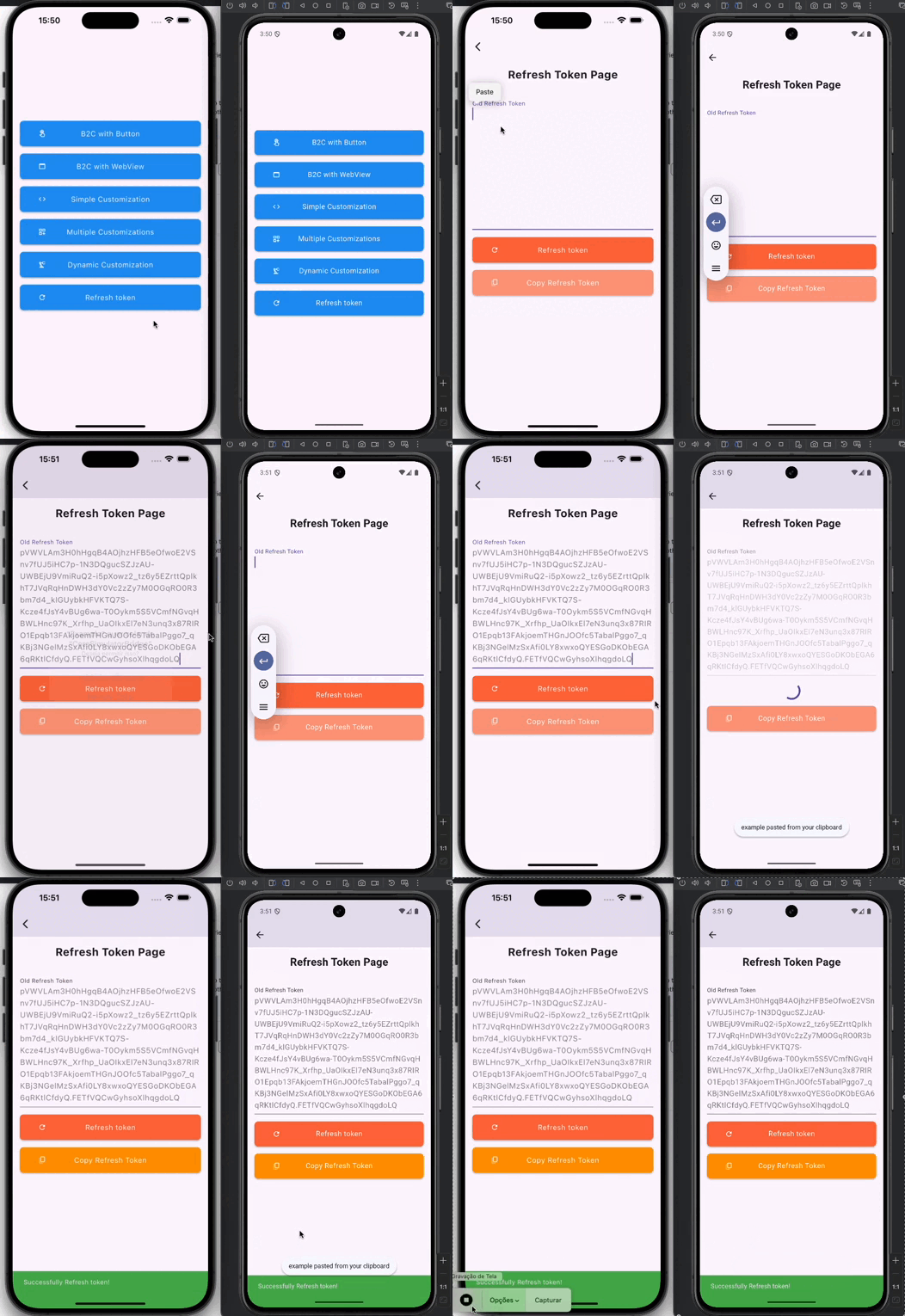
Refresh Token
🚀 Getting started
To use the package in your Flutter app, add the following code to your main.dart file:
dependencies:aad_b2c_webview:<latest_version>
🛠️ Usage
Parameters
It is recommended to use env to save the keys securely
You have the flexibility to include optional parameters in order to customize the URL according to your specific requirements. The optionalParameters parameter allows you to pass a list of OptionalParam objects, where each object consists of a key and a value that represent the parameter name and its corresponding value, respectively.
Here's an example of how you can utilize the optionalParameters parameter to add new parameters to the URL:
In the above example, we include two optional parameters: "parameter1" with the value "value1" and "parameter2" with the value "value2". You can include multiple OptionalParam objects within the list to incorporate multiple optional parameters in the URL.
These optional parameters provide you with the ability to customize the behavior of the URL and conveniently transmit additional information as per your needs.
Login Button
To add the easy to use sign in with microsoft button simply use the AADB2CBase.button widget
and a beautiful sign in button appears as shown below.
Configuration
Add the following /android/app/src/main/AndroidManifest.xml inside the tags:
Add it to the redirect URL in the Azure AD B2C project. If you prefer, you can change the redirect URL in our Flutter code to yours (change it in the Azure AD B2C portal too)